
The Shortcut

The Shortcut

Best Settings

Best Steam Machine settings for Resident Evil 7

Resident Evil 7 is still scary on the Steam Machine

Adam Vjestica's avatar
Adam Vjestica
Jul 23, 2026
โˆ™ Paid
Best Steam Machine settings for Resident Evil 7
(Credit: Adam Vjestica/The Shortcut)

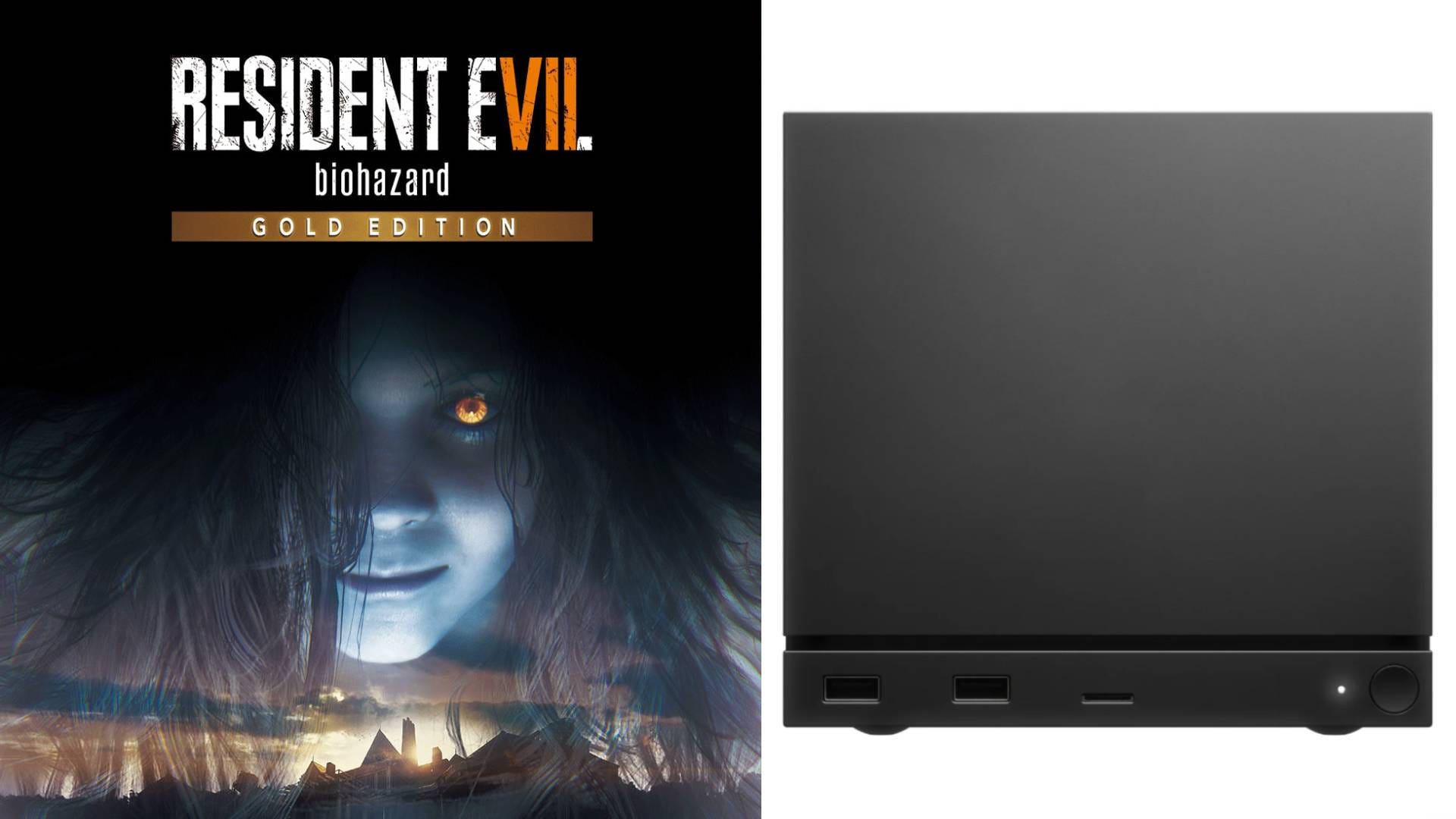
Resident Evil 7 marked a return to form for Capcomโ€™s survival horror series, and itโ€™s just as skin-tingling scary today. Our best Steam Machine settings for Resident Evil 7 provide the best balance between image quality and a solid 60fps lock, meaning you can worry less about the frame rate and more about what lurks around the corner.

Want more Steam Machine best settings guides? Subscribe to The Shortcut as a free or paid subscriber to help support our work and access exclusive content ๐Ÿ™

Resident Evil 7 can hit 4K and 60fps pretty consistently, but sticking with a 1440p resolution offers more consistent results for those without a VRR display. Donโ€™t forget to check our other best Steam Machine settings guides below.

  • ๐Ÿช“ Best Steam Machine settings for Resident Evil Requiem

  • ๐Ÿ˜บ Best Steam Machine settings for Palworld

  • ๐Ÿง‘โ€๐Ÿš€ Best Steam Machine settings for Mass Effect: Legendary Edition

  • ๐Ÿ˜ˆ Best Steam Machine settings for Doom (2016)

  • ๐Ÿบ Best Steam Machine settings for The Witcher 3: Wild Hunt

  • ๐ŸงŸ Best Steam Machine settings for Resident Evil 2 remake

  • ๐Ÿค Best Steam Machine settings for Resident Evil 5

  • ๐Ÿƒ Best Steam Machine settings for Persona 5 Royal

  • ๐Ÿ‰ Best Steam Machine settings for Yakuza 0

  • ๐Ÿค  Best Steam Machine settings for Red Dead Redemption

  • ๐Ÿ Best Steam Machine settings for Metal Gear Solid 5: The Phantom Pain

  • ๐ŸŽณ Best Steam Machine settings for GTA 4

  • ๐Ÿฐ Best Steam Machine settings for Resident Evil Village

  • ๐Ÿฎ Best Steam Machine settings for Stardew Valley

  • ๐Ÿ– Best Steam Machine settings for Monster Hunter World

  • ๐Ÿค– Best Steam Machine settings for Cyberpunk 2077

Note: These Steam Machine settings target 1440p/60fps with VRR turned off. If you have a 4K/120Hz display with VRR, you can experiment with different refresh rates and unlocked frame rates.

Keep reading with a 7-day free trial

Subscribe to The Shortcut to keep reading this post and get 7 days of free access to the full post archives.

Already a paid subscriber? Sign in
ยฉ 2026 Matt Swider ยท Privacy โˆ™ Terms โˆ™ Collection notice
Start your SubstackGet the app
Substack is the home for great culture