
The Shortcut

The Shortcut

Best Settings

Best Steam Machine settings for Resident Evil 5

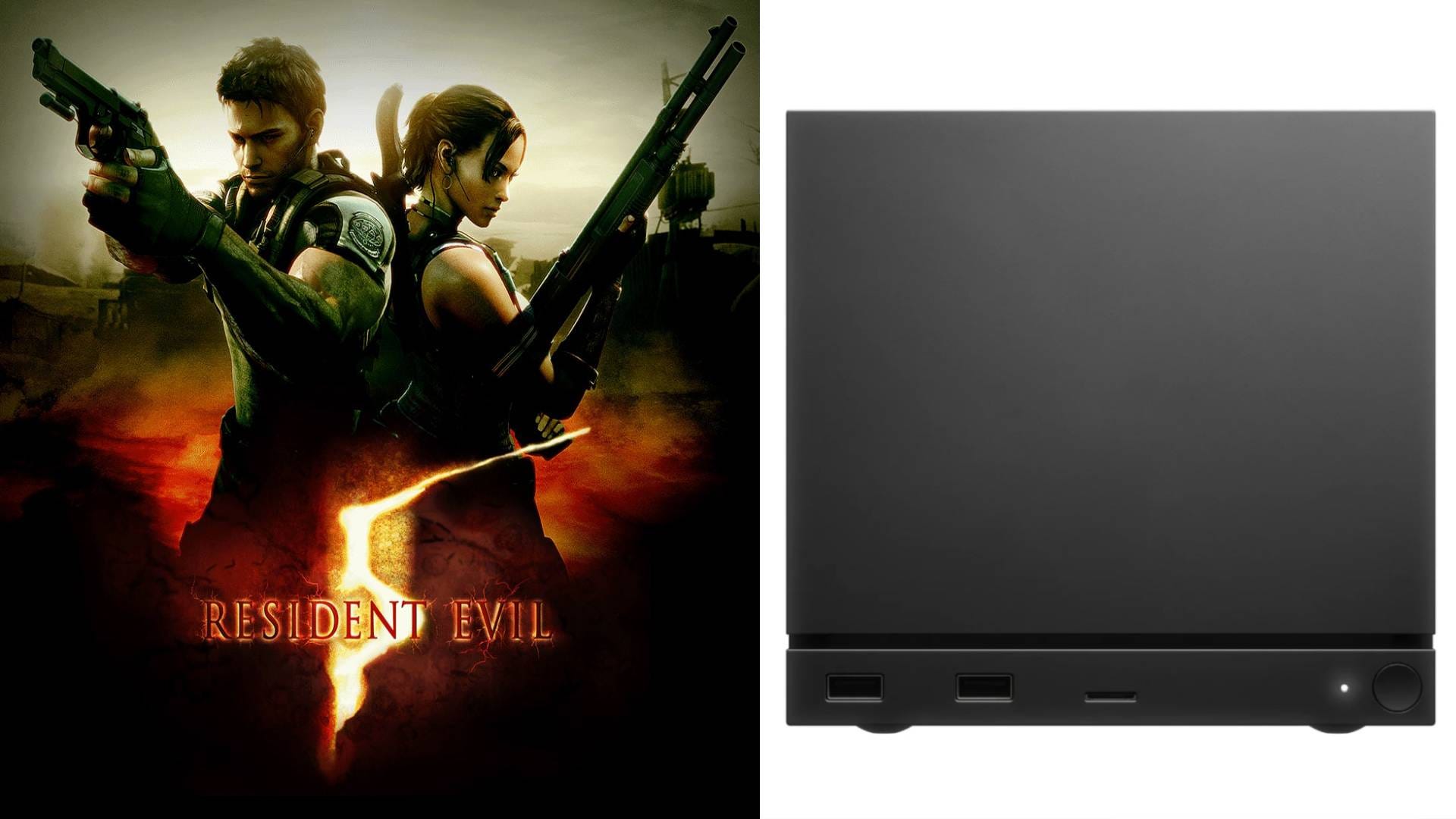
Resident Evil 5 runs like a dream on the Steam Machine

Adam Vjestica's avatar
Adam Vjestica
Jul 21, 2026
∙ Paid
Best Steam Machine settings for Resident Evil 5
(Credit: Adam Vjestica/The Shortcut)

Capcom’s Resident Evil 5 remains a firm fan-favourite, and thankfully it runs flawlessly on the Steam Machine. It might be old, but running at 4K/60fps with every graphical setting matched out produces a visually gorgeous game, even after all these years.

Want more Steam Machine best settings guides? Subscribe to The Shortcut as a free or paid subscriber to help support our work and access exclusive content 🙏

Our best Steam Machine settings for Resident Evil 5 target 60fps and a rock-steady frame rate at 4K. Don’t forget to check out our other best Steam Machine settings below:

  • 🍸 Best Steam Machine settings for 007 First Light

  • 🫡 Best Steam Machine settings for Helldivers 2

  • 🪓 Best Steam Machine settings for Resident Evil Requiem

  • 😺 Best Steam Machine settings for Palworld

  • ⚙️ Best Steam Machine settings for Gears of War: Reloaded

  • 🧑‍🚀 Best Steam Machine settings for Mass Effect: Legendary Edition

  • 😈 Best Steam Machine settings for Doom (2016)

  • 🐺 Best Steam Machine settings for The Witcher 3: Wild Hunt

  • 🧟 Best Steam Machine settings for Resident Evil 2 remake

  • 🃏 Best Steam Machine settings for Persona 5 Royal

  • 🐉 Best Steam Machine settings for Yakuza 0

  • 🤠 Best Steam Machine settings for Red Dead Redemption

  • 🐍 Best Steam Machine settings for Metal Gear Solid 5: The Phantom Pain

  • 🎳 Best Steam Machine settings for GTA 4

  • 🏠 Best Steam Machine settings for Resident Evil 7

  • 🏰 Best Steam Machine settings for Resident Evil Village

  • 🐮 Best Steam Machine settings for Stardew Valley

  • 🍖 Best Steam Machine settings for Monster Hunter World

  • 🤖 Best Steam Machine settings for Cyberpunk 2077

Note: These Steam Machine settings target 4K/60fps with VRR turned off. If you have a 4K/120Hz display with VRR, you can experiment with different refresh rates and unlocked frame rates.

Keep reading with a 7-day free trial

Subscribe to The Shortcut to keep reading this post and get 7 days of free access to the full post archives.

Already a paid subscriber? Sign in
© 2026 Matt Swider · Privacy ∙ Terms ∙ Collection notice
Start your SubstackGet the app
Substack is the home for great culture