
The Shortcut

The Shortcut

Best Settings

Best Steam Machine settings for Metal Gear Solid 5: The Phantom Pain

Hideo Kojima's last Metal Gear Solid game is an ideal fit for the Steam Machine

Adam Vjestica's avatar
Adam Vjestica
Jul 22, 2026
โˆ™ Paid
Best Steam Machine settings for Metal Gear Solid 5: The Phantom Pain
(Credit: Adam Vjestica/The Shortcut)

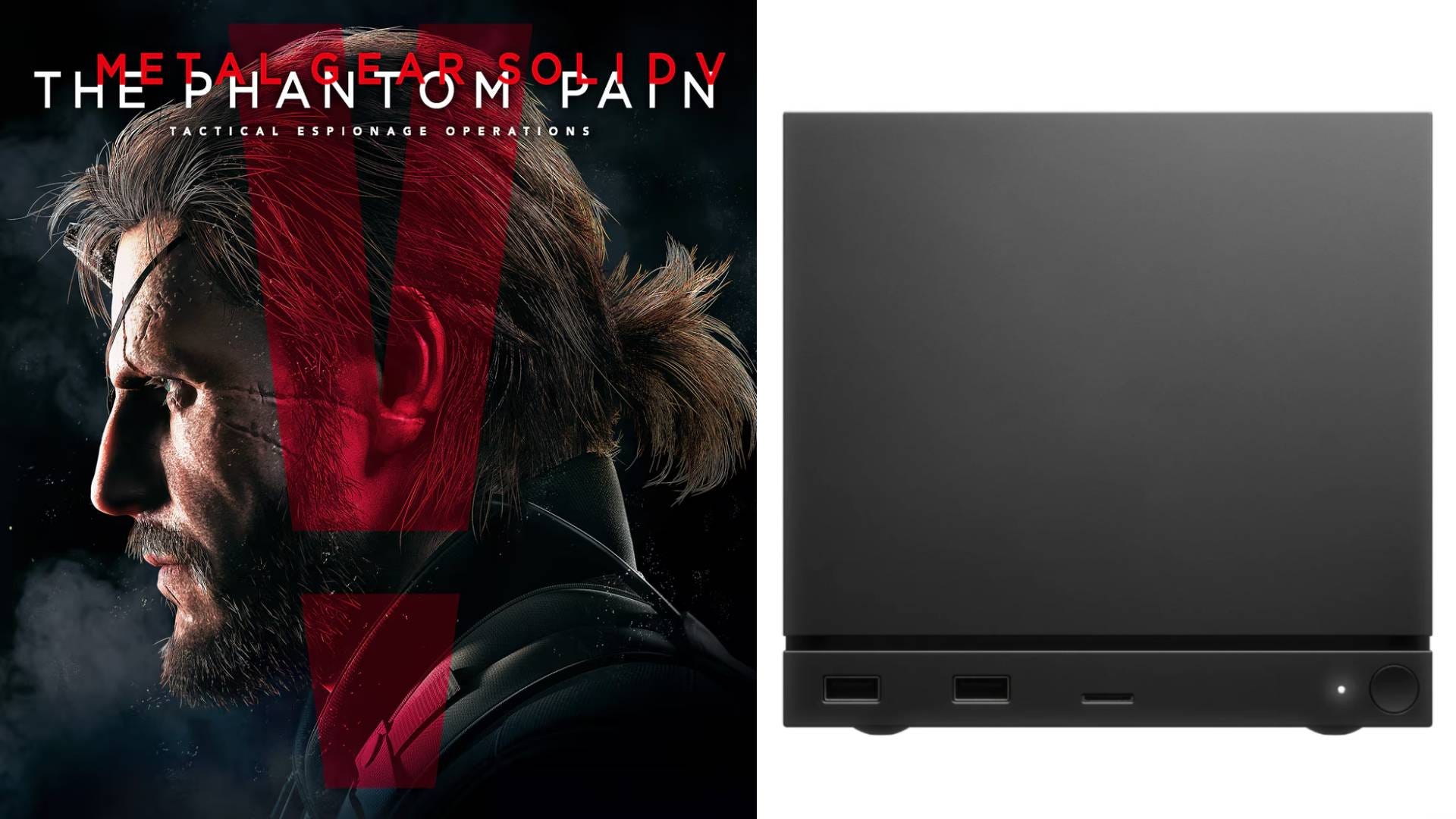
Metal Gear Solid 5: The Phantom Pain features expansive environments and beautiful visuals, all of which are rendered without issue on the Steam Machine. Valveโ€™s compact cube can run the game at 4K/60fps with our best Steam Machine settings for Metal Gear Solid 5, which is better than the 1440p PS4 Pro version and a big bump over the muddy 900p resolution on Xbox One.

Want more Steam Machine best settings guides? Subscribe to The Shortcut as a free or paid subscriber to help support our work and access exclusive content ๐Ÿ™

Donโ€™t forget to check out our other best Steam Machine settings for the titles below and keep a lookout for more games in the future.

  • ๐Ÿช“ Best Steam Machine settings for Resident Evil Requiem

  • ๐Ÿ˜บ Best Steam Machine settings for Palworld

  • ๐Ÿง‘โ€๐Ÿš€ Best Steam Machine settings for Mass Effect: Legendary Edition

  • ๐Ÿ˜ˆ Best Steam Machine settings for Doom (2016)

  • ๐Ÿบ Best Steam Machine settings for The Witcher 3: Wild Hunt

  • ๐ŸงŸ Best Steam Machine settings for Resident Evil 2 remake

  • ๐Ÿค Best Steam Machine settings for Resident Evil 5

  • ๐Ÿƒ Best Steam Machine settings for Persona 5 Royal

  • ๐Ÿ‰ Best Steam Machine settings for Yakuza 0

  • ๐Ÿค  Best Steam Machine settings for Red Dead Redemption

  • ๐ŸŽณ Best Steam Machine settings for GTA 4

  • ๐Ÿ  Best Steam Machine settings for Resident Evil 7

  • ๐Ÿฐ Best Steam Machine settings for Resident Evil Village

  • ๐Ÿฎ Best Steam Machine settings for Stardew Valley

  • ๐Ÿ– Best Steam Machine settings for Monster Hunter World

  • ๐Ÿค– Best Steam Machine settings for Cyberpunk 2077

Note: These Steam Machine settings target 4K/60fps with VRR turned off. If you have a 4K/120Hz display with VRR, you can experiment with different refresh rates and unlocked frame rates.

Keep reading with a 7-day free trial

Subscribe to The Shortcut to keep reading this post and get 7 days of free access to the full post archives.

Already a paid subscriber? Sign in
ยฉ 2026 Matt Swider ยท Privacy โˆ™ Terms โˆ™ Collection notice
Start your SubstackGet the app
Substack is the home for great culture