
The Shortcut

The Shortcut

Best Settings

Mobapad Chitu 2 HD best settings: simple tweaks can help you get the most out of this controller

Here’s how to make the Mobapad Chitu 2 HD controller even better

Adam Vjestica's avatar
Adam Vjestica
Feb 17, 2026
∙ Paid
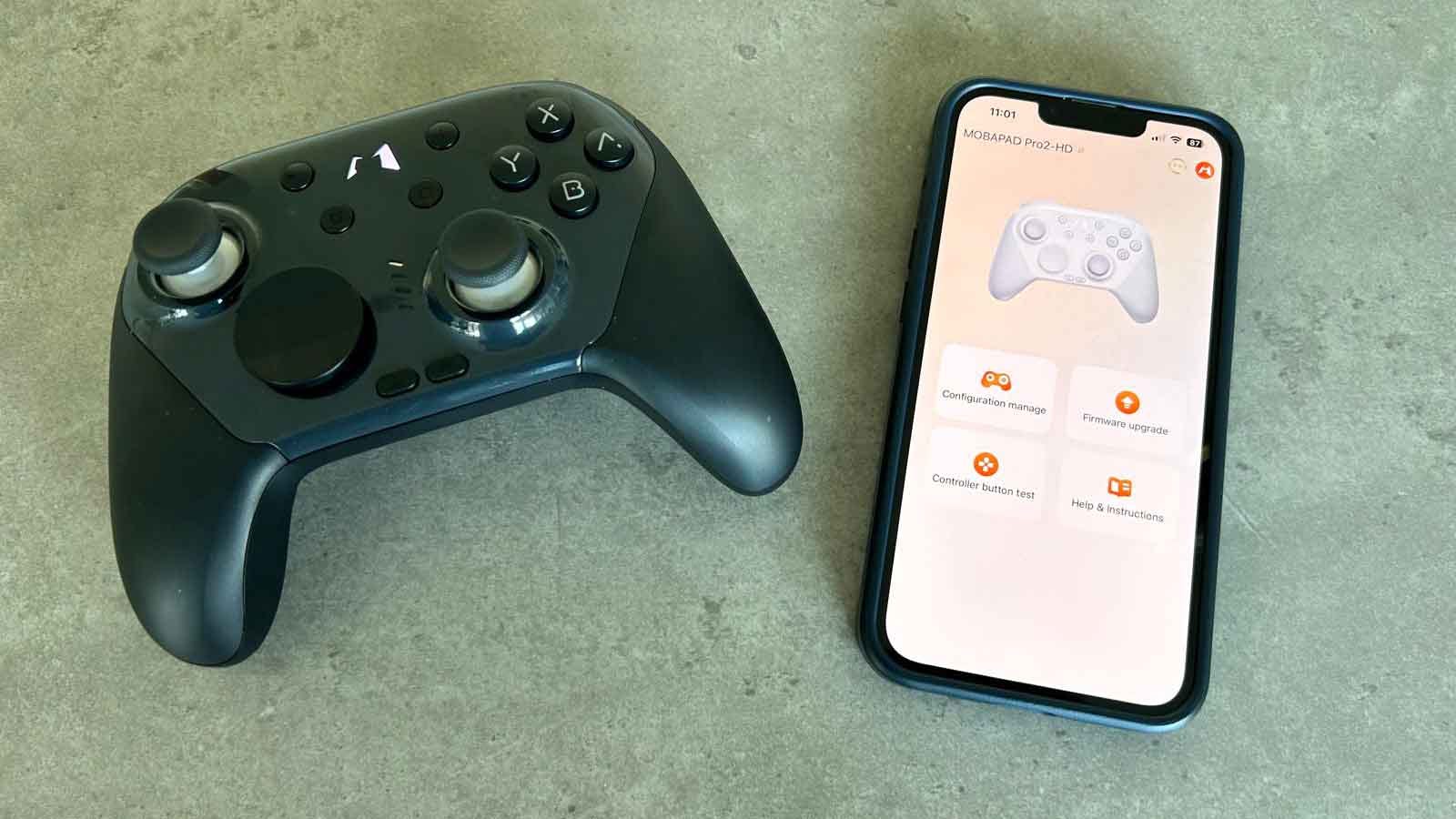
Mobapad Chitu 2 HD best settings
(Credit: Adam Vjestica/The Shortcut)

Mobapad: Chitu HD 2 controller

Amazon: Chitu HD 2 controller

The Mobapad Chitu 2 HD is an excellent alternative to the Nintendo Switch 2 Pro Controller, but it’s worth tinkering a little to get the most out of it.

Want more best setting guides? 🥇 The Shortcut is a reader-supported publication with over 155,000 subscribers. To unlock exclusive content and help keep our work ad-free, consider becoming a free or paid subscriber.

For example, the controller’s TMR (Tunnel Magnetoresistance) sticks have a small deadzone by default, but this can be removed entirely to provide even more precision. You can also change things like the button mapping of the back buttons to your liking, the logo light, auto shutdown time, and more.

  • 🚗 Best DualSense Edge settings for Gran Turismo 7

  • 🪓 Best DualSense Edge settings for God of War Ragnarok

  • 🔫 Best DualSense Edge settings for Call of Duty Warzone

  • ⚔️ Best DualSense Edge settings for Stellar Blade

  • 💻 How to use the PS5 DualSense Edge on PC: the ultimate guide

If you haven’t picked up Mobapad’s latest controller, check out my Mobapad Chitu 2 HD review for more. For just $49.99, it’s significantly cheaper than Nintendo’s first-party controller but doesn’t skimp on any of the features, lack of headphone jack aside. If you’ve just got the controller, these are my Mobapad Chitu 2 HD best settings.

Keep reading with a 7-day free trial

Subscribe to The Shortcut to keep reading this post and get 7 days of free access to the full post archives.

Already a paid subscriber? Sign in
© 2026 Matt Swider · Privacy ∙ Terms ∙ Collection notice
Start your SubstackGet the app
Substack is the home for great culture