


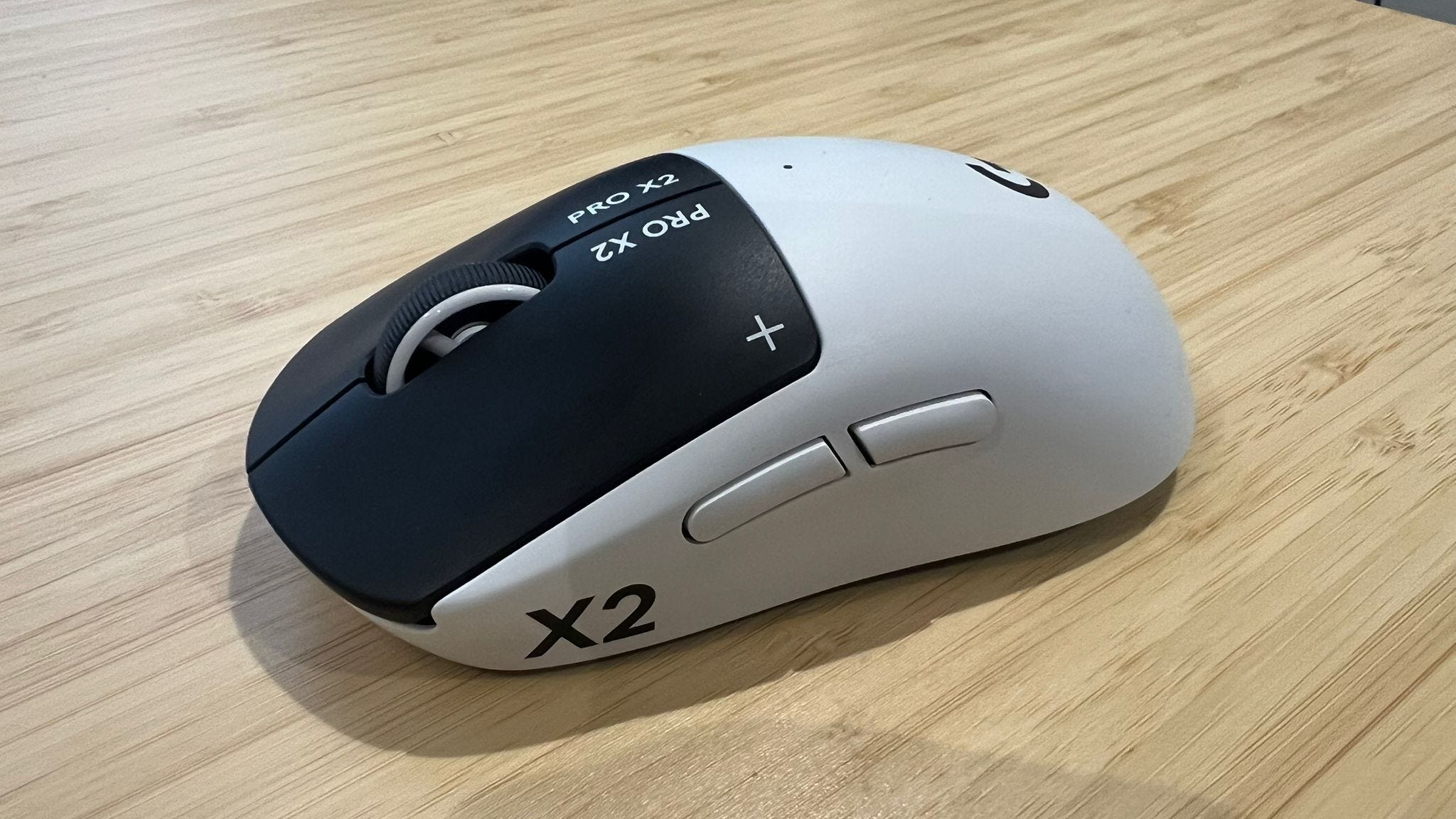
The Logitech G Pro X2 Superstrike is a revolutionary gaming mouse that lets you register clicks faster than ever before. You can shave countless milliseconds off every click, giving you a huge advantage over the competition who are stuck with a standard gaming mouse that uses a mechanical button to register inputs.
However, before you jump into a game of Counter-Strike 2 to put the Logitech G Pro X2 Superstrike through its paces, you’ll want to ensure you’ve got the best settings. Using the Logitech G Hub software, you can customize the Logitech G Pro X2 Superstrike to suit you, including the left and right mouse buttons, sensitivity, haptics strength and more.
🐍 Razer Viper V4 Pro best settings: click to win with these Synapse tweaks
If you want to take your game to the next level, check out my Logitech G Pro X2 Superstrike best settings below. Don’t forget to check out my full Logitech G Pro X2 Superstrike review for more.