


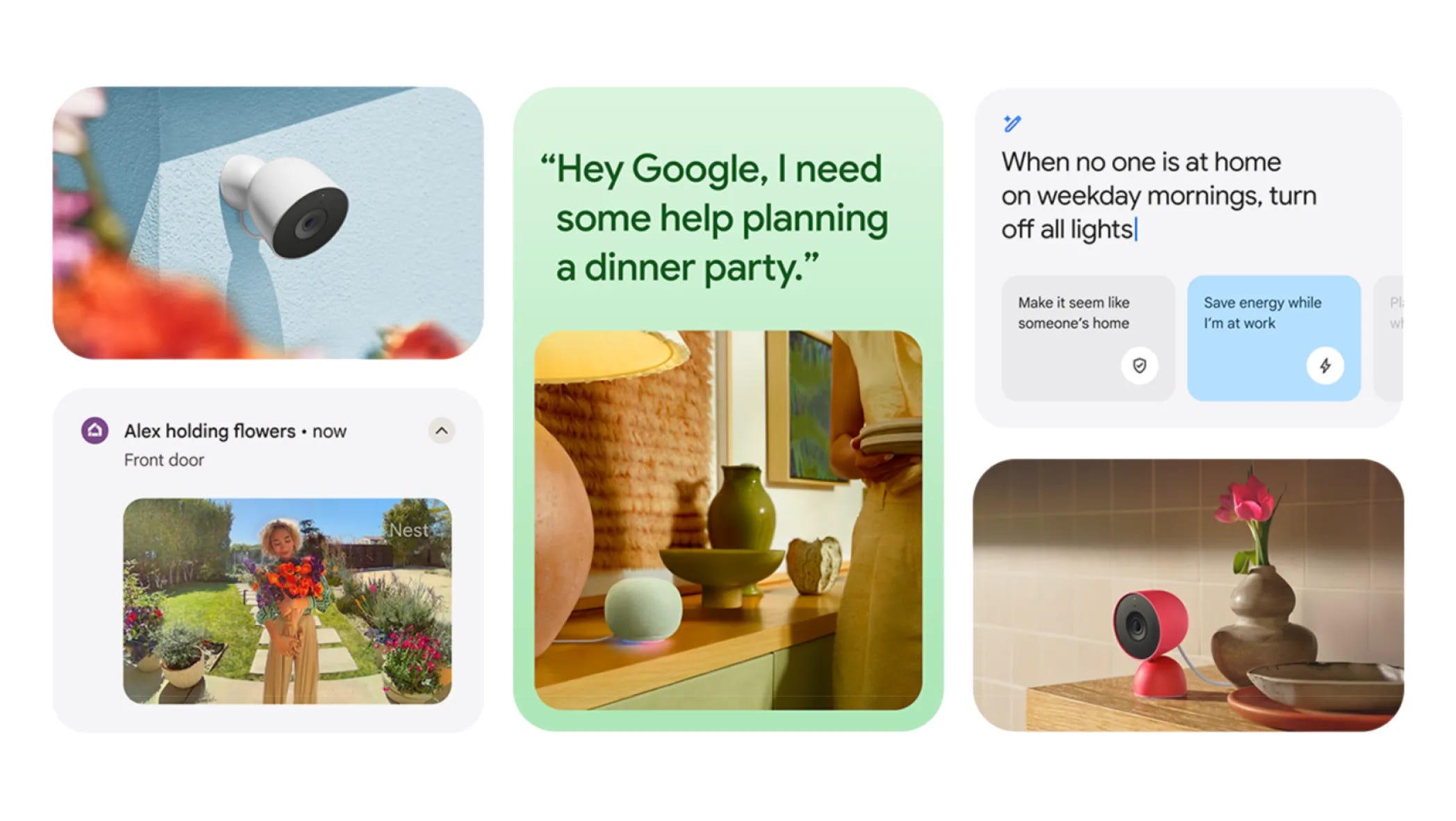

🤖 Google is finally rolling out Gemini to your smart home speakers
🗣️ The new voice assistant uses generative AI for a more natural experience
🏡 It can still control all of your smart home devices
💰 A premium upgrade will allow you to speak to Gemini Live and create custom automations using your voice
📷 Google is also announcing new cameras and a speaker that use Gemini
⬆️ The upgrade is gradually rolling out to all users today
The day has finally come: the Google Assistant is being laid to rest.
Well, effectively, at least. Google has announced that starting today, it’s gradually rolling out Gemini as the new smart home assistant across its array of speakers, including the Google Nest Hub, Nest Audio, and Nest Mini. It’s backed up by a completely redesigned Google Home app that’s easier to use, as well as new hardware like the upgraded Nest Cams and Google Home Speaker. It’s a big moment for Google as AI begins entering homes around the world - and notably, a day after Amazon announced its lineup of Alexa+ speakers and cameras.
Gemini comes to Google Home
🗣️ More natural conversations. The biggest improvement with Gemini on your smart speaker is the ability to have more natural conversations with it. You no longer need to use rigid language like you’re speaking to a robot; instead, you can speak like you would to another human being and it’ll understand what you’re saying. It’s similar to the way you might type to ChatGPT or speak to Gemini on your phone. You can say things like “When’s the best weather this week for a barbecue?” or “Add ingredients for chicken soup for four to my shopping list,” which simply wasn’t possible before.
🧠 Responses are smarter than ever. The answers you’ll receive in exchange will also be more contextual and less robotic. Gemini is smart enough to know that if you ask for a specific recipe, for example, it can look at your shopping list and offer to add the necessary ingredients. It can also understand vague, human context so that it can do things like play a song from a movie you don’t remember quite well.
⚙️ Search, play, control, and more. Of course, Gemini can do all the things that Google Assistant could, just smarter. It can search things online, control your smart home devices, play or pause media, and more. Everything will feel easier too, since you won’t need to remember certain key phrases to do things. For instance, if you want to turn on the lights in your kitchen, you can say “Hey Google, I’m about to cook dinner, can you turn on the lights above the stove?” and it’ll know which bulbs to trigger.
🔟 New voices. Google is providing 10 new, more natural voices to use with Gemini on your Google Home. You can hear a demo of them in Google’s blog post. In my opinion, they sound a lot friendlier and more welcoming than the old Google Assistant voices.
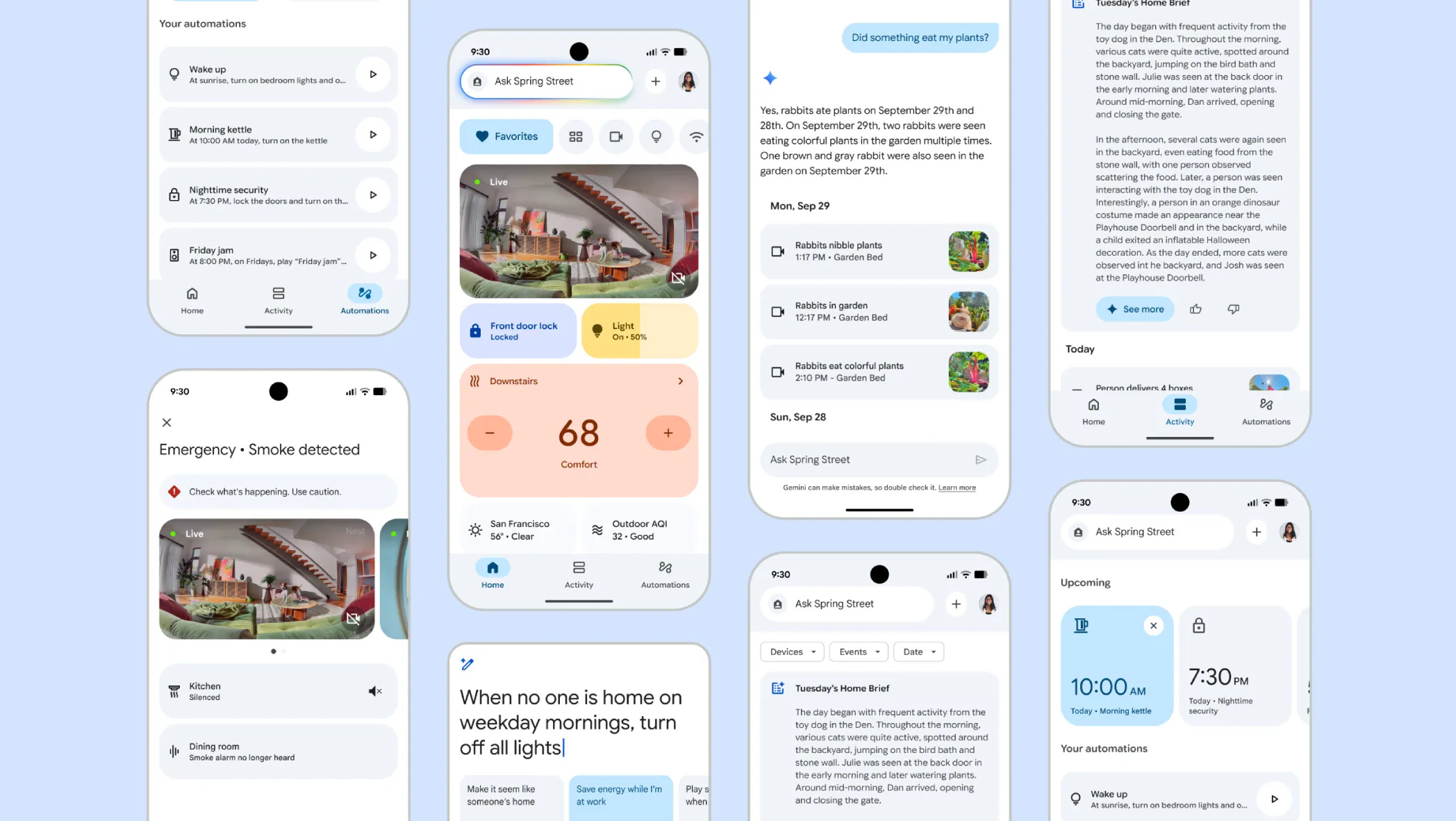
🏡 An all-new Google Home app. To go along with the upgrade, Google is also introducing a completely redesigned Google Home app. It’s much faster than before (up to 70% faster, as a matter of fact), it’s easier to use thanks to a new navigation layout, and it should alleviate any headaches you might currently have with the existing Home app. Viewing your camera feeds from your phone will also be more enjoyable and versatile, with zoomed-in previews of events in notifications and improved navigation.
💰 Pay to play. With any advanced AI upgrade, there’s usually some type of paywall to get all the features. Case in point, the new Google Home Premium plan (which replaces Nest Aware) includes access to a slew of other Gemini-powered features coming to Google smart speakers. You also get access to these features with Google’s AI Pro and Ultra plans, but for those who just need it for smart home stuff, you can pay as little as $10 per month for the basic Home Premium subscription. Here’s a breakdown of what’s included.
Gemini Live: Just like on your smartphone, you can have live conversations with Gemini for complex search queries and deep research.
AI-powered notifications: Gemini can summarize event notifications in the Home app to give you a preview of what’s happening, like if your child named Robin walks around with flowers outside.
Home Brief: Open the Home app at the end of the day and you’ll get an AI-generated summary of all the big events that occurred during the day, complete with relevant video clips.
Video history search: You can scrub through hours of security footage by simply searching for the events you want, like if a delivery person was at your door or if someone got home on time.
Ask Home: You can ask Gemini in the Home app to create custom, complex automations (e.g.: “Lock the front door and shut the blinds every day at sunset”), run multiple commands at once, or find all of your relevant smart devices with a single query.
Brand-new Nest Cams
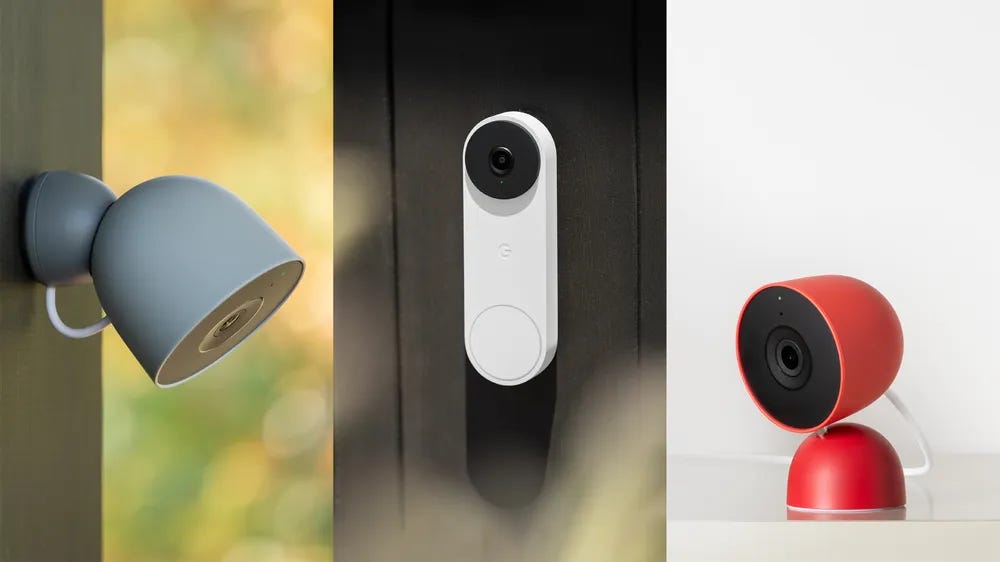
🏠 Indoor, outdoor, doorbell. Google also announced new Nest Cams that rely on new Gemini AI features to help you keep watch of your home. The new Nest Cam Indoor, Nest Cam Outdoor, and Nest Doorbell offer wider viewing angles and 2K HDR video. They also perform better in low-light and when zoomed in thanks to the increase in resolution. The outdoor models are IP65 rated and safe against UV exposure, while all three offer sleek designs that greatly resemble the previous models. They range in price from $99.99 to $179.99 and go on sale today.
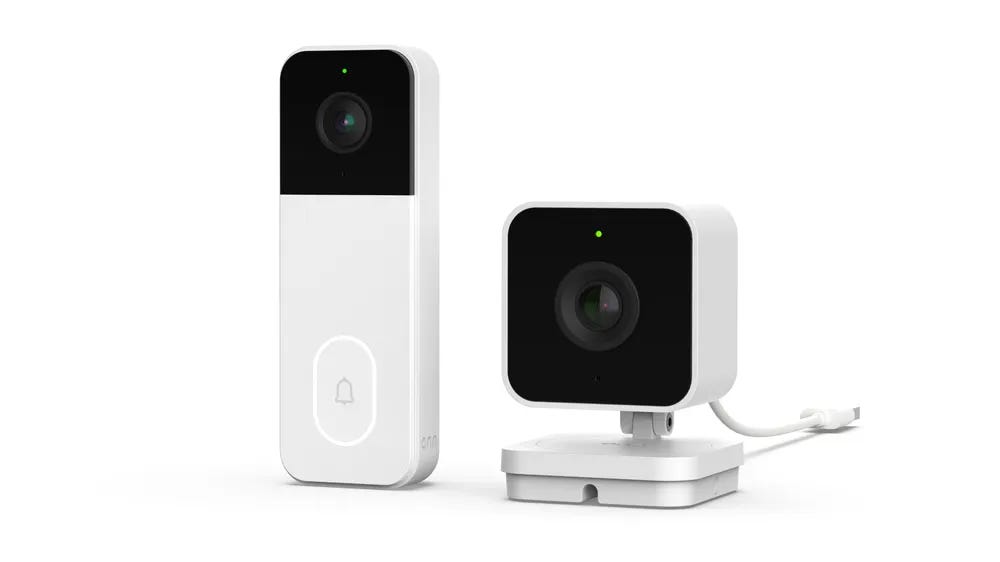
💵 Budget picks. Google also announced that it partnered with Walmart on two new Onn security cameras, ideal for those shopping on a budget. The new Onn Indoor Camera Wired and Video Doorbell Wired give you 1080p video recording and are compatible with the new Gemini for Home feature set. The Indoor Camera Wired costs $22.96 and the Video Doorbell Wired is $49.86. Both are launching today as well.
An upgraded Google Home Speaker… for 2026
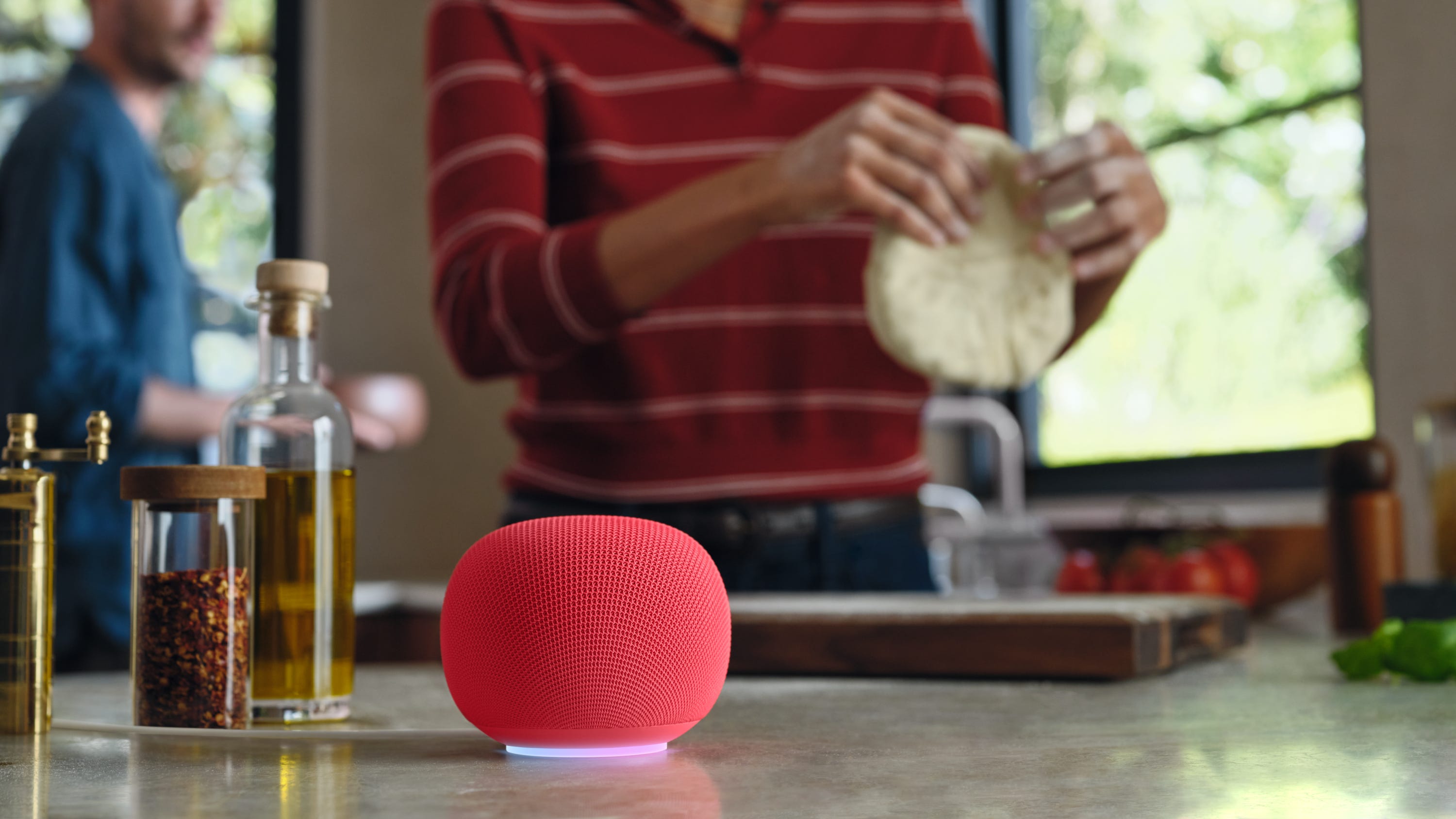
🔊 A new home for Gemini. After not updating any of its smart speakers for years, Google has finally announced a new model called the Google Home Speaker. It comes with a tweaked design that looks like a beefier version of the Google Nest Mini, complete with a light ring on the bottom that illuminates when you trigger Gemini. The speaker comes with 360-degree audio and faster performance compared to older speakers. It can be paired with a second Home Speaker for a make-shift surround sound setup with your Google TV. You can also pair two together for stereo audio throughout your home.
📅 Available in 2026. Google is releasing the new Google Home Speaker in spring of 2026, which seems a bit odd. The company said it wants time to roll out Gemini to all existing Nest speakers, although it’s unclear why it can’t do that at the same time as releasing some much-needed new hardware. Regardless, it’ll cost $99 when it does go on sale. It’ll be available in Porcelain, Hazel, Jade, and a vibrant Berry color.
What Google Nest speakers are supported by Gemini?
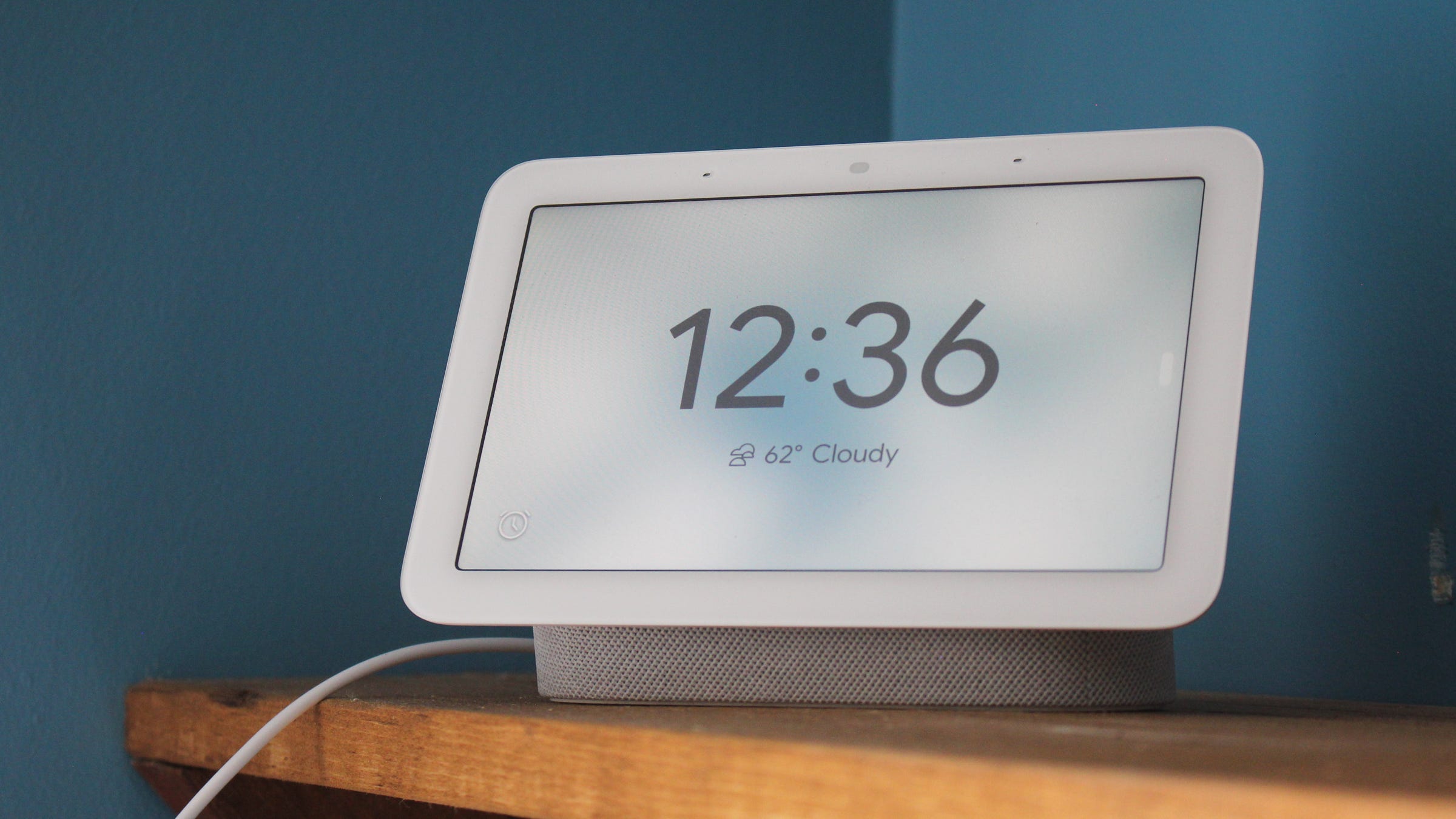
Google is beginning to roll out Gemini and its new AI smart home features to the following speakers and Nest products.
Nest Hub (2nd-gen, 2021)
Nest Audio (2020)
Nest Hub (2019)
Nest Mini (2019)
Nest Wi-Fi Point (2019)
Nest Hub (2018)
Google Home Max (2017)
Google Home Mini (2017)
Google Home (2016)
Early access to Gemini should open to all users by the end of the month, and it’ll take some time for all of the new AI features to roll out. Third-party Google Assistant speakers from brands like Lenovo and JBL will likely get upgraded over time, although it’s unclear when that’ll occur.
Max Buondonno is an editor at The Shortcut. He’s been reporting on the latest consumer technology since 2015, with his work featured on CNN Underscored, ZDNET, How-To Geek, XDA, TheStreet, and more. Follow him on X @LegendaryScoop and Instagram @LegendaryScoop.
I personally don't like the monthly subscription. It's great that they are pushing Gemini to their speakers and displays, but some of these features do not need to be locked behind a paywall. Asking questions about your smart home or getting a daily summary of the events should be free. You can already get local control by using an open source project such as running home assistant. Kind of reminds me of the now brief on galaxy phones, it's a conveinience feature, not something you need to pay for.