


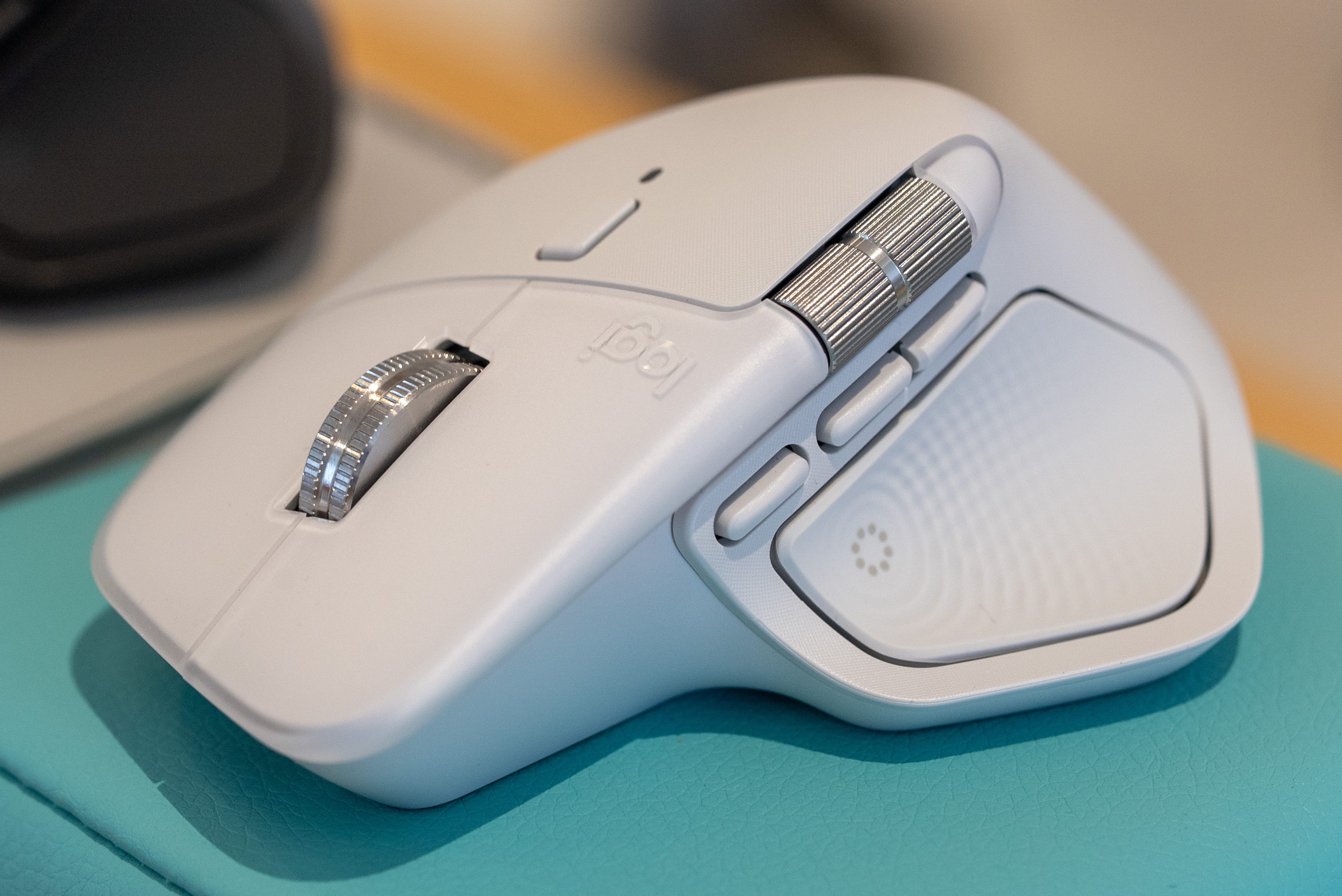

🫨 Logitech MX Master 4 is the world’s first wireless mouse with haptics
🏓 The haptic motor subtly vibrates whenever you press the side paddle
Haptics also make specific applications like Adobe Photoshop and Premiere feel more tactile
⭕️ Side button triggers a new Action Ring overlay with a set of shortcuts
🖥️ Shortcuts include system settings or specific tools for applications like Photoshop and Adobe Premiere
🤫 MX Master 4 also features 90% quieter left and right clicks and a third customizable side button
Logitech has announced the MX Master 4 as the first wireless mouse with haptic feedback.
The new haptic motor subtly vibrates whenever you press the side button or interact with specific applications, such as Adobe Photoshop or Premiere. I’ve been using the MX Master 4 for two weeks now, and it feels surprisingly natural. Going back to a regular wireless mouse feels like a downgrade.


Creating spreadsheets and editing videos in Adobe Premiere might not be as exciting as playing a PS5 Pro game, but the new haptic in the Logitech MX Master 4 helps make those tasks more immersive and tactile.
Action Ring
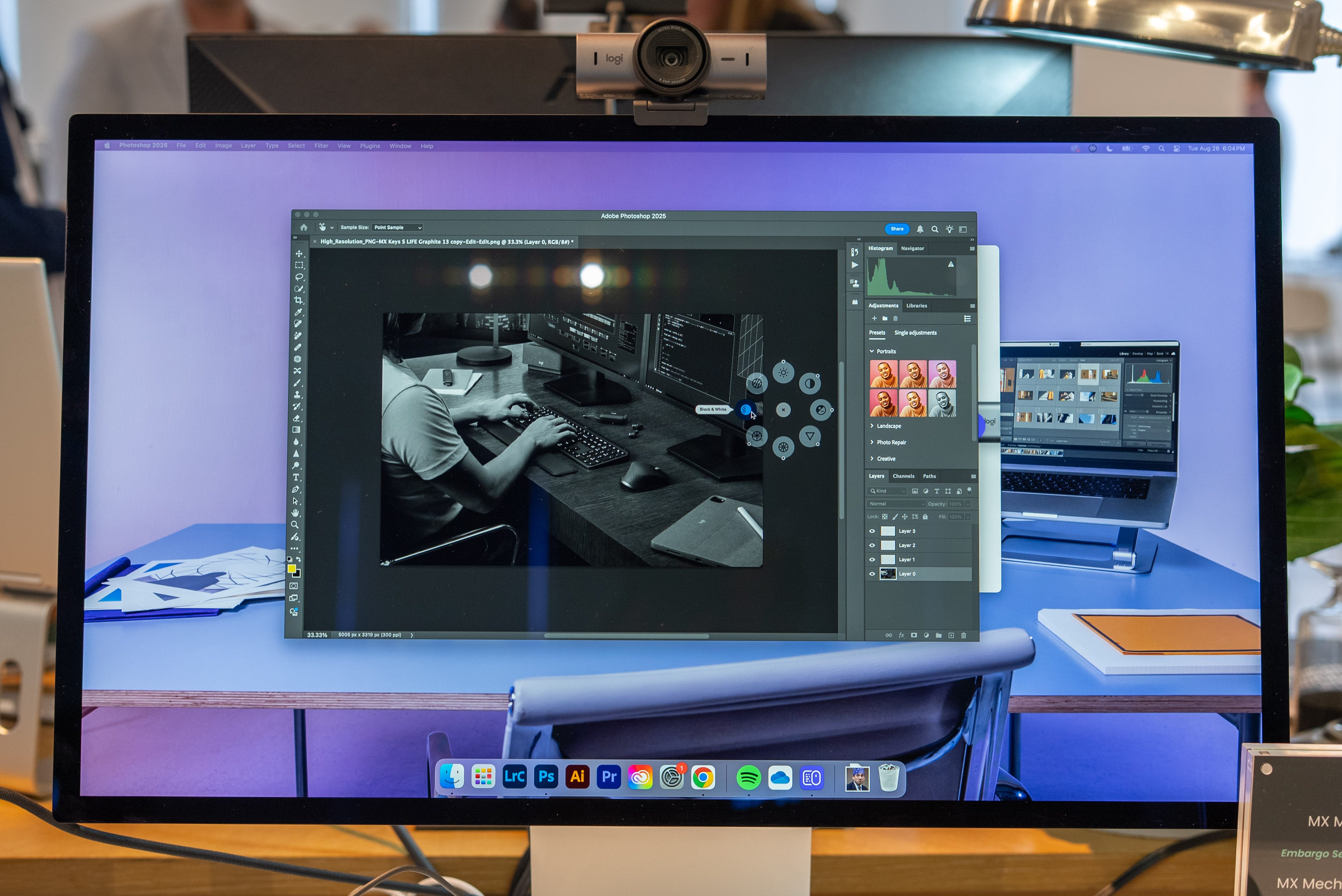
One other big change the Logitech MX Master 4 introduces is a new side paddle shortcut that activates a new Action Ring interface. The name pretty much sums up how this new overlay provides a quick radial menu of contextual commands.
In Photoshop, the Action Ring includes shortcuts to adjust the image brightness, contrast, exposure, or switch it to black & white. Meanwhile, in Adobe Premiere, the Action Ring will feature a different set of shortcuts for quick access to commonly used tools, including the razor, trim, and rate stretch functions.


Haptics and the Action Ring aside, the Logitech MX Master 4 features several other significant upgrades. The left and right mouse buttons are now 90% quieter clicks while still providing a tactile click. There’s also a new button in front of the usual forward and backward side-buttons that comes programmed to activate macOS Expose and Windows Task View. Lastly, the old USB-A dongle has been replaced with a teeny-tiny USB-C dongle you can comfortably leave plugged into your MacBook or Windows laptop.
Otherwise, the MX Master still features a maximum 8,000 DPI sensor, a MagScroll wheel that can scroll down 1,000 lines per second, and a one-minute quick charge for three hours of battery life.
The Logitech MX Master 4 is now available for order at $119 from Logitech and other retailers.
Kevin Lee is The Shortcut’s Creative Director. Follow him on Twitter @baggingspam.
I’ve read they made it easier to take apart. My last MX mouse bit the dust due to the apparently infamous Logitech left-click sensor failure. Wonder if that is now less of a concern, with improved repairability, or if it would still be less trouble for the average user to just replace the whole mouse.
Do you think haptics are enough to upgrade since that is the main difference they are discussing.