


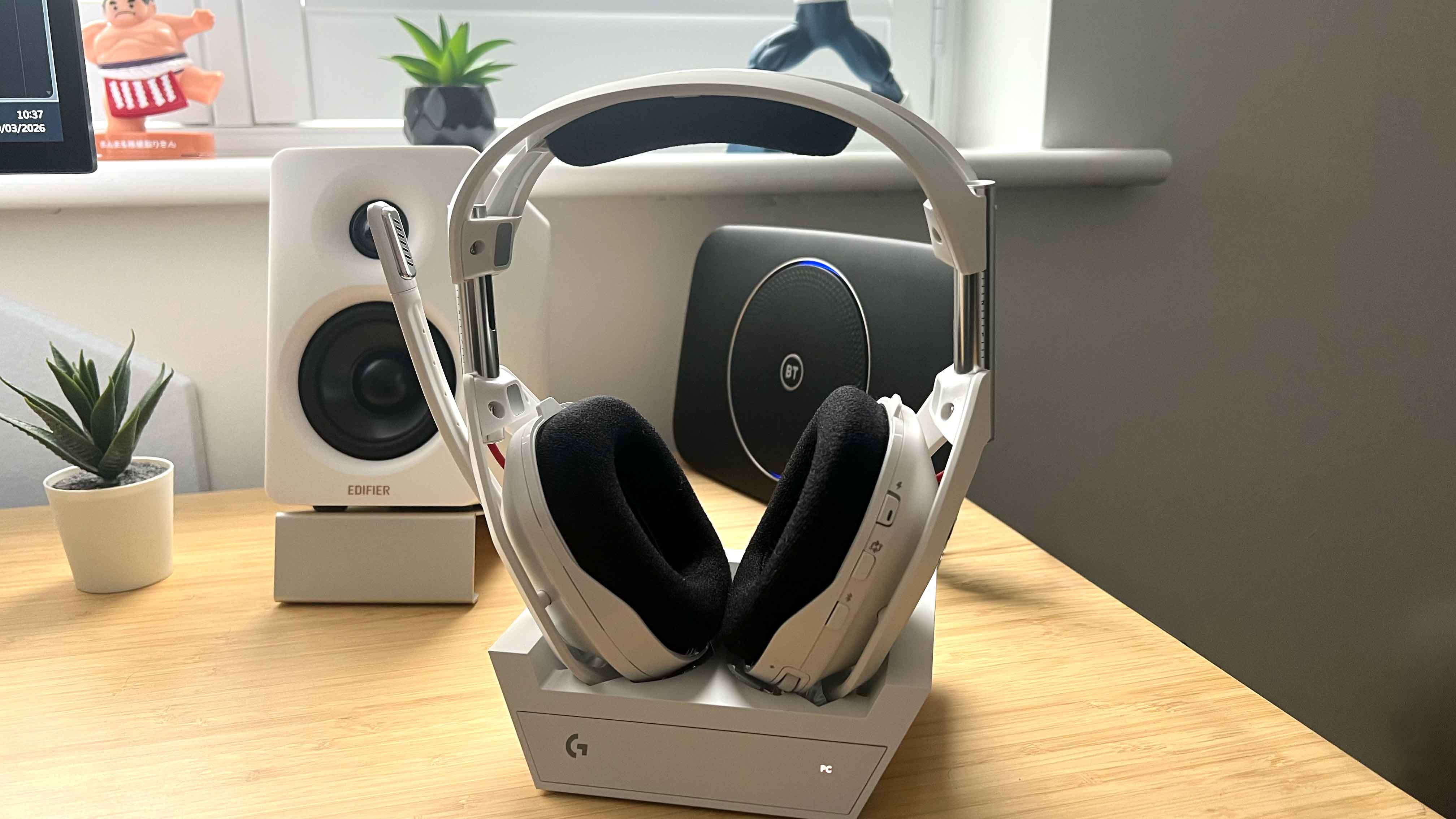
The Astro A50 headset is arguably one of the best gaming headsets you can buy, offering excellent audio quality, broad compatibility with multiple devices, and a simultaneous Bluetooth connection. It also boasts an excellent microphone with flip-to-mute and the Astro A50 is incredibly comfortable to wear for long periods of time.
However, like most gaming headsets, the default profiles don’t do the audio justice. It’s why you’ll want to jump into the settings and create a custom EQ that really unlocks the capabilities of the Astro A50’s 40mm Pro G graphene drivers.
👍 Best Edifier G5 Max EQ settings: get even better sound with these simple tweaks
🔊 Edifier M60 best EQ settings: these desktop speakers pack a punch with the right equalizer
🎧 Astro A50 best EQ settings: get the most out of Logitech G’s high-end headset
🎧 Astro A20 X best EQ settings: fine-tune your headset for gaming and comms with these equalizers
🎮 Audeze Maxwell best EQ settings: get the most out of your wireless PS5 headset
We’ll also tweak the microphone slightly to provide crystal clear comms when you need to bark orders at your teammates.
Check out our Astro A50 best EQ settings below, exclusively for paid subscribers of The Shortcut. It’s worth mentioning that these EQ settings also work for the Astro A50 X, which is exactly the same headset; however, it has three HDMI passthroughs for switching between video sources when using consoles and PC.