


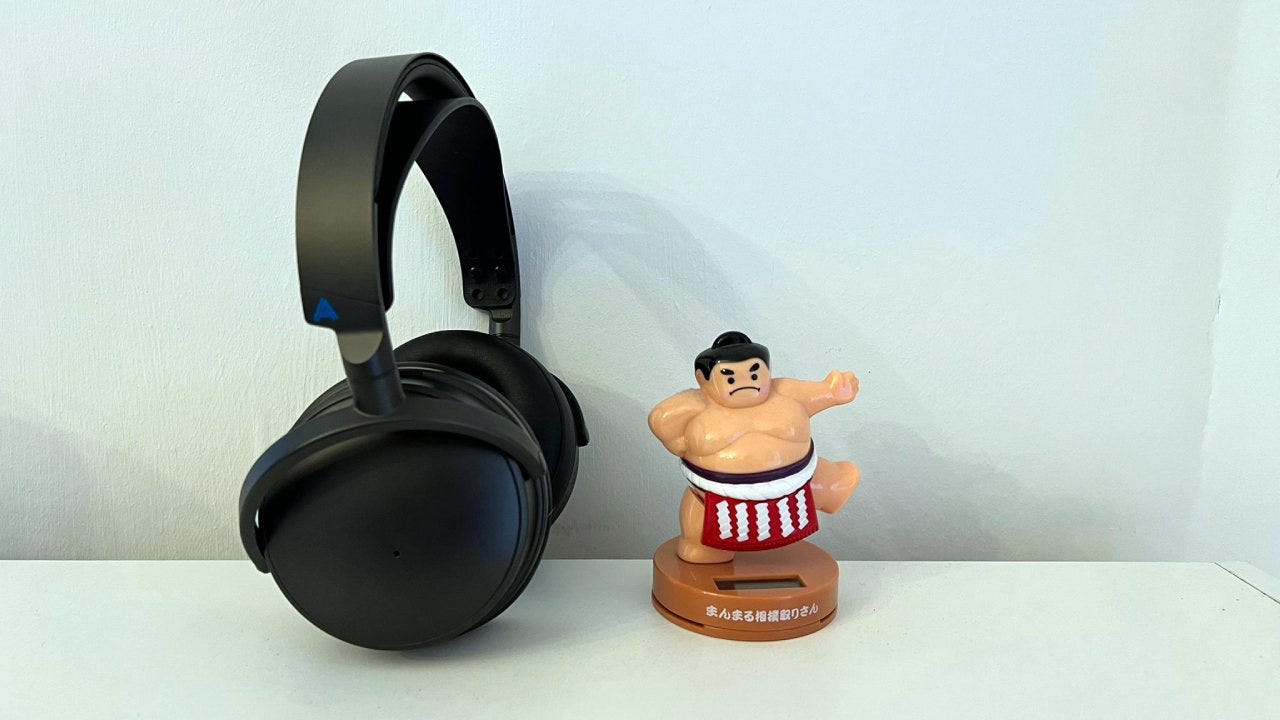
The Audeze Maxwell is the best-sounding PS5 headset we’ve reviewed. But even though it has a pleasing selection of EQ presets to choose from, creating a custom equalizer can deliver an even better experience.
🔊 Edifier M60 best EQ settings: these desktop speakers pack a punch with the right equalizer
🎧 Astro A50 best EQ settings: get the most out of Logitech G’s high-end headset
🎧 Astro A20 X best EQ settings: fine-tune your headset for gaming and comms with these equalizers
Most will be happy with how even the ‘Immersive’ or ‘Audeze’ presets sound, but both settings can be tweaked ever so slightly to create a more engaging EQ that makes the headset more “fun” in terms of its sound stage.
Check out our Audeze Maxwell best EQ settings below, exclusively for paid subscribers. Don’t forget to read our full Audeze Maxwell review to find out why we deemed it the best wireless headset to buy in 2024.