


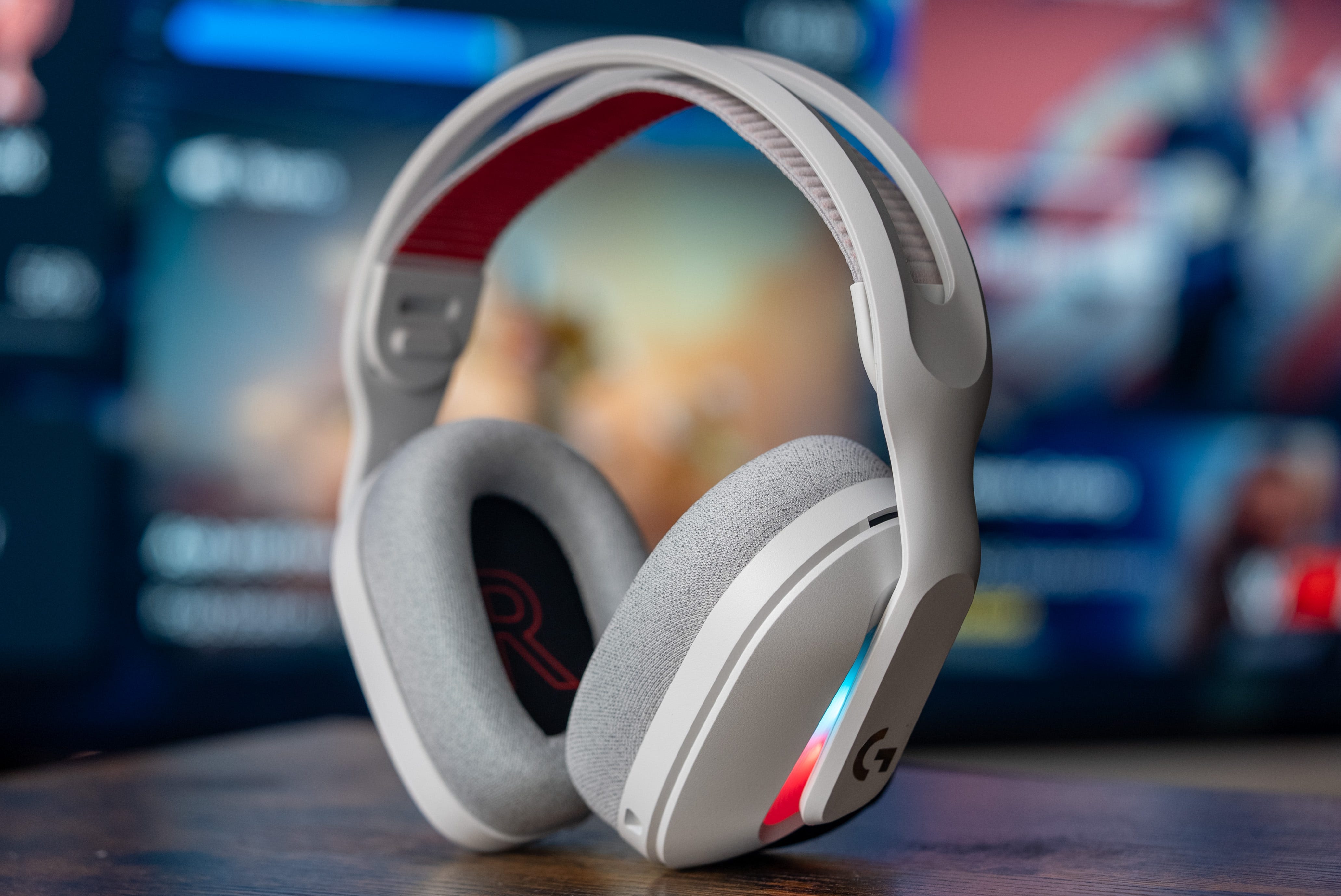
The Astro A20 X headset is a fantastic option for those who want excellent audio quality, multi-platform compatibility and a best-in-class microphone for crystal clear comms. However, sound is subjective, which means you might want to change the stock EQ on the Astro A20 X for something more to your liking.
But it’s not just the EQ that you can tinker with. You can also change how the Astro A20 X microphone sounds, as well as optimize it to provide better battery life. Whatever your needs, we’ll discuss how to get the most out of this excellent gaming headset.
👍 Best Edifier G5 Max EQ settings: get even better sound with these simple tweaks
🎶 Sony Inzone H9 II best EQ settings: get in the zone with these equalizer tweaks
🎧 Astro A50 best EQ settings: get the most out of Logitech G’s high-end headset
🔊 Edifier M60 best EQ settings: these desktop speakers pack a punch with the right equalizer
🎮 Audeze Maxwell best EQ settings: get the most out of your wireless PS5 headset
It’s worth noting that these EQ settings will work just as well with the Logitech G522, as it’s exactly the same headset, just with fewer compatibility options than the Astro A20 X.
Check out our Astro A20 X best EQ settings below, exclusively for paid subscribers. Don’t forget to read our full Astro A20 X review to find out why we gave it a coveted ‘Editor’s Choice’ award.