







Edifier M60 best EQ settings: these desktop speakers pack a punch with the right equalizer
Get more from the Edifier M60 desktop speakers with our best settings


We earn a commission when you buy through our links. It never changes our scores. How this works
Edifier M60 speakersCheck stock
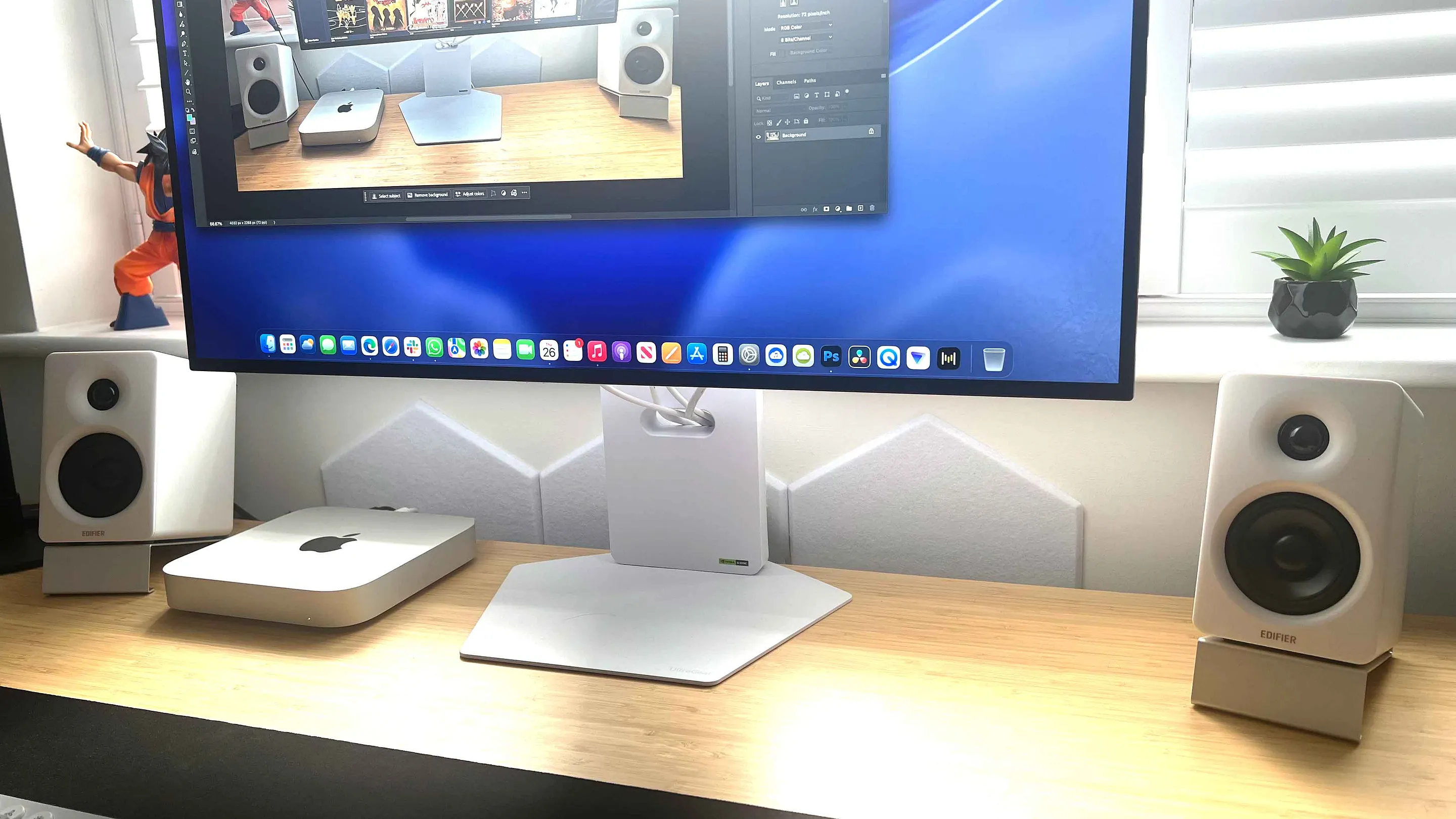
Adding a pair of quality desktop speakers can make a huge difference to your home office setup, especially as the built-in speakers included in some monitors produce truly horrible sound.
A great pair that I recently purchased is the Edifier M60. At under $200, they’re competitively priced and offer a rich, detailed sound and include two stands that let you angle the speakers upwards towards you. You’re also getting 66W of power, and support for Hi-Res Audio and Hi-Res Audio Wireless.
👍 Best Edifier G5 Max EQ settings: get even better sound with these simple tweaks
🎶 Sony Inzone H9 II best EQ settings: get in the zone with these equalizer tweaks
🎧 Astro A50 best EQ settings: get the most out of Logitech G’s high-end headset
🎧 Astro A20 X best EQ settings: fine-tune your headset for gaming and comms with these equalizers
🎮 Audeze Maxwell best EQ settings: get the most out of your wireless PS5 headset
Out of the box, the EQ preset of ‘Music’ is rather flat, though there are other equalizer settings that you can access from the Edifier Connex app. However, I wanted to share my Edifier M60 best EQ settings with you that deliver a wider, more present soundstage that also gives the speakers a bit more low-end oomph.
Download the Edifier Connex app
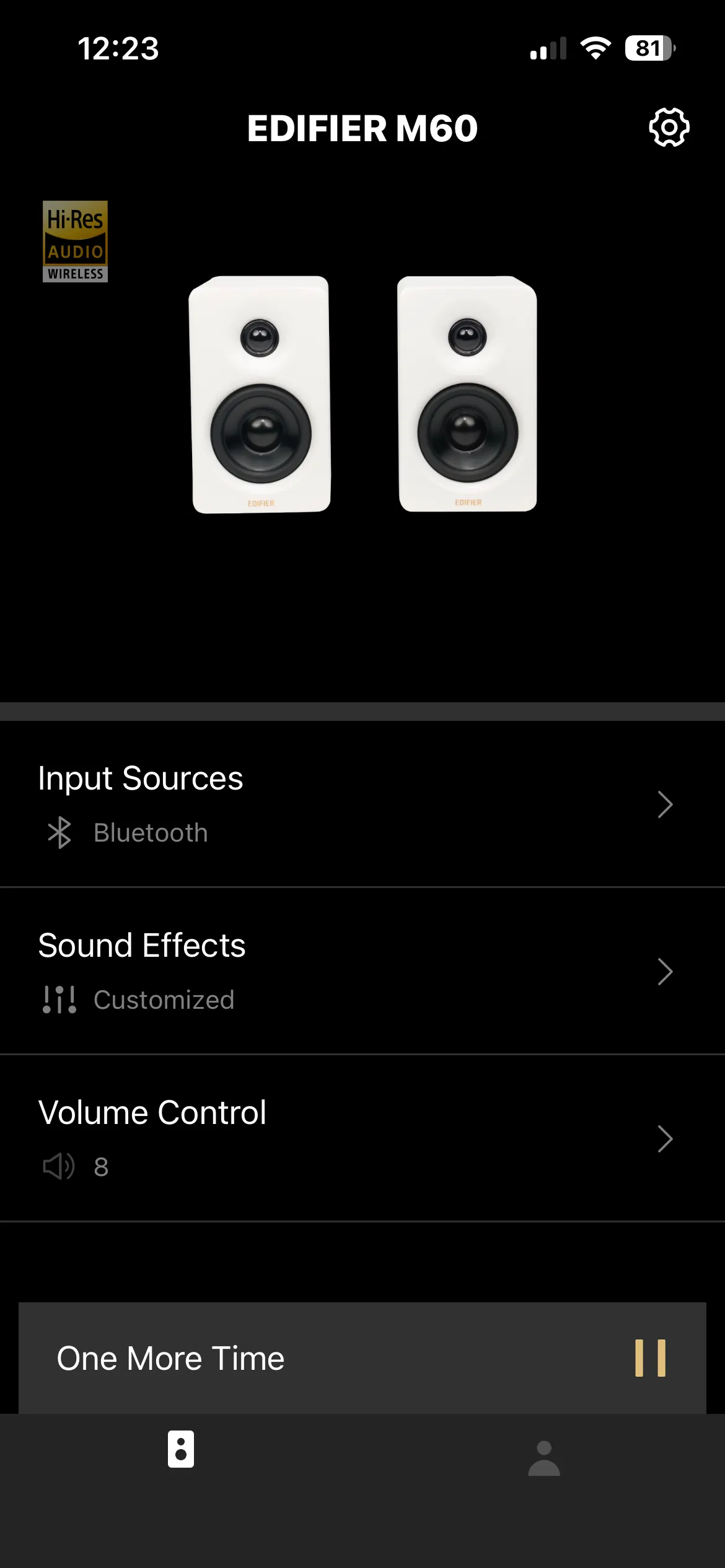
You’ll need to connect to the Edifier M60 speakers via Bluetooth using the Edifier Connex app. It’s available from the App Store and Google Play store and lets you access the current EQ presets using the app, which includes ‘Music’, ‘Monitor’, ‘Game’, and ‘Movie’.
 Best Edifier G5 Max EQ settings: get even better sound with these simple tweaks
 Walmart’s Black Friday deals are live for everyone, but PS5 Pro and Zelda Switch 2 aren’t part of it… yet