


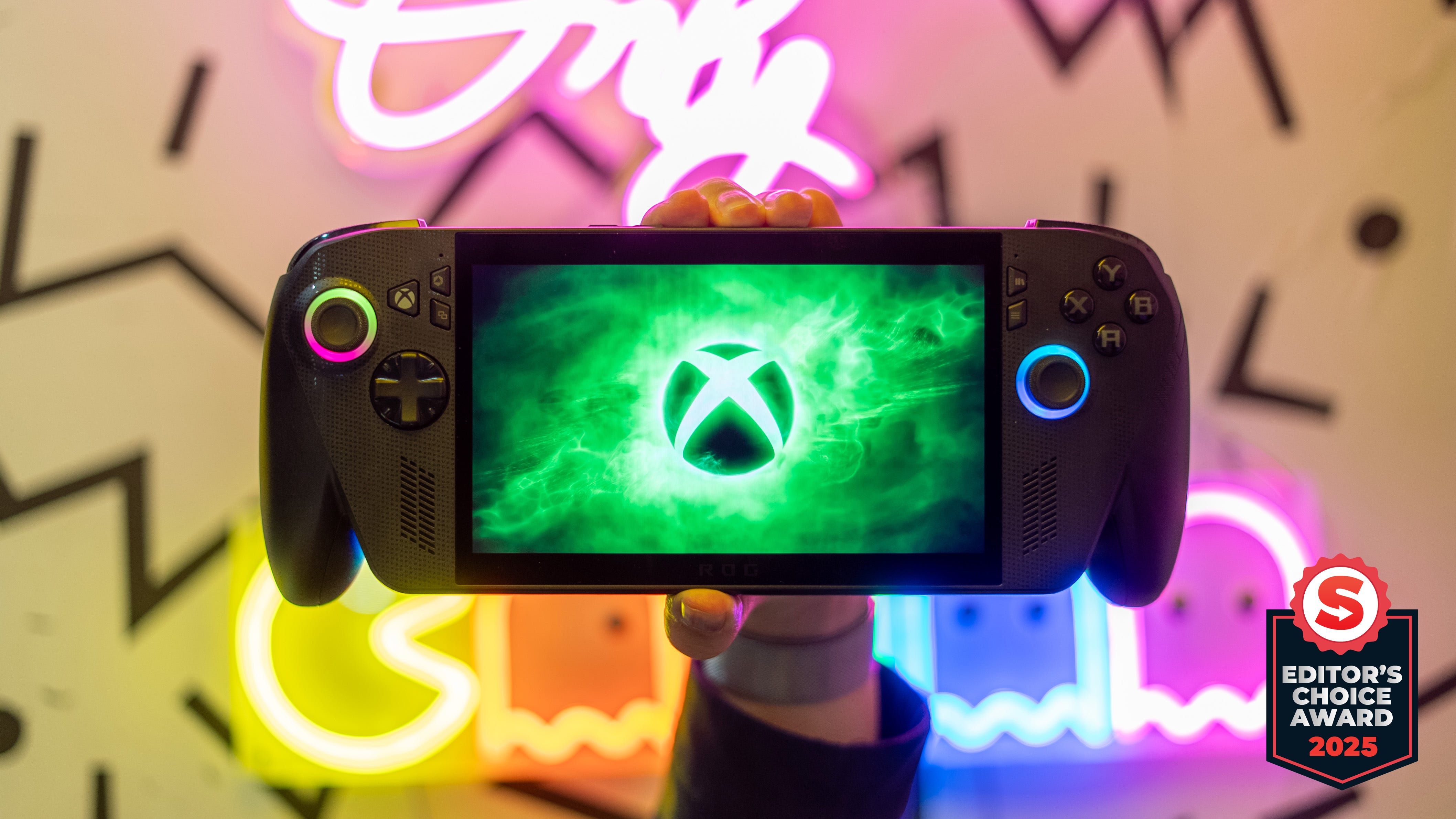
🏆 Review score: 4.5 out of 5
🏅 Editor’s Choice Award

✅ Pros
📚 AMD Z2 Extreme lets you play more games on a gaming handheld
📈 Games that ran on older handheld hardware can now run at higher-quality settings
📊 Framerate from the Z2E 17W performance mode is equal to 25W Turbo mode on the Z1E
🎮 Xbox UI is fully navigable using just gamepad controls
🙅🏻♂️ Xbox Full Screen Experience almost completely eliminates having to use the Windows desktop
🪶 Controller grips make this handheld feel lighter
🚶♂️ 3-5 hours of gaming at 17W Performance Mode
🔋 7.5 hours of gaming at 13W Slient Mode
❌ Cons
🦗 Xbox Full Screen Experience still has bugs to work out
📺 No screen upgrades
🧳 Wider and thicker design makes this handheld harder to pack into a bag
⚙️ Updating Windows 11 is still a pain with at least three clients
The Shortcut Review
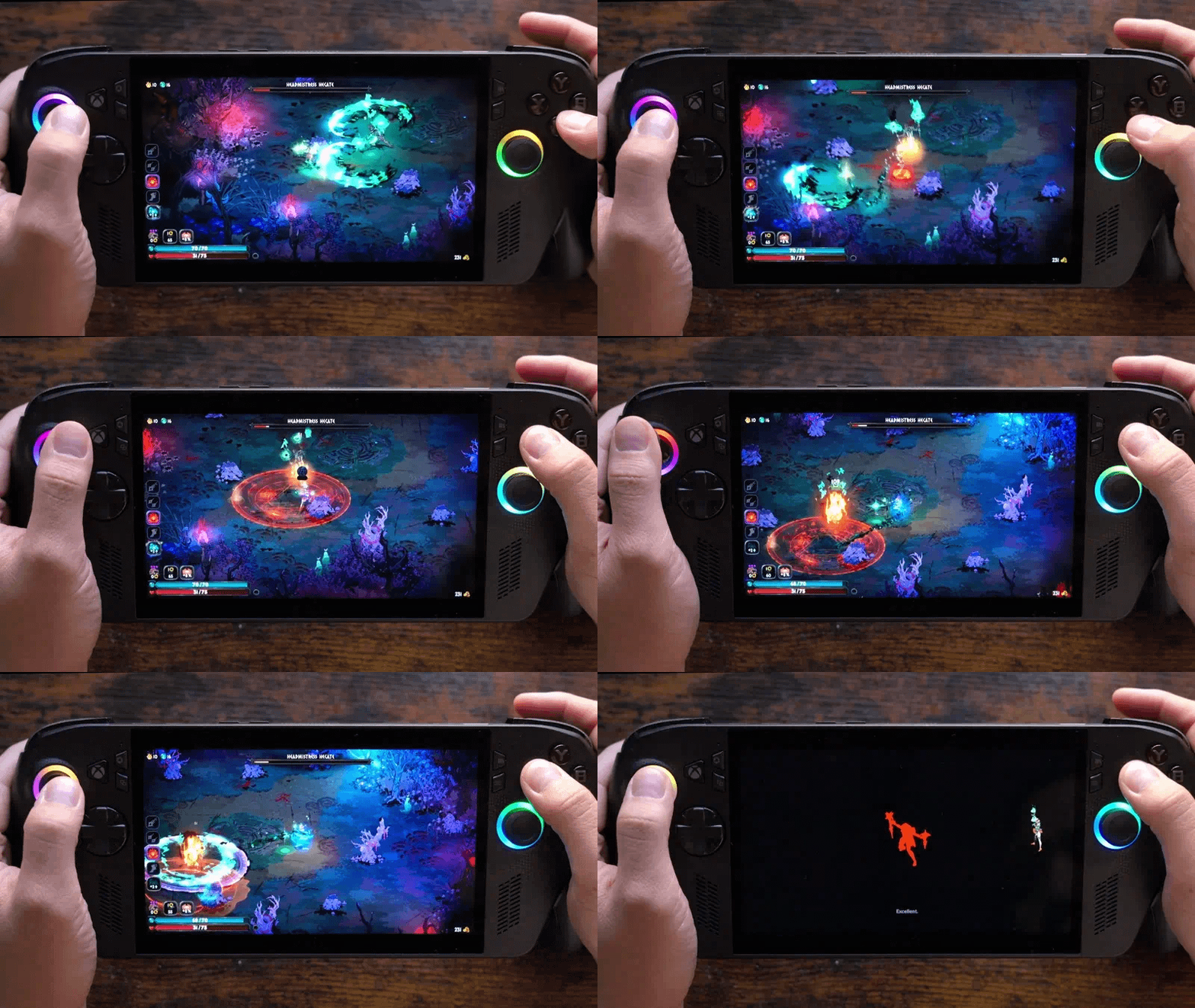
The first Xbox handheld is here, but the Asus ROG Xbox Ally X could have an even bigger impact on the future of PC gaming on all Windows devices. The Xbox Ally X almost completely alleviates the pain of gaming on a PC handheld. The new Xbox Full Screen Experience (XFSE) hides the desktop and makes the system completely navigable with just gamepad controls, including system settings or inputting your login pin. The Xbox app also collates your entire game library from Steam and other launchers while making swapping between games work just like an Xbox – mostly.
The XFSE also helps unlock even more performance from the AMD Z2 Extreme chip by dropping background tasks from Windows 11 and freeing up more memory for games. You can play more games on this handheld, and anything you could play on the original Asus ROG Ally X can now run at higher settings. Better yet, the more efficient 17W performance mode delivers almost the same FPS as gaming on the Ally X’s 25W turbo mode. Battery life maxes out to 7.5 hours while gaming at 13W, but I got 3-4 hours of gaming at 17W.
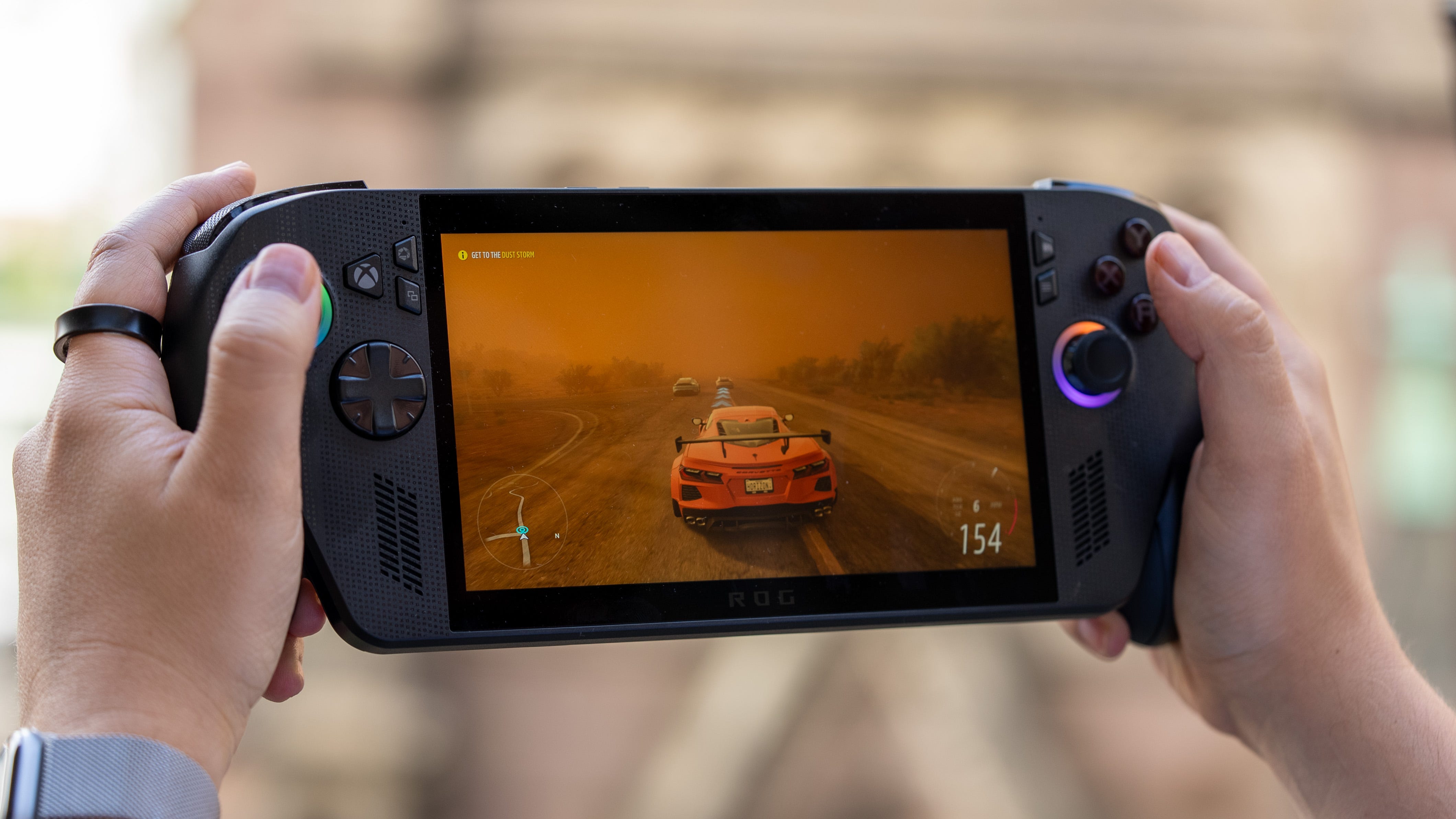
The veneer of this fantastic Xbox handheld experience starts to crack when you realize you only have access to PC compatible titles from Xbox Game Pass or ones you own. You also still need to go through with Windows updates, Microsoft Store updates, and driver updates every so often, too. I’m not entirely in love with the Asus ROG Xbox Ally X hardware either. The lack of any screen upgrades means you’ll be looking at the same 7-inch non-HDR LCD screen from the original Asus ROG Ally.
Still, the Asus ROG Xbox Ally X delivers on almost all fronts as both the first Xbox handheld and a more powerful AMD Z2 Extreme gaming device. $999 is a hard pill to swallow, but if you’re deadset on playing more games on a handheld and at higher settings, the Asus ROG Xbox Ally X is the best gaming handheld.
Full Review
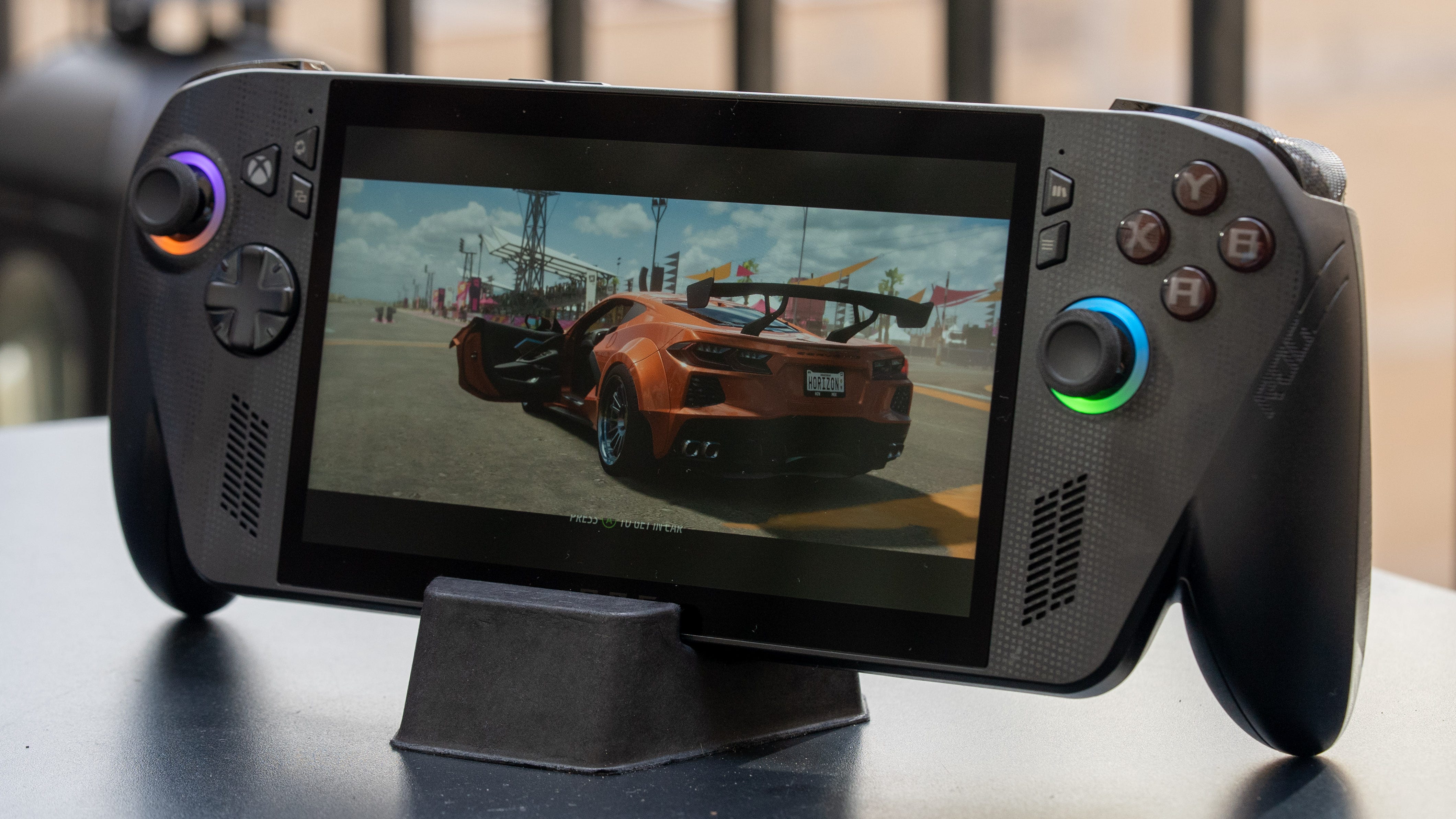
🤝 Big grip. The Asus ROG Xbox Ally X looked fugly to me when it was first revealed. The added controller grips were a big shift from the sleek Ally X. However, after going hands-on with it at Gamescom and now spending almost a week with the Xbox Ally X, the added controller handles have grown on me. The ergonomics are significantly improved by being able to wrap your hands around the fully sculpted grips. This design places more of the system’s weight on your wrists, so your hands won’t tire as quickly from holding it up. They also don’t stick out nearly as much as the PlayStation Portal.
📺 Same display. As far as image quality goes, the Xbox Ally X looks spectacular. It has excellent contrast, a 120Hz refresh rate with VRR, and 1080p looks super sharp on a 7-inch IPS display. However, coming from the Asus ROG Ally X and the Asus ROG Ally before that, I hate that I’m still looking at the same screen two years later. It’s the same exact screen, down to the thick bezels all around. Meanwhile, the Lenovo Legion Go 2 sports the best-looking OLED display on any gaming handheld, and even the Nintendo Switch 2 features HDR colors and brightness.
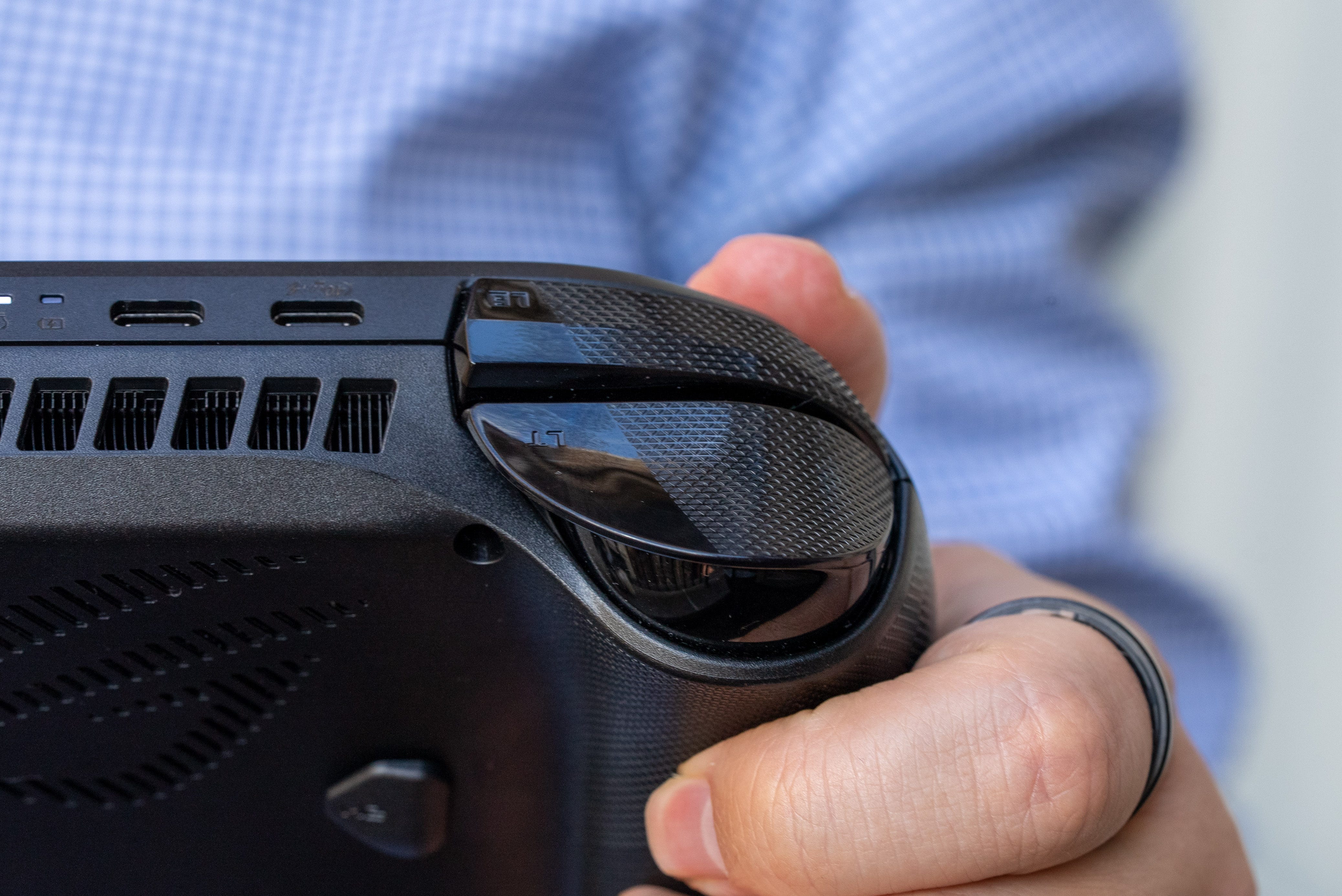
🔫 Impulse triggers. Almost all of the original controls of the original Ally X have carried over, but Xbox Ally X adds a pair of new impulse triggers. These triggers essentially come with haptics similar to those on the PS5 DualSense controller, though without adaptive resistance. The actual vibrations from the triggers are subtle, but it gave me an extra layer of immersion to feel guns fire through the handheld while playing the Call of Duty: Black Ops 7 beta.
Performance
📈 Peak performance. The Asus ROG Xbox Ally X delivers the highest benchmark numbers we’ve seen from any gaming handheld. It easily stomps out any devices from last year with its more efficient AMD Z2 Extreme processor. Of course, the only real competition comes from the Lenovo Legion Go 2, which runs the same processor. While the Lenovo rival posts a few higher 3DMark scores, the Asus ROG Xbox Ally X consistently wins out due to its slightly lower 1080p resolution screen and its exclusive Xbox Full Screen Experience (XFSE).


🎮 This is an Xbox. The Xbox Full Screen Experience gives the Asus ROG Xbox Ally X an extra edge by eliminating background processes. According to Microsoft, this mode frees up 2GB of memory for the system to use as video or normal system memory. This mode also simplifies all navigation to gamepad controls, including inputting my login PIN, changing settings in Asus’ Armory Crate, and running other launchers like Steam and Epic – all without going through the Windows 11 desktop. You can even hit the Xbox or library button to launch another game, and the system will ask whether to close the game you’re currently playing first, just like an Xbox.
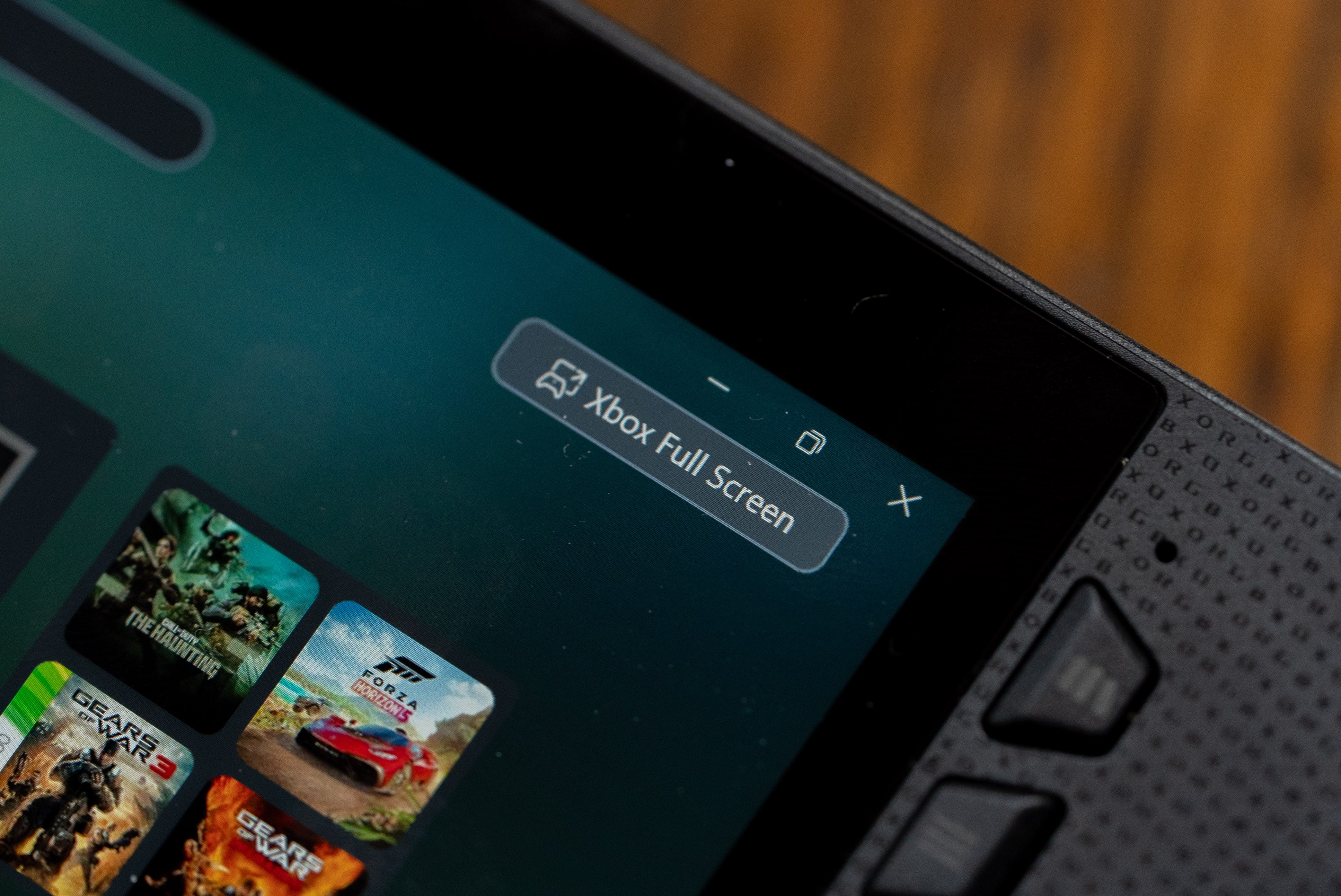
The Xbox Ally X also warns you that leaving the Xbox Full Screen Experience will remove the gaming optimizations. It’s easy enough to return the XFSE through a shortcut on the Xbox App, but the system will also prompt you to restart entirely for the best performance. The Xbox Full Screen Experience is exclusive to the Asus ROG Xbox Ally for now, but Microsoft plans to deliver this feature to all Windows devices with an Xbox app update in January 2026.
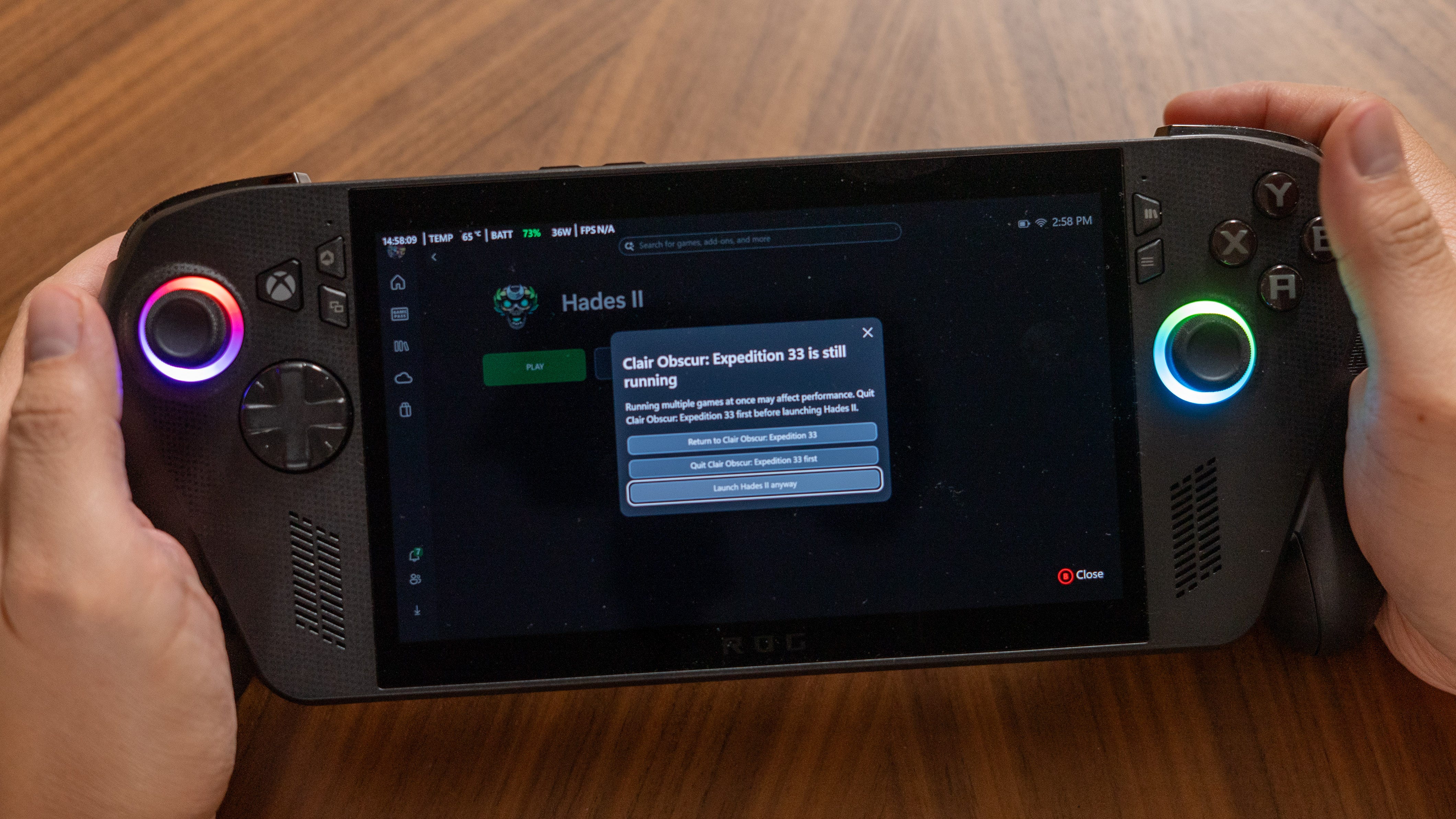
🛠️ Beta software. The Xbox Full Screen Experience isn’t perfect and still feels like a work in progress. One constant annoyance is that the gamepad navigation doesn’t work until you tap the screen or hit the library key. Also, swapping between games on the Xbox Ally X only works if you go from playing an Xbox game to another game on Xbox, Steam, Epic, etc. While swapping from a Steam game, the XFSE never prompted me to quit and just launched the second game while the first one was still running. For the time being, you’re better off manually quitting games before starting another one.
Xbox has promised it will have more features and updates for its app in the near future, though it didn’t specify what these would be. The Xbox app has certainly improved in recent months, including a new feature that aggregates installed games from other launchers. For handhelds, Xbox has also labeled games as either “handheld-optimized” or “mostly compatible” if they don’t require optimizing resolution and settings to play.
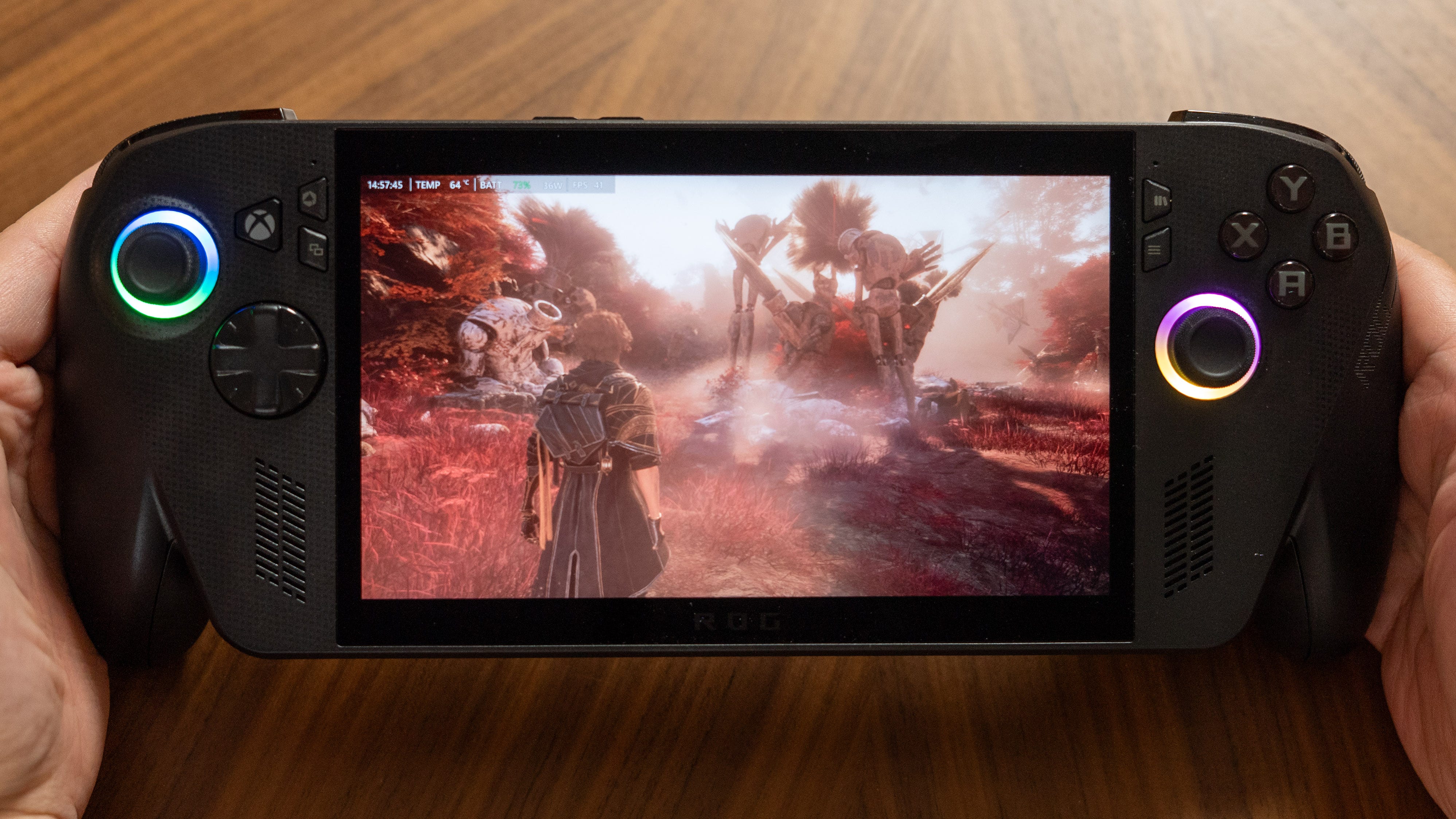
🚀 AMD Z2 Extreme upgrade. The Xbox Ally X’s AMD Z2 Extreme is the upgrade you want if you want to play more games on a handheld and at higher settings. The Asus ROG Xbox Ally X can easily run Hogwarts Legacy and Final Fantasy XVI smoothly, even at medium-high settings. In contrast, both games struggled to run and stuttered often on the Z1 Extreme-powered Asus ROG Ally X, even with low-quality settings. Clair Obscura Expedition 33 also runs even better at 30-40fps with medium settings with balanced XeSS scaling.
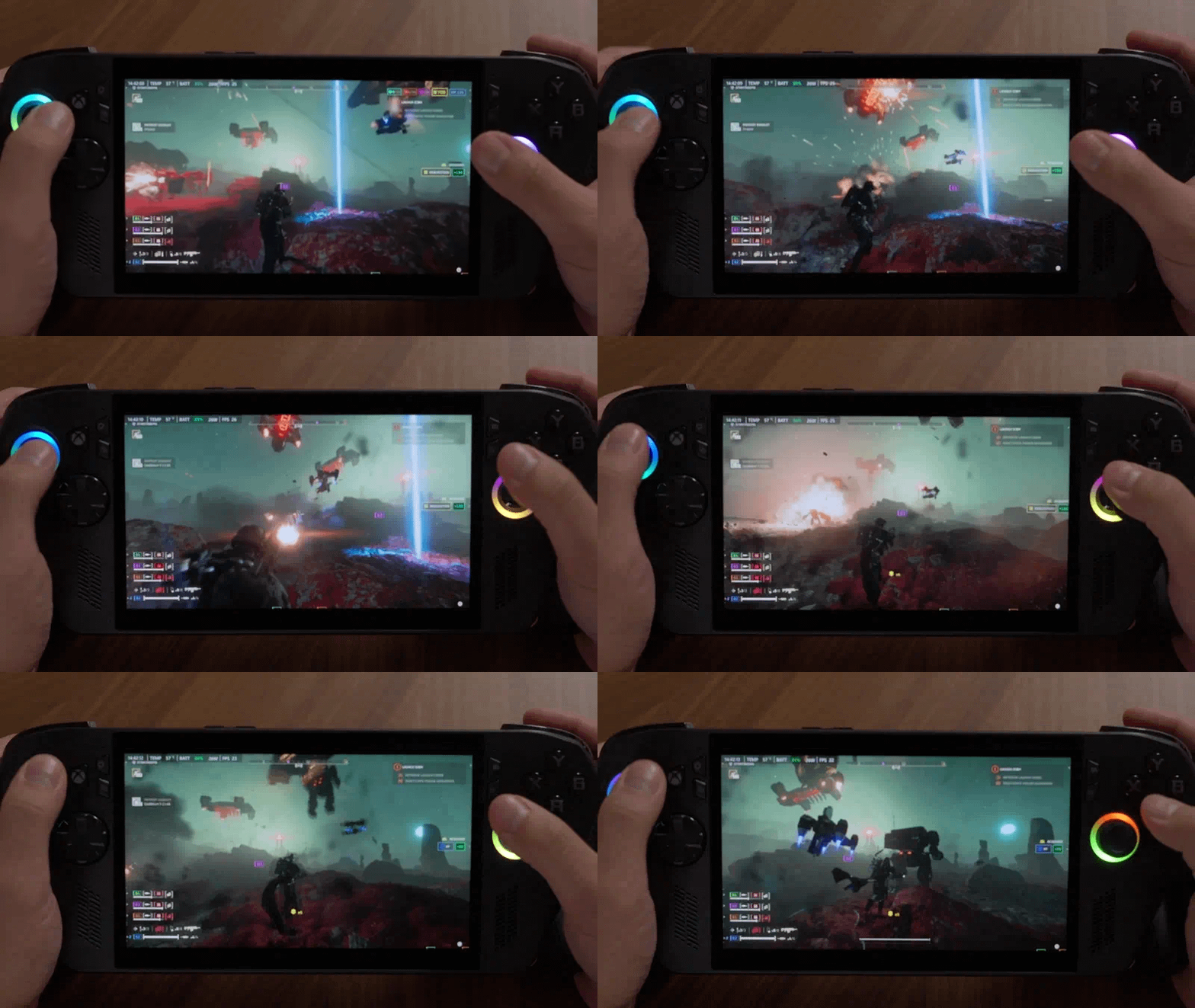
📊 Performance = efficiency. You don’t need to run the Asus ROG Xbox Ally X at its top 25W-35W to get the best gaming performance anymore. Helldivers 2 ran at 45-50fps with Steam Deck quality settings and balanced-level scaling while the Xbox Ally X was in its 17W performance mode. Comparatively, the original Ally X had to be in its 35W mode and have performance-level scaling to deliver the same fps. I’ve also been able to play lower-poly games like Hades II and Persona 3 Reloaded at 13W Silent mode and still get 120fps at full resolution.
Battery life
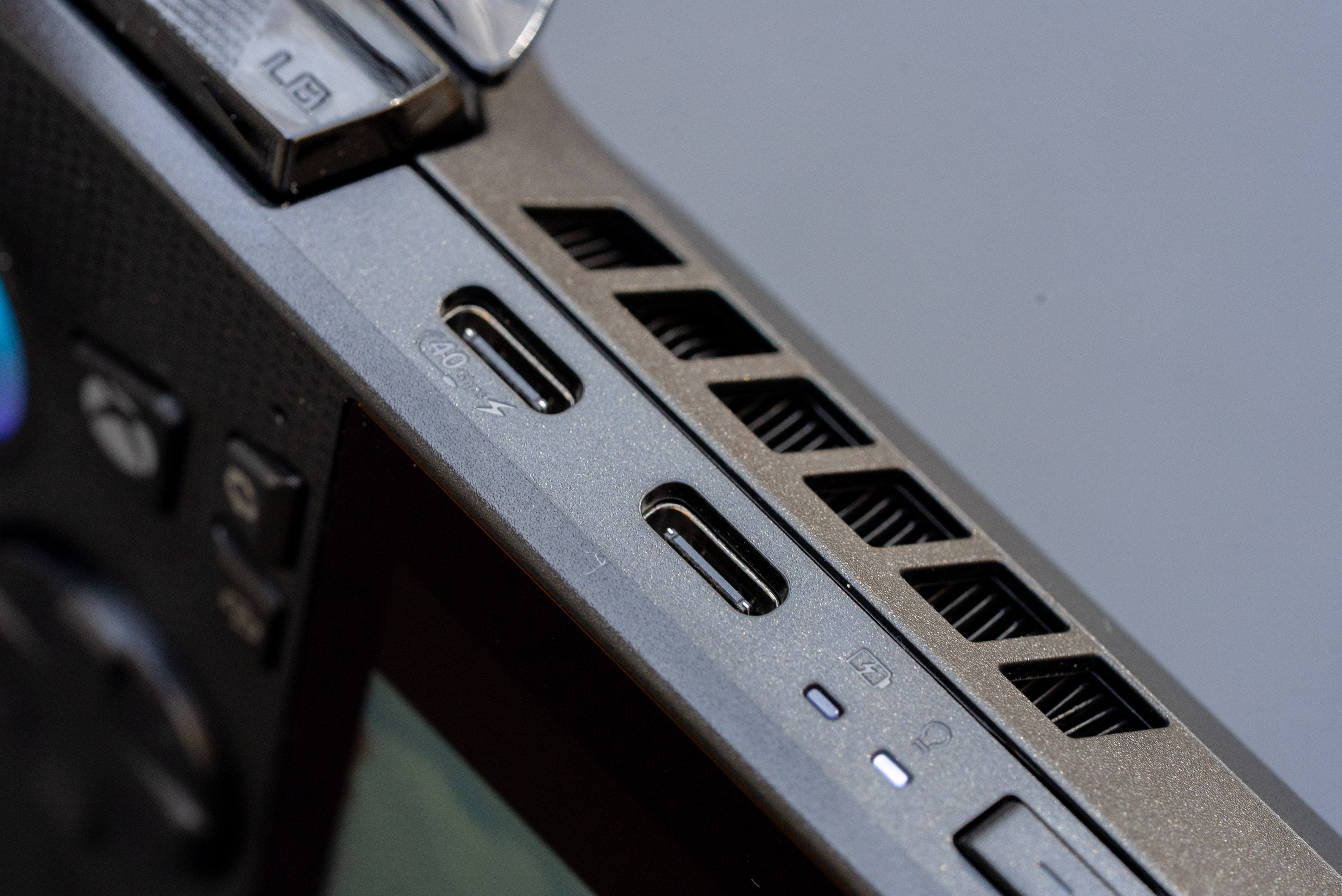
🔋 High fps, mid-range power. At its 25W full-load, the Asus ROG Xbox Ally X has the same exact battery life as the original Ally X. That’s not surprising considering both handhelds have the same exact screen, 80Wh battery, and their CPUs top out at a 25W power draw from battery. What is impressive is running the Xbox Ally X at its lower wattage modes. The new 17W performance mode allowed me to play Helldivers 2 for three hours and Hades II for four hours, 40 minutes. At 13W, I was able to play 7.5 hours of Hades II – that’s enough gaming to get you through a flight to Europe. Recharging is relatively fast, too; 15 minutes of charging will give you 20% of battery life, and you can be back up to 40% after 30 minutes.
Should you buy the Asus ROG Xbox Ally X?
✅ Yes, if…
📎 You’re tired of dealing with Windows 11 on a handheld
🎮 You want to play more games on a handheld and at higher settings
🔋 4-7 hours of battery life on a gaming handheld is a must
❌ No, if…
➕ You want the ultimate gaming handheld experience (get the Lenovo Legion Go 2 instead)
🤑 $999 is too much to spend on a PC gaming handheld (get the Lenovo Legion Go S instead)
Kevin Lee is The Shortcut’s Creative Director. Follow him on Twitter @baggingspam.
My phone blew up in my hands, and my garbage was burnt, and my whole house was smelt like burnt rubber and i'm trying to get in touch with you guys to have a number and everything they said they would get back to me.I'm just waiting