


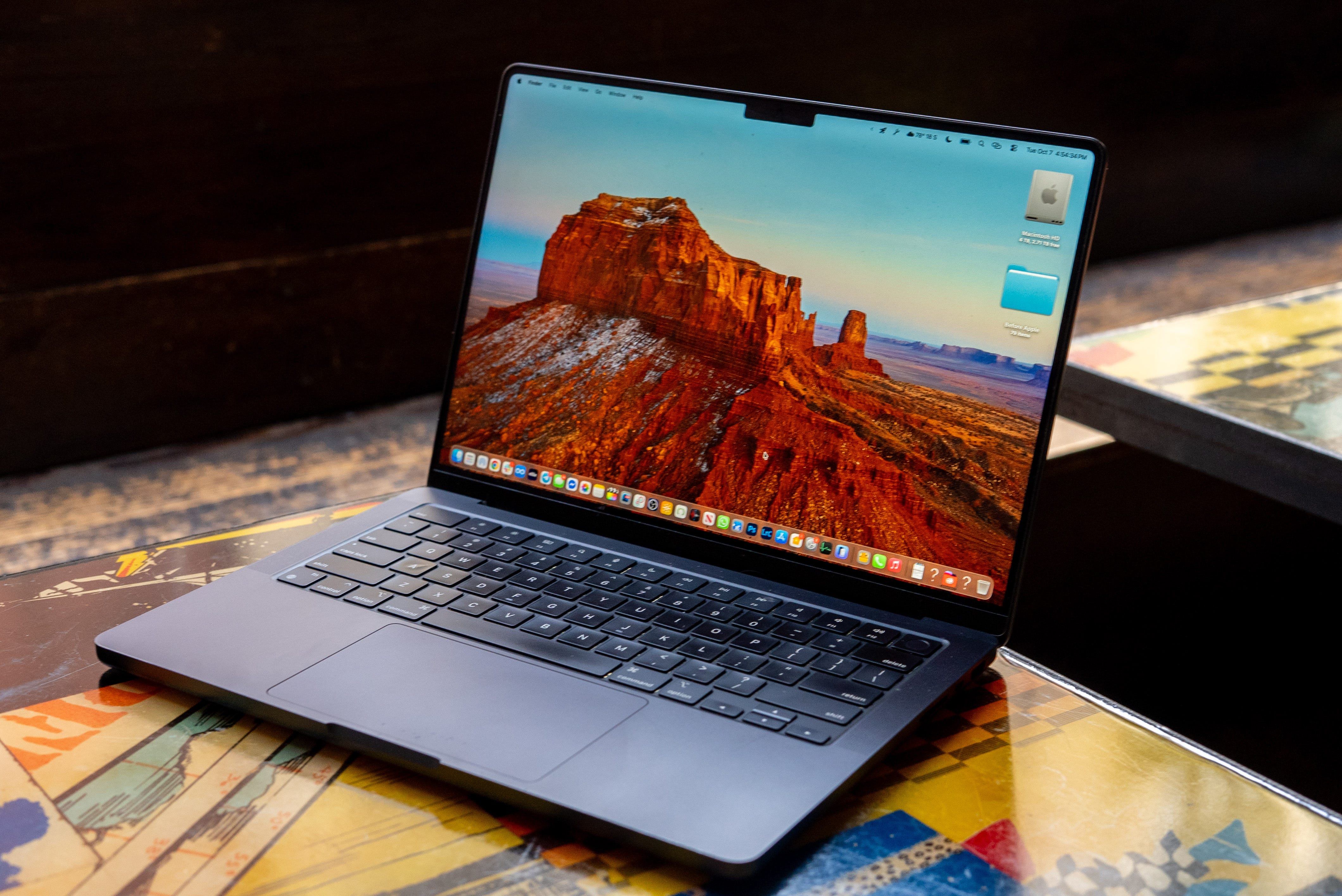
Update: Our MacBook Pro M4 review has been updated to reflect its support for macOS 26 and the new Games app. The nano-texture vs standard screen side-by-side comparison video is also now embedded below.
Review score: 5/5
🥇 Editor’s Choice

✅ Pros
⚙️ M4 Max and even M4 Pro beat M3 Max in sustained workloads
📐 Reliable design, the best laptop trackpad and near-silent cooling system
🔋 Strong 22-hour battery life in real-world use
📺 Still the best-in-class Mini LED display – now with a nano-texture option
🖥️ Full-sized HDMI, Thunderbolt 5, dual 6K display support and more gaming support
❌ Cons
🥱 That reliable design is the same for three years running
💰 Expensive entry price ($1,999 base) for the M4 Pro
⚖️ Heavier than the Air M4 that I sometimes wish I had for travel
The Shortcut Review
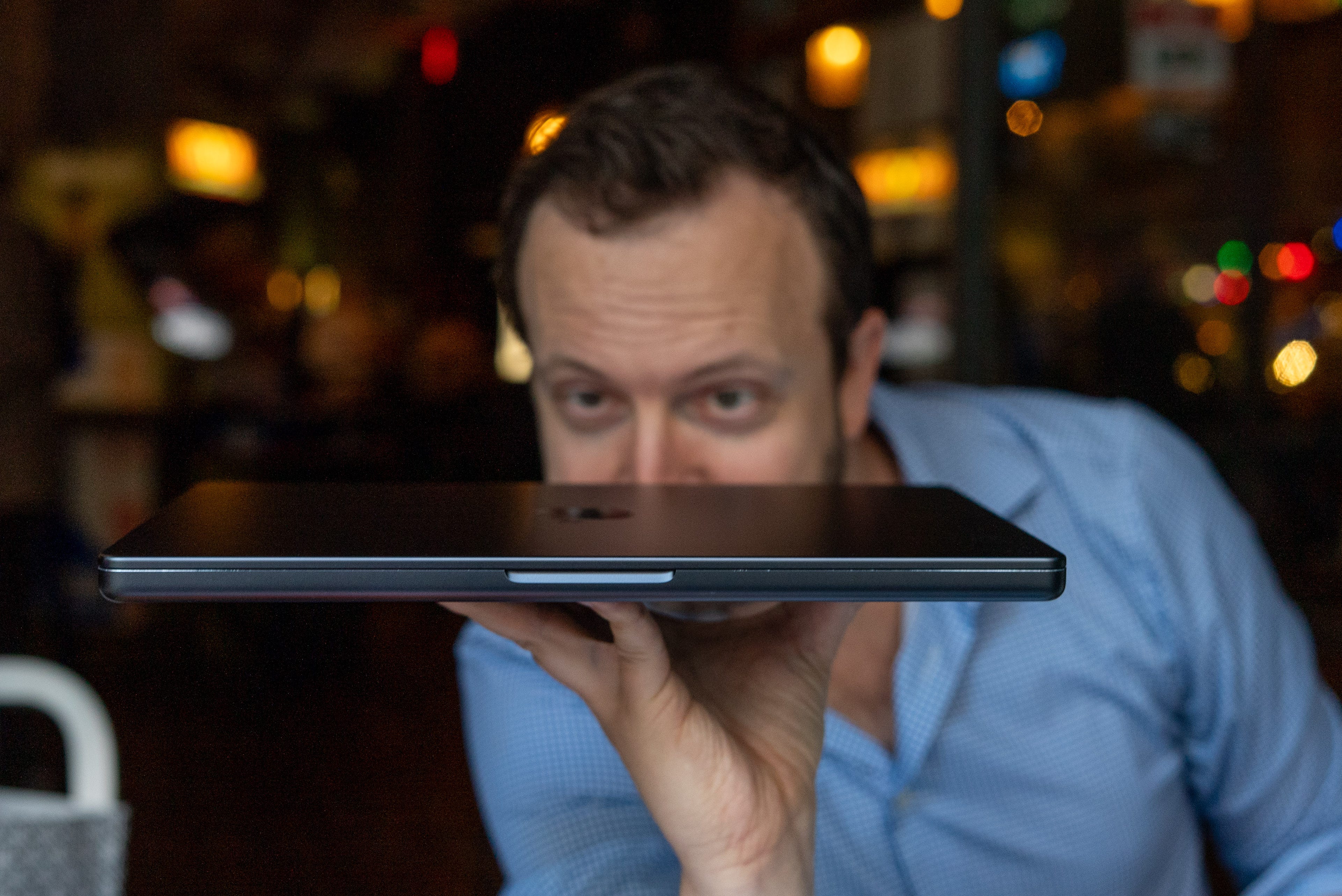
I’ve spent the last few months testing the MacBook Pro M4, and it’s the first laptop that has made my desktop PC feel somewhat unnecessary at times. It’s quieter than my gaming tower, faster in most workflows (especially with the M4 Max chip), and lasted me almost a full day editing 4K video in Final Cut Pro and Adobe Premiere Pro.
Apple didn’t change the exterior of its latest MacBook Pro very much – and it didn’t need to. For three years running, the main upgrade has been the chip, specifically the M4 Pro and M4 Pro Max. These chips can handle my creative workloads (and then some) like a workstation, yet keep fan noise to a minimum. It’s “library quiet,” as we call it.
Yes, the MacBook Pro M4 design looks identical to the M3 Pro and M2 Pro that you may be upgrading from, but it’s what’s inside that counts. The new 3nm M4 architecture brings roughly 22% faster single-core and 30% faster GPU performance, while sipping less power.
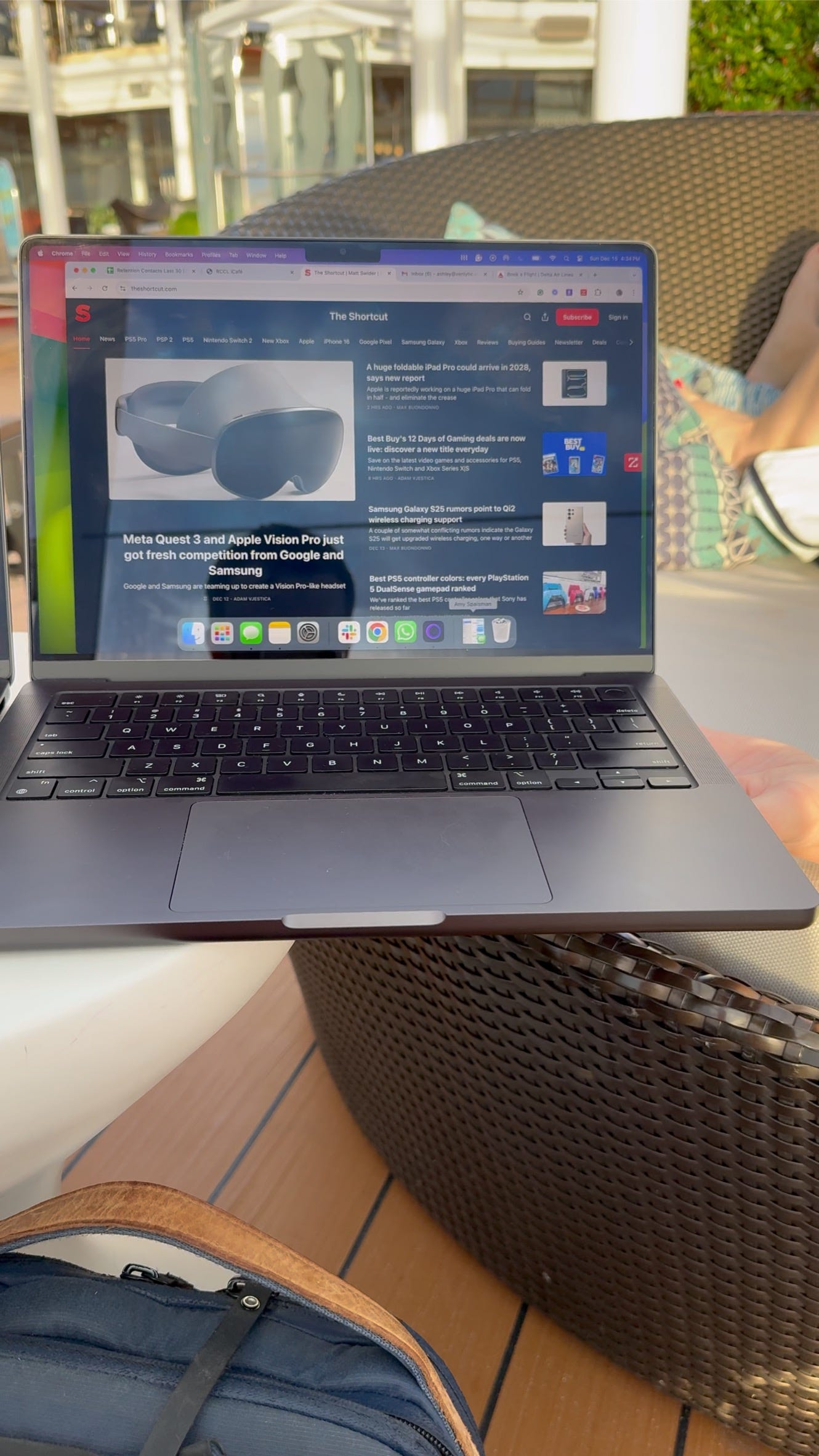
For me, trading in my M1 MacBook Pro in Space Gray for the M4 MacBook Pro Max in Space Black was a decision that added up: increased performance, beefier battery life, and a nano-texture screen (see my side-by-side test in the short video above).
Review notes
📺 Same great display panels. The Liquid Retina XDR panels are unchanged, but that’s fine because they’re still industry-leading. The 120 Hz ProMotion refresh rate, 1,600 nit peak brightness, and stunning HDR playback make every creative task a treat.
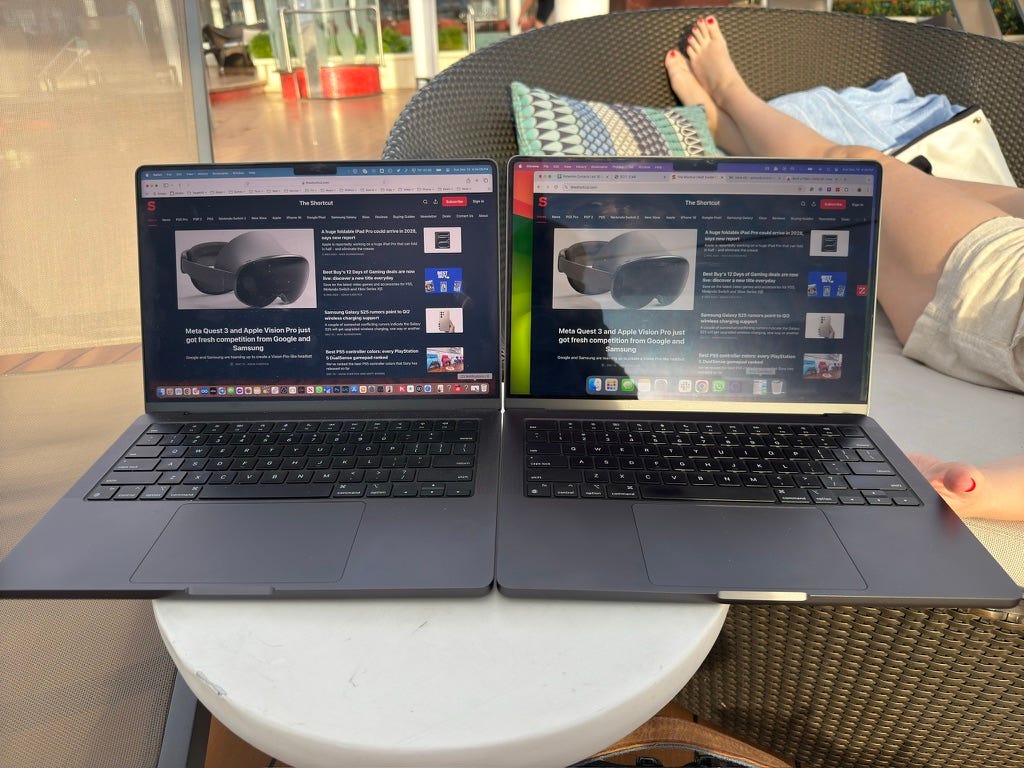
🪞 Nano-texture tested. I got the nano-textured MacBook Pro M4 Max, and it’s worth the $150 upgrade fee vs the standard display. At least for me. Apple reduced reflectivity by 12% with the nano-texture option, and I’ve noticed a difference during my outdoor work.
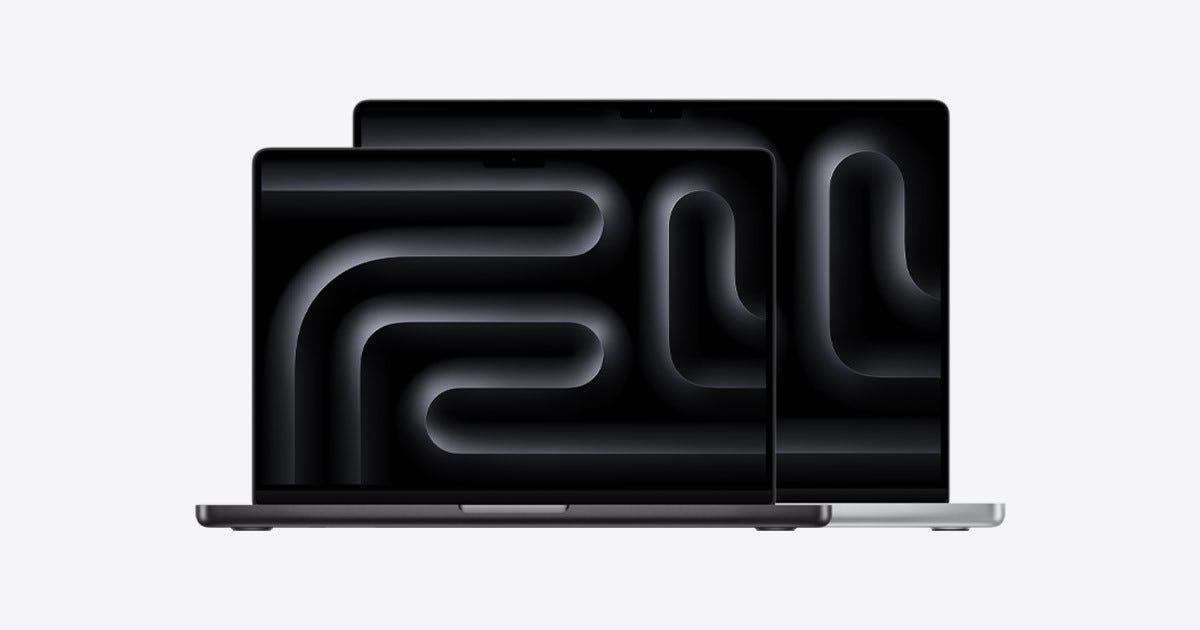
📐 14 vs 16 inch? This is always the debate every time I upgrade. I prefer the 14-inch size for portability (it fits in my Peak Design sling bag), but the 16-inch laptop offers more cores and higher configurations for those with monster workflows.

👀 Same reliable design. Having upgraded from the M1 MacBook Pro, I haven’t noticed a design change outside of the color – I went from Space Gray to the deeper Space Black. It’s as slim as a “Pro” laptop of this caliber can get, with a full-size HDMI port.


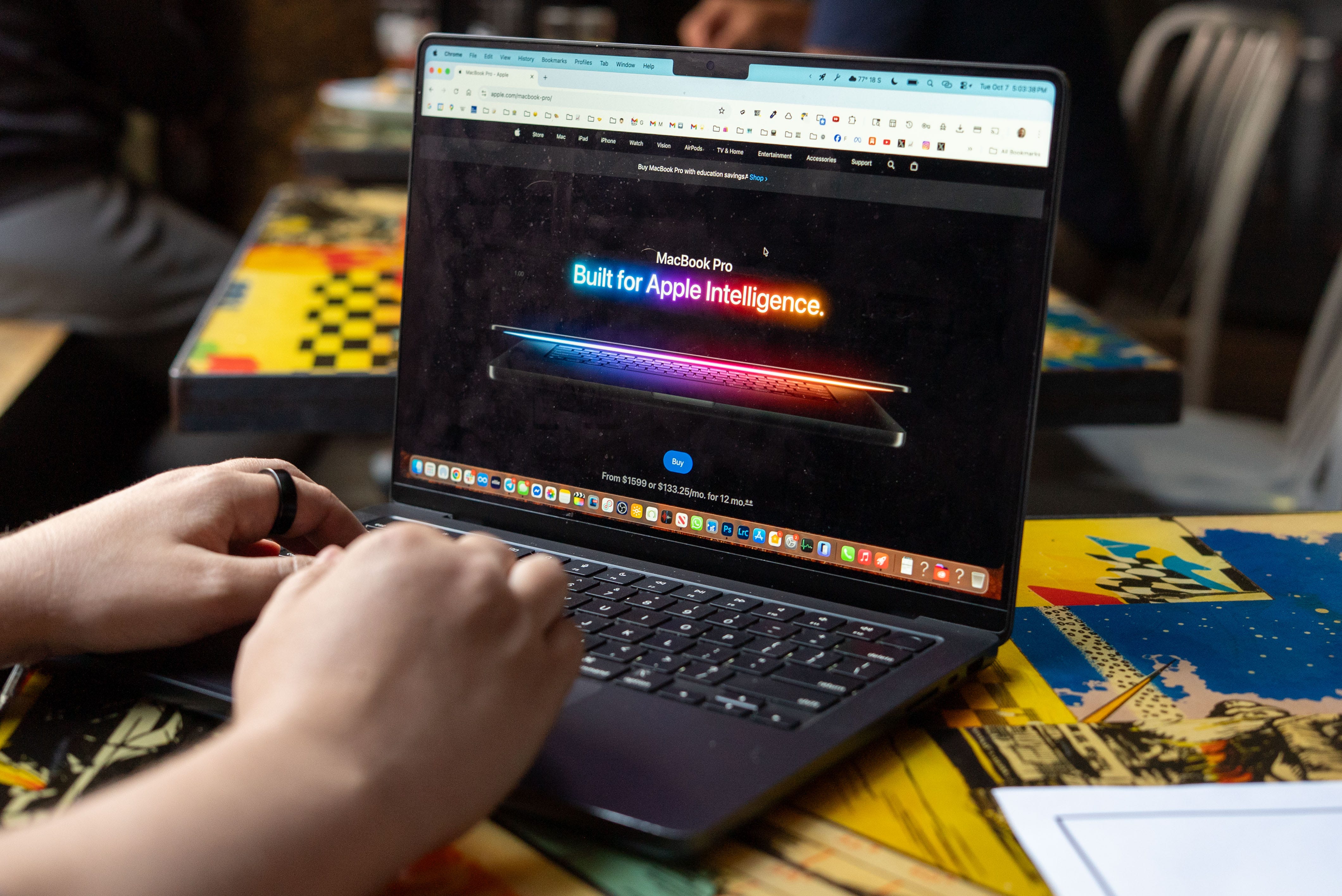
⌨️ My favorite keyboard & trackpad. Apple’s keyboard and oversized trackpad feel great – it’s sometimes tough to review Windows laptops when PC manufacturers cheap out on small or finicky trackpads. And we’re a long way from Apple’s Butterfly Keyboard, so if you’re still using an Intel MacBook with that design, it’s definitely time to upgrade.


🆕 macOS 26 Tahoe. Apple’s Liquid Glass redesign may be controversial for some on iOS, but it works even better on macOS 26 and I’m a fan of the Spotlight search redesign. It’s been easier to filter and find files, and see my Clipboard copy and paste history. I also appreciate perks like Live Activities mirrored from my iPhone and a dedicated Phone app, complete with managing unwanted calls.
🎮 Gaming on a Mac to the Max. This is slowly becoming a thing. While most of my apps in the newly launched Apple Games app don’t push the Apple Silicon cores to their limit, some, like Cyberpunk 2077: Ultimate Edition on Mac, are starting to test the (up to 40-core) GPU.
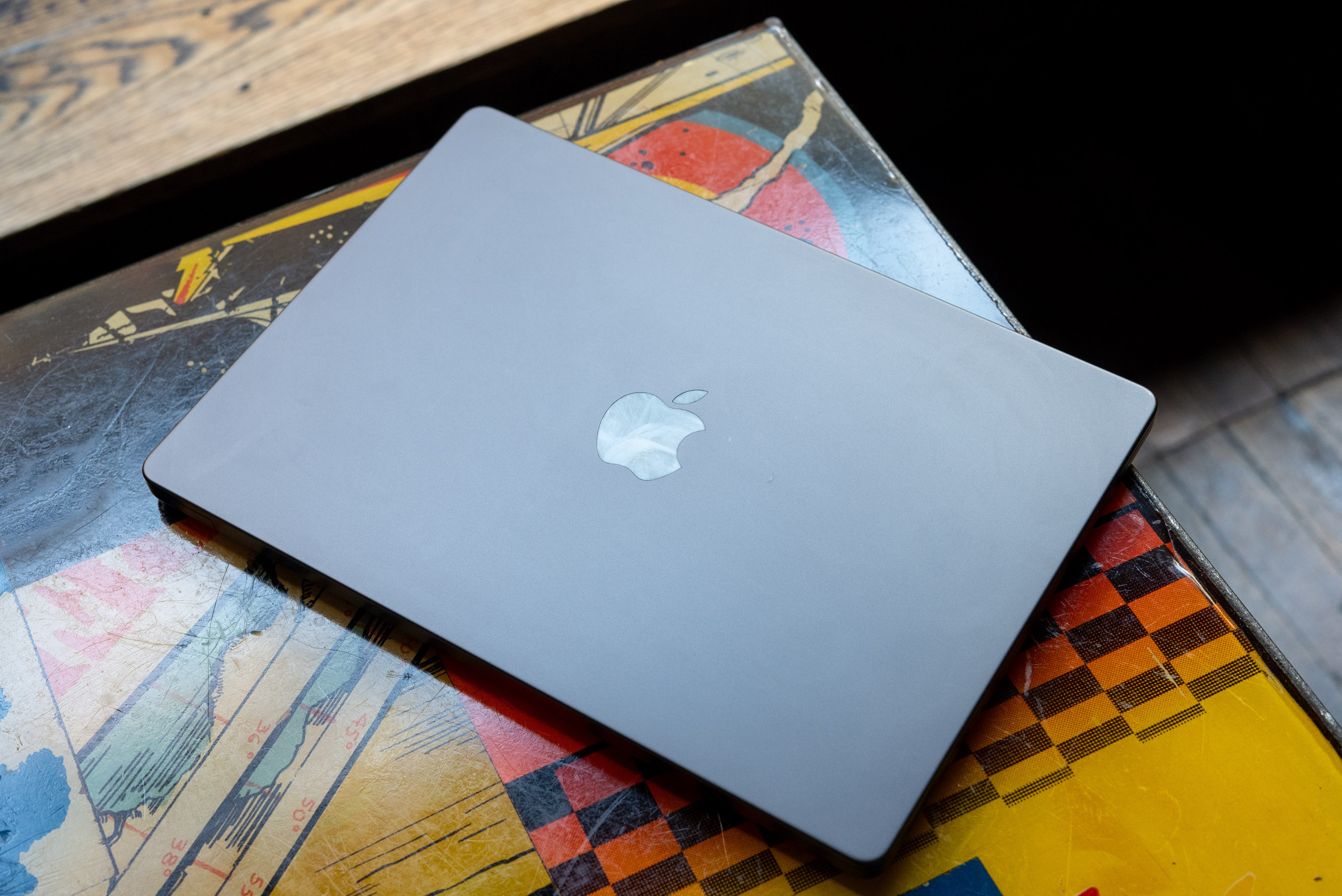
🖥️ 6K and 8K screen support. The HDMI or Thunderbolt 5 ports now support external monitors up to 8K and either two 6K displays (M4 Pro) or four 6K displays (M4 Max). This is a nice boost for workflows that require more detail and lots of monitors (you can never have enough monitors).
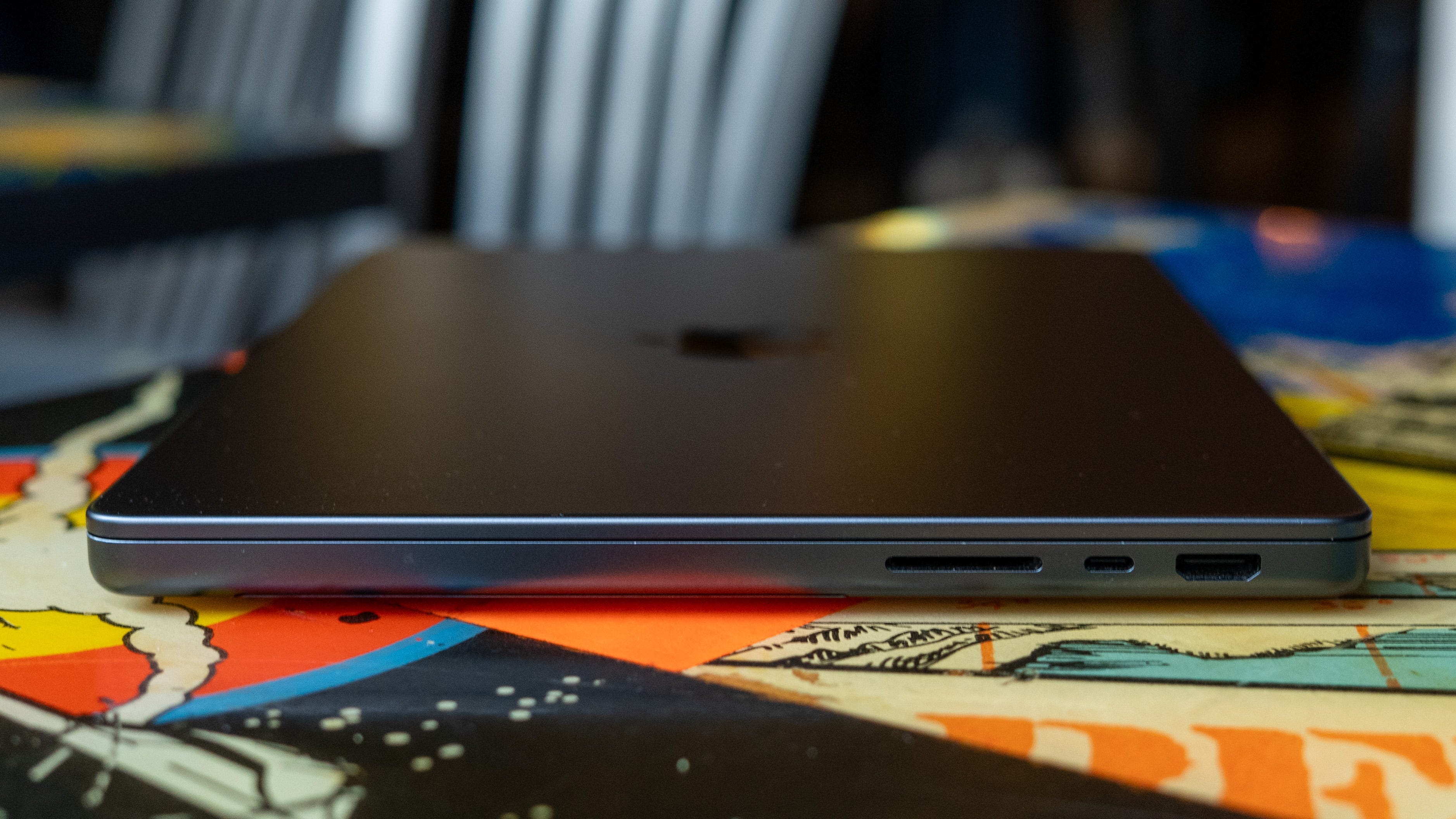
🔌 Pro-level ports. In addition to three USB-C Thunderbolt 5 ports and HDMI, the MacBook Pro 4 still features an SDXC slot and Apple’s MagSafe 3 charging port. The SD card slot (along with USB-C ports on both sides) is the reason I prefer the MacBook Pro over the MacBook Air, even when traveling sometimes.
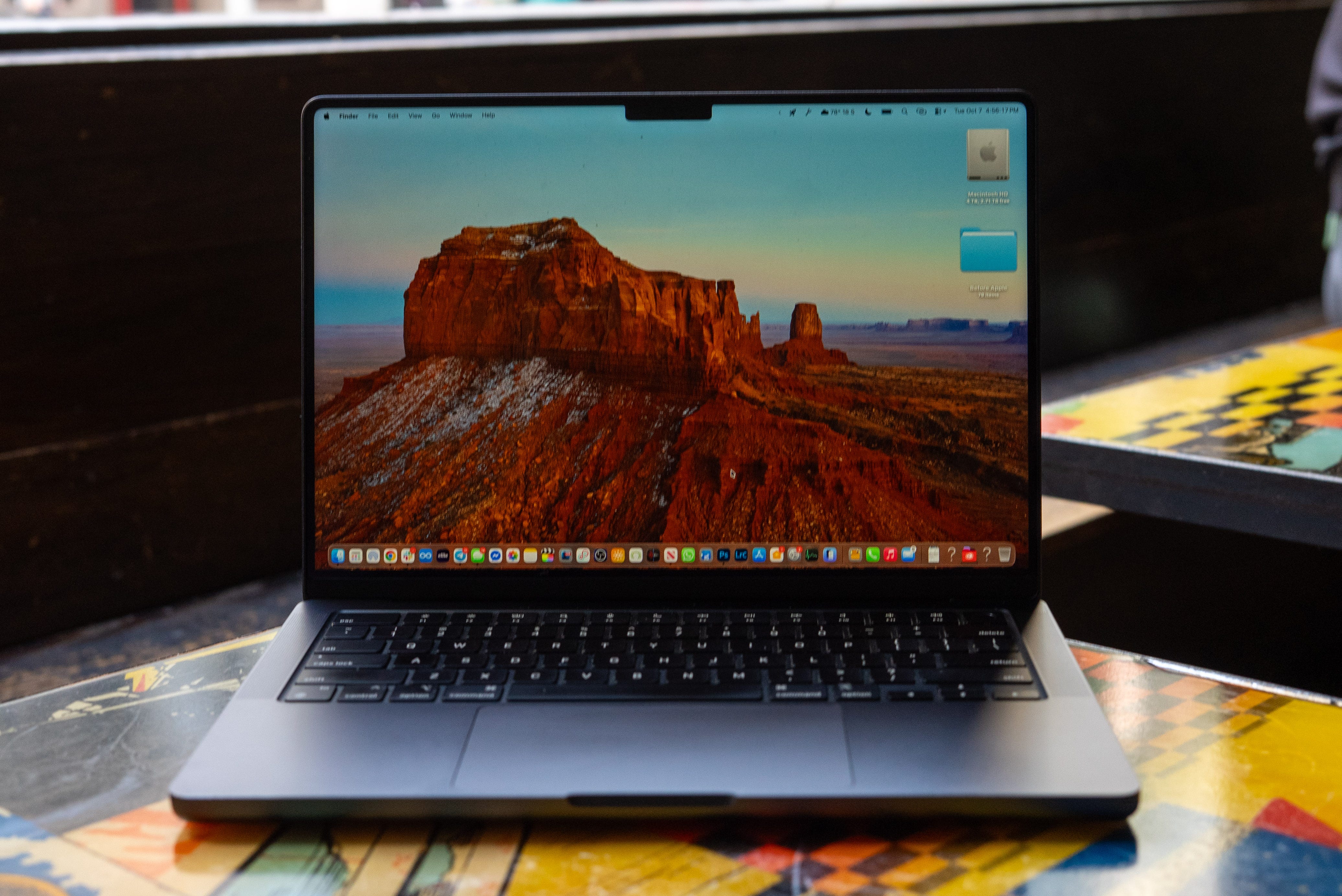
📸 12MP Center Stage camera. This upgrade from the last-gen FaceTime camera has two notable features that make it worth mentioning in a laptop review (where webcams often go overlooked). The tech is a little different than the Center Stage camera seen in our iPhone 17 Pro and iPhone 17 Air review, but it has the same mission: it moves the frame with subtle shifts to keep you in the center. It also has a neat Desk View, ideal for showing off what’s on your desk – or unboxings.
✅ Yes, if…
⚙️ You edit video, 3D, or music professionally
🎮 You want to play high-end Mac games, like Cyberpunk 2077
🤫 You need a laptop that runs cool and quiet
🔋 You care more about performance and battery than design changes
❌ No, if…
👀 You wanted a new look – this is the same chassis (you’ll be waiting a while)
💰 You’re on a budget – it starts at $1,999 (get the MacBook M4 Air)
💻 You prefer the portability of a MacBook Air (get the MacBook M4 Air)
Would you wait for the M5 Macbook Pro, or do you think the M4 is good enough for most?
I think you meant MacOS 26 not iOS 26...