


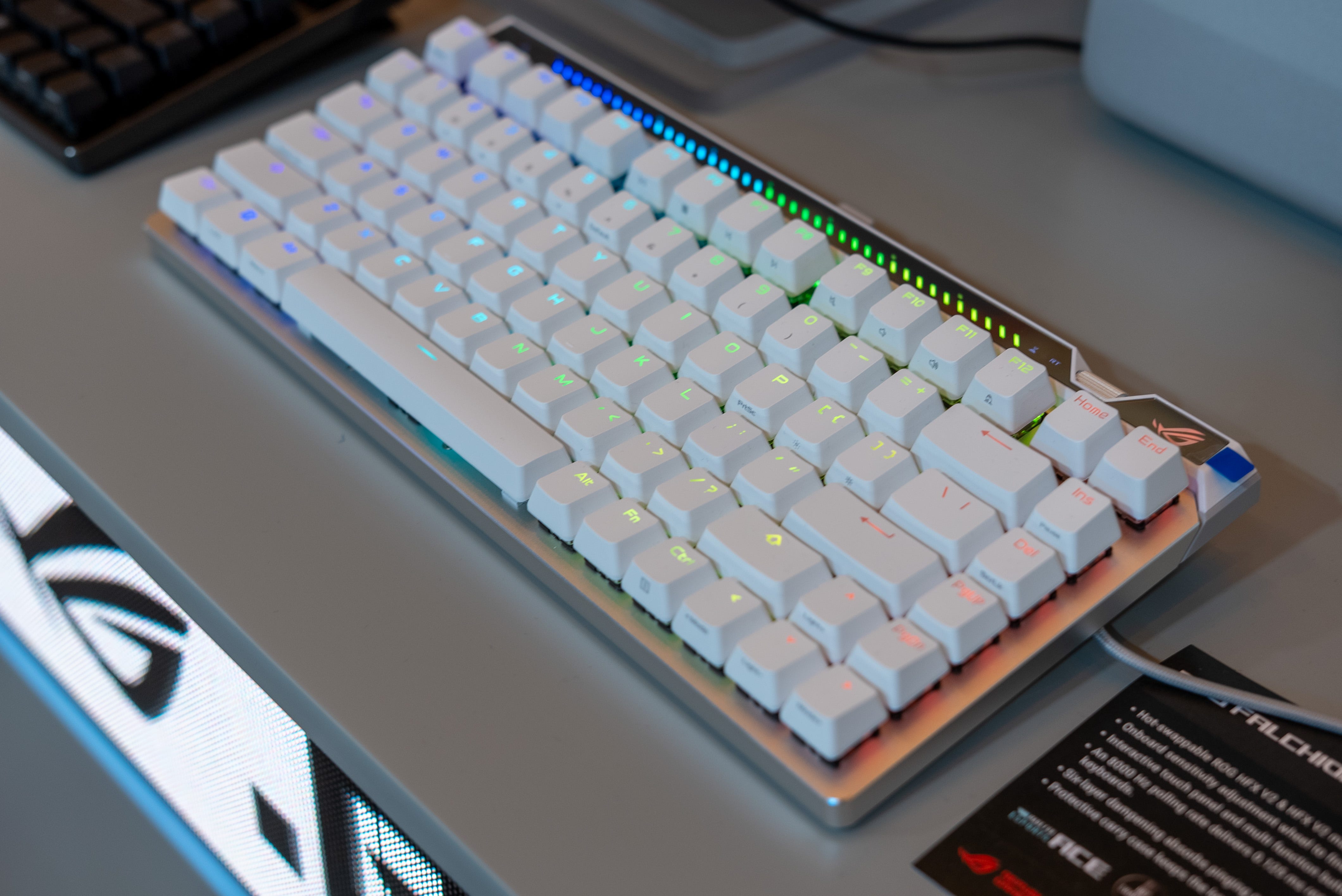

📣 Asus launched the ROG Falchion Ace 75 HE gaming keyboard at CES 2026
⌨️ This 75% wired keyboard features customizable, hot-swappable magnetic keyswitches
🎚️ Per-key programmable actuation between 0.1mm to 3.5mm
🎯 8000Hz polling rate with Rapid Trigger and Speed Trigger for lag-free FPS gaming
🎛️ Scroll wheel and touch bar for on-the-fly settings adjustments
📦 Available now for $219.99
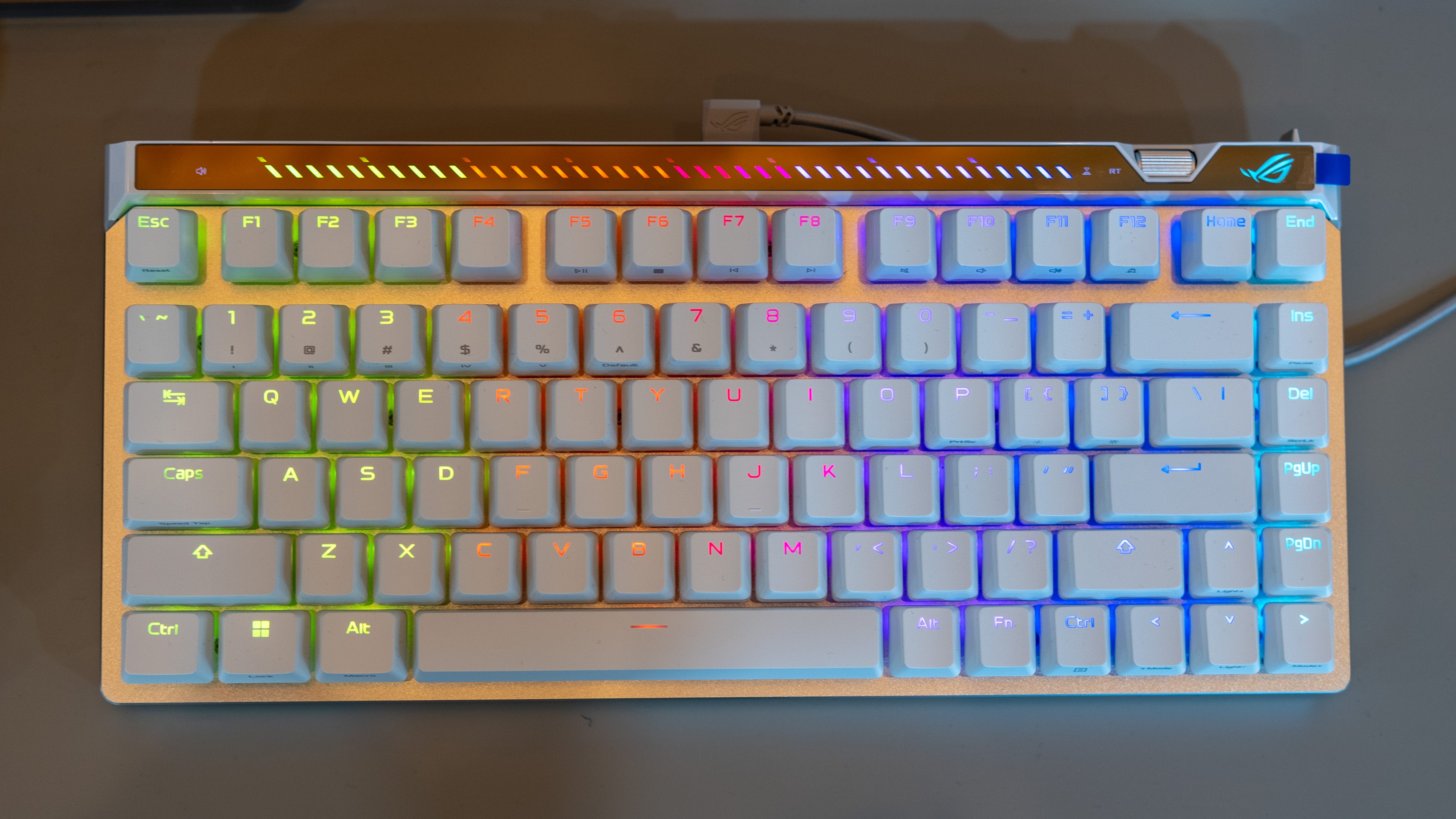
The Asus ROG Falchion 75 HE gaming keyboard is here to make input lag a thing of the past. Launched at CES 2026, this wired 75% keyboard features Asus’ new HFX V2 magnetic switches, equipped with hall-effect sensors that eliminate the input lag of a mechanical keyboard. At the same time, you can program any or all of the switches to accuate anywhere between 0.1mm to 3.5mm, so you get the optimal key press that feels right for you.
Magnetic keyswitches are just one of the Asus ROG Falchion 75 HE’s many tricks. It’s also fully adjustable on the fly with a scroll wheel to set actuation at any moment and a touchbar to set volume, trigger playback controls, or any custom function you’d like. Lastly, it has both Rapid and Speed Trigger to make repeated keystrokes like side-strafing lag-free.
The Asus ROG Falchion 75 HE is available now for $219.
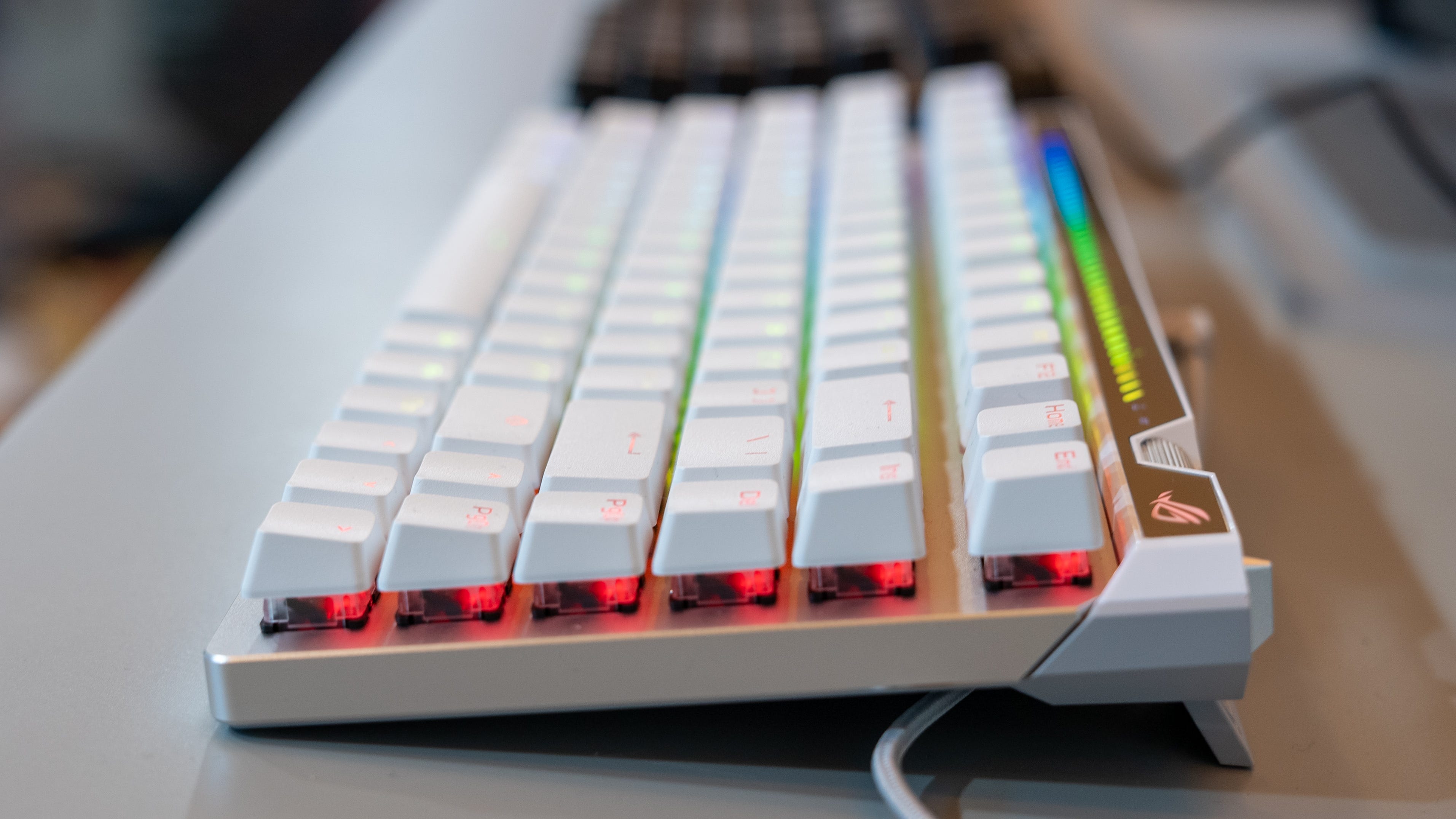
📏 75% form factor. This 75% keyboard hits the gaming sweet spot for me. It’s compact enough that I have more space to whip around my gaming mouse. Meanwhile, there’s still a row of function keys on the right, including end, delete, and page up/down, making it a functional keyboard for everyday use when I’m not gaming.
⌨️ Just my type. The Asus ROG Falchion 75 HE comes with factory-lubed HFX V2 magnetic switches that also feel just right. They’re super stable and end with a thocky feel and sound. 32g of initial force also helps the keys provide just enough resistance to feel like you’re still pressing a real mechanical switch. Personally, though, I prefer the Asus ROG HFX V2X switch, as it has an even more stable square-shaped stem and an X-stabilizer. The good news is you can hotswap between switch types if you want to upgrade your keyboard from HFX V2 to HFX V2X switches later.
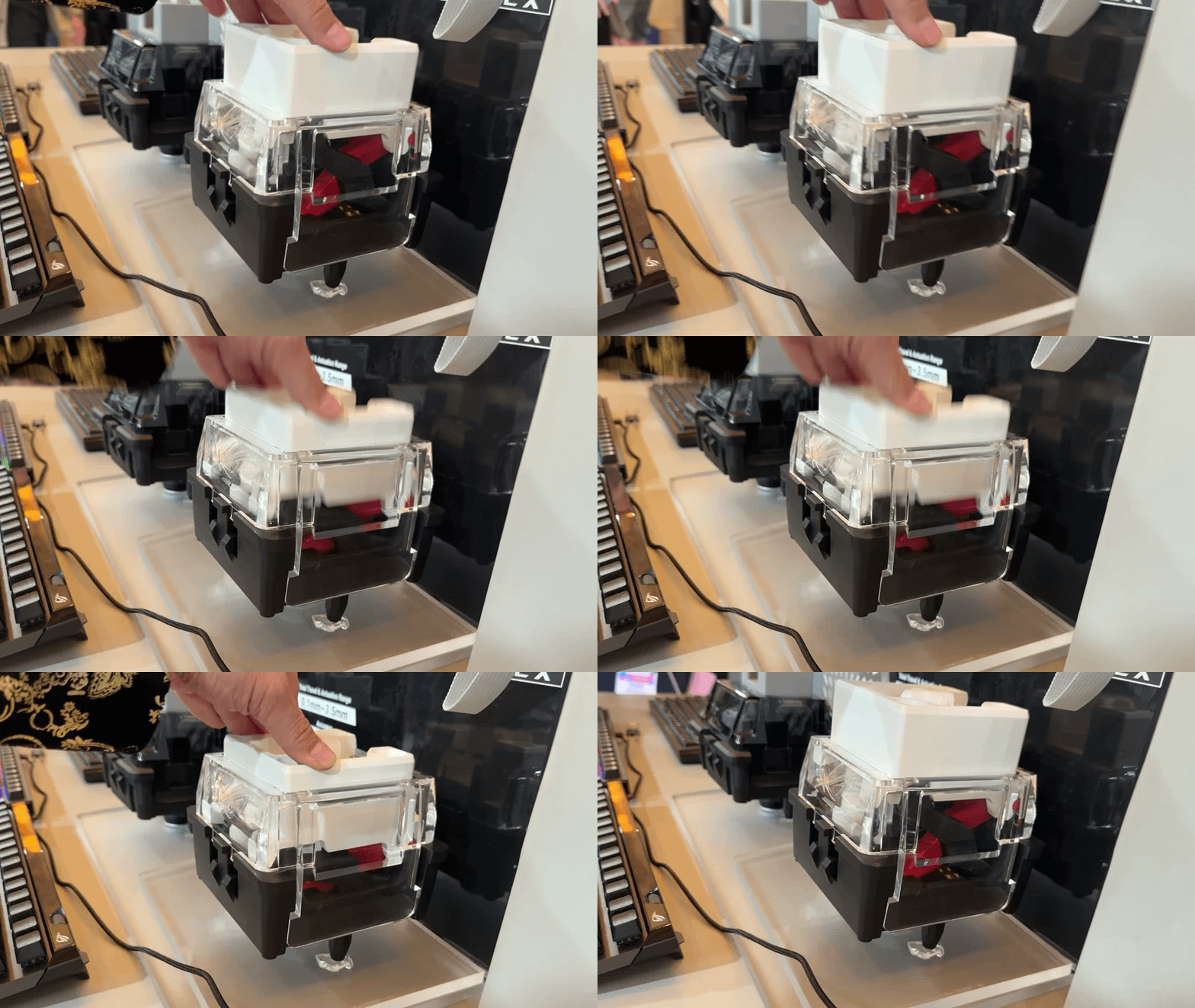
🧲 Magnetic key switches. No matter which switch you choose, they all feature Asus’ new ROG Hall Sensor, with a customizable actuation point on every key from 0.1mm to 3.5mm. You can also do this per key, so you could have your W-key trigger with the slightest touch, while the R-key requires a deeper or full press. This is the gaming keyboard for those who want to fine-tune the responsiveness of every key for competitive gaming.
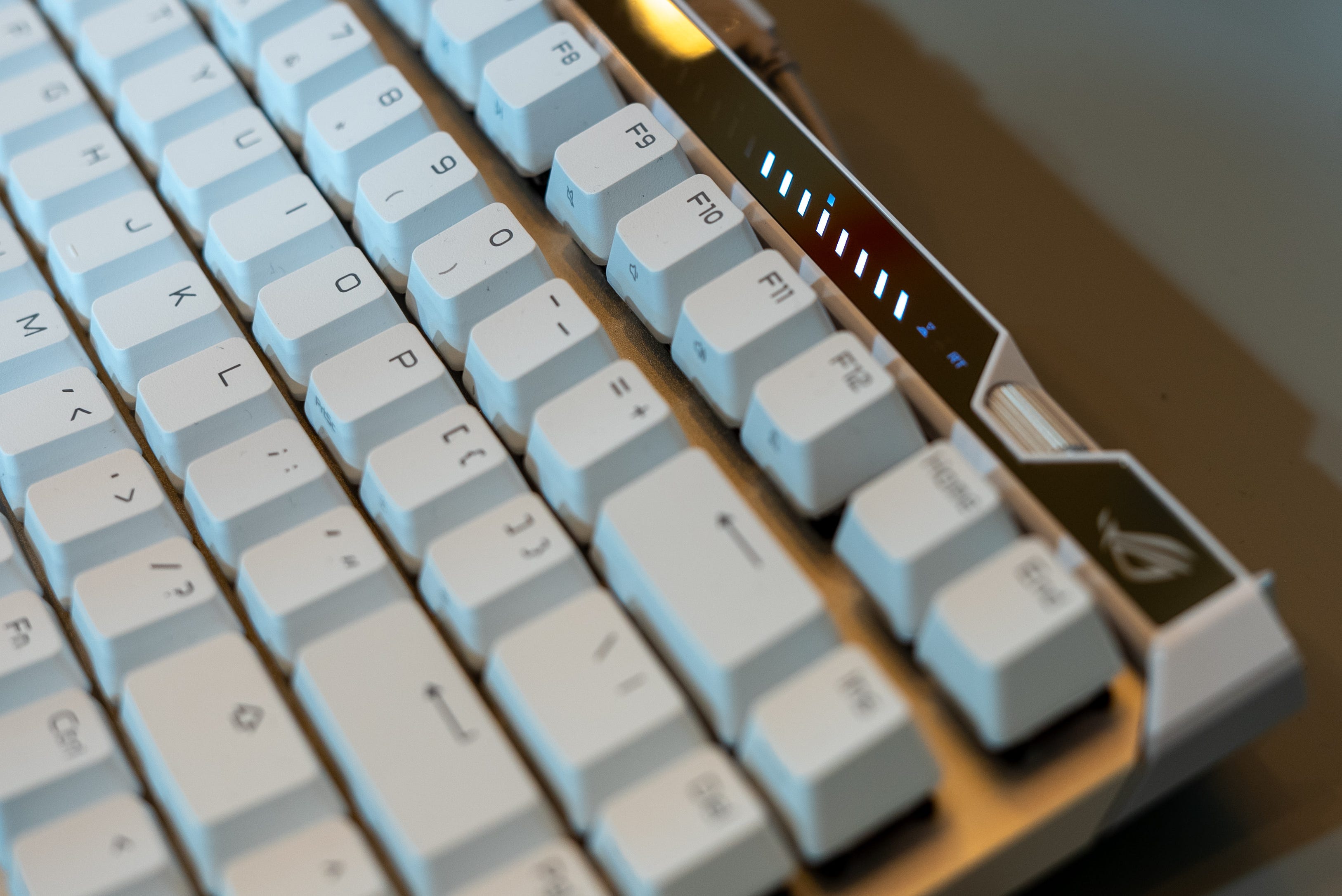
🛞 Scroll wheel. Thankfully, you can also set your actuation point on the fly with the small jog wheel on the keyboard’s upper-right corner. It’s a great addition as you don’t have to dive into the settings every time, especially if you’re in the middle of an online match of Battlefield 6 or CSGO 2. You can also adjust your volume or use this jog wheel to scroll through webpages/documents. The keyboard also shows the adjustment level via a strip of LEDs at the top. I would have preferred a simple digit readout, but this goes better with the cyber-edgey design of this keyboard.
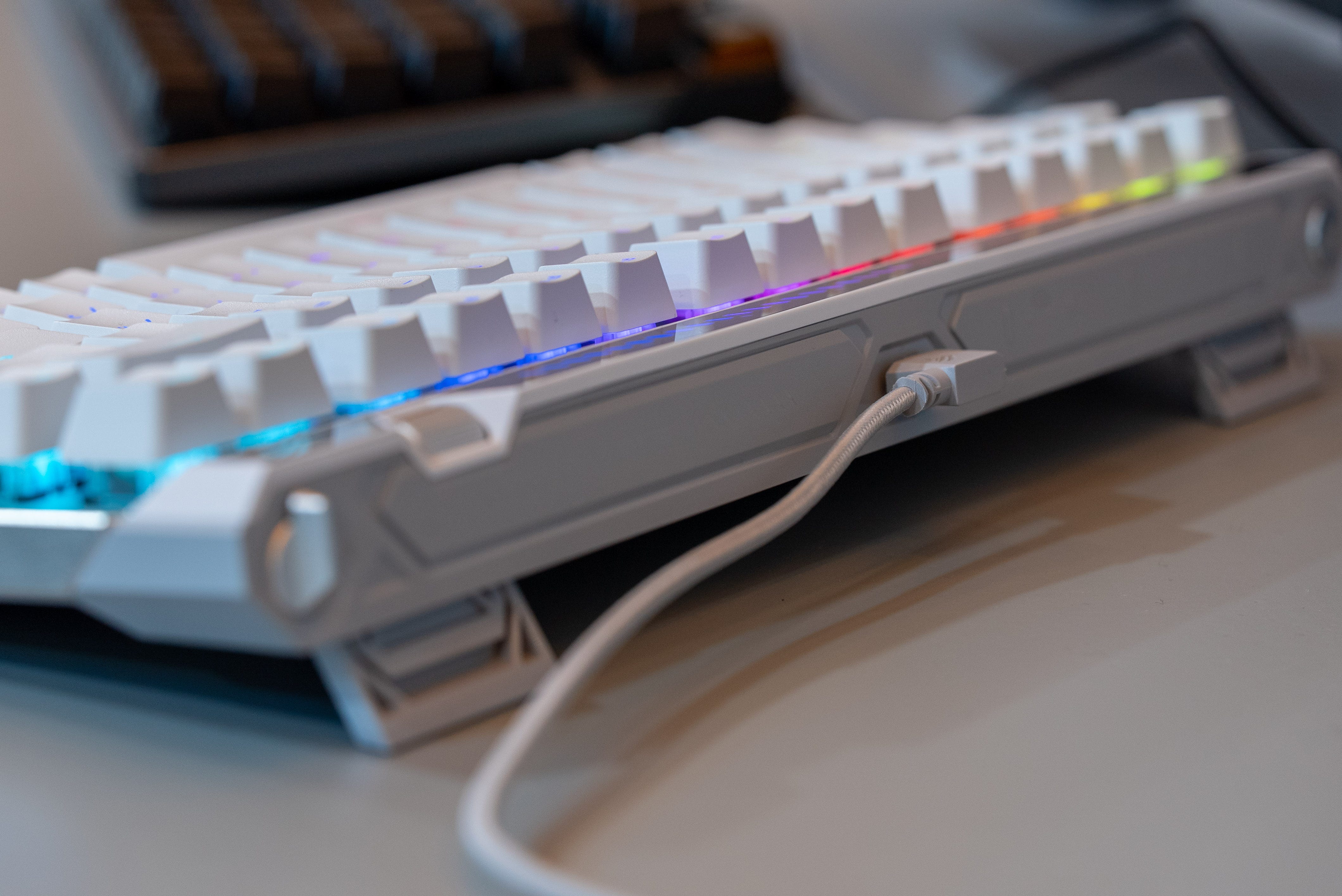
📲 Touch panel. The keyboard features an interactive touch panel that lets you tweak a variety of settings, including volume, media playback, keyboard lighting, and a pair of customizable commands. Like making actuation and volume adjustments, you can see your settings reflected on the LED display bar at the top of the keyboard.
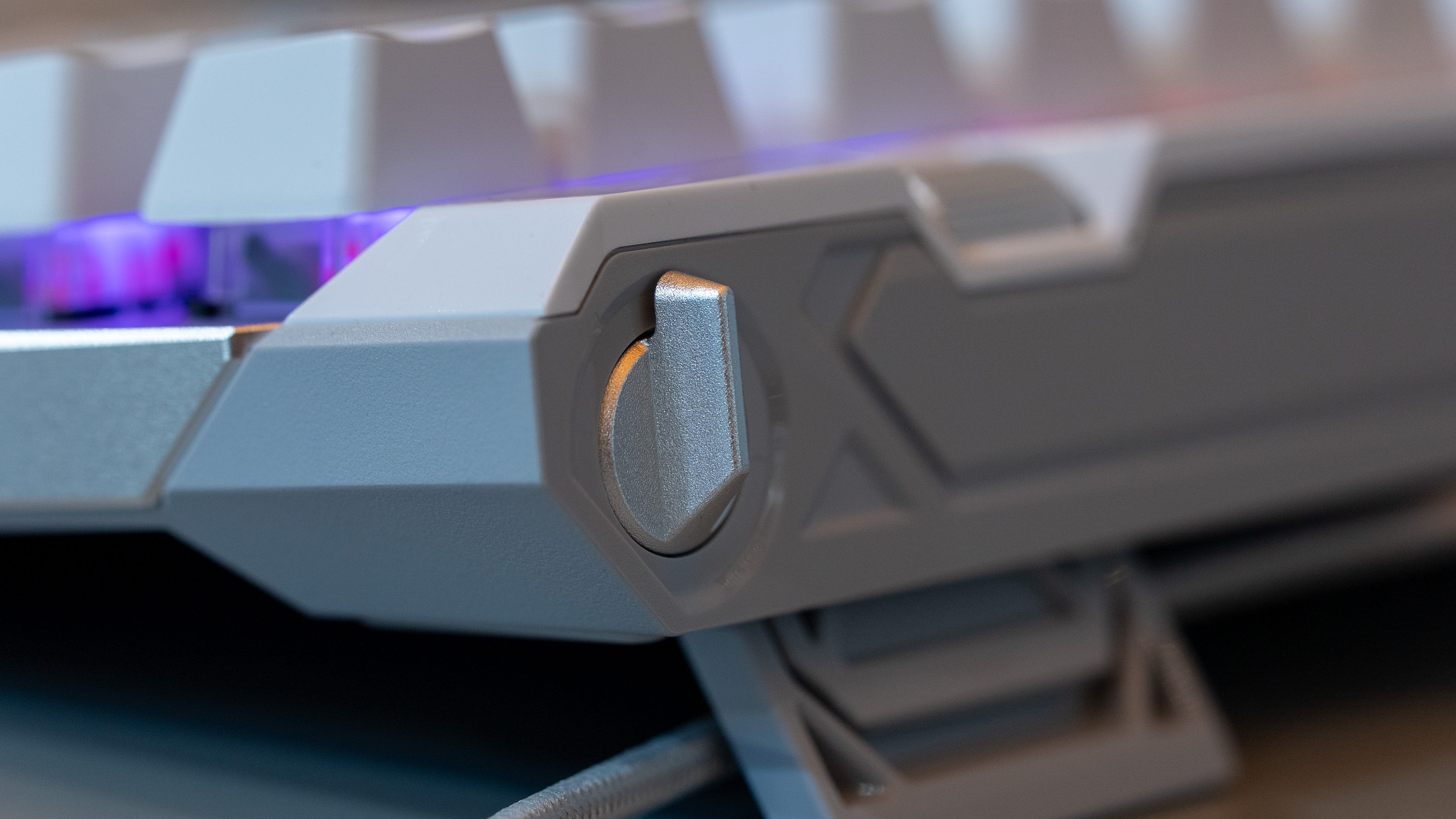
🕹️ Rapid Trigger Flip Switch. The Asus ROG Falchion 75 HE’s last unique control function is a rapid trigger flip switch at the very top-right corner of its frame. When flipped, this switches the keyboard to reset any key the instant you lift your finger off. This let you input repeated actions more quickly and you can layer “Speed Tap” mode on top of it to prioritize directional press so you can side strafe with zero delay.
Kevin Lee is The Shortcut’s Creative Director. Follow him on Twitter @baggingspam.