


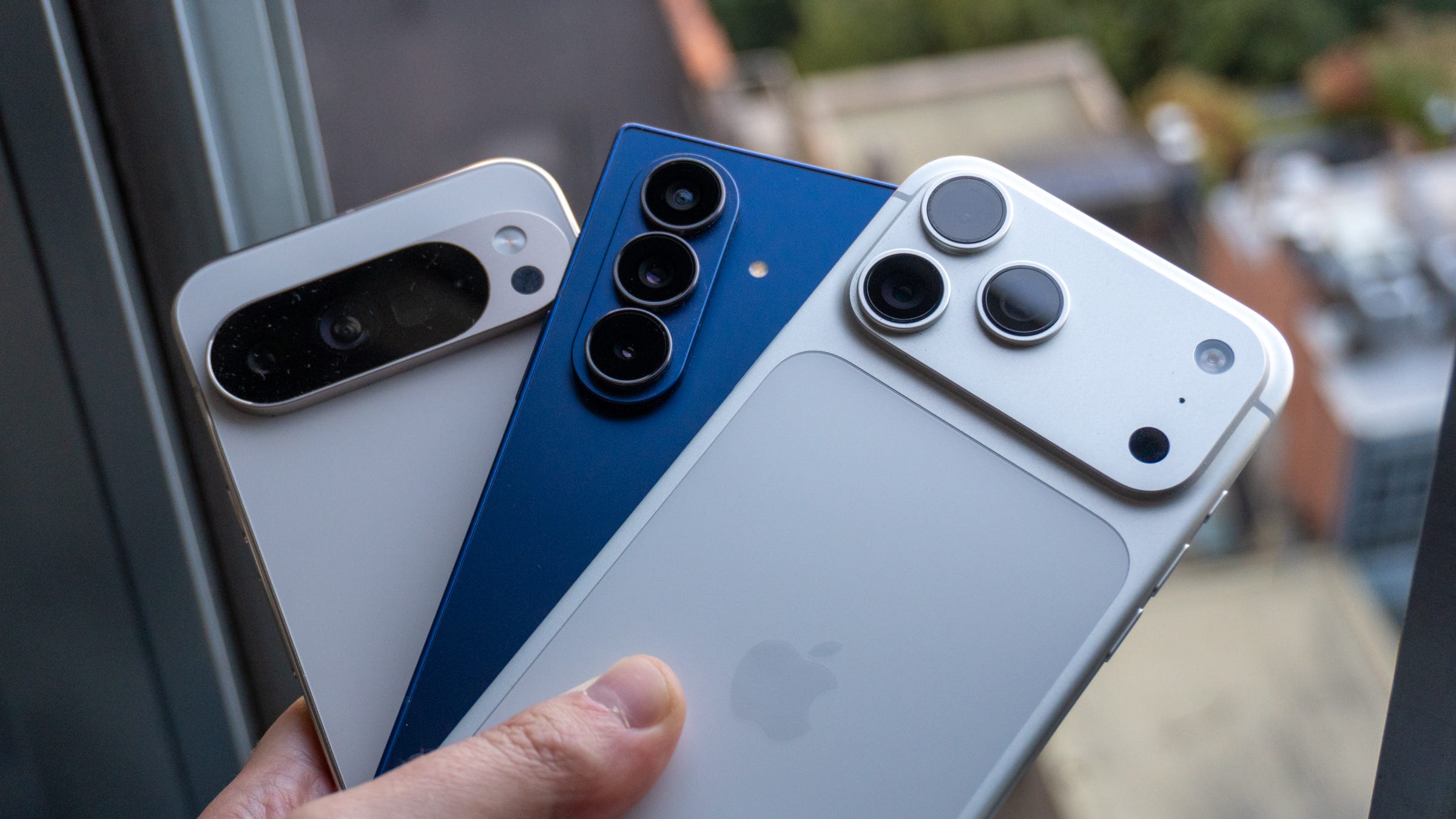

📲 Apple is making it easier to move from iPhone to Android
⚙️ A new setting coming to iOS 26 makes it easy to transfer all of your stuff
💬 You can move your apps, messages, photos, notes, and more
⌚️ There’s also an improved way to use third-party watches with your iPhone
📅 Apple will likely release the iOS update in the next few months
Apple and Google are working on easier ways to move between iPhone and Android, and both companies are now testing the new methods in their software. While Google released its version of the tool in a beta version of Android earlier this month, it took Apple until now to incorporate it into an iOS 26 beta - and it’s live now.
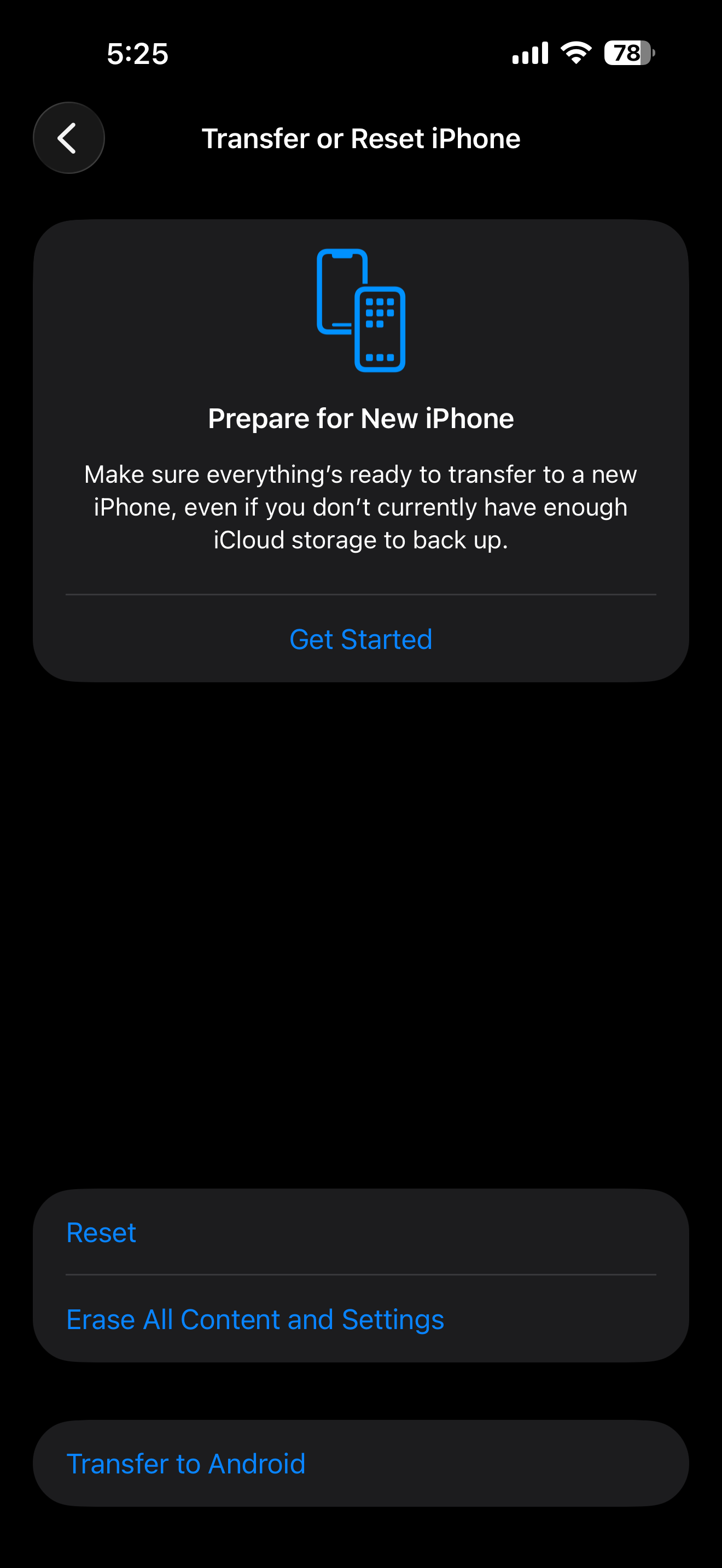
The new iOS 26.3 beta, which just started rolling out to testers this week, includes a new button in the Settings app called “Transfer to Android.” When resetting your phone, you’ll have the opportunity to seamlessly transfer the data on your iPhone to a new Android phone you’re switching to, simply by holding the devices close to one another. This is similar to how transfers from Android-to-Android work, as well as iPhone-to-iPhone.
Using the feature, you can transfer your photos, messages, notes, and even your apps over Bluetooth and Wi-Fi. Apple notes that you can also transfer your phone number, which is a big improvement for those who want to switch from iPhone to Android and not deal with their carrier to transfer their eSIM. Health data, Bluetooth devices, and any data that’s locked your iPhone won’t be transferred.
The new feature is further evidence that Apple is willing to play nicer with Android than it ever has before. Following the roll-out of RCS to iPhones, third-party app stores coming to the iPhone in the EU, and AirDrop working across Pixel phones and iPhones, it’s clear that Apple’s guard is coming down (albeit slowly) when it comes to locking other platforms out from interacting with its “walled garden” ecosystem.
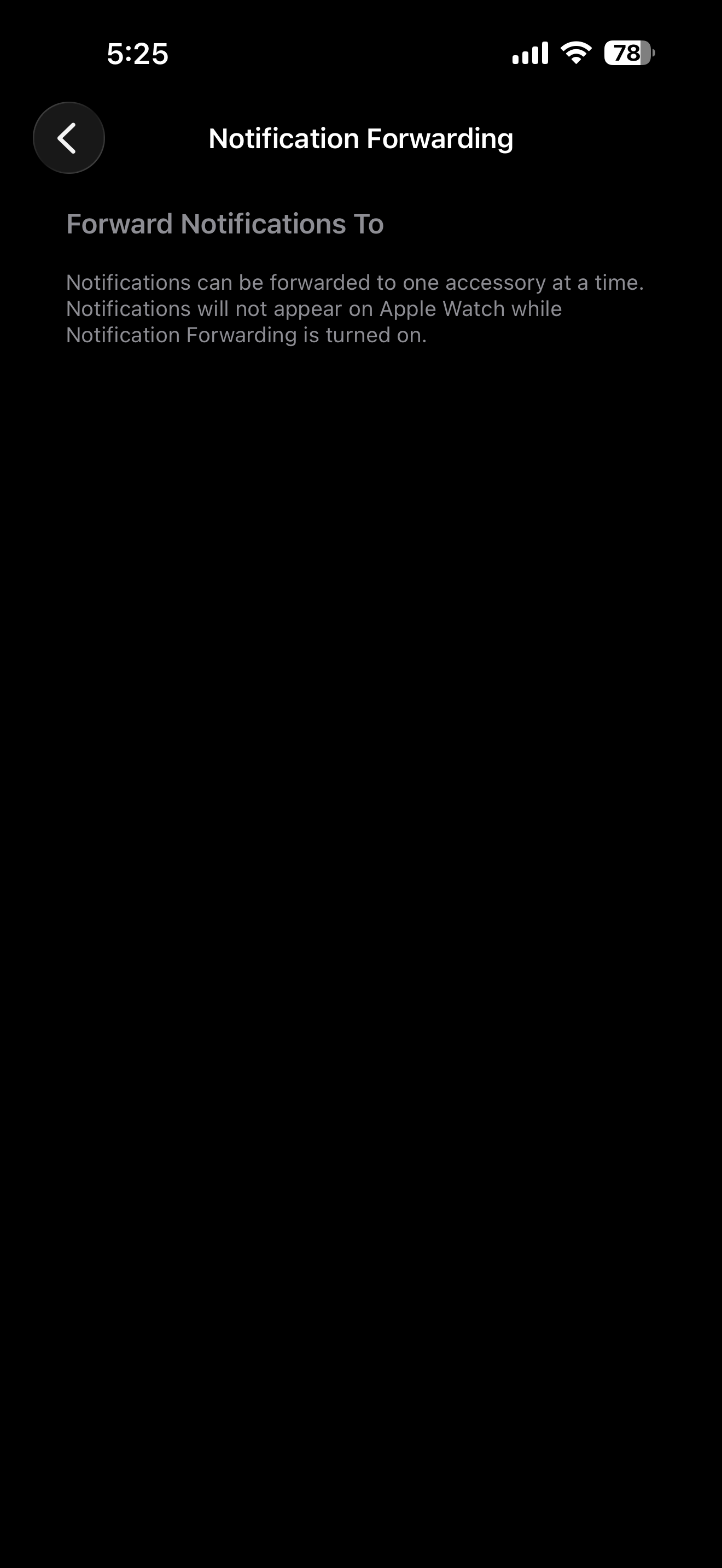
In addition, iOS 26.3 introduces a new feature that’ll make using third-party smartwatches more enjoyable. A new setting called “Notification Forwarding” lets you send all of your iPhone’s notifications to a supported watch, which means your phone won’t buzz at the same time as your watch. This technically disables notifications on an Apple Watch, but if you don’t own one in the first place and use something like a Garmin or Withings watch, it won’t affect you.
Apple is expected to release iOS 26.3 following its beta process in the coming months.
Max Buondonno is an editor at The Shortcut. He’s been reporting on the latest consumer technology since 2015, with his work featured on CNN Underscored, ZDNET, How-To Geek, XDA, TheStreet, and more. Follow him on X @LegendaryScoop and Instagram @LegendaryScoop.