



🤖 Adobe has added more AI features to Acrobat and Express
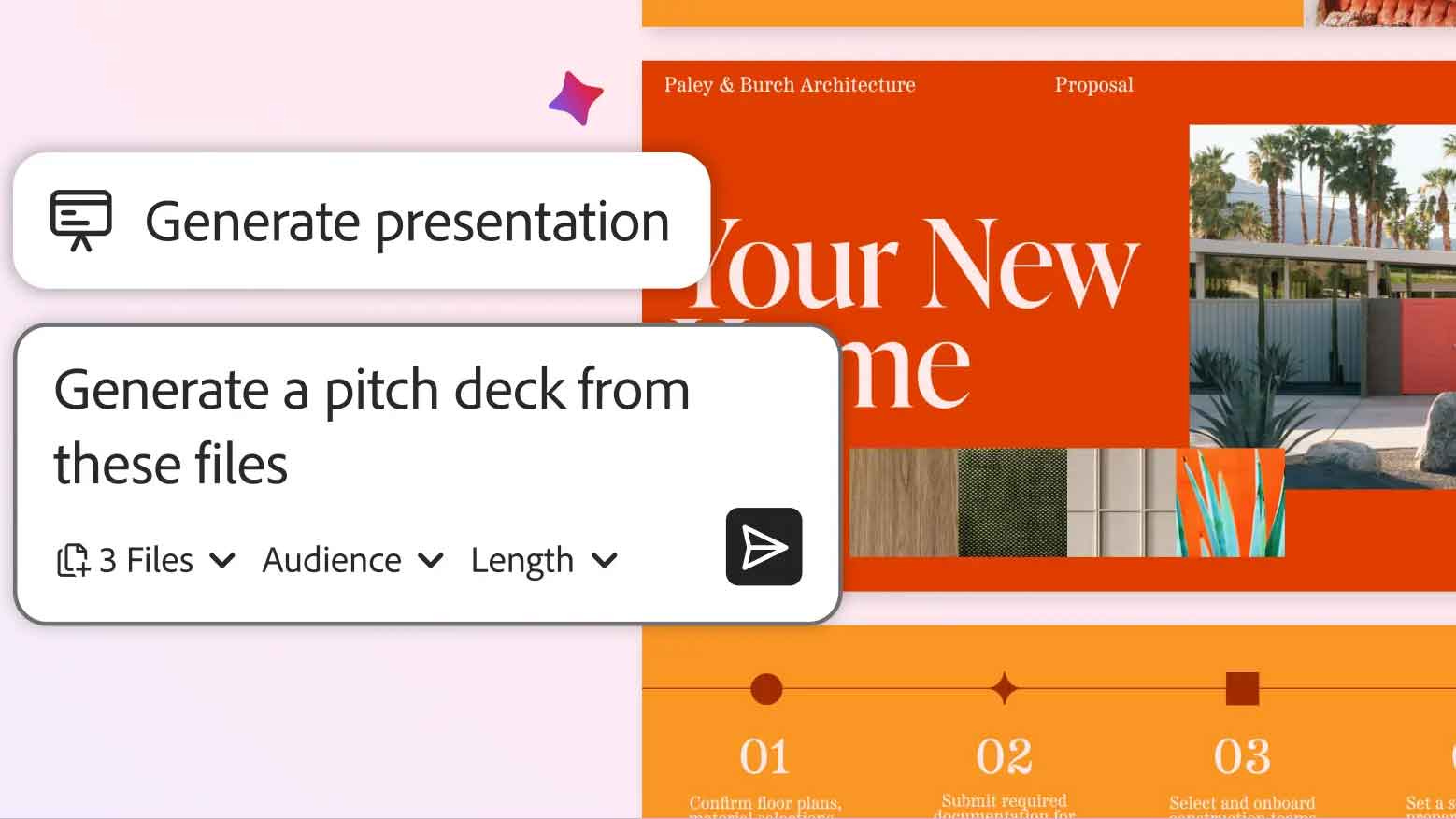
🎁 These include the ability to generate a presentation based on data and notes you provide
👍 You can also use AI and natural language prompts to save diving through menus for things such as deleting images, adding signatures and more
📧 The new Generate Podcast feature can also consolidate any long emails, reports and more into a shorter and more digestible format if you need it
Hot on the heels of some new additions to Premiere Pro, Adobe has brought more AI features to Acrobat and Express to make life a little easier.
As per a new blog post, Adobe has added the ability to generate a presentation in Acrobat. You can ask AI to generate an outline using the information from the files you have open, and it can generate a proper presentation at the touch of a button.
With information such as reports, product sheets and web pages, you could put them into the new AI Spaces area within Acrobat that provides insights based on data you provide, and then use Acrobat’s AI Assistant to analyze the information and turn it into the outline of a pitch deck.
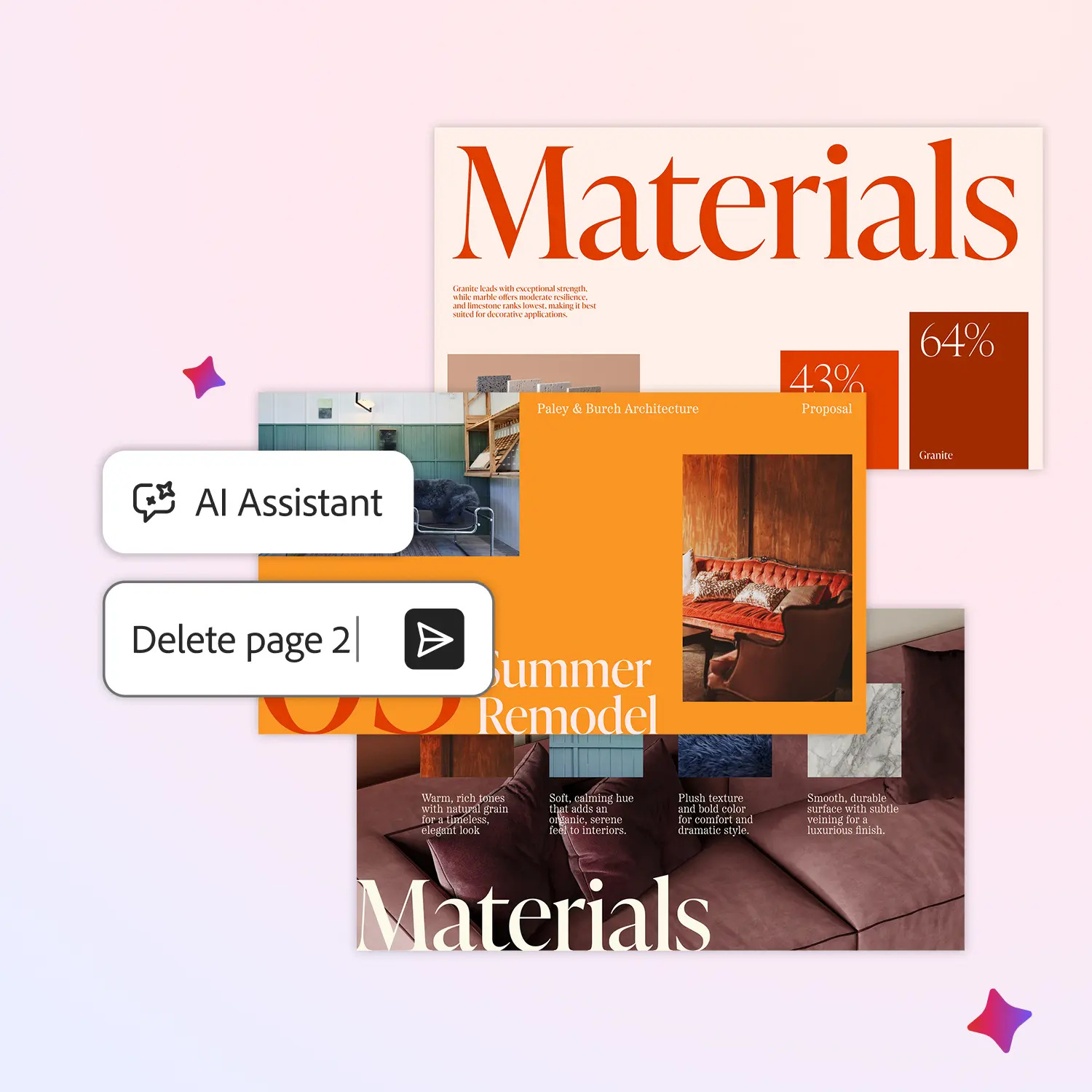
You can then choose things such as the length of your presentation and the tone you wish to convey, with the AI Assistant then generating a custom and editable presentation without you having to leave Acrobat for any reason.
There is also a new chat-based AI in Acrobat which can be used for automating more basic tasks such as removing pages, text, comments or images from a file, plus adding e-signatures and passwords. As opposed to clicking around menus aimlessly, you can ask away with a natural language prompt to explain what you want to do.

If you’re someone who struggles to digest information in long emails, attachments or otherwise, then you can also use the new ‘Generate Podcast’ feature in Acrobat to turn the info into a shorter, digestible podcast-style summary.
Adobe also says this feature can be used to turn educational guide PDFs into short audio lessons, or for consolidating school newsletters and event calendars into a snappy way of keeping people you know organised.
The new PDF Spaces area can also be used for collaborative working. It’s now possible to invite others to add files, leave notes or comments on what’s being worked on, ensuring everyone is on the same page on a particular project.
Up next: Remember the Humane AI Pin? Apple is reportedly working on an AI wearable of its own
Reece Bithrey is a journalist with bylines for Trusted Reviews, Digital Foundry, PC Gamer, TechRadar and more. He also has his own blog, UNTITLED, and graduated from the University of Leeds with a degree in International History and Politics in 2023.