


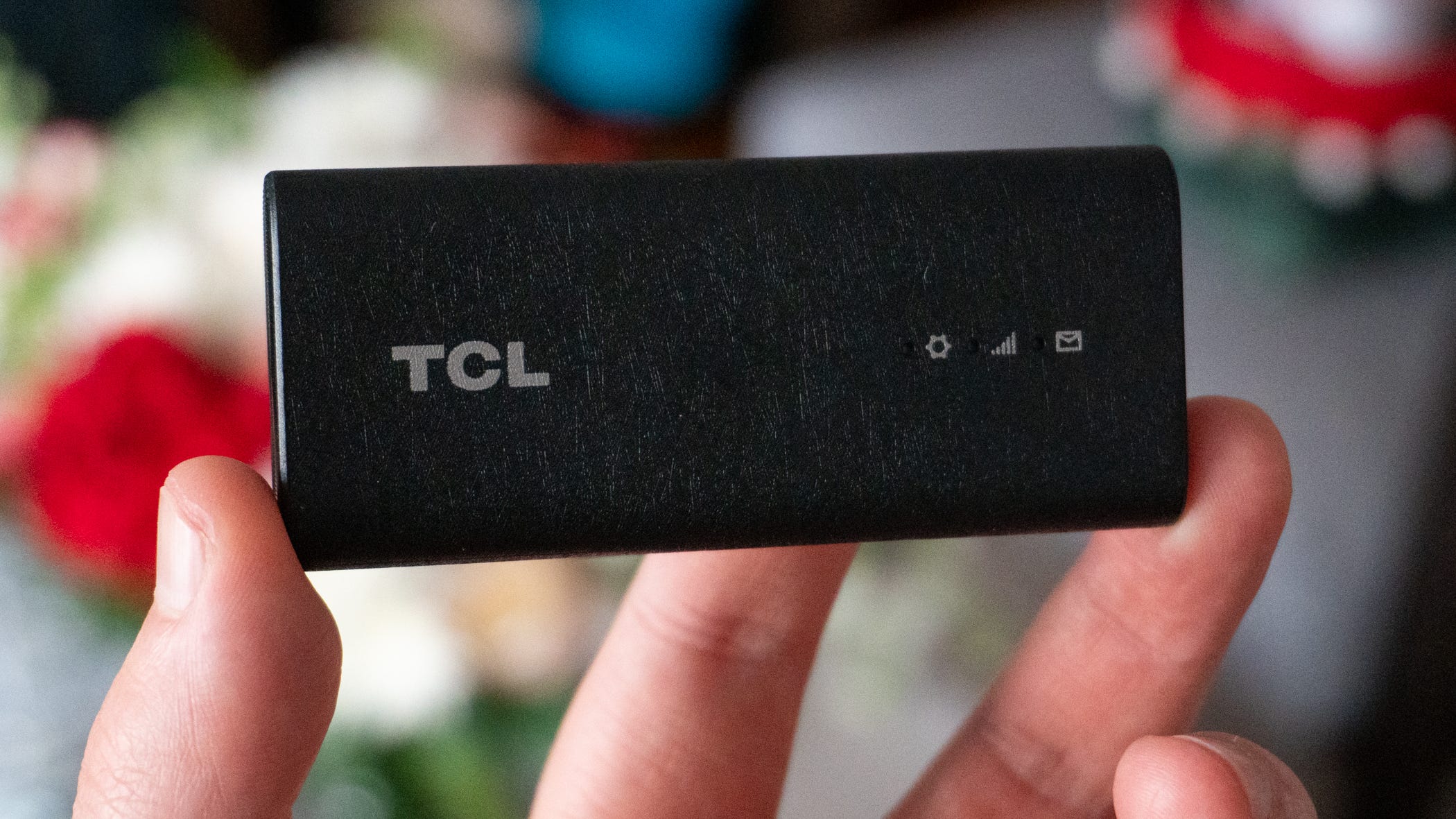

💻 TCL and T-Mobile teamed up to make it easy to add 5G to your laptop
💰 The Linkport IK511 costs $96 but is often available for free, plus a data line
🧑🔧 It’s easy to set up and works with virtually any device
📶 It’s exclusive to T-Mobile, so you’re out of luck with other carriers
✈️ I won’t go anywhere without it after using it for a few weeks
We’re all used to using our phones as hotspots so we can use our laptops on the go, but what if I told you there was an easier way?
T-Mobile and TCL recently linked up (pun intended) to introduce the Linkport, a connected 5G device that uses a SIM card and a USB-C cable to give any device you want access to the internet. It’s compatible with all major operating systems (e.g. Windows, Mac, Android, Linux), it’s easy to set up, and it’s pretty affordable.
I’ve been using the hotspot accessory for a few weeks now, relying on it to connect me during a trip to Nashville and numerous stints at coffee shops and cafes around New York City. Almost overnight, it’s become a staple in my backpack not just because it keeps me connected but also because it saves my phone.
TCL Linkport IK511 hands-on review
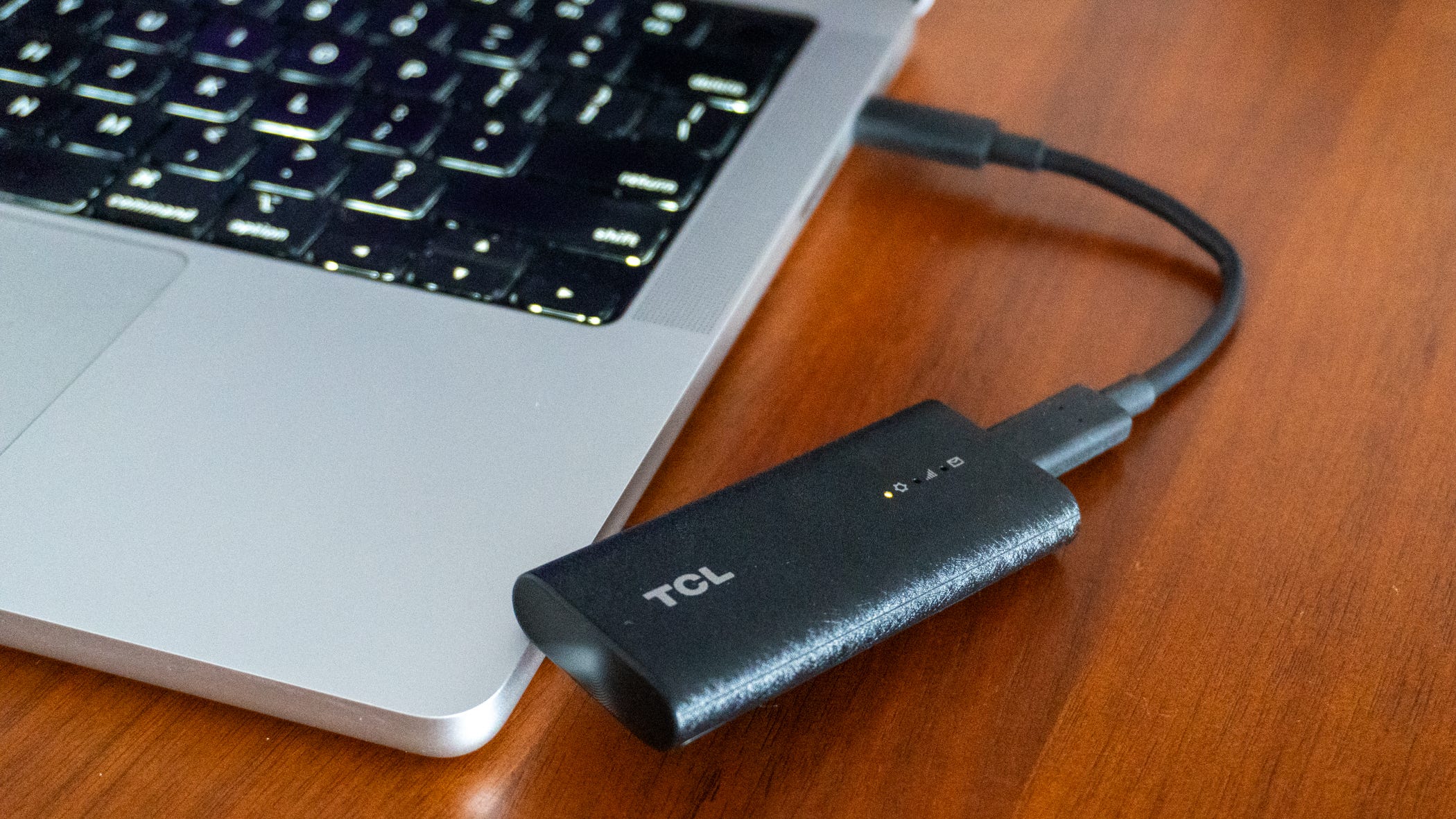
🛜 5G whenever, wherever... The Linkport is the ultimate plug-and-play way to get 5G whenever you need it. You don’t need to sift through your laptop’s Wi-Fi settings to get it to work, there isn’t a touchscreen interface to fiddle with, and it doesn’t need to be plugged into the wall. All you do is connect it over a USB-C cable to your laptop and… it works. Give the Linkport about 30-45 seconds to boot up and establish a connection and you’ll be on your way to portable 5G whenever, wherever you need it.
I used the Linkport in a ton of different environments. To write this review, I plugged it into my MacBook in the back of a Greyhound bus. I’ve also used it on a work trip to Nashville, every coffee shop you can find in New York City, and even on a cruise ship before we embarked on a voyage to the Bahamas. The Linkport adds a peace of mind that I didn’t think I’d need in my everyday carry, but now that I have it, I’ll never go back to leaving the house without it.
🐌 …but with limited speed. The biggest downside to the Linkport is its performance. This is technically a 5G RedCap device, which stands for “5G Reduced Capacity.” Using the Snapdragon X35 Modem-RF System, 5G RedCap helps increase the Linkport’s usefulness by broadening device compatibility. While it’s great it works with more devices than it otherwise would, it also means you won’t get great data speeds.
Instead, data speeds are limited to 220Mbps in the most ideal conditions. In my testing, I was never able to replicate that number. Typically, my data speeds would hover between 30-70Mbps down and 10-30Mbps up, which is far from what 5G technology promises. It’s perfectly usable, but if you’re looking for a hotspot that promises the best 5G experience, the Linkport isn’t for you.
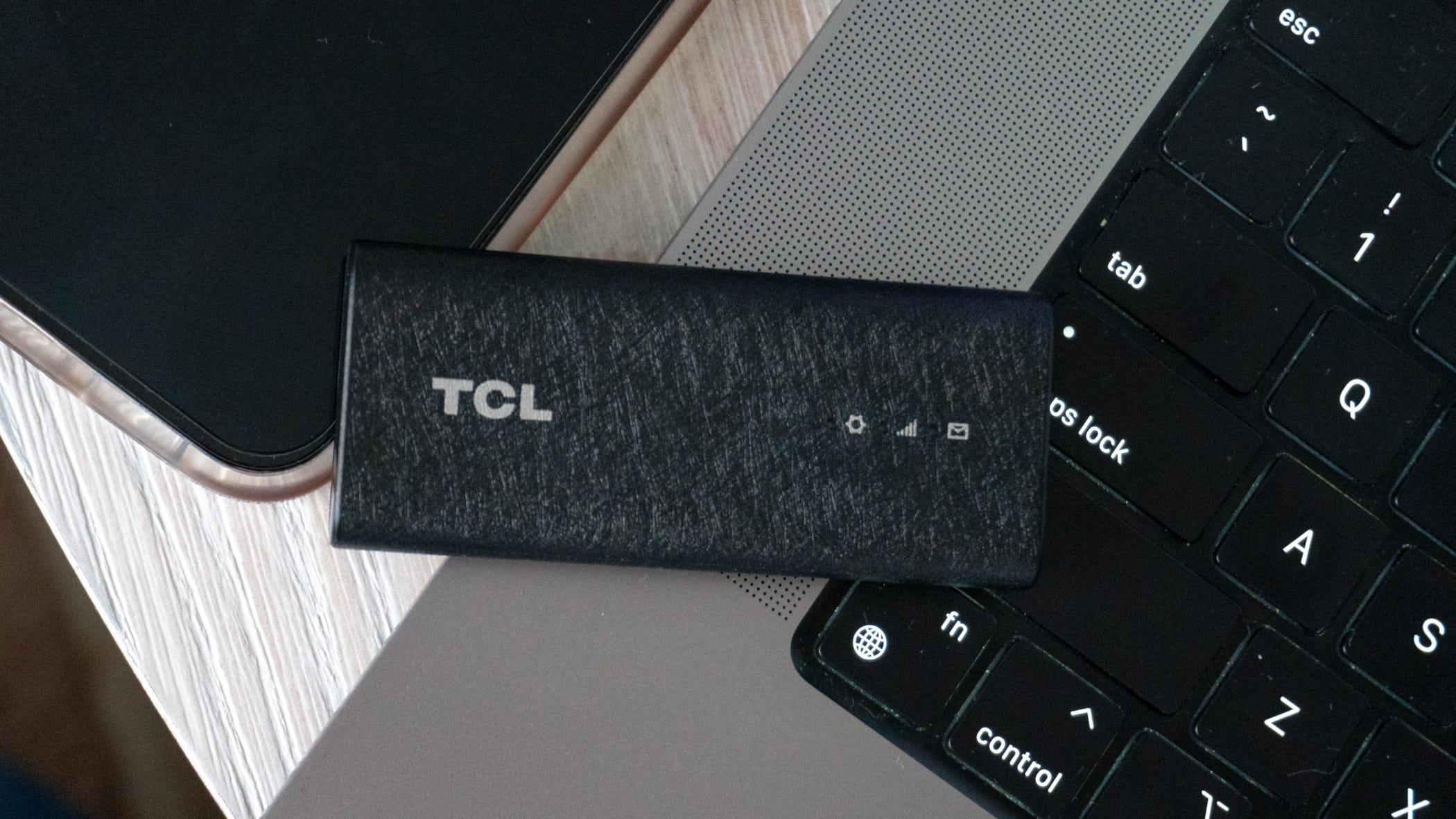
📶 4G LTE also works. The Linkport relies mainly on 5G, but if there’s no 5G around, the device is backward compatible with 4G LTE connections. That means you can take this thing pretty much anywhere. Of course, data speeds won’t improve, but at least you’ll have a connection as opposed to none.
📱 It’ll save your phone - big time. Despite the slower data speeds, I much prefer using the Linkport over my phone’s hotspot. I tend to work for a long time when I need a hotspot, and over a couple hours, your phone naturally gets warm and the battery drains if you’re using the hotspot. But with the Linkport, you won’t be putting any wear and tear on your phone, which is better for it in the long run.
👨💻 Simple set up process. I found out how easy it was to set up the Linkport by setting it up on the fly. I was in a rush to head backstage at a concert in Nashville and needed a hotspot to do some work on my laptop, so before I left, I set up the device and found it very straightforward. Plug it into your computer, open your browser, and head to a specific IP address. From there, you punch in the login information that’s printed on the packaging for the Linkport, change the password to something you’ll remember, and you’re off to the races.
It didn’t take long for the Linkport to activate on T-Mobile’s network, and the settings interface associated with the IP address gives you a lot of control over the device. It also gives you a ton of ways to troubleshoot your connection if it’s not working properly, which was nice to see.
💻 Here’s which devices work and which don’t. The Linkport is primarily designed for laptops given its portable design, but it technically works with any device running Windows, macOS, Linux, or Android. That means you can plug it into a Windows PC, an iMac, your Linux machine, an Android tablet, and more. Other devices like TVs won’t work since manufacturers lock the specific settings you need behind a simplified interface, but for any device that runs one of the four operating systems I mentioned, you’ll be good to go.
💳 It’s pretty affordable. As convenient as the Linkport is, it doesn’t come with a high cost. Its sticker price is $96 but T-Mobile has been running a 50% off promotion for a while now that doesn’t seem to be going away, and for the 5G connection, it’s only $5 per month if you’re on a Go5G Next or Go5G Business Next plan. If not, the data line will cost you $20 per month, which isn’t too shabby for an extra 5G connection wherever you go.
🤔 I wish more carriers had this. Using the Linkport for the past few weeks has made me wonder why more carriers don’t have one of their own. This particular model is exclusive to T-Mobile and will stay that way, and if it’s successful, I can only guess that more carriers will realize it’s worth cooking one up. Here’s to hoping AT&T and Verizon introduce their own Linkports in the future.
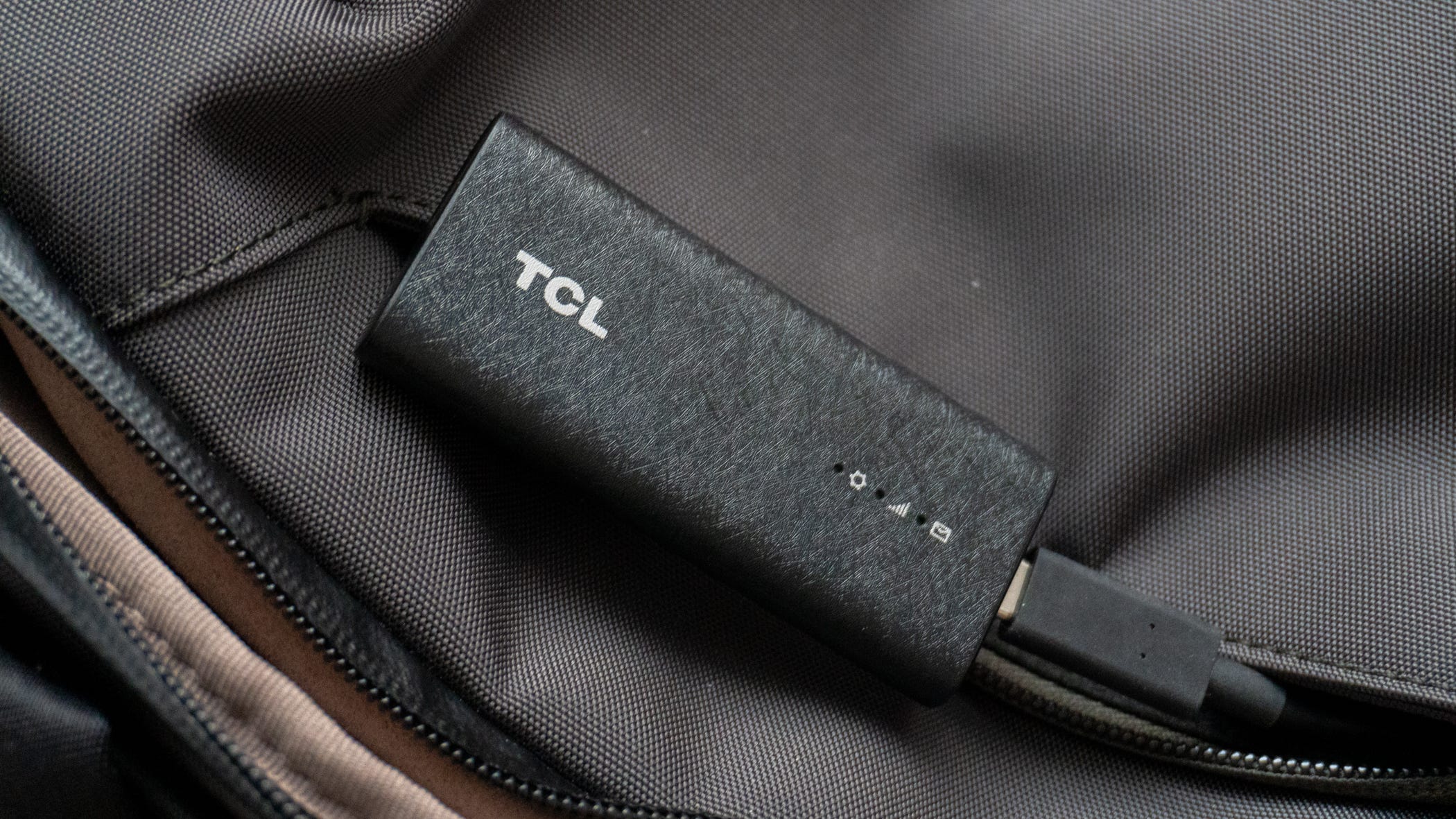
Where to buy the TCL Linkport IK511
You can get the Linkport from T-Mobile on a separate data line now. Normally priced at $98, it typically costs about $48, plus $20 per month for data or $5 per month on certain plans.
Max Buondonno is a writer at The Shortcut. He’s been reporting on the latest consumer technology since 2015, with his work featured on CNN Underscored, ZDNET, How-To Geek, XDA, TheStreet, and more. Follow him on X @LegendaryScoop.
It's a great accessory for Chromebooks, since it allows Chromebooks to have the always-on connection they need for all their web apps.