


🏆 Review score: 4/5
🏅 Editor’s Choice Award

✅ Pros
🔄 Seamlessly switches control between PC, Xbox, and Bluetooth-connected devices
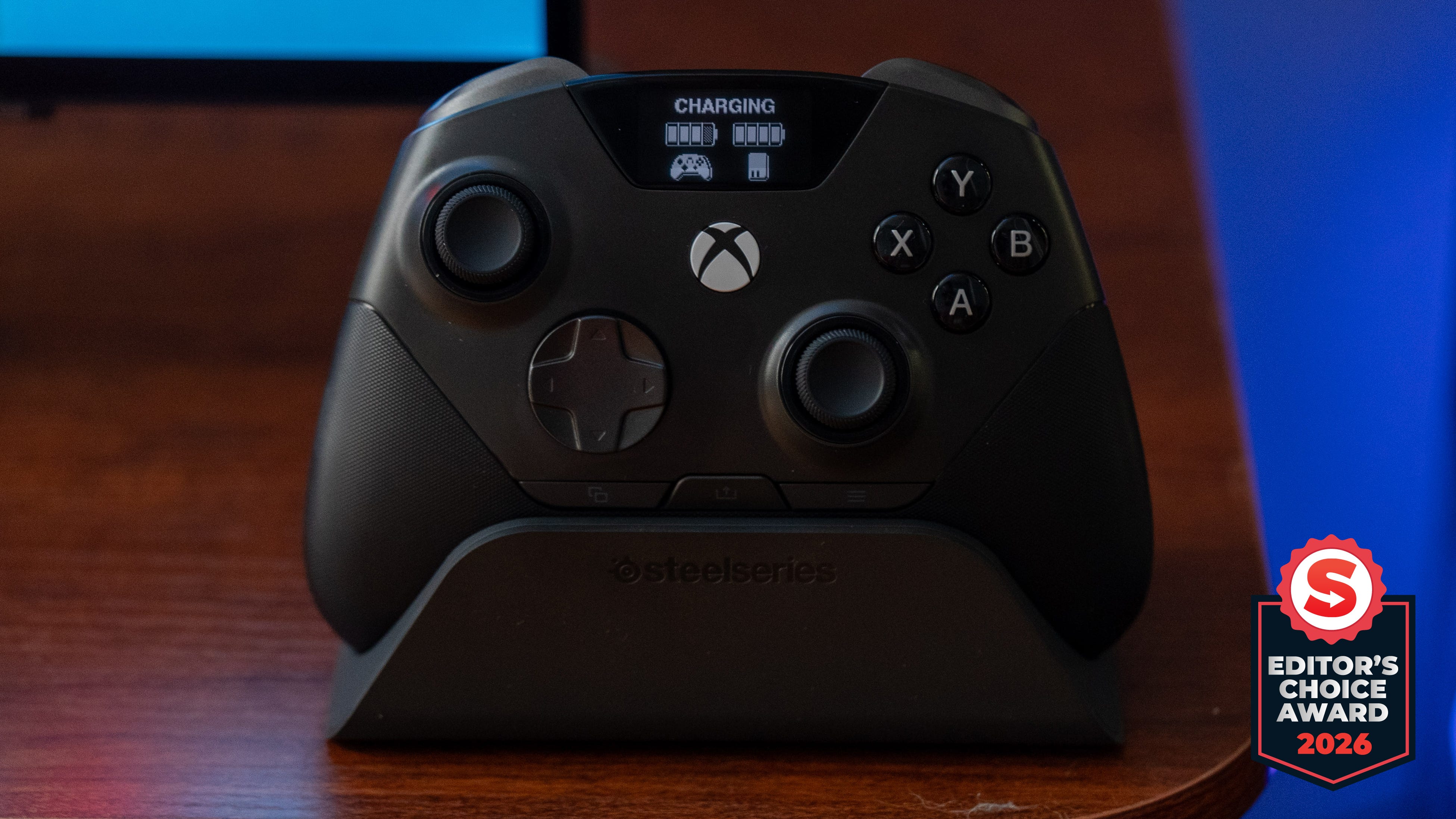
🔋 Hot-swappable batteries charge in the dock provide unlimited power
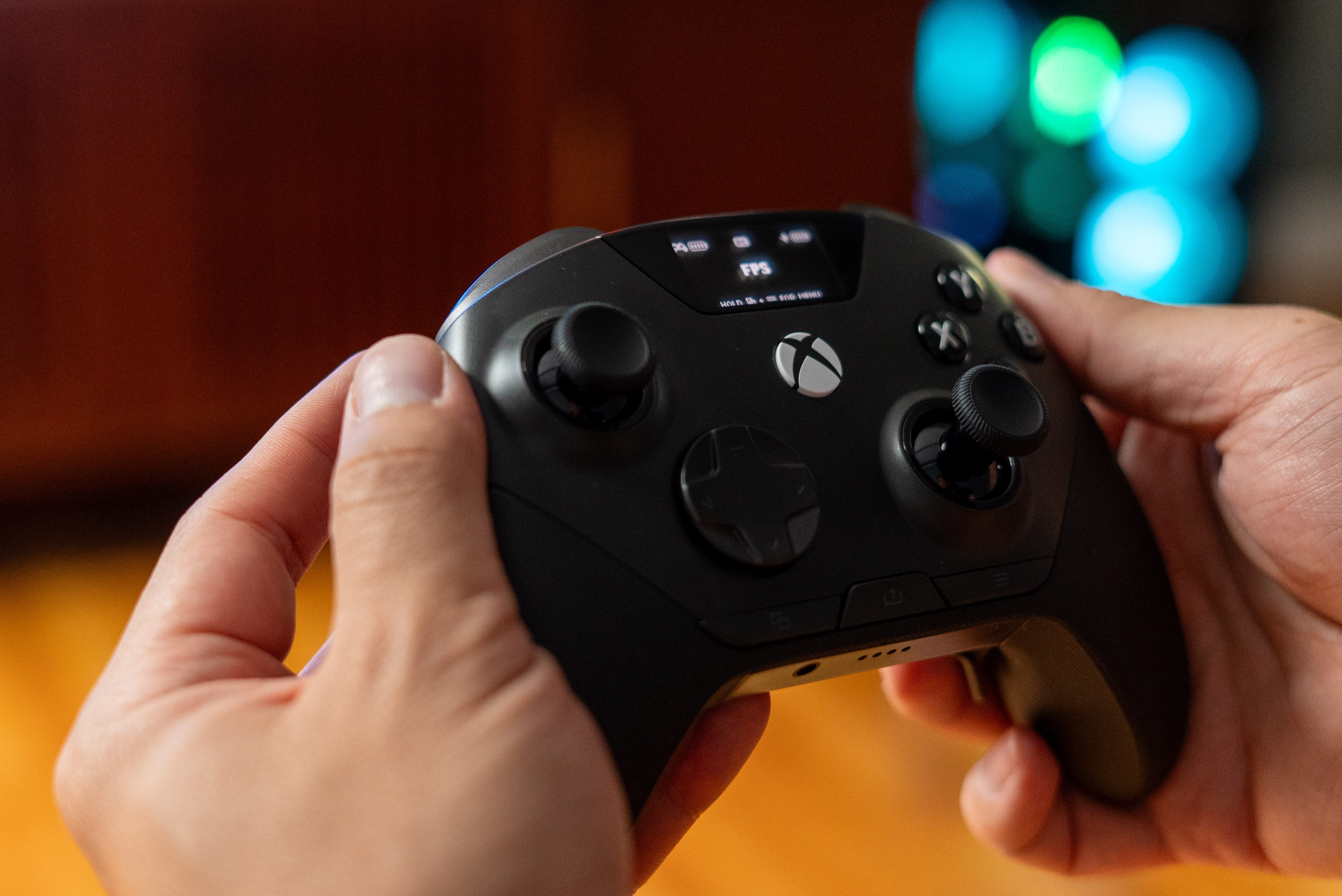
📺 Integrated screen gives instant access to customize the controller
🎮 Tight controls with Hall-Effect thumbsticks and triggers & microswitch buttons and bumpers
😌 Repositioned select, menu, and share buttons at the bottom of the controller prevent mispresses
❌ Cons
🤑 $259 is crazy expensive
👾 No PS5 or Nintendo Switch 2 support
🤷♂️ Few interchangeable parts and no included case
The Shortcut Review
SteelSeries is renowned for its multiplatform gaming headsets, and now it’s bringing the same simultaneous platform support to controllers. The SteelSeries Aeon Pro is the first controller that lets you seamlessly switch between PC and Xbox with a single device. It’s all thanks to the controller’s dual dock, which lets you connect two systems at a time with USB-C, plus a third Bluetooth connection for phones, tablets, and other devices. Every high-end feature you could want is here too, including Hall-Effect thumbsticks and triggers, microswitch buttons and bumpers, an integrated OLED screen, and two hot-swappable batteries that charge in the base station.
The SteelSeries Aeon Pro is a whole lot of controller that costs a lot too, at $259. That price is indisputably high, but you’re essentially getting two controllers in one, three if you want to connect your phone or tablet over Bluetooth. Just know this is primarily a PC and Xbox controller and doesn’t support the PS5 or Switch. If you’re looking for a fully customizable controller with a swappable D-Pad, interchangeable face buttons, or even removable shortcut buttons, the SteelSeries Aeon Pro isn’t what you’re looking for.
However, if you’re looking for a premium controller that you can adjust on the fly and be a reliable tool for PC and Xbox gaming, the SteelSeries Aeon Pro is well worth its price. Its tight controls and improved layout will ensure you never misjudge a counter in Onimusha: Way of the Sword and hit the apex while drift attacking in Forza Horizon 6. The swappable battery system also ensures you never run out of juice to keep playing.
Full Review
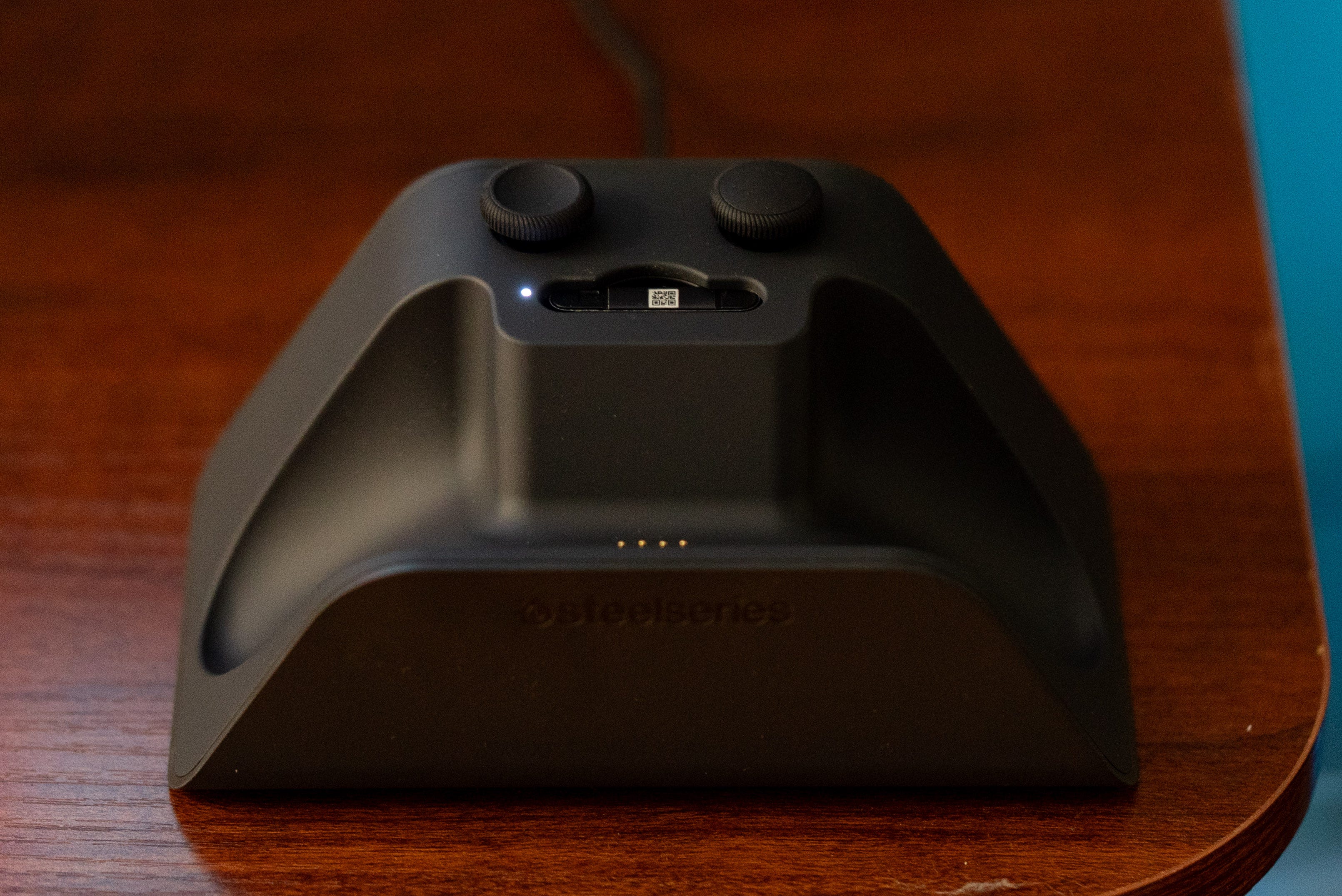
2 systems, 1 controller. SteelSeries practically pioneered multiplatform gaming peripherals with its Siberia 800 wireless headset, and now it’s doing the same with controllers. The Aeon Pro is the first dual-deck designed to connect to an Xbox and PC at the same time, allowing you to swap between them or a Bluetooth-connected device at a whim. It’s the perfect solution for me, as I have both a PC and Xbox connected to my TV, and this saves me the hassle of keeping multiple controllers around or moving USB dongles. The only issues are that you need both systems close to the dock for a hardwired USB-C connection.
👾 Nintendon’t & PlayStationo. You might notice the Nintendo Switch 2 and PlayStation 5 are only mentioned four times in my entire review, and that’s because the SteelSeries Aeon Pro does not support either of them. This controller is for the Xbox and PC only, so if you wanted a PS5 or Switch controller, you’ll have to look elsewhere.
I’m certain this wasn’t an unforeseen oversight, but rather it was too complex, or the licensing was a headache to get all four platforms to work with the SteelSeries dock. By SteelSeries own account, its “focus was on XBOX and PC gamers, so we set out to create a premium controller that delivers the ultimate experience for gamers who switch between both platforms.”
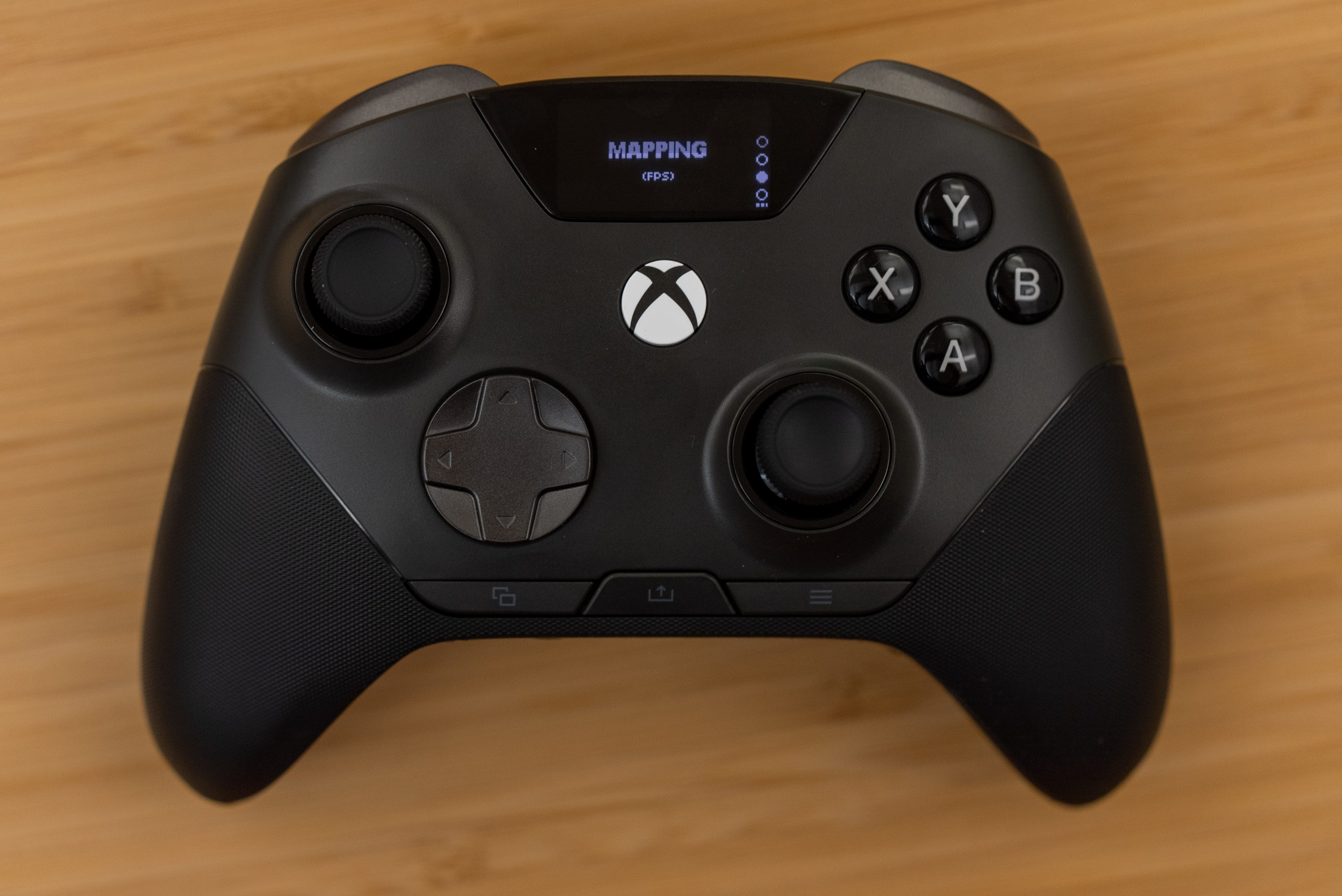
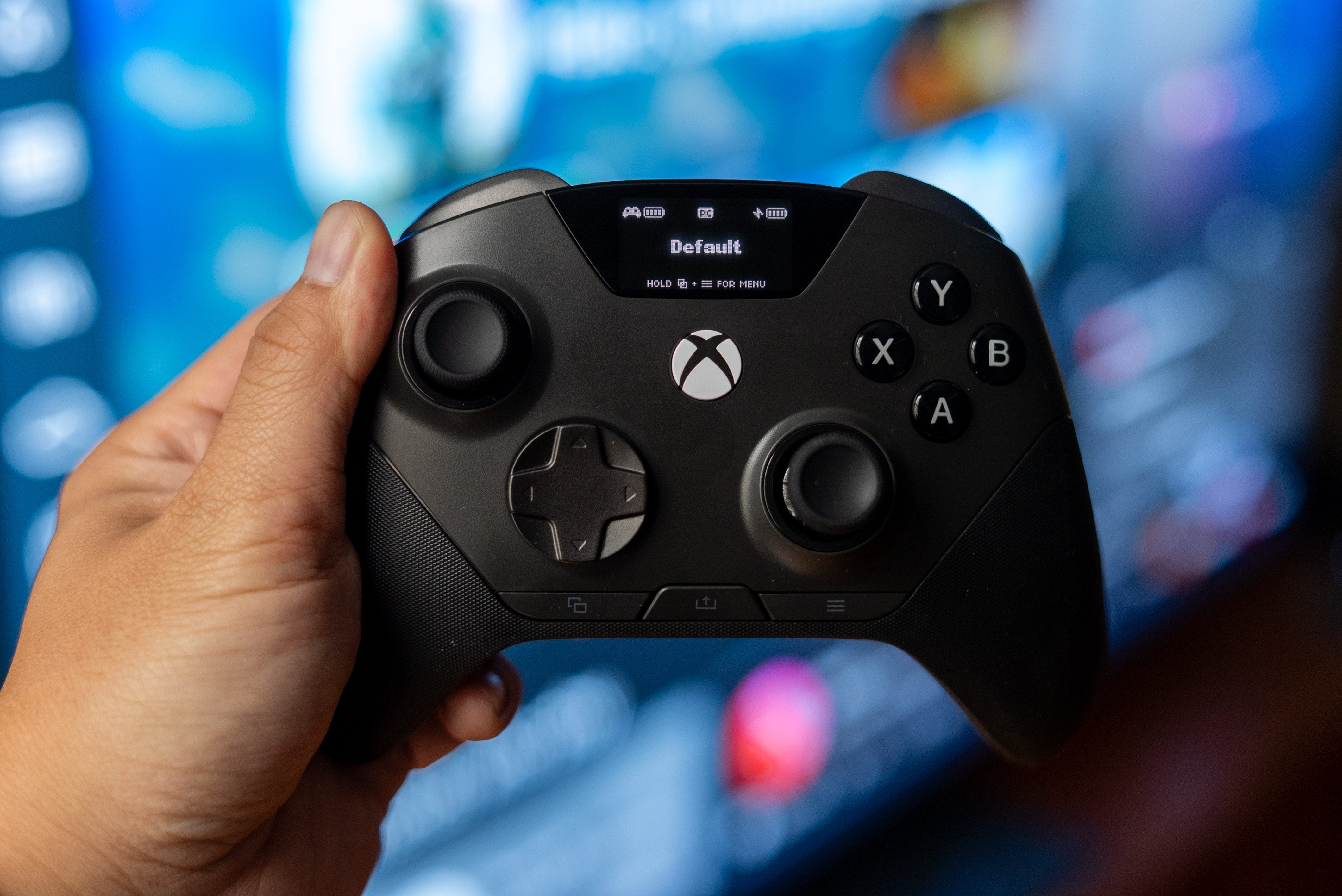
🕹️ A better Xbox controller. The SteelSeries Aeon Pro is shaped like a taller Xbox, making it feel instantly familiar. Most of the buttons and the joystick are in their usual place, but SteelSeries made the smart decision of moving the select, menu, and share buttons to the bottom of the controller. This really frees up space around the left analog stick and face buttons, so I never accidentally misclick a control in the center of the controller. More companies should follow SteelSeries’ example and use this underutilized controller real estate.
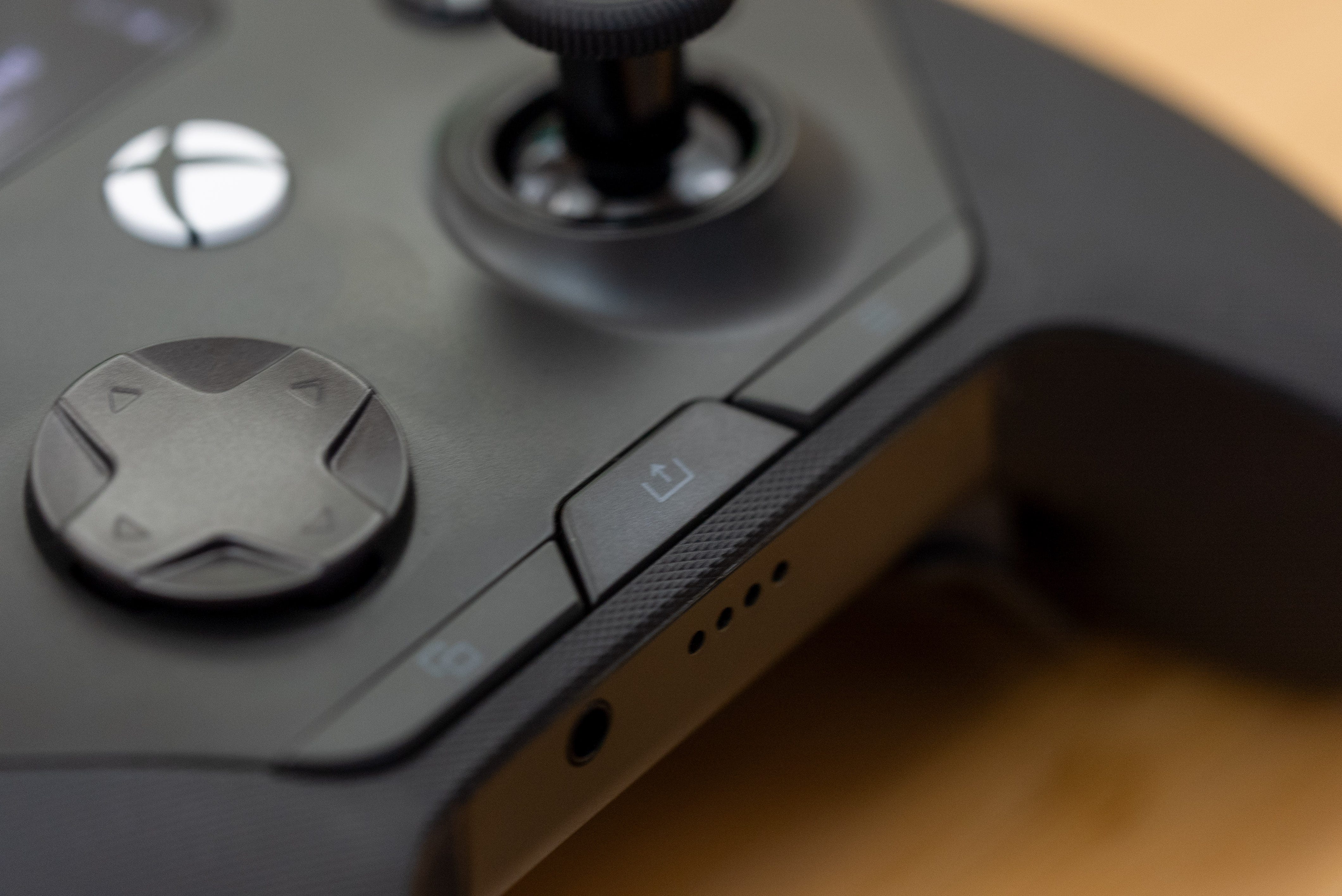
Layout aside, this controller features upgraded hall-effect thumbsticks, microswitch buttons and bumpers, and two-stage hall-effect triggers over your standard Xbox controller. The magnetic sensors in the thumbsticks and triggers should help this controller last longer, as they replace the most easily worn-down mechanisms. I’m glad to report there’s a fair bit of resistance in the Hall-Effect thumbsticks, which can often feel too loose, so it’s close, if not identical, to the feel of the Xbox controller thumbstick.
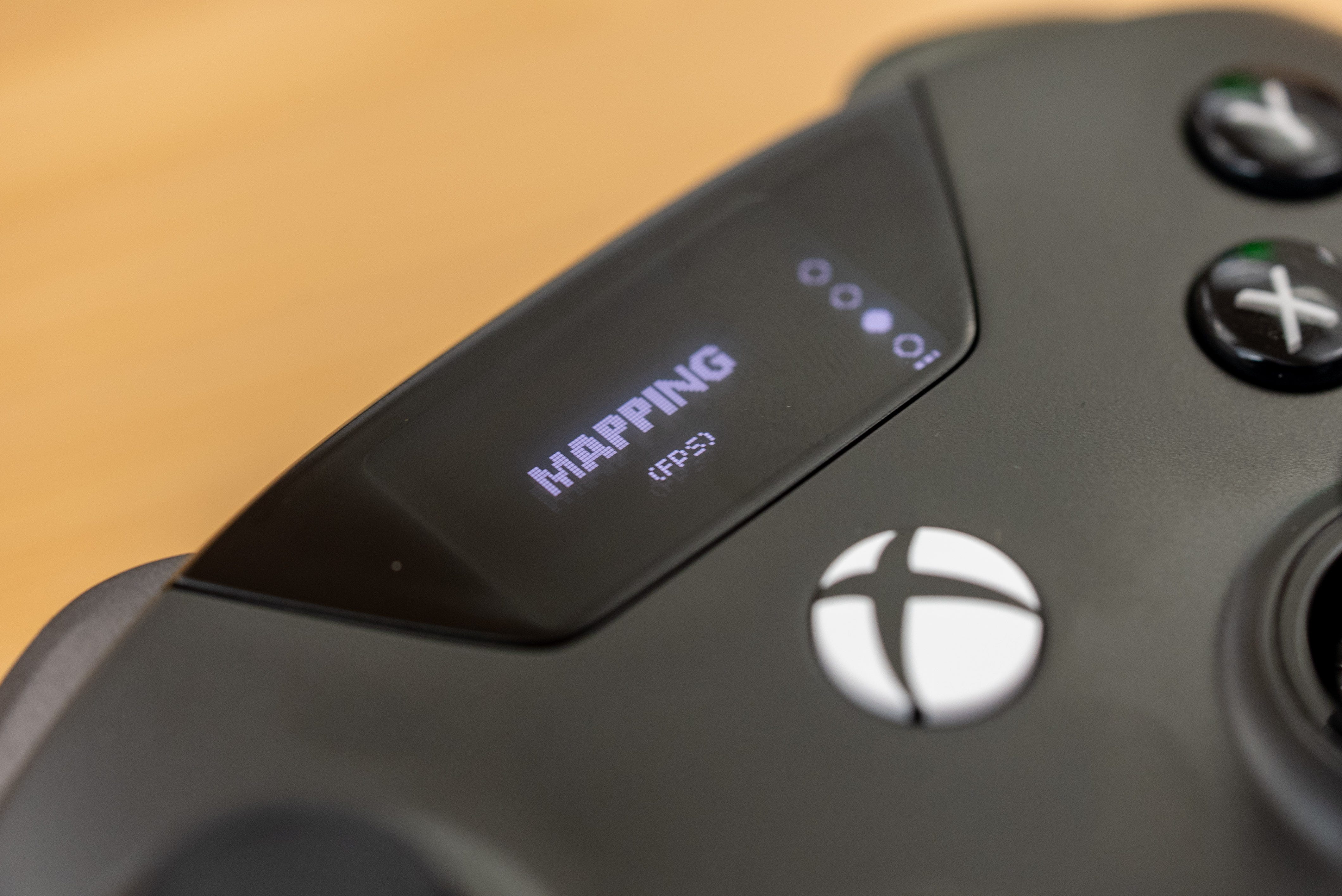
📺 On-screen settings. The SteelSeries Aeon Pro is also easily configurable on-the-fly thanks to its OLED screen integrated above the Xbox button. This display regularly shows battery life and connection status, but holding the select and menu buttons for three seconds lets you check which system you’re connected to, switch between gaming profiles, and dive into customization. This on-screen menu essentially shows you every configurable option that’s available from the SteelSeries Engine app for PC, so you can tweak settings even when you’re just connected to the Xbox.


🤏 Few frills. For a $270 controller, the SteelSeries Aeon Pro doesn’t come with a lot of extras for customizable parts. No case is included, and although this is a dual-dock controller, it comes with only one USB-C to USB-A cable instead of two. Similarly, the only customizable parts an additional concave thumbstick and a longer convex thumbstick. SteelSeries hasn’t marketed the Aeon Pro as a fully customizable controller, but its high price point puts it in line with other more configurable controllers like the $219 Scuf Omega.
🔋 Infinite battery life. Battery life on the Aeon Pro only lasts a short 12 hours, but it virtually has infinite battery life since a second cell is always charging in the dock. That battery charges fast too. I was back to nearly two out of three bars charged in less than an hour. These are the very same batteries that SteelSeries has used since the Arctis Nova Pro Wireless, so you could also use any extras from your SteelSeries Arctis Nova Omni or SteelSeries Arctis Nova Pro wireless gaming headset to hot-swap into the Aeon Pro or vice versa.
Should you buy the SteelSeries Aeon Pro?
✅ Yes, if…
You want a premium controller that swaps easily between PC and Xbox gameplay
You want a controller that will practically never run out of power
You want software customization at your fingertips
You want the tighter controls from Hall-Effect sensors and microswitches
❌ No, if…
You want a controller with more swappable parts (get the Victrix Pro BFG Reloaded instead)
The PS5 and Nintendo Switch 2 are your main gaming platforms (get the Scuf Omega or
GuliKit TT Max instead)
Kevin Lee is The Shortcut’s Creative Director. Follow him on Twitter @baggingspam