


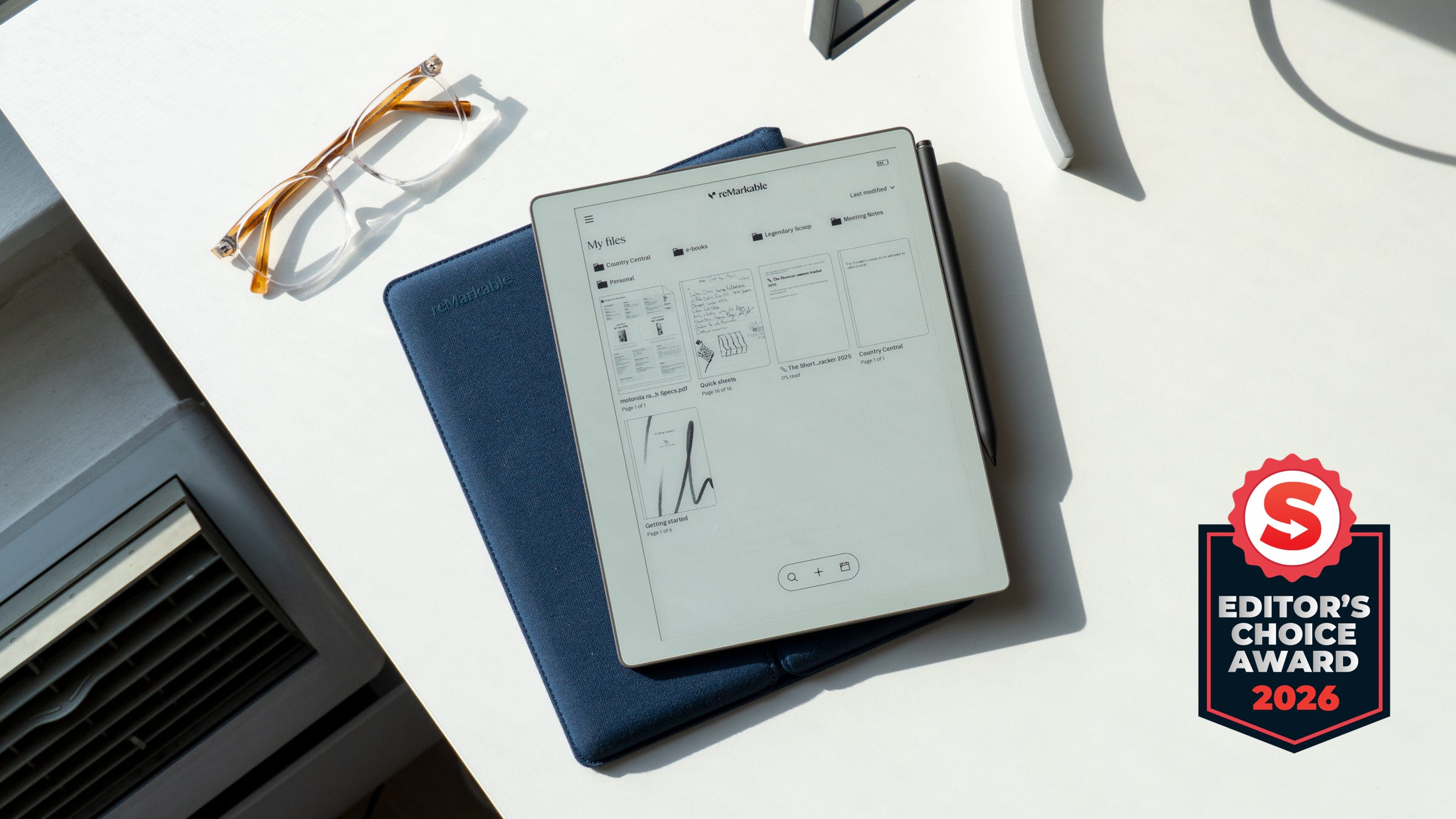
🏆 Rating: 4/5
Editor’s Choice
Pros
💰 ReMarkable’s best E Ink tablet value yet
📐 Thin and lightweight design that’s effortless to carry
📺 Whiter E Ink screen that feels more like paper
🔋 Up to three weeks of battery life
⚙️ Solid performance
📱 Support for all of ReMarkable’s Connect features
Cons
💡 No backlight for reading and writing in the dark
⌨️ No keyboard support (well, not yet)
🎨 No color support
The Shortcut review
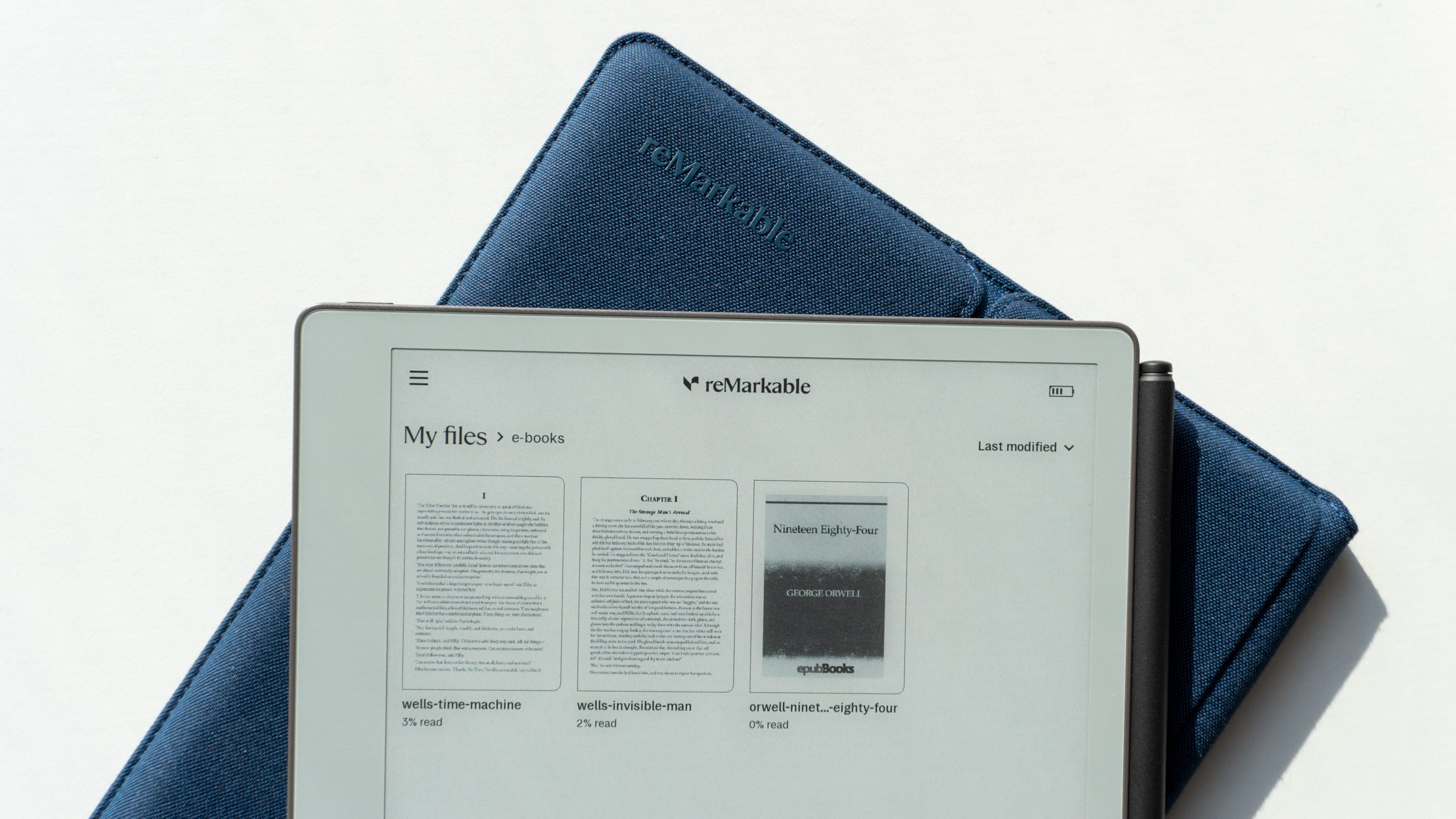
ReMarkable wants us all to be less distracted when we’re taking notes or reading e-books, and the company is bringing its mission statement to more people than ever before. The new Paper Pure, ReMarkable’s $399 replacement for the aging Paper 2 tablet, is a more accessible and affordable alternative to the $629 Paper Pro. When I reviewed the Paper Pro, I called it “a luxury notepad no one should buy,” mostly because of the price and its more limited capabilities compared to other tablets.
The Paper Pure changes that conversation in a big way. These tablets are designed to be less capable than an iPad or Android tablet, giving you a limited space to focus on writing, reading, sketching, and more. Paying a high price for that is a luxury no matter how you swing it, and even $399 can be a lot if you’re content with taking notes and writing on an alternative device.
But ReMarkable has the best distraction-free writing experience on the market, something I highly value as someone who often writes long articles and needs to avoid as many distractions as possible. The Paper Pure’s lower price point, updated design, and better performance make it an ideal entry-level E Ink tablet for anyone ready to deeply connect with their ideas and creativity.
Editor’s note: The ReMarkable Paper Pure is available to order starting May 6. Orders will begin shipping out in early June.
Review notes


📐 Lightweight, well-built design. The Paper Pure maintains ReMarkable’s design chops with its thin and light form factor. It swaps aluminum for plastic which, honestly, I don’t mind since it’s nice and light. It also doesn’t flex or bend, and at 6mm thick, you’ll barely notice it on your desk. It’s not quite as thin as the 5.1mm Paper Pro, but the difference is indiscernible to the naked eye.
🔲 A gorgeous black-and-white display. On the front, you’ll find a 10.3-inch E Ink display. I really like this size since it’s not too small and not quite as big as the Paper Pro. It’s also ReMarkable’s best black-and-white E Ink screen yet, since it has the whitest white point out of all of the tablets it’s ever shipped. Contrast is sharp thanks to its high resolution, and the textured finish on the top delivers an exceptional paper-like feel when you’re writing.
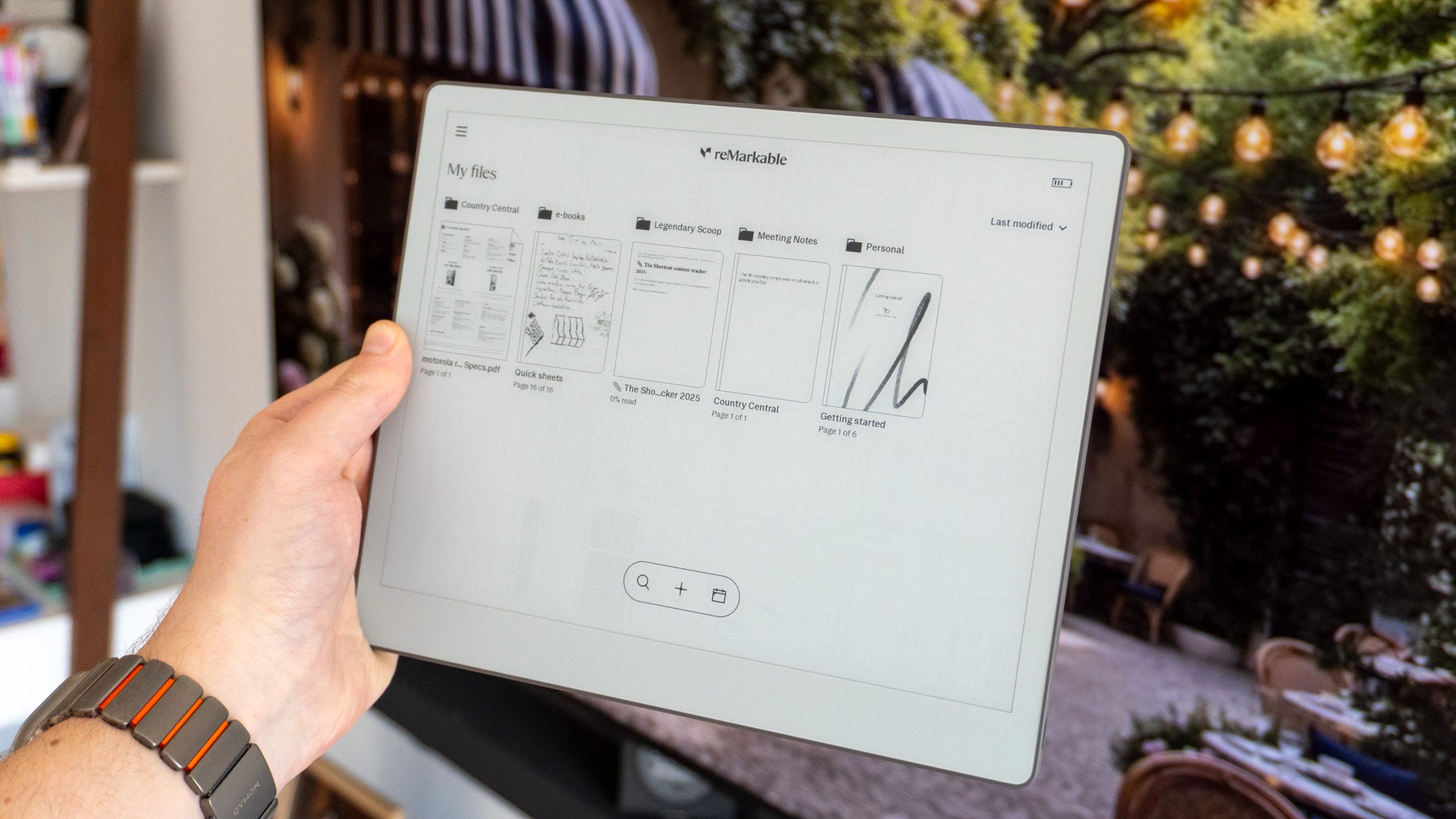
📺 Two big screen caveats. There are a couple of caveats with the Paper Pure’s display. It doesn’t support colors beyond black and white, so if you try to highlight something in your notebook with a color from the drop-down, you won’t see it (though it will appear when you view the note in the ReMarkable app on your phone or laptop). You also don’t get a backlight, which is the biggest downside of them all. It’s really hard to use the Paper Pure in dim lighting, whether you’re taking notes or reading a document. You’ll want to pick up a book light if you plan to use it at night or in a dimly lit cafe.
✅ All the same software features. While the hardware isn’t as capable as the Paper Pro, ReMarkable kept the software virtually identical. All of the same features like notebooks, Quick Sheets, document annotation, e-book support, folder organization, integration with cloud services like Google Drive and Dropbox, cloud calendar management, and more are all here. There are lots of built-in templates for planning your day, taking notes, and even composing music. It’s simplistic, easy to navigate, and regularly gets new updates to improve the experience.
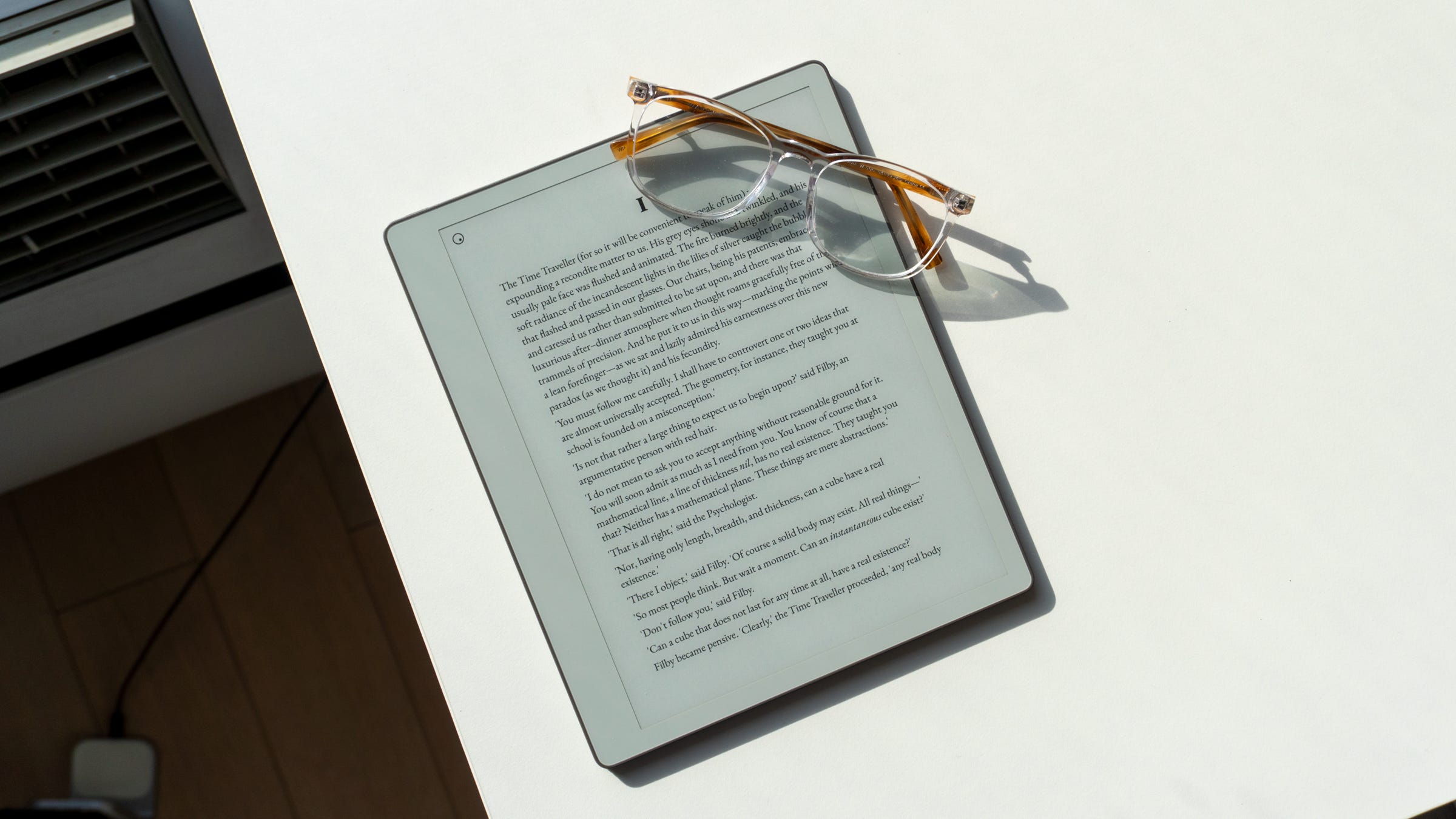
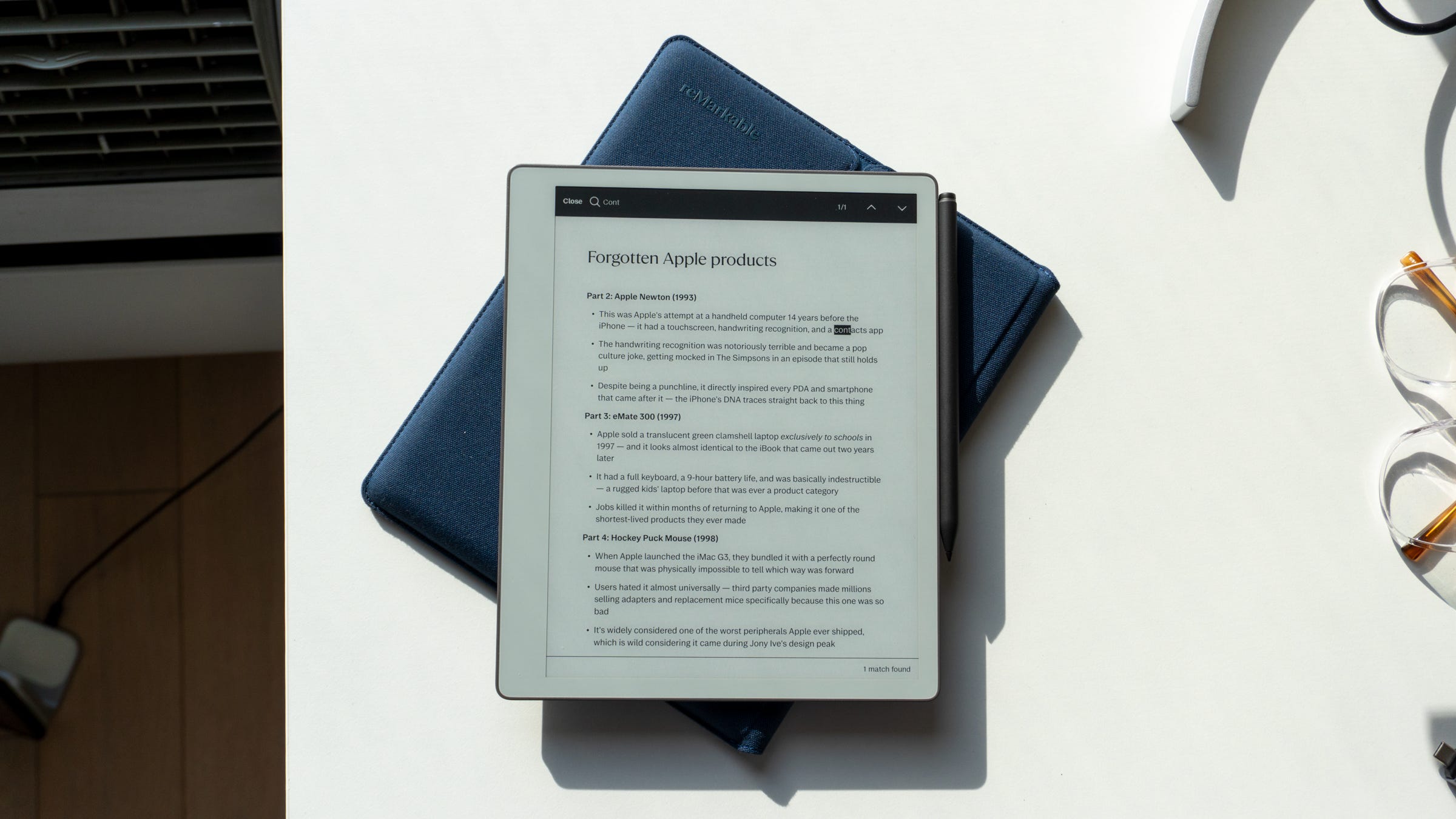
🧠 Distraction-free bliss. ReMarkable OS feels a lot different than using any other tablet’s software, simply because of how it avoids the rest of the world. You can wake the Paper Pure up, open a document, and enjoy writing without worrying about a notification or a social media app sidetracking your attention. Its simplistic interface doesn’t overcrowd you with buttons, shortcuts, and the like. Instead, you see your documents, you can open one up, and you can start writing. Having a dedicated device for this strict purpose is incredibly nice, despite it seeming somewhat redundant to anyone who writes or takes notes on iPads and smartphones.
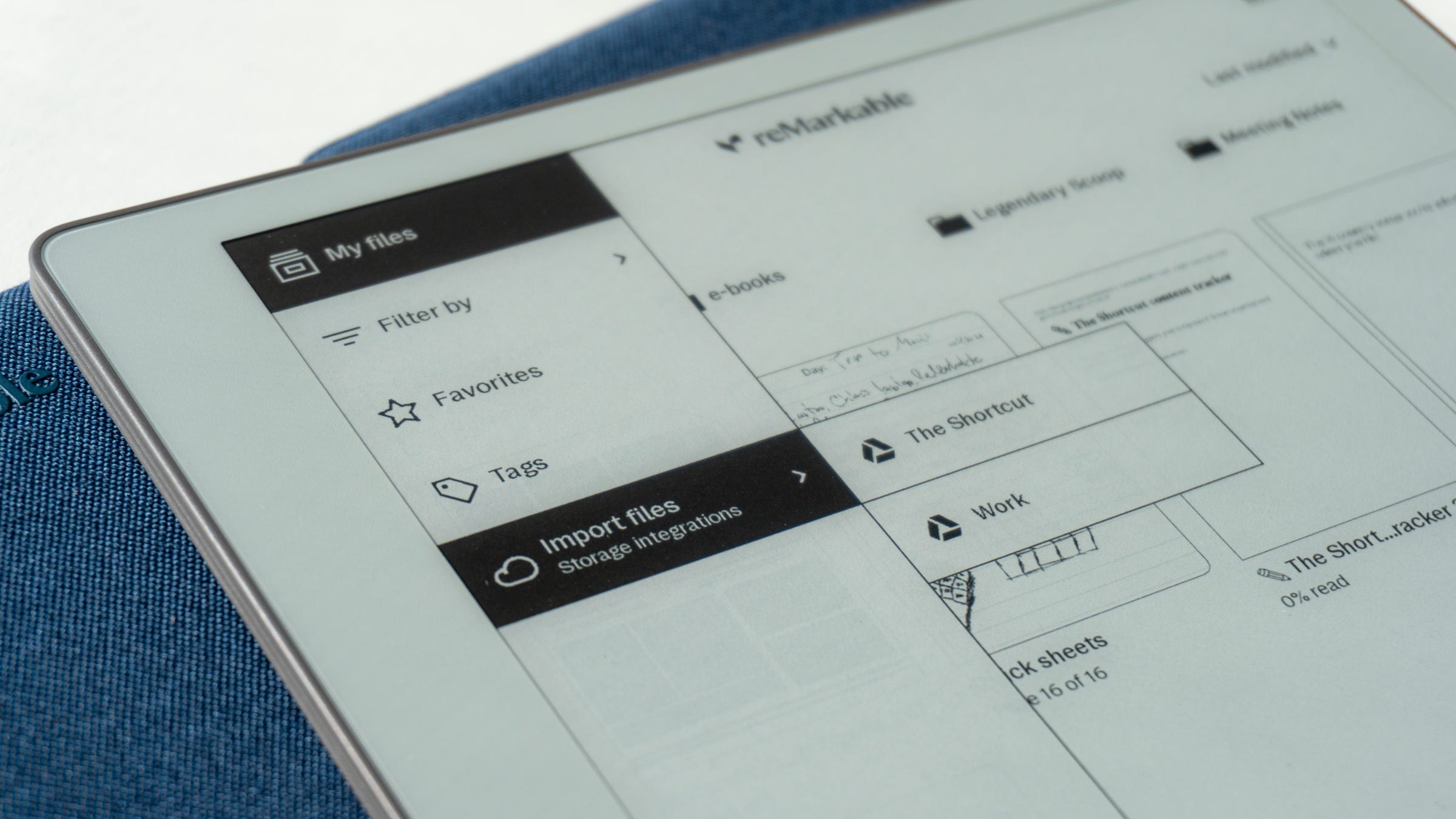
📱 Connect continues to expand. To get the most out of your Paper Pure, ReMarkable has its Connect subscription. Adding another monthly subscription to your list may seem annoying, but in ReMarkable’s defense, the $3.99/month (or $39.90/year) service has grown exponentially over time. It enables things like unlimited cloud storage for all of your documents, Handwriting Search to make it easier to find documents, a way to convert Google Docs into notebooks, sending your notes directly to Slack, mobile and desktop app support, link sharing to notes, and more. The subscription used to give you access to a few bonus features like cloud storage and more templates, but over time, ReMarkable has expanded it and made it much more fruitful. Over time, the company plans to continue adding new features, too, so your tablet will get more and more capable after you buy it.
🤖 A little touch of AI. The Paper Pure does incorporate some AI into its feature set, but not in any way that feels annoying or shoved down your throat. Instead, ReMarkable uses AI to convert your handwriting into text, helping you take your handwritten notes and turn them into typed documents you can share with co-workers. I saw demos of the feature during my briefing, and it did a nice job at sorting through everything, organizing each note, and even noting which sections were highlighted. It can also summarize your notes and highlight action items for you and your team. This is my definition of “good AI” - ReMarkable limited its reach on the Paper Pure to humanize the experience, and only uses it occasionally where it might be useful.
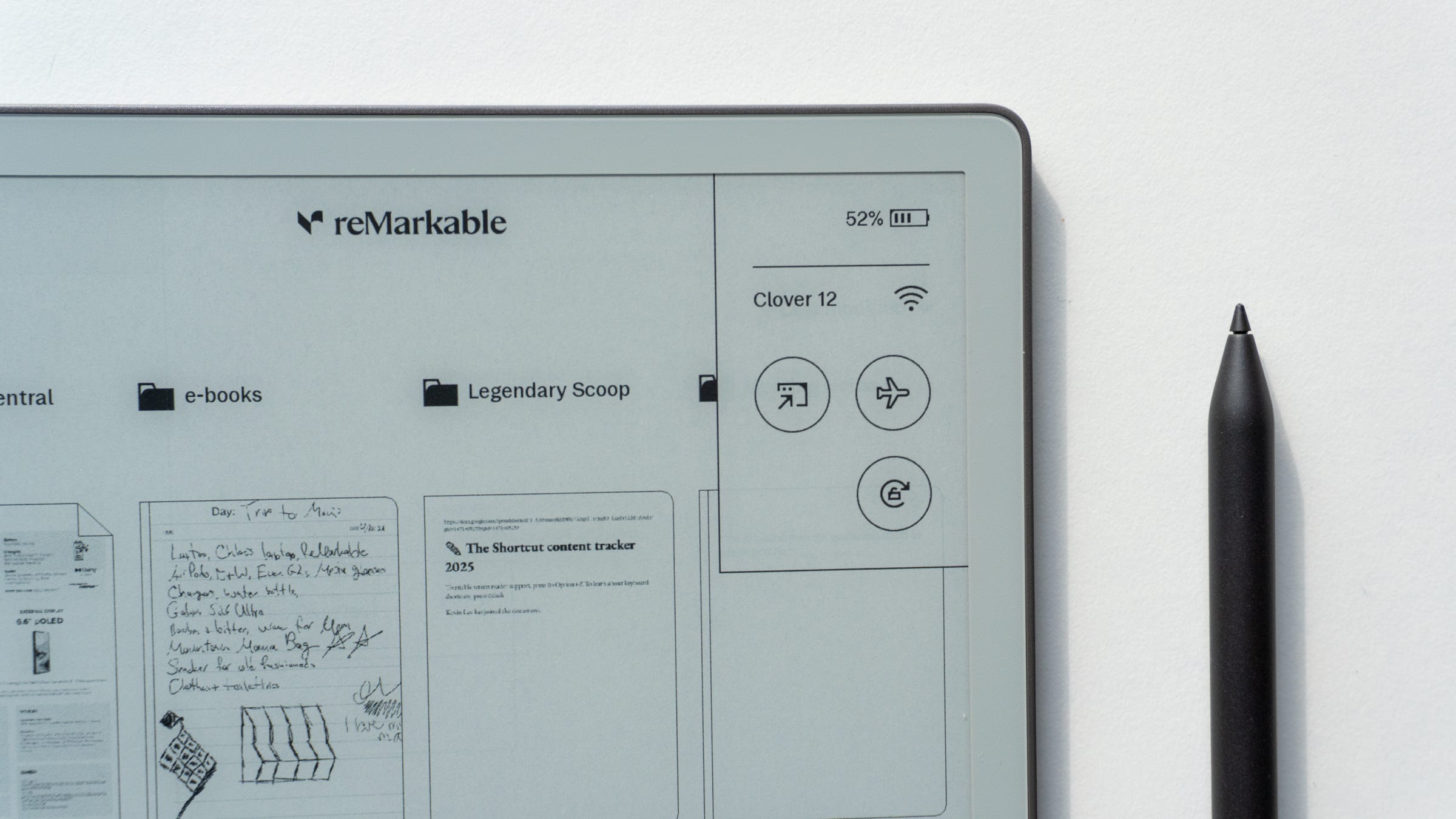
⚙️ Good performance. ReMarkable did a nice job at optimizing the performance on the Paper Pure. It’s obviously much slower than traditional tablets due to the E Ink screen, but as far as E Ink devices are concerned, it’s pretty speedy. It’s about as fast as my Kindle Paperwhite (2024), and if you’ve ever used that device, you’ll know that documents and e-books open quickly, the screen refreshes fast, and it doesn’t take long to power it up whatsoever. There’s also 32GB of storage on board, which should be enough for most people to keep all of their notes and documents. (You’ll have unlimited cloud storage with Connect, anyway, so you’ll never run out of room.)
🔋 The best battery life on a ReMarkable tablet yet. There’s a 3,820mAh battery inside the Paper Pure that can easily cruise through two weeks on a full charge. ReMarkable says you can get up to 3 weeks depending on your usage, but considering I use mine a bit more than the average person, my battery life was shorter. Still, it’s the best battery life out of any ReMarkable tablet to date, including the Paper Pro, which typically gets me 6-10 days on a full charge. It’s nice knowing that I can keep the Paper Pure in my backpack and know it almost always has enough power so I can jot down a quick thought or get some writing done on the go.
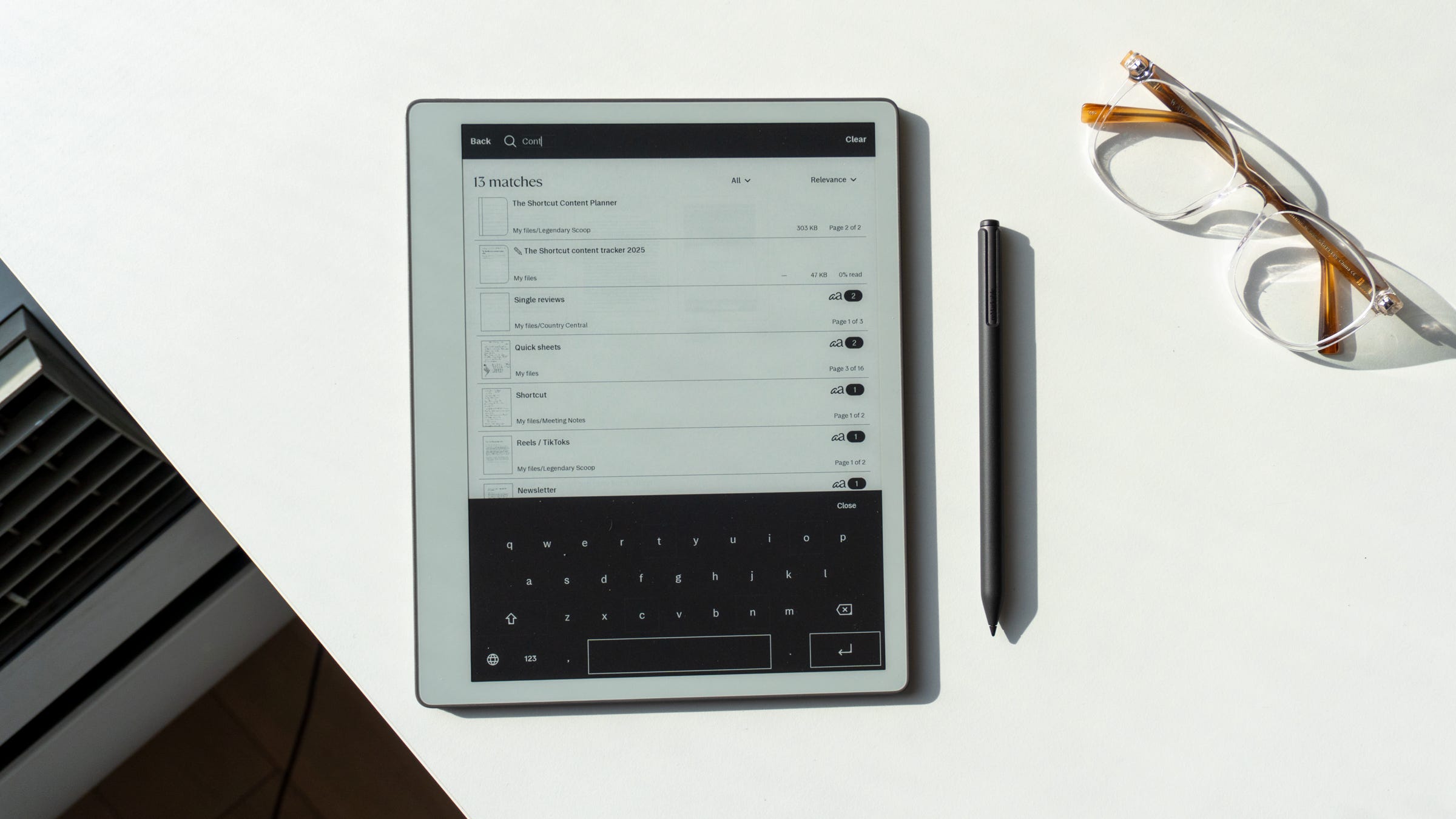
⌨️ No physical keyboard support (well, not yet). Speaking of writing, while I do enjoy handwriting my notes on the Paper Pure, I’m a keyboard lover at heart. Unlike the Paper Pro, there’s no keyboard support on the Pure. ReMarkable doesn’t sell a keyboard case for the tablet, nor are there pogo pins to support one. That being said, ReMarkable did reveal to me that it’s working on adding support for third-party keyboards over Bluetooth. While no timeline for its release was given, at least the feature will arrive at some point.
📦 Make sure you get the bundle. The Paper Pure is good on its own for $399, but it’s great when you spring for the bundle for an extra $50. For $449, you get the Paper Pure, the far-superior Marker Plus which comes with an eraser on the other end, and a Sleeve Folio for protecting your tablet. It’s available in three beautiful colors, too: Desert Pink, Mist Green, and Ocean Blue, which is the one I got. Those on strict budgets will enjoy the non-bundle version quite a lot, but considering the value proposition here, you’re far better off springing for the extras.
Should you buy the ReMarkable Paper Pure?
Yes, if…
✅ You want a device to take notes or read without getting distracted
✅ You want to stop using paper notebooks and go digital
✅ You don’t need all the fancy features of the Paper Pro
No, if…
❌ Spending $400 on an E Ink tablet isn’t worth it to you (get a 10th-generation iPad instead)
❌ You want something even smaller for taking notes (get the ReMarkable Paper Pro Move)
❌ You want an E Ink tablet with a keyboard (get the ReMarkable Paper Pro)
Max Buondonno is an editor at The Shortcut and co-host of The Shortcut Live. He’s been reporting on the latest consumer technology since 2015, with his work featured on CNN Underscored, ZDNET, How-To Geek, XDA, TheStreet, and more. Follow him on X @LegendaryScoop and Instagram @LegendaryScoop.