


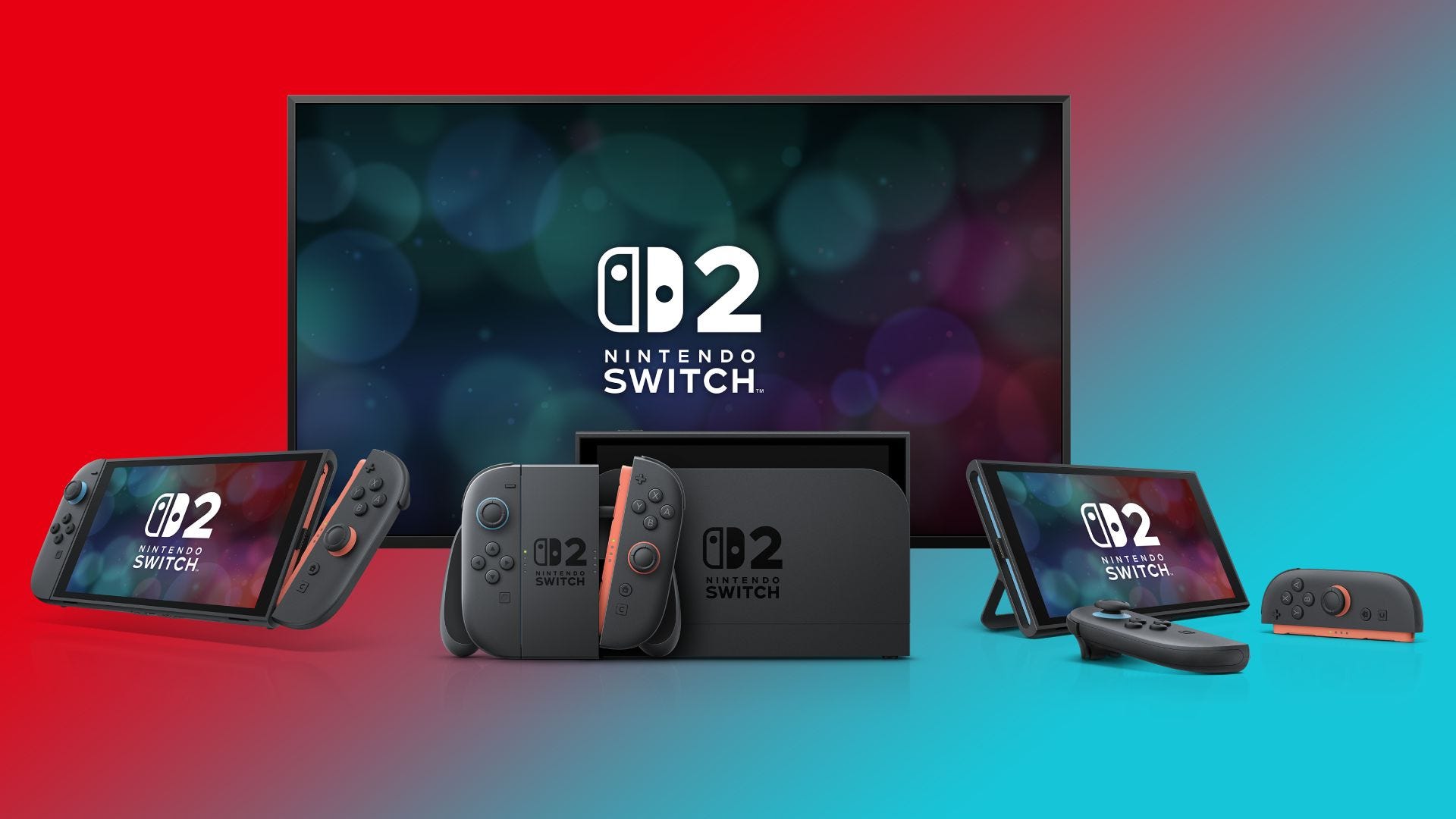

👉 The new Nintendo Switch 2 update, Version 21.0.0, is now available and includes quality-of-life improvements for the console, Joy-Con 2 controllers, Pro Controller, and Camera
😍 Key updates include clearer identification of digital/physical games, improved downloading features, and enhanced GameChat functionality
🎧 Audio and display settings have been refined, with a “Low Latency” option for the Pro Controller and improved HDR output clarification
✋ Despite the extensive update, there is still no support for Variable Refresh Rate (VRR) when the Switch 2 is played in TV (docked) mode
A new Nintendo Switch 2 update is rolling out now that includes a hefty list of changes and improvements. There are also updates for the Joy-Con 2 controllers, the Nintendo Switch 2 Pro Controller, and the Nintendo Switch 2 Camera.
You can prompt the update to install by heading to Settings > System Update. To update the controllers, head to Controllers & Accessories > Update Controllers. You will also find an option to update the Nintendo Switch 2 Camera if you scroll further down.
The most noticeable change after you update your Nintendo Switch 2 system to Version 21.0.0 can be found on the homepage. You’ll see symbols above software icons that indicate more clearly whether the software you own is a physical or digital version.
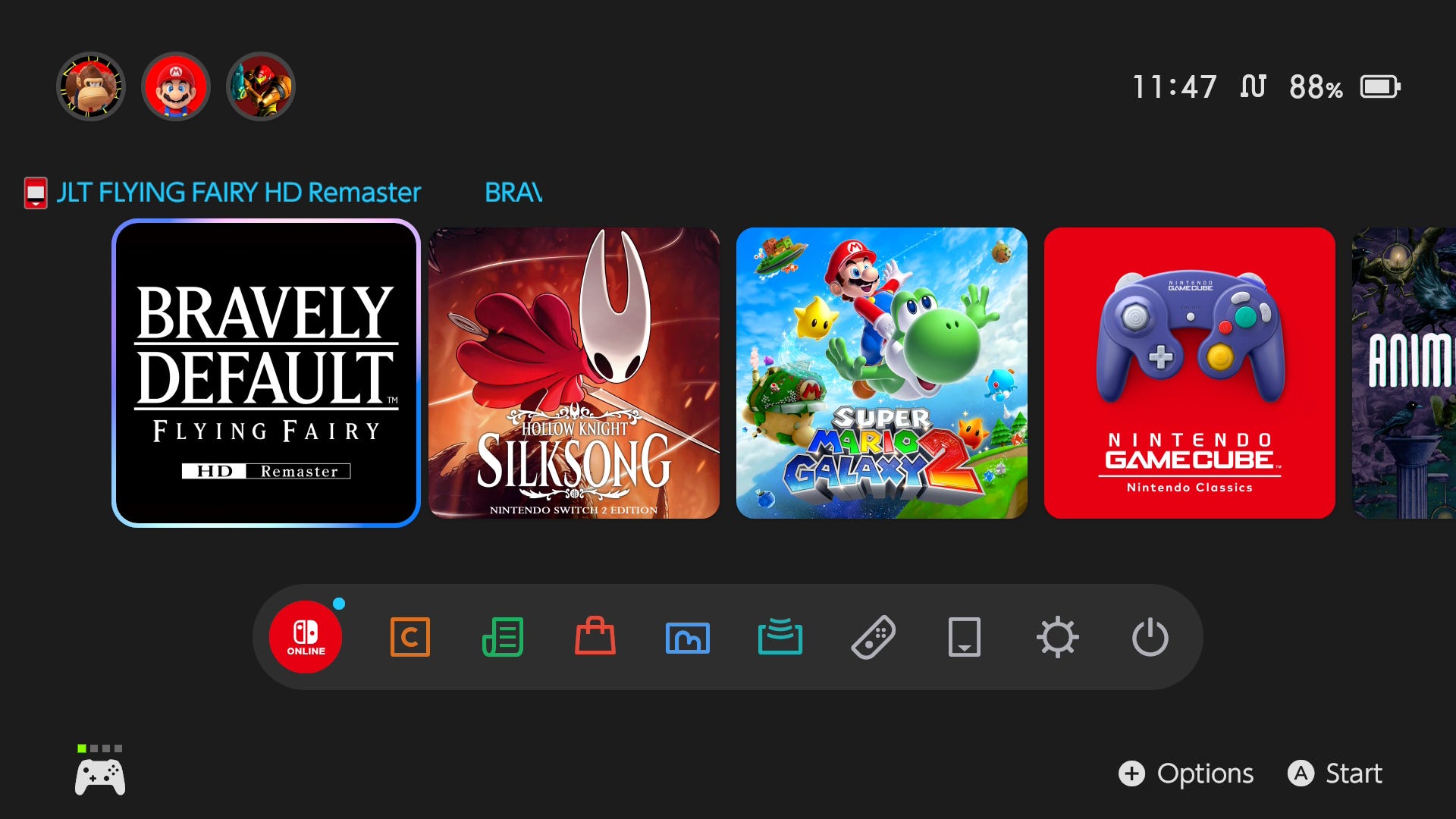
Downloading software has also been improved, as you can cancel all downloads when multiple software updates are in progress. A new “Receive Software” icon has been added when you connect a console to the internet that includes a free game – like when you buy a Switch 2 Mario Kart World bundle – making it easier to claim the title.
GameChat has been updated, and will no longer go to sleep when you’re chatting. You can also turn off “Chat Audio Panning” and Chat will continue when the console goes from docked to handheld mode when your connection changes from wired to wireless.
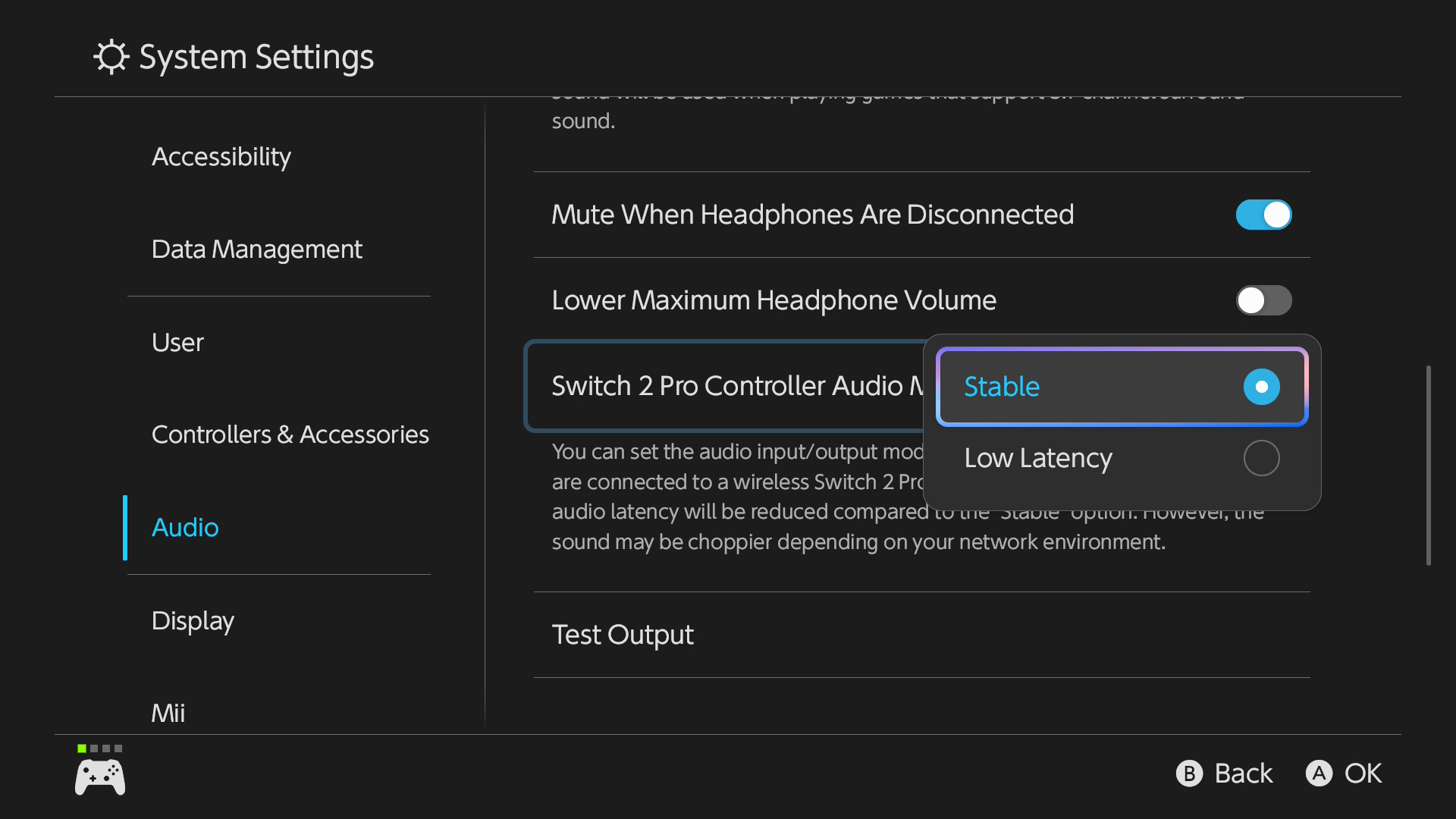
More audio improvements have been made to the Nintendo Switch 2 Pro Controller. A new “Low Latency” option can be selected, which may be preferable to “Stable”. However, the connection may be more subject to interference in some wireless environments.
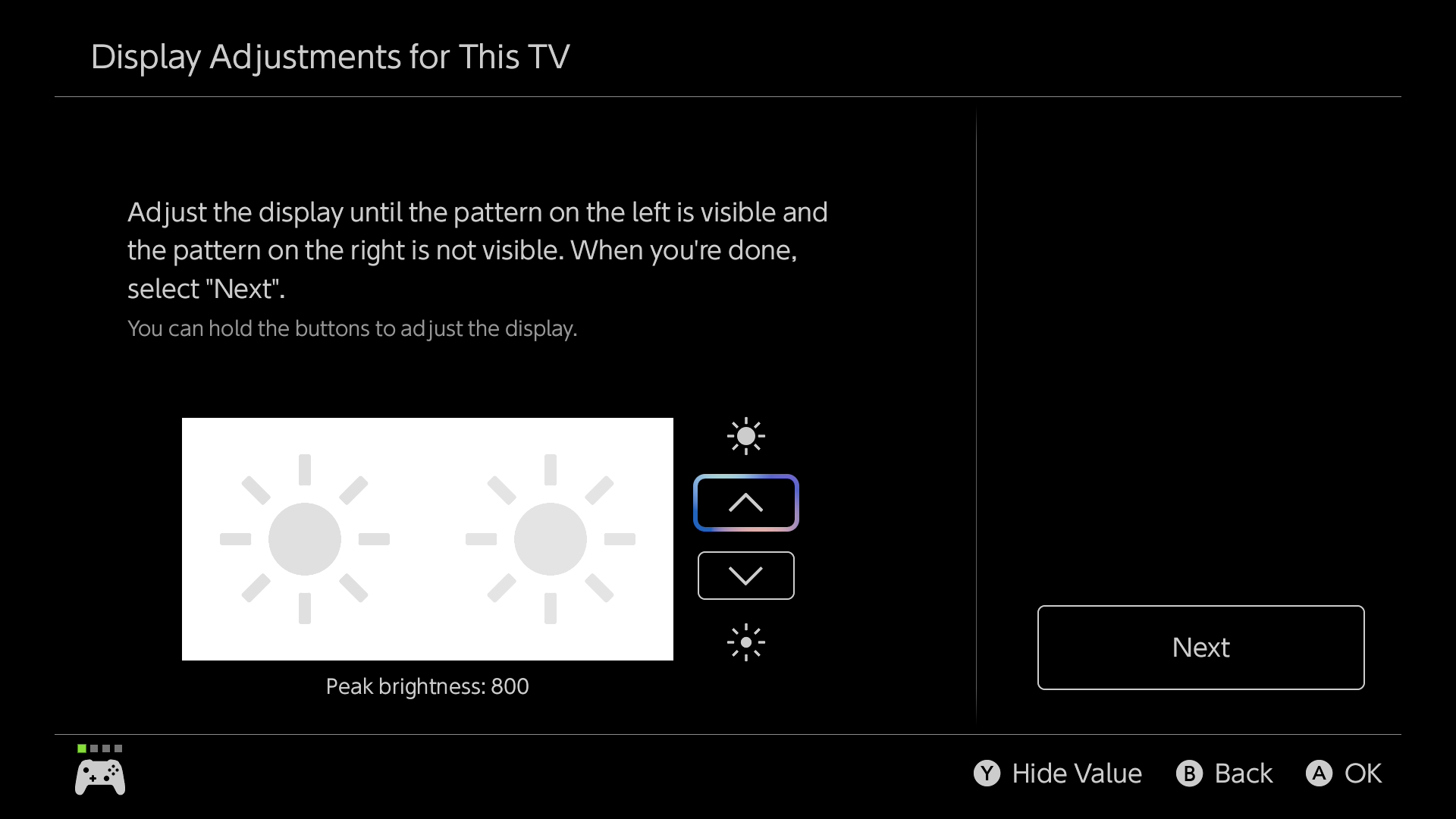
Those who previously struggled to understand the Switch 2’s HDR settings will be pleased to see Nintendo has also improved this area. HDR Output has been renamed to “System Screen’s HDR Output”, and you can see the peak brightness in nits by pressing the Y button during the calibration process.
The Nintendo Switch 2 system update also brings new accessibility options, changes to the “Platinum Point Notification” which has been renamed to “Nintendo Switch Online Notification”, and the “Stop Charging Around 90%” has been renamed to “Stop Charging Around 80-90%”.
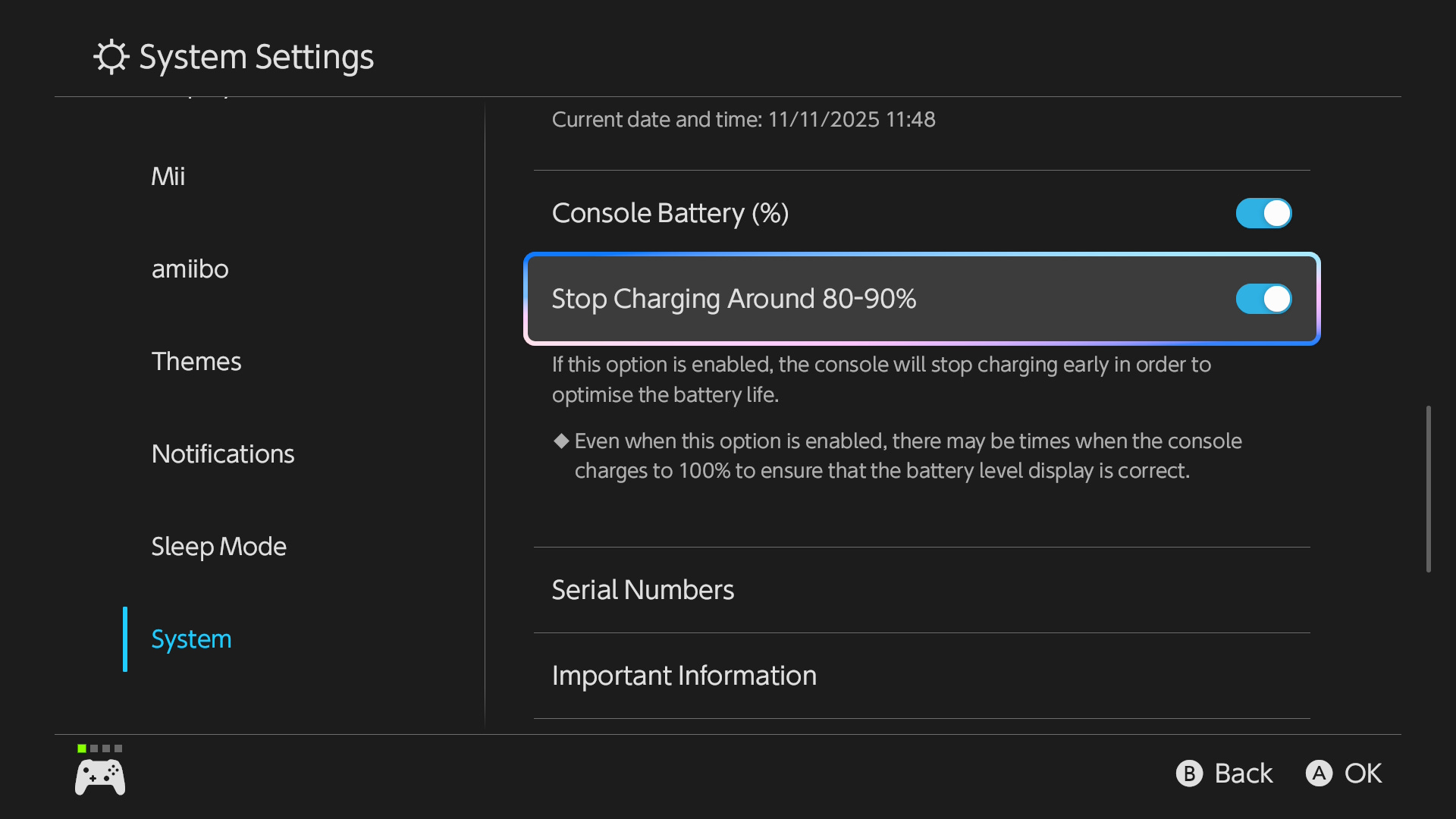
You can read the full rundown on Nintendo’s official support page, but the major changes have been covered above.
Still no VRR
Unfortunately, as welcome as many of these changes are, there’s still no support for VRR (variable refresh rate) when playing the Nintendo Switch 2 in TV Mode. Games can take advantage of VRR in handheld mode, but you’ll still notice frame rate drops and stutters more prominently when playing the console docked.
If you’re not aware of VRR, it’s a display technology that dynamically syncs the refresh rate of the display to the console’s graphical output, resulting in smoother visuals.
It’s a shame Nintendo still hasn’t been able to introduce the display feature, especially when it erroneously said VRR was supported leading up to the console’s launch. It’s a jarring omission, especially as the Switch 2 includes all the modern display features we’ve come to expect from the PS5 and Xbox Series X|S.
It took Sony two years to add VRR to the PS5, so hopefully it’s still on Nintendo’s roadmap for the future.
Up next: Best Nintendo Switch 2 settings: change these to get the most out of your console
Adam Vjestica is The Shortcut’s Senior Editor. Formerly TechRadar’s Gaming Hardware Editor, Adam has also worked at Nintendo of Europe as a Content Marketing Editor, where he helped launch the Nintendo Switch. He also runs a retro gaming YouTube channel called Game on, boy! Follow him on X @ItsMrProducts.
Is there a guide to adjusting hdr on the switch 2, I never know how much to increase it to?