


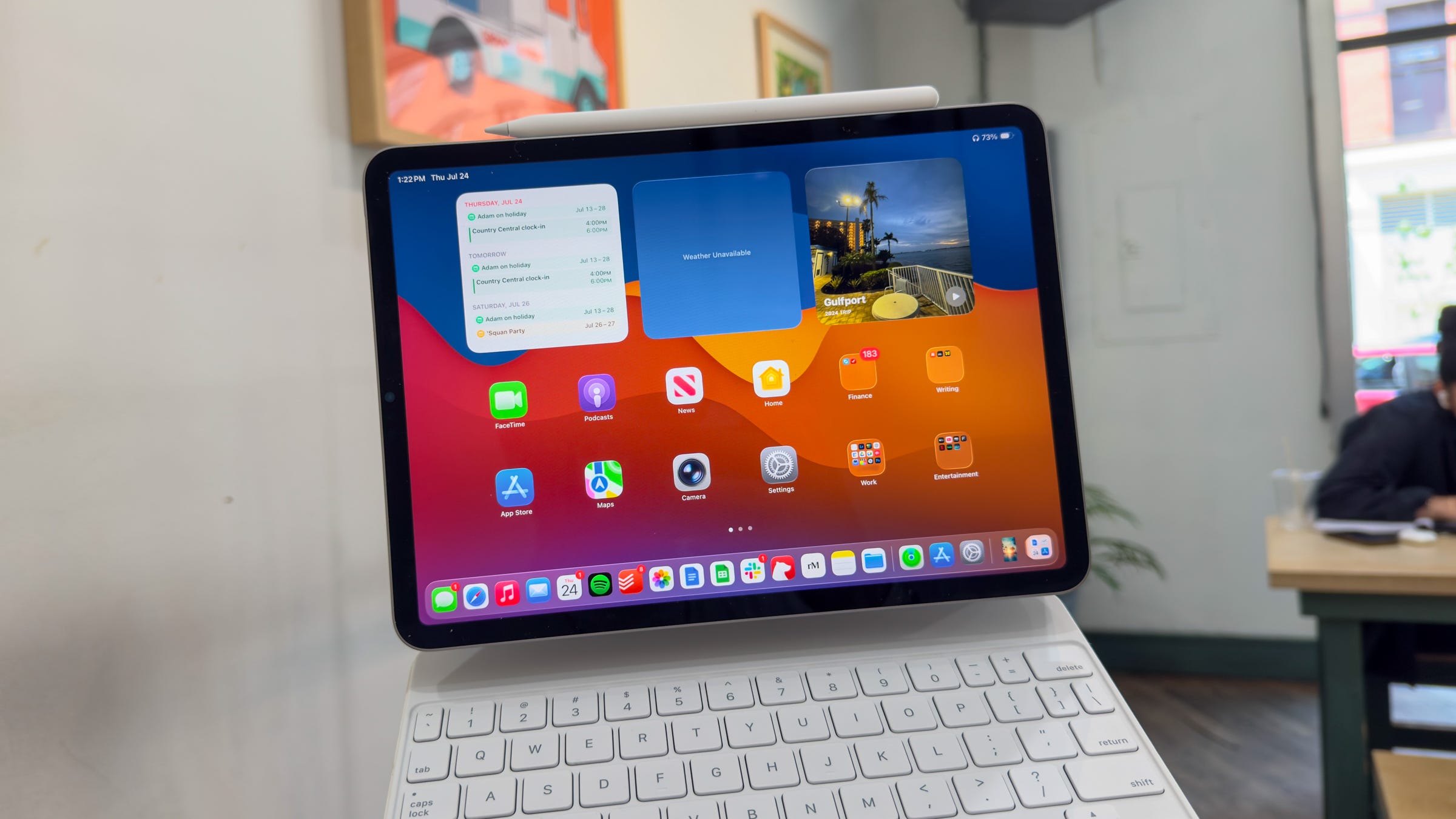

🍎 Apple has released the public beta of iPadOS 26
💻 The update includes Apple’s big Liquid Glass redesign and a suite of new multitasking features
🖥️ The software is more Mac-like than ever before
🧑🔬 I’ve been testing it since the first developer beta dropped
📋 Here are the features that have already made a difference for me
Apple promised to drop the public betas for iOS 26, macOS Tahoe, and more last month, and today, it finally delivered. The first round of slightly more stable public betas for each of Apple’s 2026 software releases have begun rolling out, and the one I’ve been enjoying using most is iPadOS 26.
Since installing the first developer beta when it dropped in June, I’ve been experimenting with iPadOS 26 to see if it can live up to the hype. After all, this is one of the biggest iPad updates ever, and not just because of Liquid Glass. The multitasking and productivity features that Apple includes bring it much closer in line with what you can do on the Mac, something a lot of users have been asking for since the iPad started using Apple M chips for their performance.
I’ve been testing iPadOS 26 on an M2-powered iPad Pro for the past few weeks, and after going hands-on with the update, I’m convinced that these are the features that will drive adoption rates once it’s released to the general public this fall.
iPadOS 26 public beta: my top features (so far)
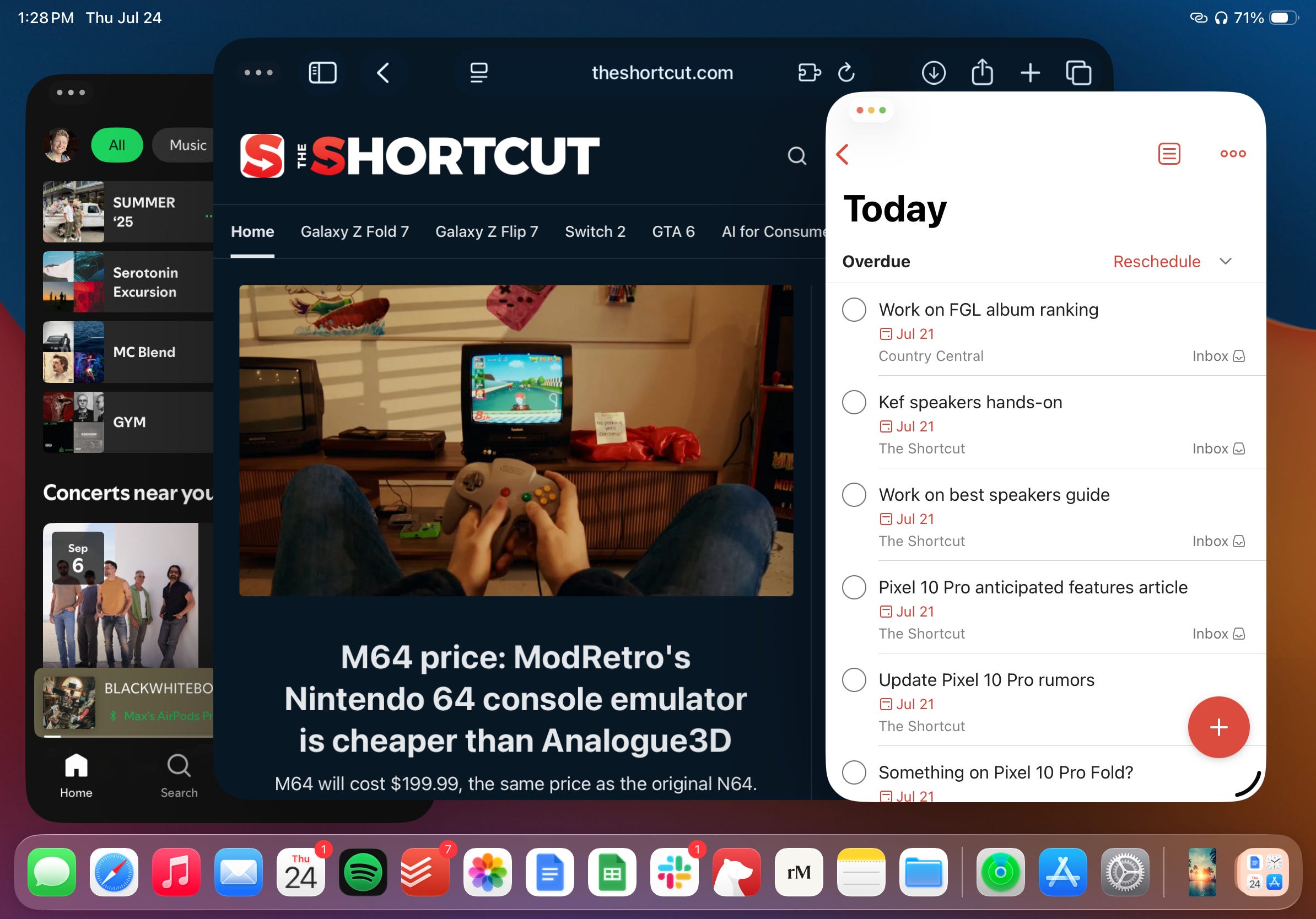
🪟 Floating, resizable windows. The word I’d use to describe floating windows on iPadOS is “epic.” Yes, it’s a concept that’s been around on desktop operating systems for decades, but now that’s on my iPad, I can’t get enough. You can open any app you want in a floating window and resize it to your hearts content. They live wherever you place them, just like in macOS, and it makes it far easier to multitask when using your iPad on an external display. I like opening my to-do list app and keeping it on the screen while I knock out emails, work on articles, and more. My only wish is that in a future update, iPadOS gets window snapping support.
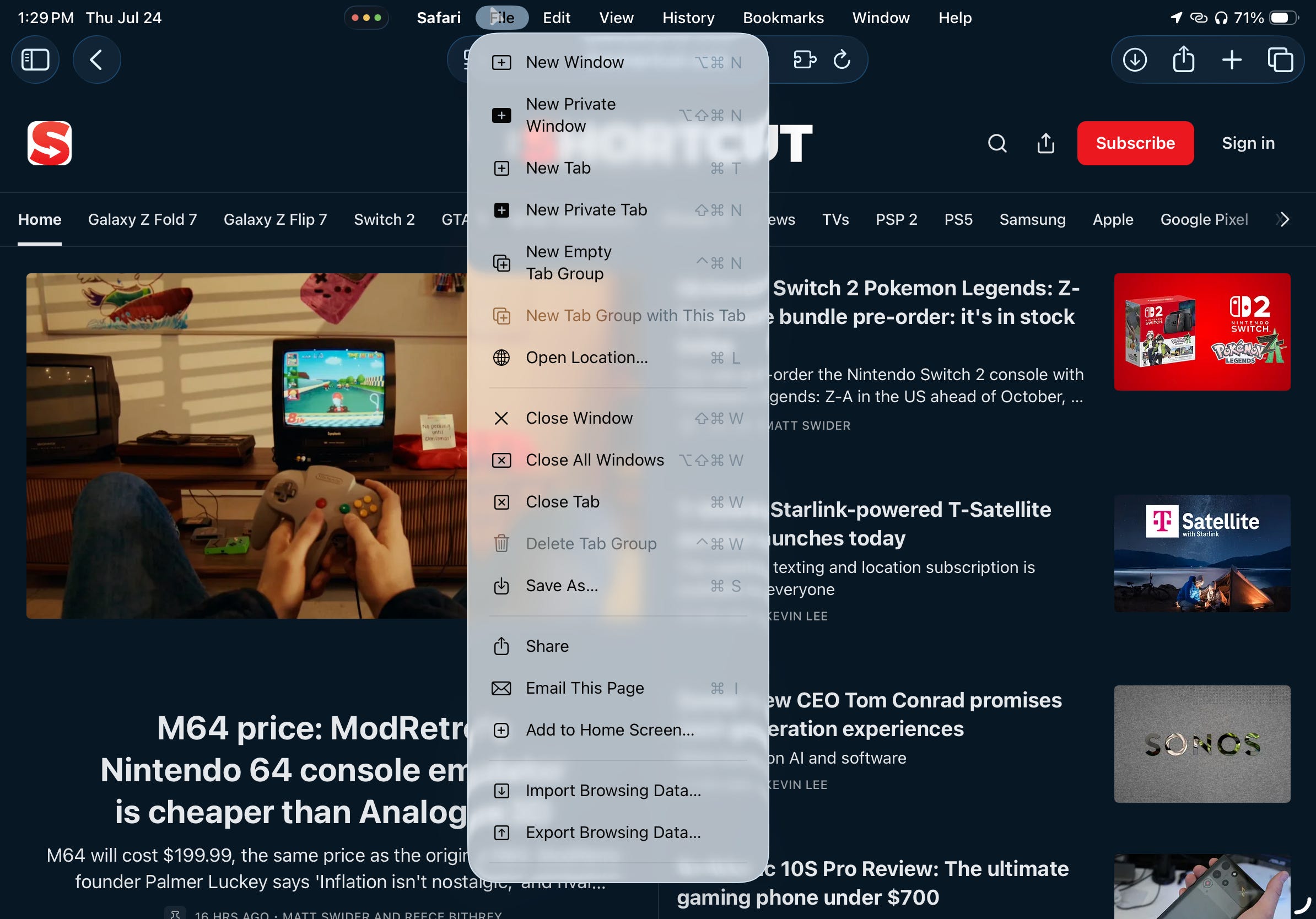
📋 A real-life menu bar. Another staple on macOS? The menu bar. iPadOS 26 supports key menu functions when you move your mouse cursor up to the top of the screen, triggering the menu bar to expand and present familiar choices like File, Edit, Window, and Help. Developers can customize the options that are displayed when you’re in their apps too, just like on a Mac. It’s made managing app settings and finding tools a lot easier than digging through the app’s interface itself.
🚥 Traffic lights. With the menu bar comes a familiar trio of buttons: Apple’s signature traffic light window management controls. The buttons appear whether you use a keyboard or just your finger, and you can choose to close an app entirely, minimize it, or maximize it to fill your screen. The buttons offer even more familiarity for anyone who wants to get work done on their iPad and are used to using a Mac. I’ve found them very useful over the past few weeks; it reduces the need to learn a new window management system by replicating the thing you interact with every day. It’s fantastic.
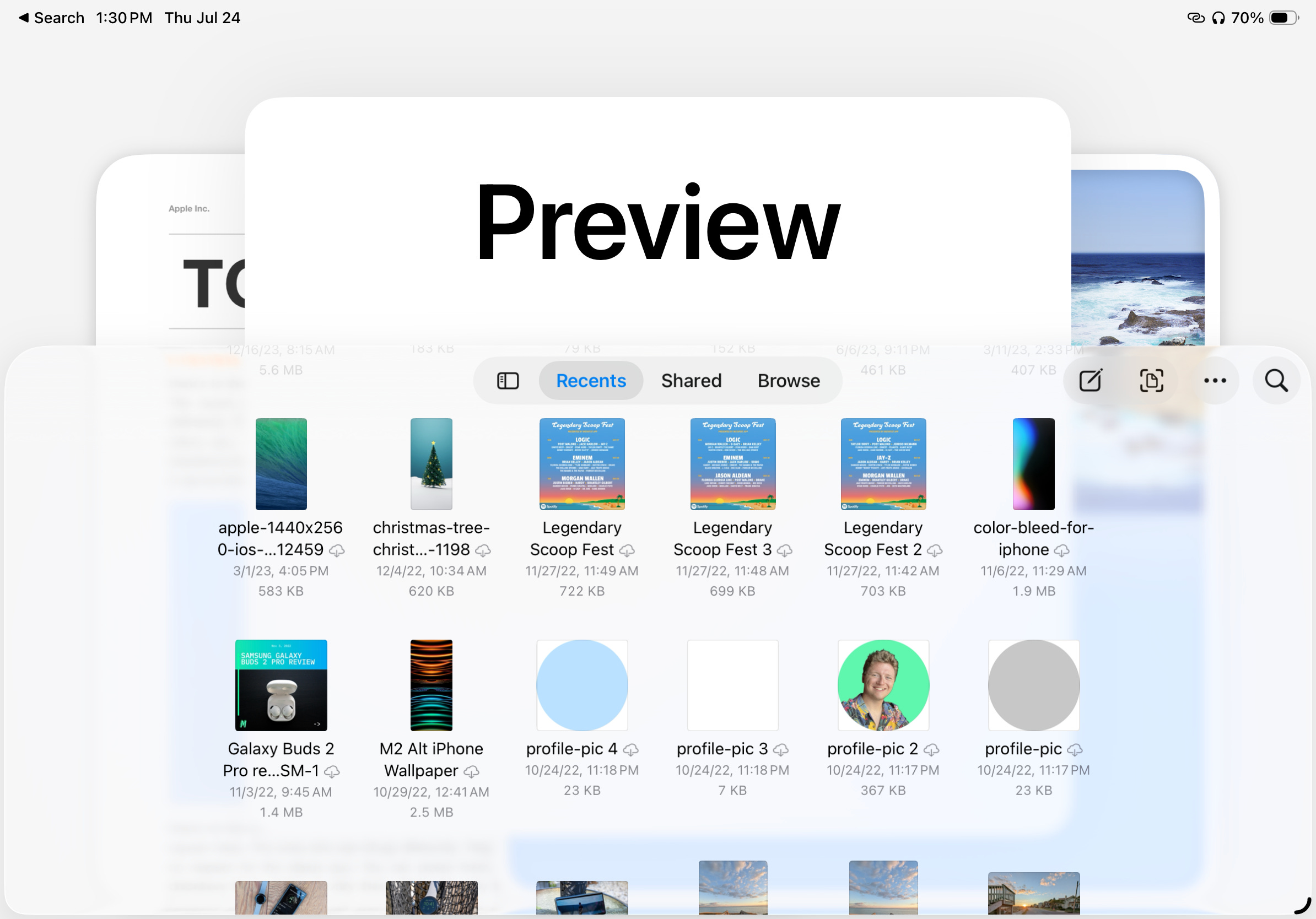
📄 Preview all the PDFs. Opening PDFs and other weird files on an iPad is typically a pain, so I was thrilled to see the Preview app arrive in iPadOS 26. It works similarly to the app in macOS, allowing you to open almost any file on your iPad and take a look at it. While it can be used for other file formats, it’s especially helpful for PDFs. You can view, edit, and draw on them with Preview, eliminating the need for a third-party app.
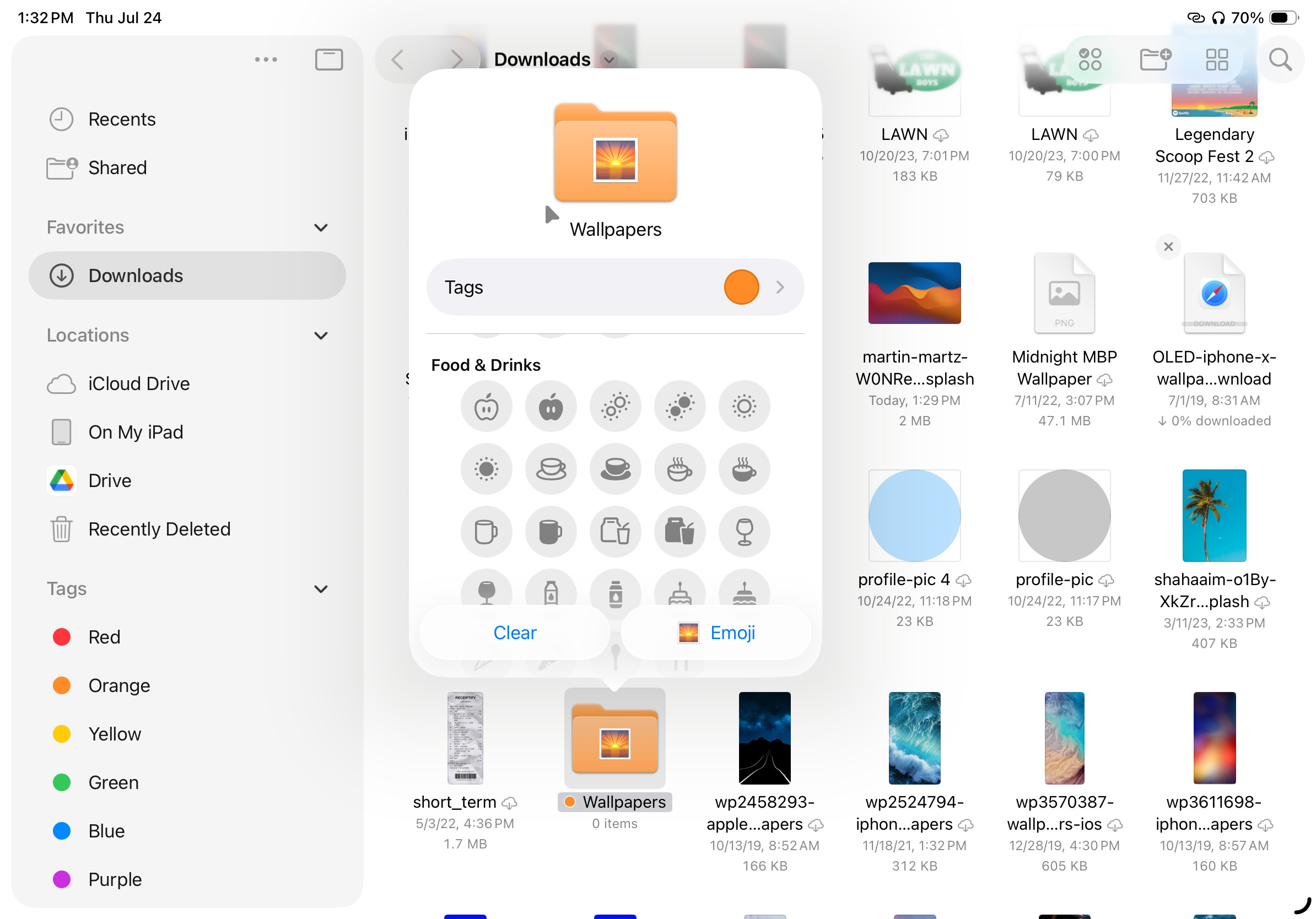
📁 Files are more manageable. The Files app gets a big upgrade in iPadOS 26 with new ways to organize all of the stuff you keep on your iPad. You can add emojis to folders, color-code them, and drag them to your dock for easier access. All of your custom settings will sync across your devices, too. Plus, there’s a new List view for seeing your files, and a new shortcut for assigning a default app to open them in. I don’t have as much data on my iPad as I do on my Mac, but for what I do have on it, this is a big upgrade.
iPadOS 26 release date and supported devices
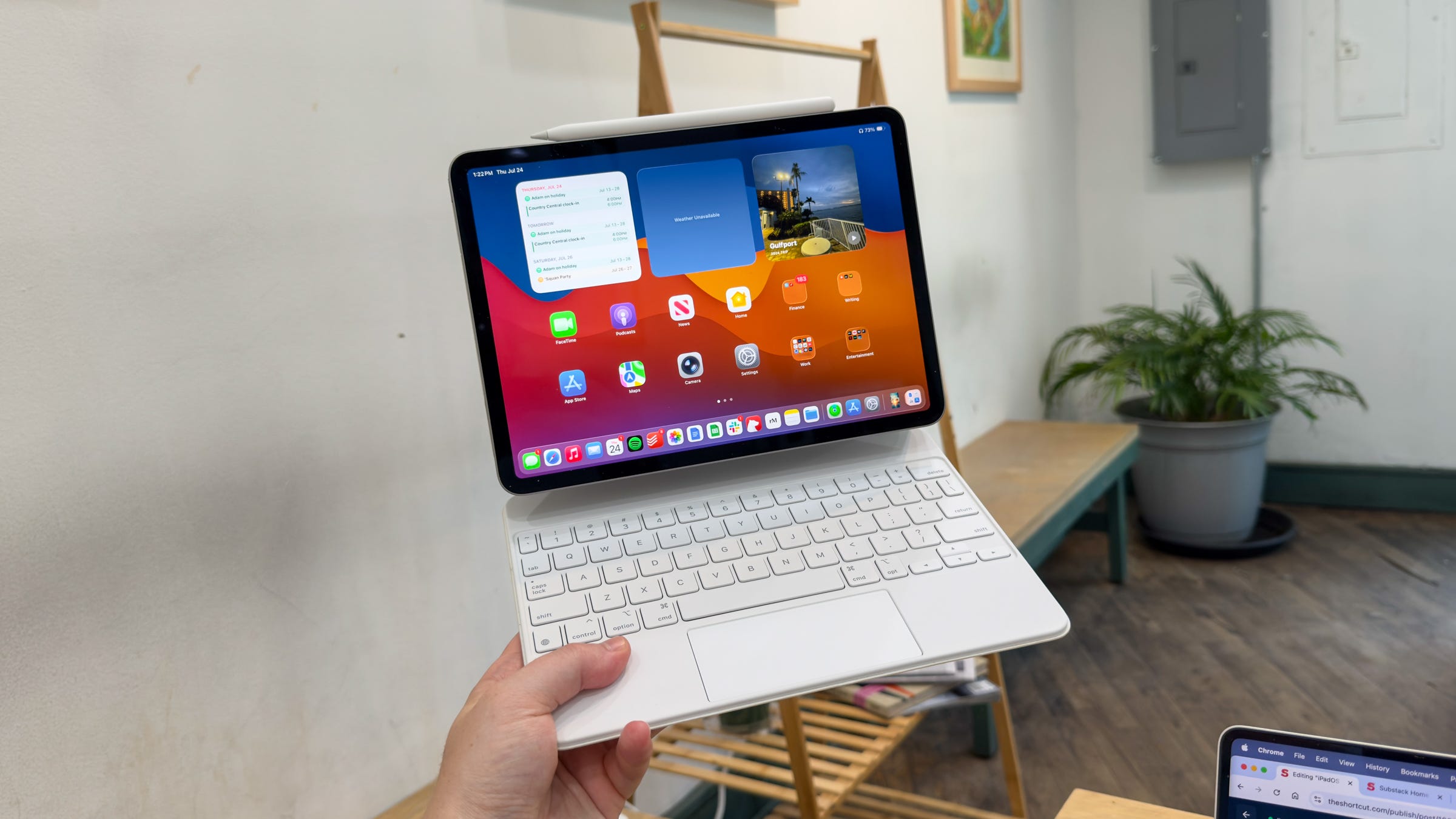
Apple is releasing iPadOS 26 to the general public this fall, likely around the time of the iPhone 17 release date. Today’s public beta is available for those enrolled in Apple’s iPadOS public beta program. I don’t recommend installing betas since it can lead to data loss and other device issues, but if you want to take a chance and try out all of these neat features ahead of time, it’s at least better than running one of the older iPadOS 26 developer betas.
The new version of iPadOS will support the following devices:
iPad Pro (M4)
iPad Pro 12.9‑inch (3rd generation and later)
iPad Pro 11‑inch (1st generation and later)
iPad Air (M3)
iPad Air (M2)
iPad Air (3rd generation and later)
iPad (A16)
iPad (8th generation and later)
iPad mini (A17 Pro)
iPad mini (5th generation and later)
More: iPad Pro M5 reportedly getting second FaceTime camera for portrait mode
Max Buondonno is an editor at The Shortcut. He’s been reporting on the latest consumer technology since 2015, with his work featured on CNN Underscored, ZDNET, How-To Geek, XDA, TheStreet, and more. Follow him on X @LegendaryScoop and Instagram @LegendaryScoop.