


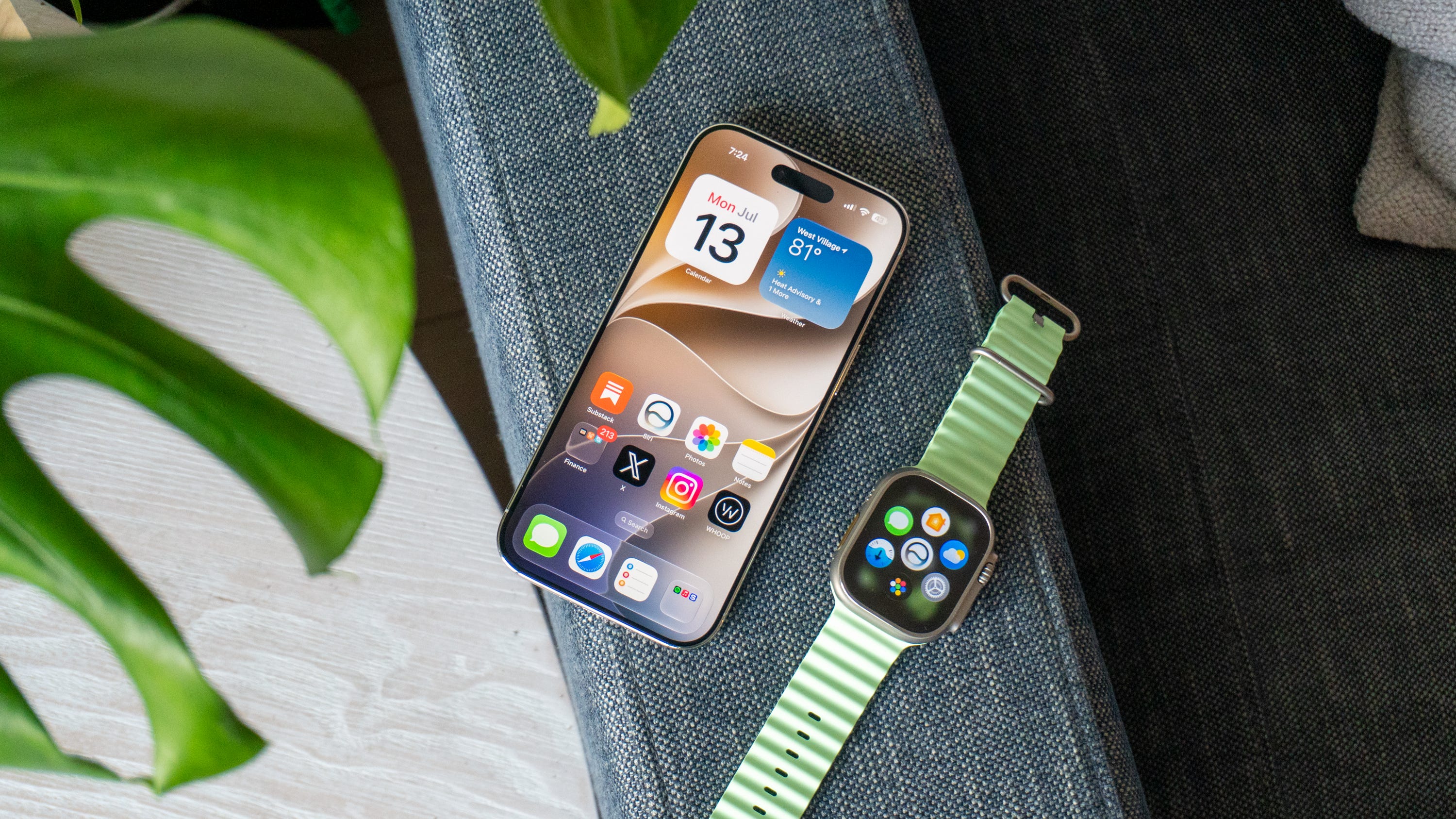
You probably ask yourself every fall whether you should install the big, fancy software upgrade that Apple releases with its new iPhones. Last year’s iOS 26 was a bit polarizing with the huge Liquid Glass redesign and all the changes to apps you use each day, and it resulted in some users complaining about performance issues and an inability to see everything as clearly as they used to.
That’s why I’m happy to report that’s all changing this fall. I’ve been testing Apple’s next round of software updates on my own personal iPhone and Apple Watch, and the 2027 platforms have gotten a lot better. Both iOS 27 and watchOS 27 (which are now in public beta) fix many of the issues you might have had with the previous round of updates, and they introduce new features that make Apple’s software feel modern and more capable than ever before.
After experimenting with the iOS 27 and watchOS 27 betas for the past few weeks, these 7 upgrades stood out the most and convinced me that whether you have a new iPhone 17 Pro Max or one from years ago, a recent Apple Watch Ultra 3 or an aging model, you need to install these updates.
Disclosure: The versions of iOS 27 and watchOS 27 I’ve been testing are technically betas and not stable enough for public release. While Apple has dropped the public betas that are less buggy and prone to crashes, we recommend waiting until the fall when Apple says it’ll roll out the updates to everyone.
⬆️ 7 reasons you’ll want to upgrade to iOS 27 and watchOS 27 this fall
🚀 Everything is getting way faster
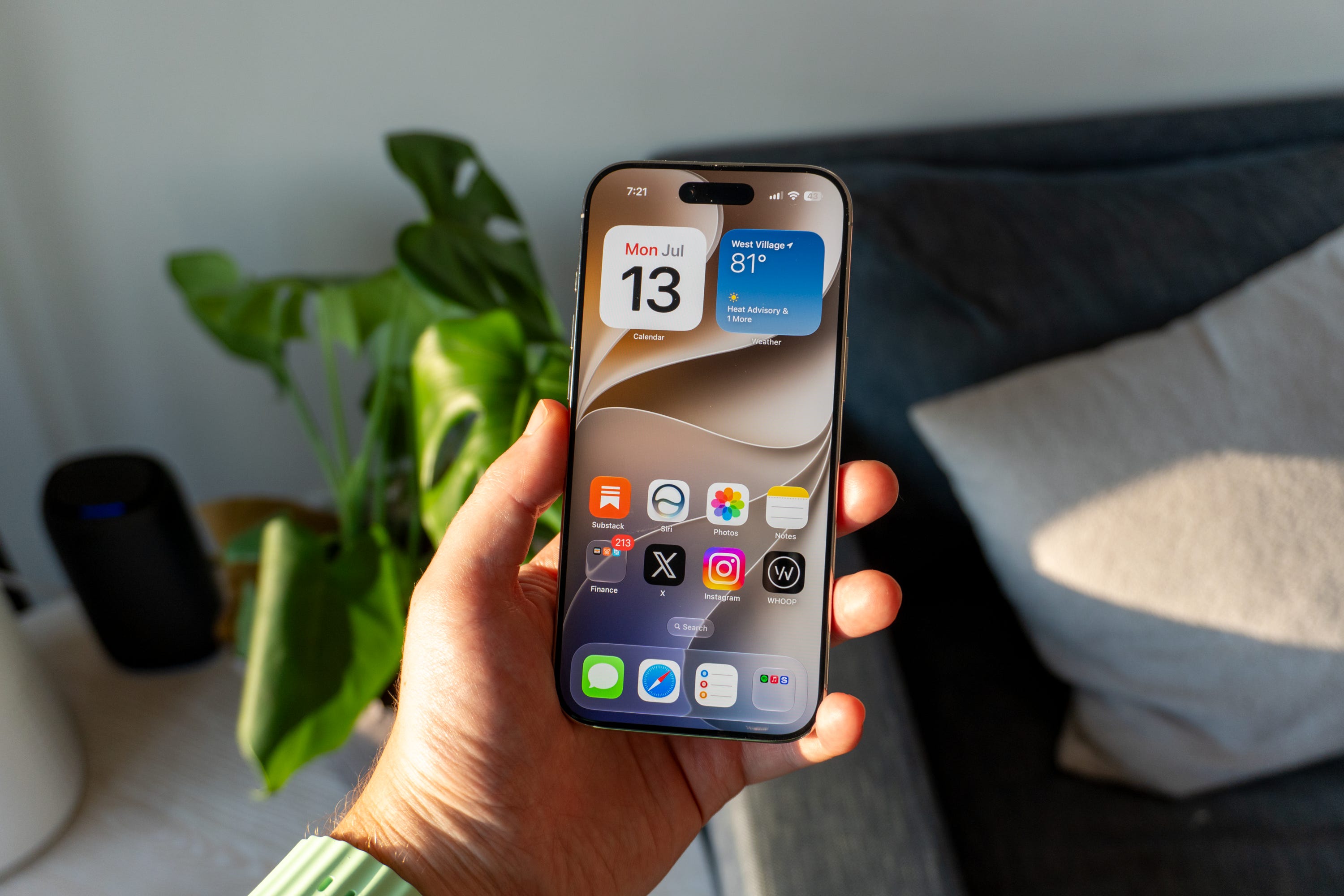
iOS 27: It’s actually insane how much faster iOS 27 feels on my iPhone. I’ve tested the update on my iPhone 17 Pro Max and iPhone Air, and yet despite those phones coming out less than a year ago, the new software makes them feel noticeably faster than before. Apps open quicker, multitasking is snappier, and the whole system feels more responsive. My phones weren’t slow to begin with, but thanks to all the under-the-hood improvements in iOS 27, they can’t help but get faster. Anyone with an iPhone older than mine will want to rush to grab this update just for the sake of performance.
watchOS 27: Similarly, my Apple Watch Ultra 3 is a bit snappier thanks to watchOS 27. Apple made a bunch of improvements under the hood to make it faster and more responsive, and I can feel the difference. It’s not quite as noticeable as it is on my iPhone, but things like the Control Center will spring to life quicker, while widgets take less time to load. If you have a less-powerful Apple Watch on your wrist, you’ll appreciate these changes immensely.
🫧 Liquid Glass won’t annoy you anymore
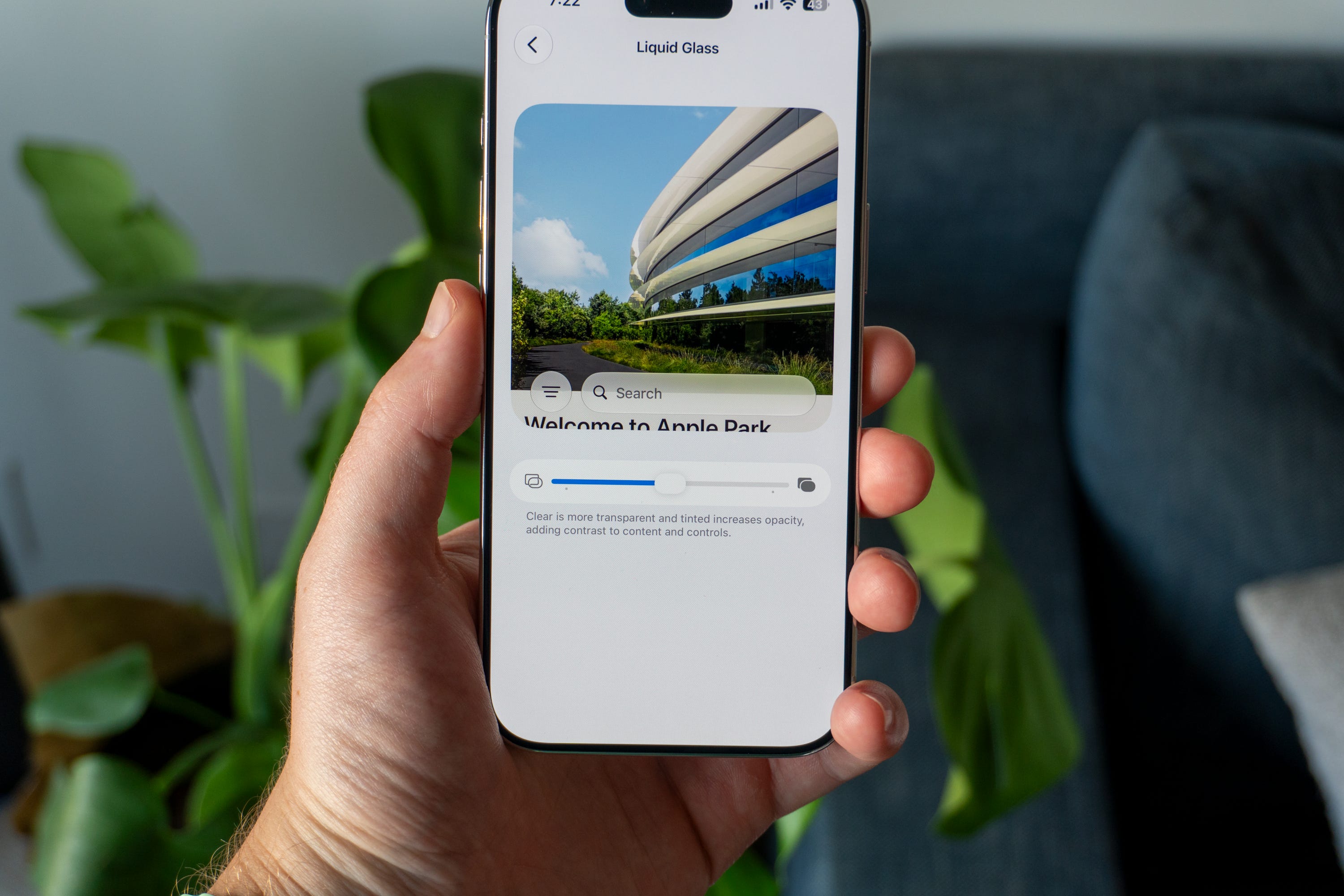
iOS 27: Apple is making a big change to how Liquid Glass looks on your iPhone. Not only is it easier to see text and iconography out of the box, but now, you can granularly adjust the transparency of the UI to whatever you’d like. Whether you want it crystal-clear, a little bit tinted, or completely frosted, the new slider in the Settings app lets you tweak it to your liking. It’s a lot better than the options in iOS 26, which were limited to only clear or frosted.
watchOS 27: Liquid Glass looks a lot better on the Apple Watch thanks to watchOS 27. Apple tweaked a lot of the UI elements to make things easier to see, with some more frosted than others. I’ve also noticed that buttons are easier to make out, as are notifications. Nothing was impossible to see in watchOS 26, but the visual enhancements here are welcome.
🤖 Yes, Siri AI is that good
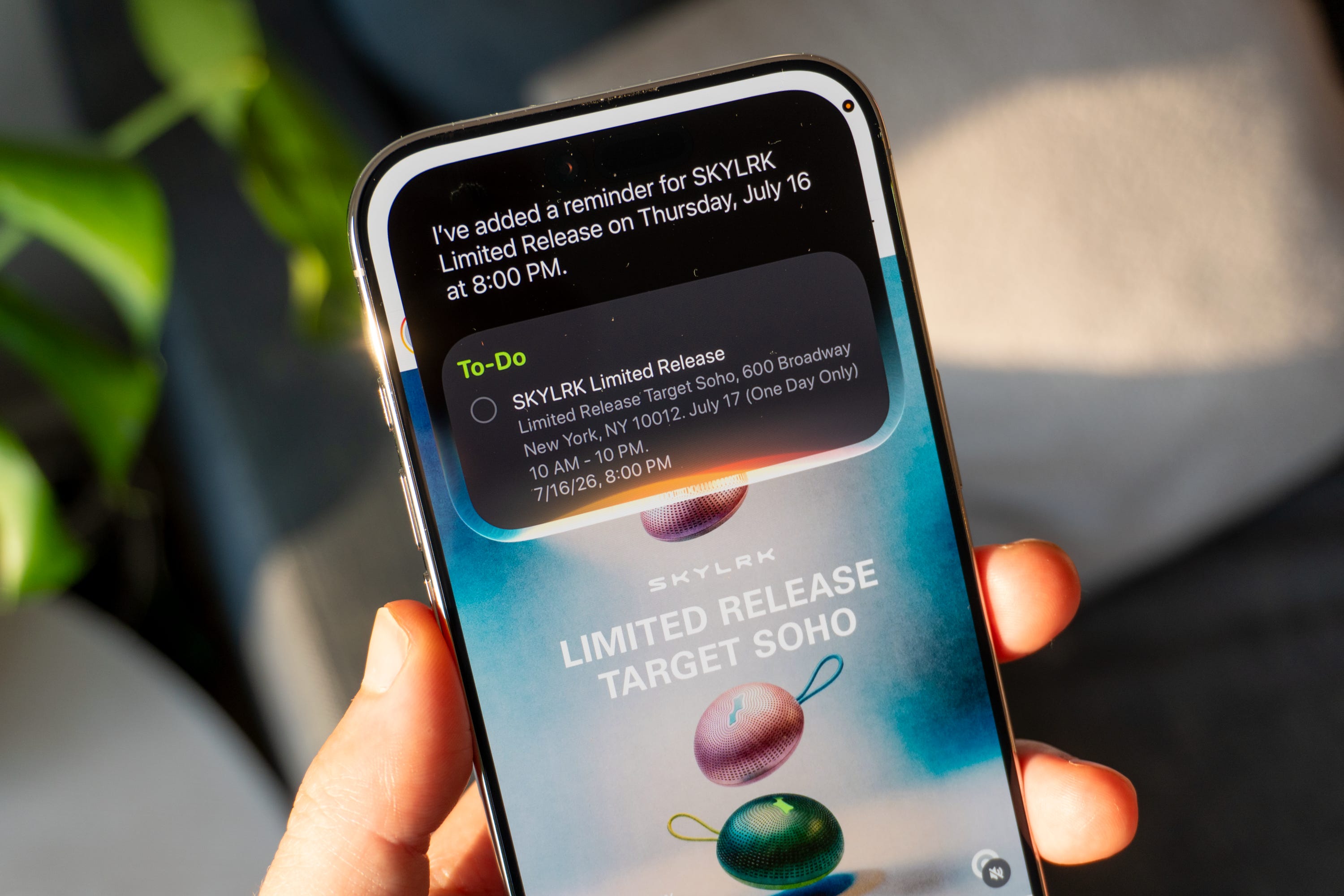
iOS 27: After years of Siri being the butt of every joke about how bad virtual assistants are, I’m happy to report that Apple’s assistant is finally good. Built with new Apple Foundation Models that rely on Gemini technology, Siri AI is far more powerful, more contextual, and way more useful than ever before. It knows everything about you and what’s on your phone, so it can provide contextual responses based on whatever you say. I’ve asked Siri to dig up info I knew I had somewhere but couldn’t find it, and it was able to do so effortlessly. It can comb through your email, read your texts, and more to understand what you’re talking about, enhancing the experience tremendously. It can also understand what’s on your screen, which made it easy to ask Siri to add a recipe’s ingredients I pulled up to my shopping list and set a reminder for a pop-up I saw on Instagram for this weekend.
watchOS 27: It goes without saying that a smart watch will make you feel like James Bond whenever you talk to it, and that same feeling shows itself once again with watchOS 27. Siri AI’s ability to carry a conversation is even more convenient on the watch; you can just keep talking to it and get ideas for a workout plan, cooking tips, and more. I use it a lot to keep track of reminders and steps for recipes while I’m preparing dinner. And since it knows everything about you, all of the same personal context perks I enjoy on my iPhone are also here.
💬 Sending pictures with your texts is more reliable
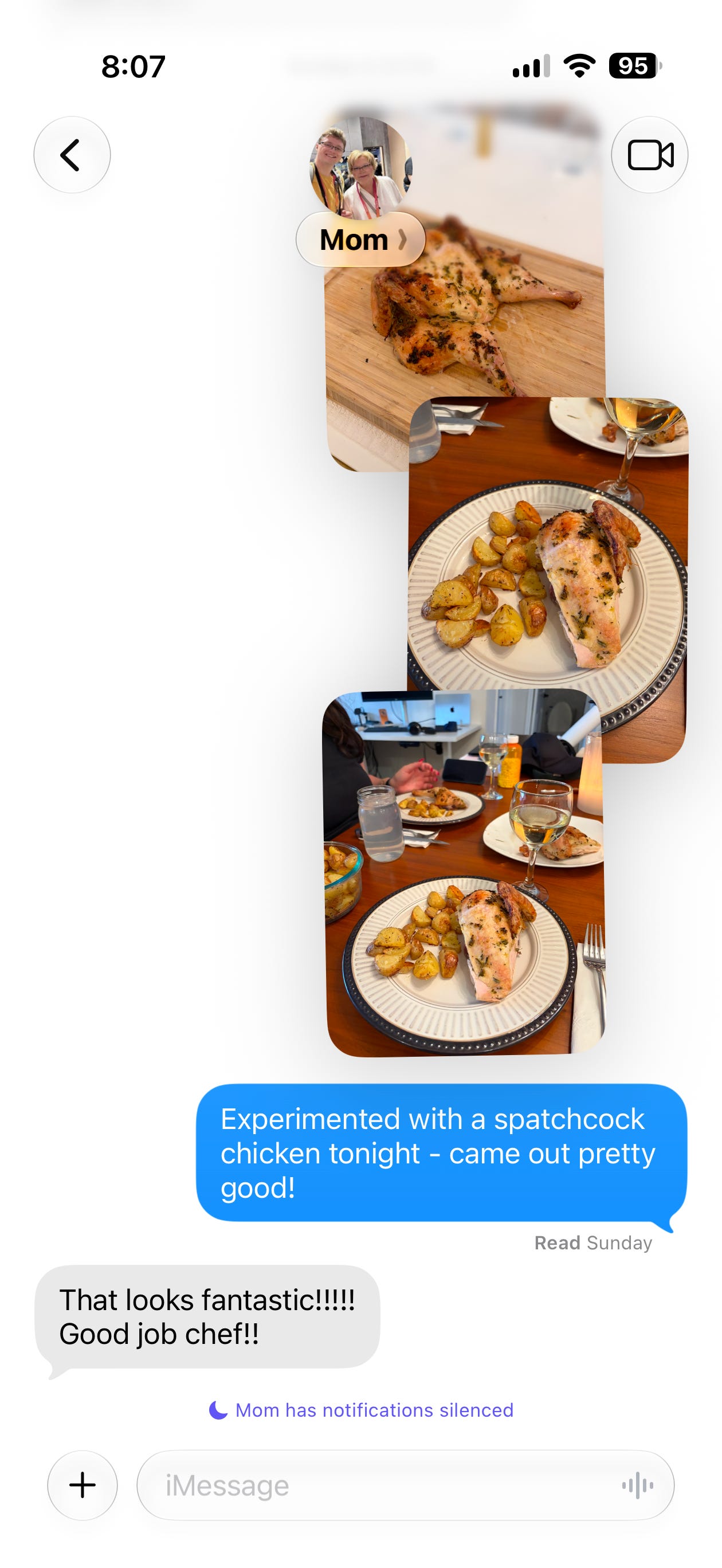
iOS 27: Ever send a picture with a text message with less-than-reliable service, only for both to fail to send? Apple fixed this with iOS 27, and it’s one of those things you don’t realize you need until you have it. I’ve sent dozens of photos with texts at this point, and not only will I get a progress bar telling me whether a photo will send, but my iPhone will also automatically retry to send a picture or video if it fails the first time. Messages will also more reliably sync your text chains with your other devices, which I greatly appreciate given the sheer amount of devices on my Apple account.
🛜 Faster AirDrop that you didn’t know you needed
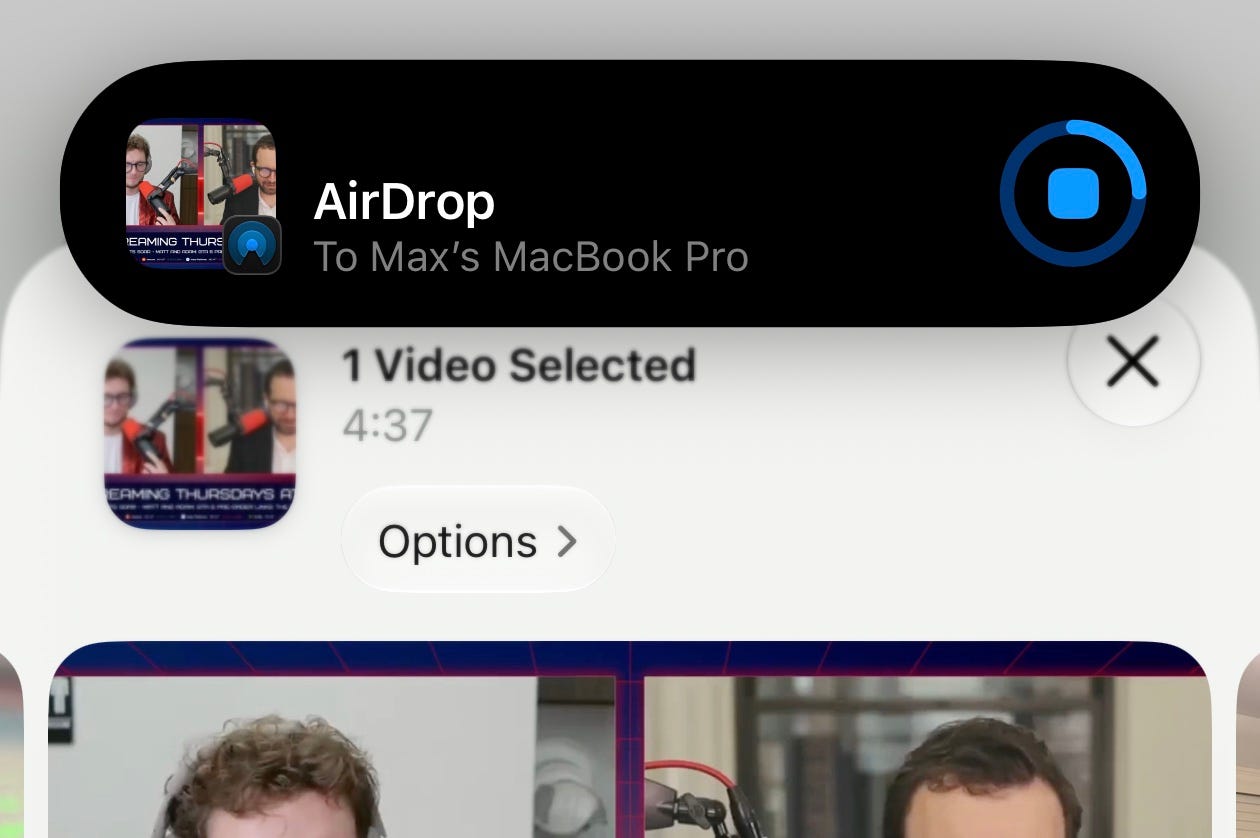
iOS 27: Another thing you didn’t realize you’d need on your iPhone: way faster AirDrop. Across all of Apple’s systems, AirDrop is getting up to 80% faster at transferring files, which is a big deal. The few times I’ve transferred files between two OS 27 platforms, it’s definitely seemed faster. I want to dive more into how much it can handle with the speed improvements now that I’m running macOS Golden Gate, so stay tuned.
💳 The Wallet app might change your life
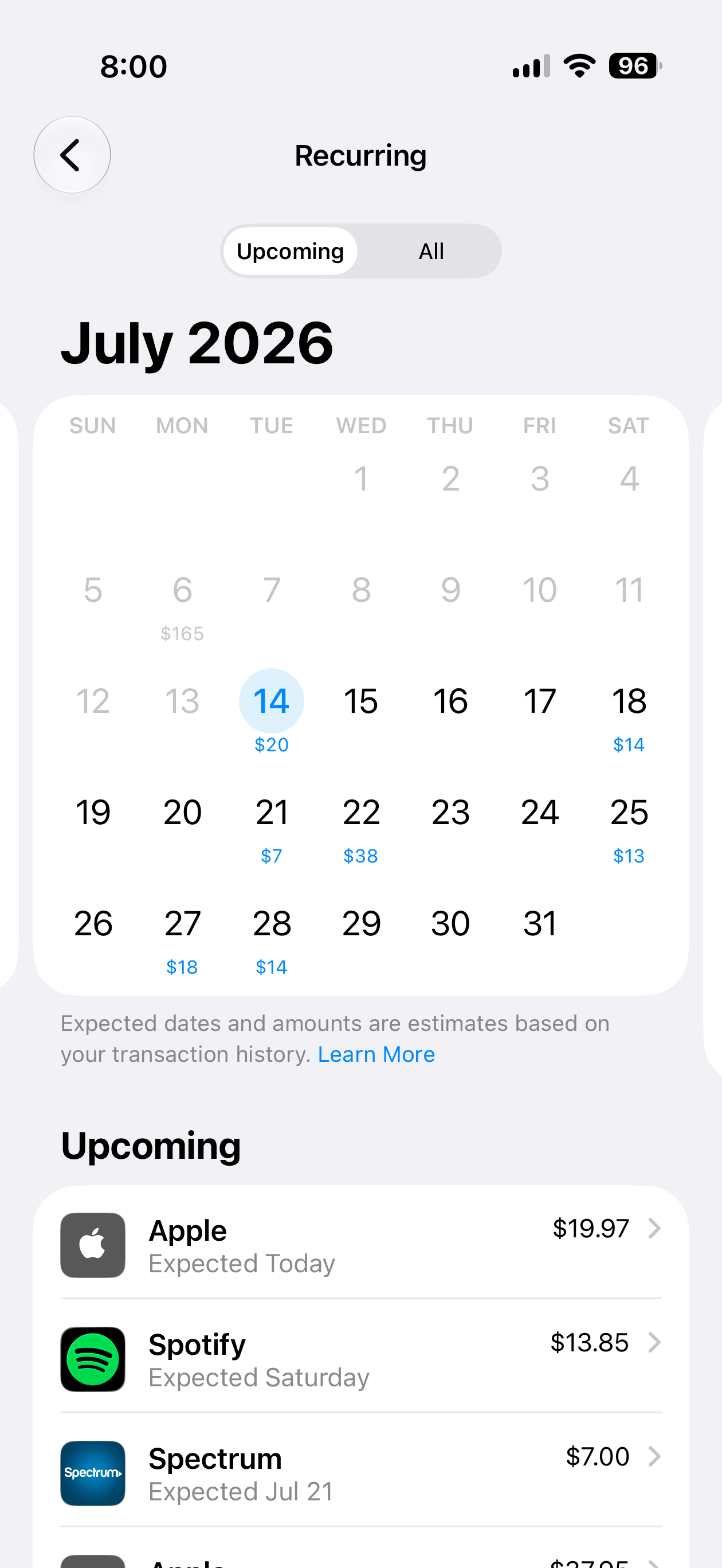
iOS 27: The Wallet app is getting a lot of big updates, and there are two that are probably going to change your life. Thanks to Siri AI, you can point your camera at a receipt, select the items you ordered, and instantly know how much you owe the host of your group. I haven’t gone out in a minute so I haven’t been able to test this, but I can tell a lot of people will like this. Another thing: recurring subscriptions. The Wallet app will give you insights into your subscriptions and alert you when one’s coming up. I had this feature notify me that my Spotify subscription was going to renew in a few days, and it make me excited for how useful it could be in the future for subscriptions that I don’t actually care about.
watchOS 27: There are also updates for Wallet in watchOS 27. You can add any pass that has a QR code attached to it to your virtual wallet, then pull them up on your Apple Watch or add them to your Smart Stack. I’m going to a concert this weekend that this is going to come in handy for big time.
⌚️ Your wrist feels smarter – and makes more sense


watchOS 27: Apple made three big UI changes to the Apple Watch that help it feel way smarter beyond interacting with Siri AI. The Smart Stack is better at recommending widgets it thinks you’ll want to reference during the day, which I’ve noticed is far more in tune with my daily habits. Press the Digital Crown and you’ll get a much smaller grid of apps; it’s only the ones that Siri AI thinks you’ll want to open, and in testing watchOS 27, it’s done a good job at recommending apps that I want to open. There’s also a new pinch gesture: tap your index finger and thumb once to select something. This makes navigating your watch with one hand way easier than before, and honestly, I can’t believe it took Apple this long to add it.
📆 When does iOS 27 and watchOS 27 come out?
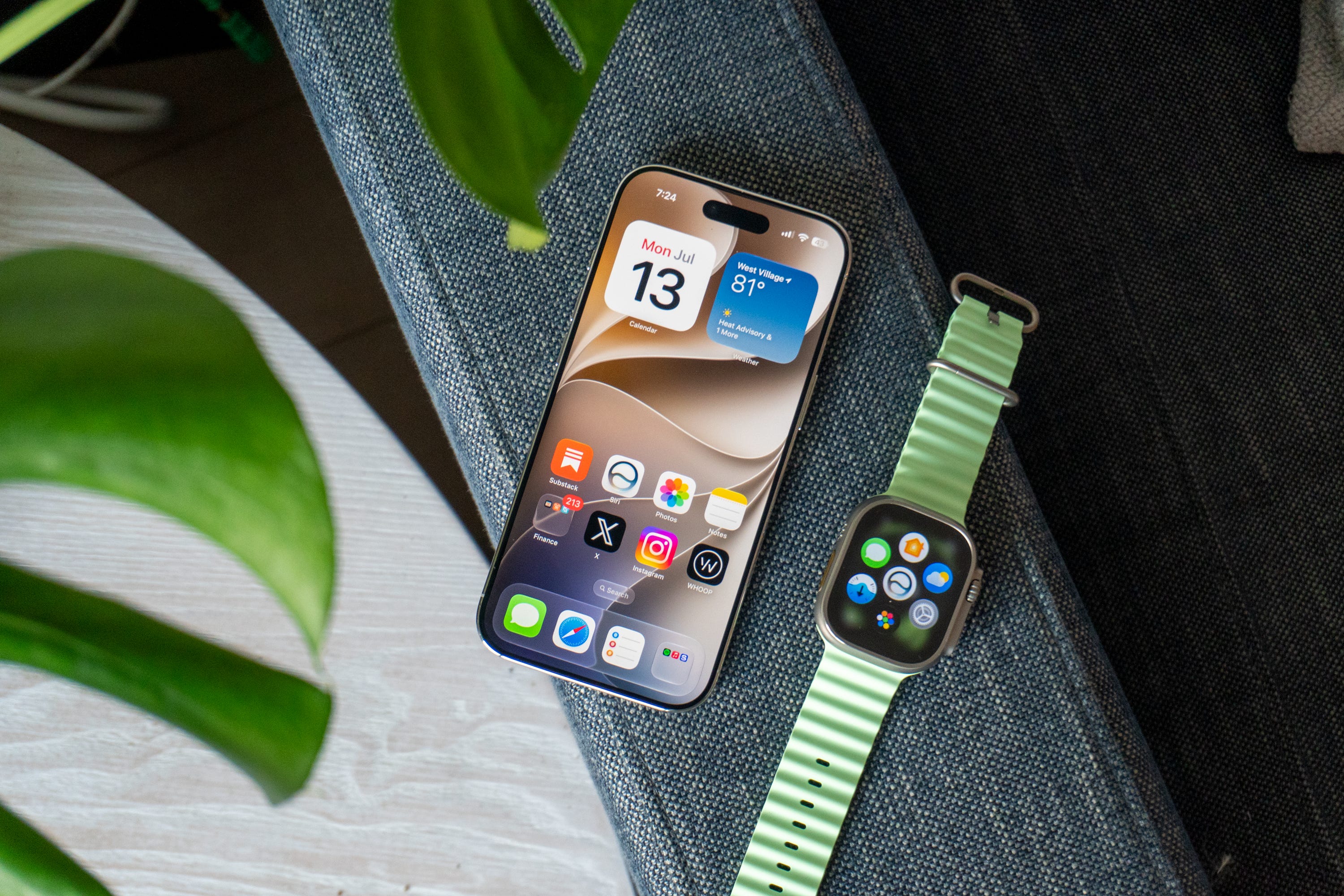
Apple is set to release iOS 27 and watchOS 27 this fall for all users. I’ll continue testing the new platforms alongside macOS Golden Gate and visionOS 27 until then. Stay tuned for more coverage on The Shortcut, our Instagram page, and on The Shortcut Live!
Max Buondonno is an editor at The Shortcut and co-host of The Shortcut Live. He’s been reporting on the latest consumer technology since 2015, with his work featured on CNN Underscored, ZDNET, How-To Geek, XDA, TheStreet, and more. Follow him on X @LegendaryScoop and Instagram @LegendaryScoop.