


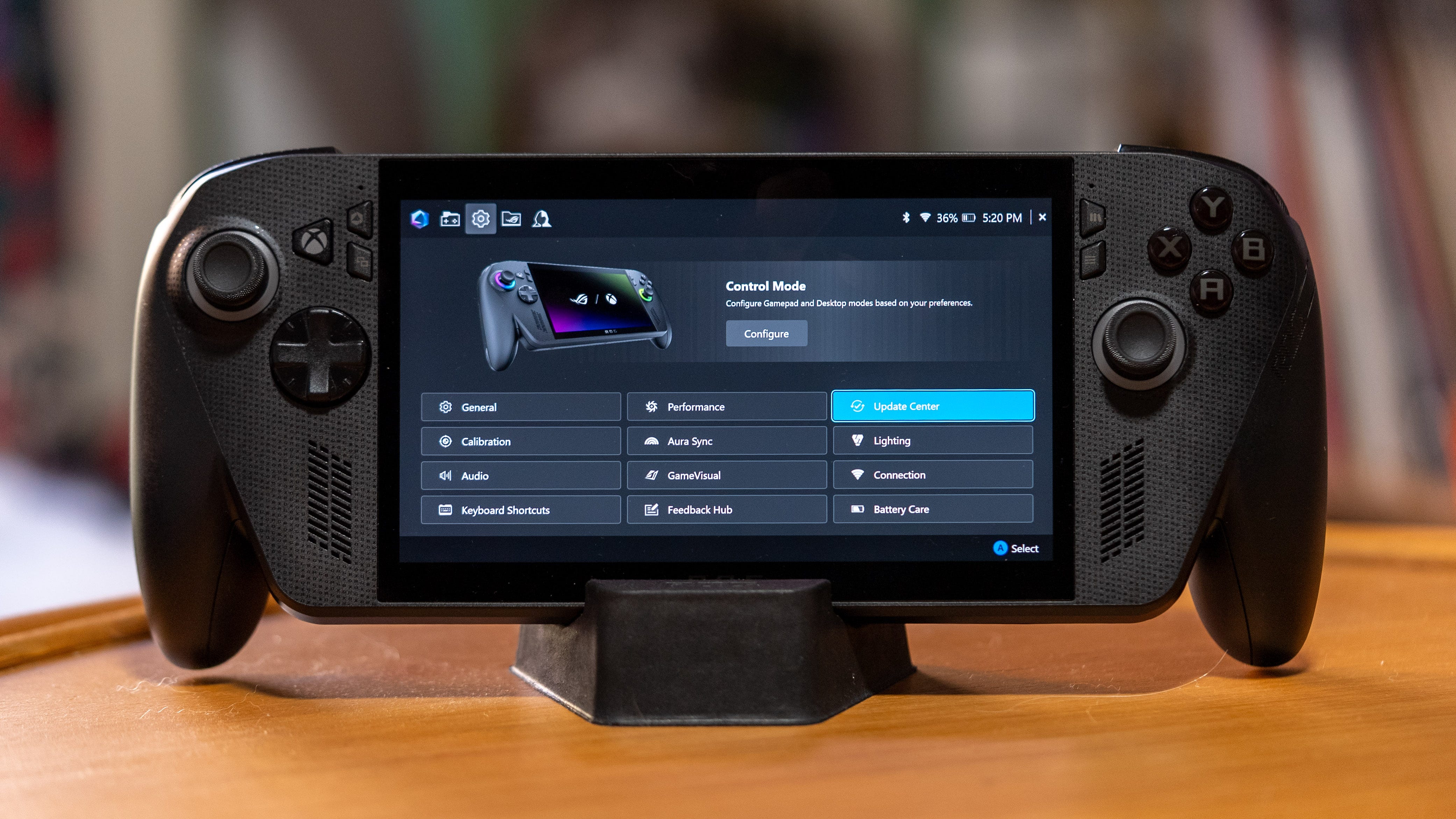

🎮 Staying in the Xbox Full Screen Experience frees up slightly more RAM for gaming
🧠 Increase the total amount of video memory for the Z2E chip in the Armory Crate app
⏱️ Radeon Anti-Lag helps reduce latency
🥶 Radeon Chill lowers your frame rate and saves on GPU cycles while you’re idle
🚗 13W Silent power mode is great for RPGs, card-based games, autoshooters, and other low-lift games
🏎️ 17W Performance can handle most games, including CyberPunk 2077
🚀 25W and 35W Turbo mode can help you brute force more demanding games to run
❤️🩹 Battery Care Mode helps extend battery health by limiting charging to 80%
The Asus ROG Xbox Ally X is the best-performing PC gaming handheld yet, but it requires a surprising amount of optimization beyond the built-in Xbox Full Screen Experience.
Whether you’re looking for higher frame rates or longer battery life, here are a few simple settings to adjust for the best gaming experience.
The most crucial changes for all Xbox Ally X users are to increase the available video memory for the device’s AMD Z2 Extreme processor and to switch on Battery Care Mode to preserve your battery’s health (if you always have your handheld plugged in). There are also deeper Radeon settings that can increase your frame rate, but read on for the full breakdown of the Best Asus ROG Xbox Ally X settings.
Stay in the Xbox Full Screen Experience

The Asus ROG Xbox Ally X starts up with the Xbox Full Screen Experience (XFSE), and this is the best optimized mode for it. It reduces background processes and frees up around 2GB of memory for graphics and other system tasks. You’ll rarely have to leave the XFSE to start up games or even other launchers, but in case you need to access the desktop, the UI will flag that you’re about to leave the XFSE.
Returning to the Xbox Full Screen Experience is as easy as hitting the shortcut at the top-right side of the Xbox app. However, reset your device entirely if you want to retain all the XSFE optimizations, including the extra RAM for gaming.