


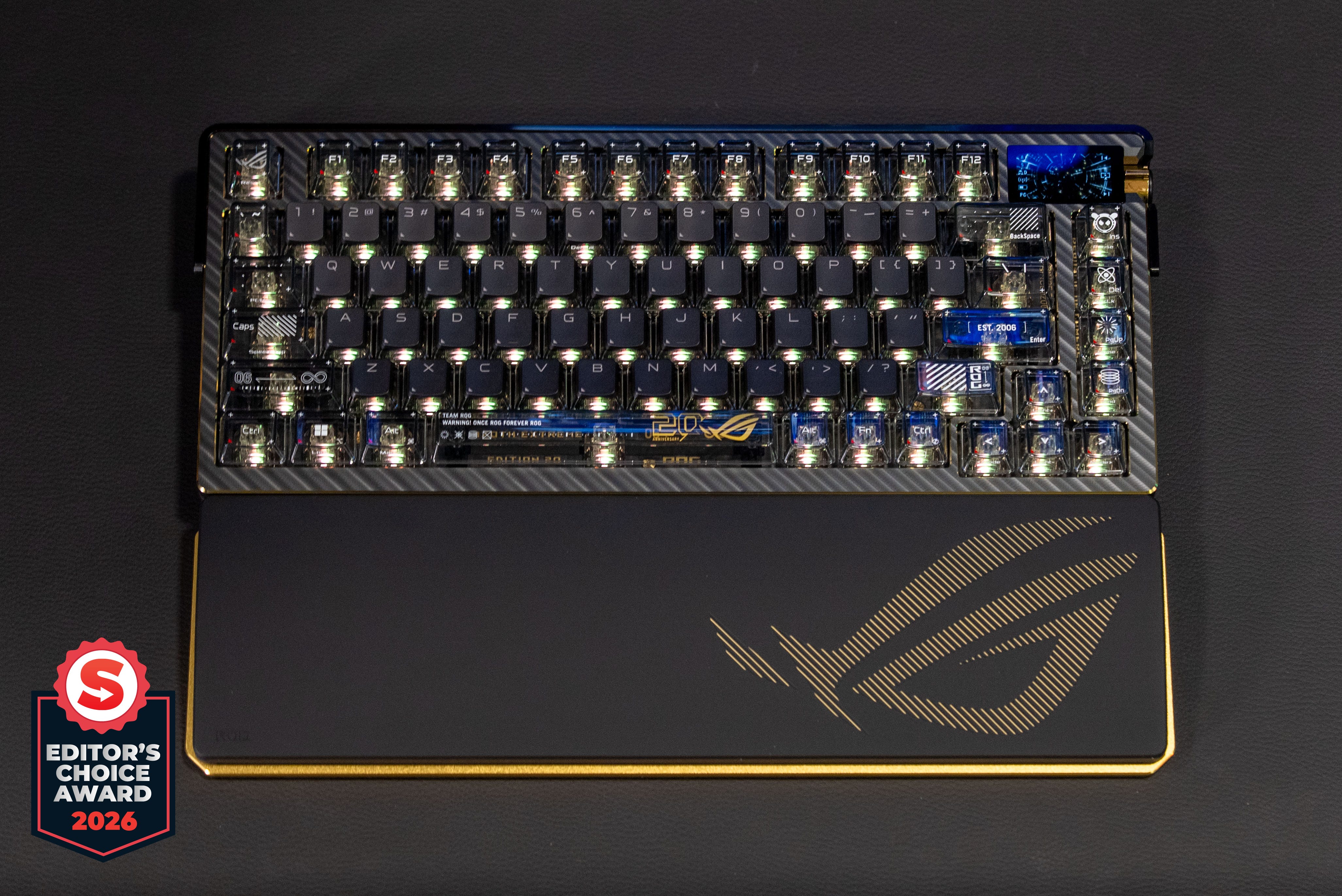
🏆 Review score: 4.5/5
🏅 Editor’s Choice Award

✅ Pros
Premium build quality with solid metal, carbon fiber, and gold-plated accents
⌨️ Adjustable typing feel with just a lever for a hard or soft key touch
🤫 Fully silent typing thanks to three layers of dampening
⚡ Boosted 8,000Hz polling rate works over wireless and wired
🌐 Web-based Gear Link app almost fully removes the need for software installation
🔋 92-hour battery life with RGB and screen, 1600 hours without
❌ Cons
🤑 $600!!!
🧲 No hall-effect or optical keyswitch options with tunable actuation distance
⬇️ Companion app installation required to work with Gear Link
💰 It costs $600
The Shortcut Review
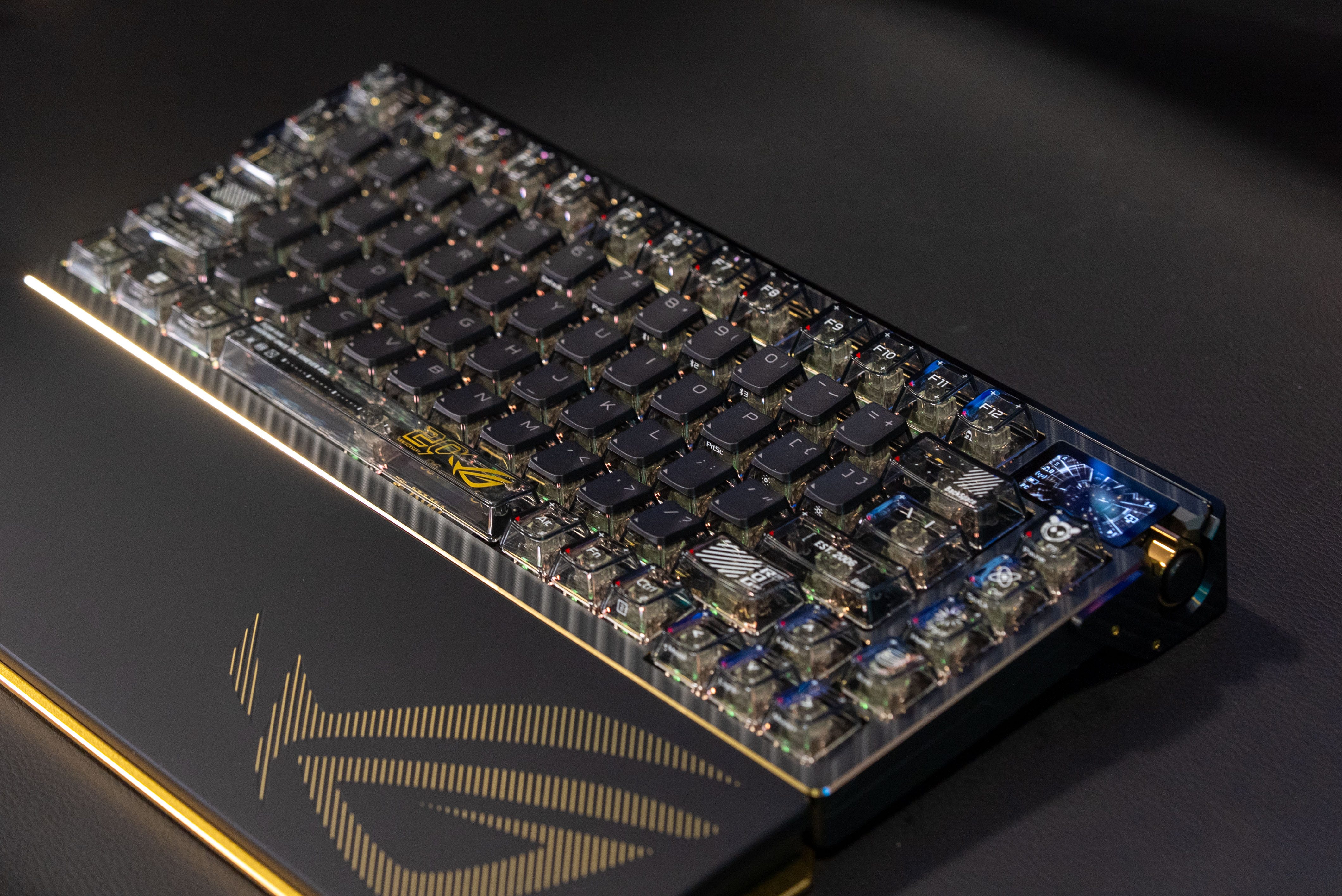
Asus ROG Azoth Extreme Edition 20 is the ultimate 75% mechanical keyboard for enthusiasts and competitive gamers. Its build quality is impeccable, with a mix of solid metal, carbon fiber, three layers of damping, prelubed key switches, and stabilizers. The 20th-anniversary ROG edition further elevates the ROG Azoth Extreme by adding gold-plated parts and a slick black color scheme. This is a peripheral built for keyboard enthusiasts without having to actually build it.
For competitive gamers, it offers a blazing-fast 8,000Hz polling rate that works over wireless or wired connections. The adjustable key feel lets you take the edge off the hard, crisp key travel for a softer keypress during everyday typing. And you’ll never be left with a dead wireless keyboard thanks to its extended 1,600-hour battery life, just in case its regular 92 hours of battery life just isn’t enough.
The only thing missing here is a hall-effect or magnetic key option, if you want to dial in your key travel exactly. The price is also pretty astronomical at $599, $100 more than the original Asus ROG Azoth Extreme. That’s so expensive for a mainstream keyboard, but it really caters to the hardest of hardcore keyboard enthusiasts. Another thing going for it is that this is a one-off special-edition 20th Anniversary ROG Edition keyboard that will never be reproduced.
Full Review
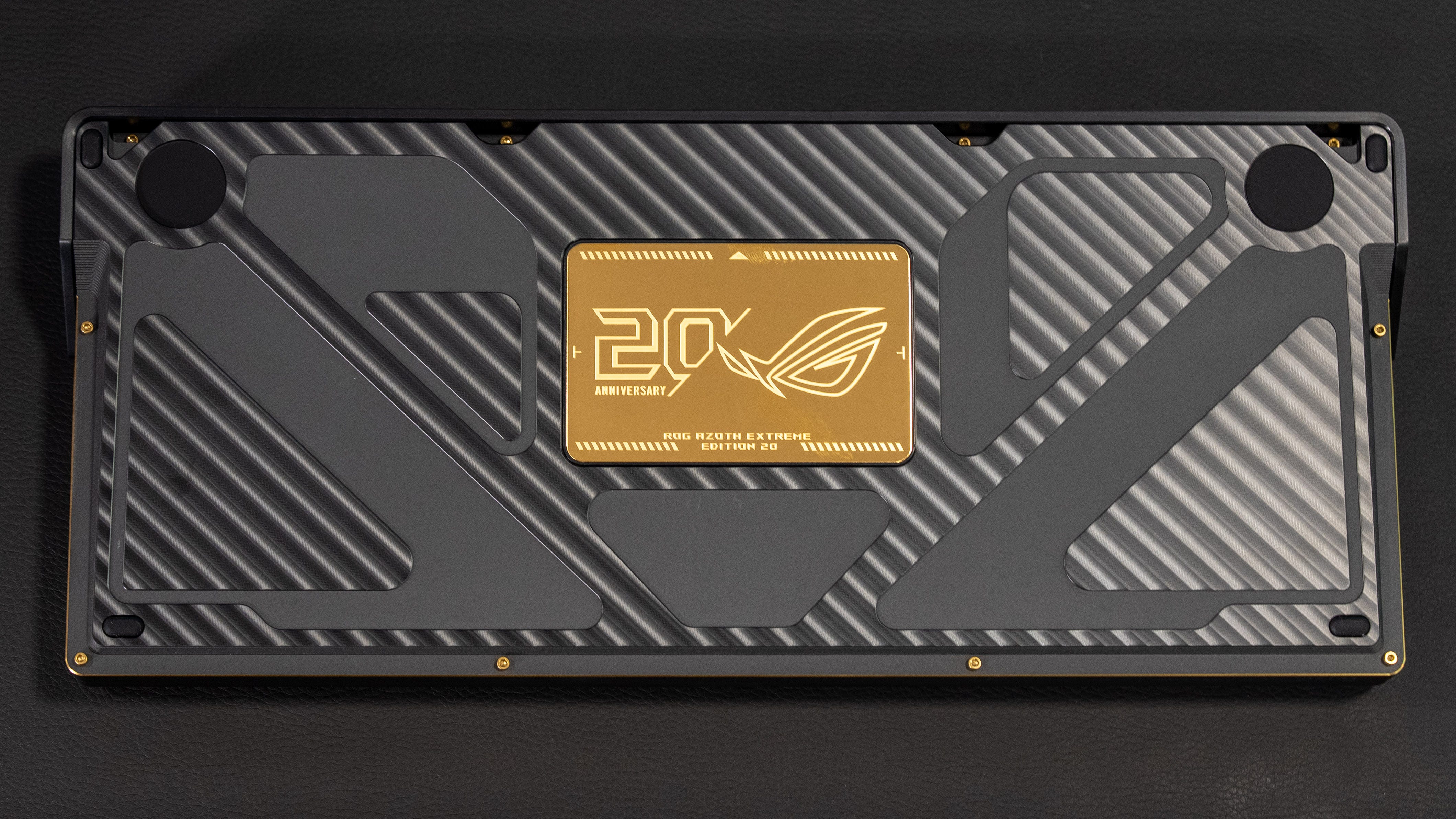
🛡️ Full Metal Jacket. The Asus ROG Azoth Extreme Edition 20 is a rugged gaming keyboard made with a full aluminum alloy chassis. However, unlike other keyboards that use a thin sheet of pressed metal, this keyboard has a metal slab on its underside and an even thicker aluminum collar wrapped around the rear. This keyboard’s full metal jacket makes it incredibly heavy. This is the keyboard you never want to fall on a tiled floor or your foot. The keyboard also ships in a premium cardboard box that weighs three pounds on its own, giving you a strong sense of its heft as soon as you pick it up.


I love gold. The other most striking thing about the Asus ROG Azoth Extreme Edition 20 is all the plated gold you’ll find on it, including the entire palm rest’s underside, the diamond-cut edges, screws, magnetic feet, and the flip-out card on the keyboard’s underside. The keyboard’s default amber-colored backlight shines through the clear keycaps, blending with the gold and making it look like the whole thing is glowing with treasure inside. I love this golden aesthetic, and it helps elevate the panache of this keyboard even if it comes at the expense of an extra $100
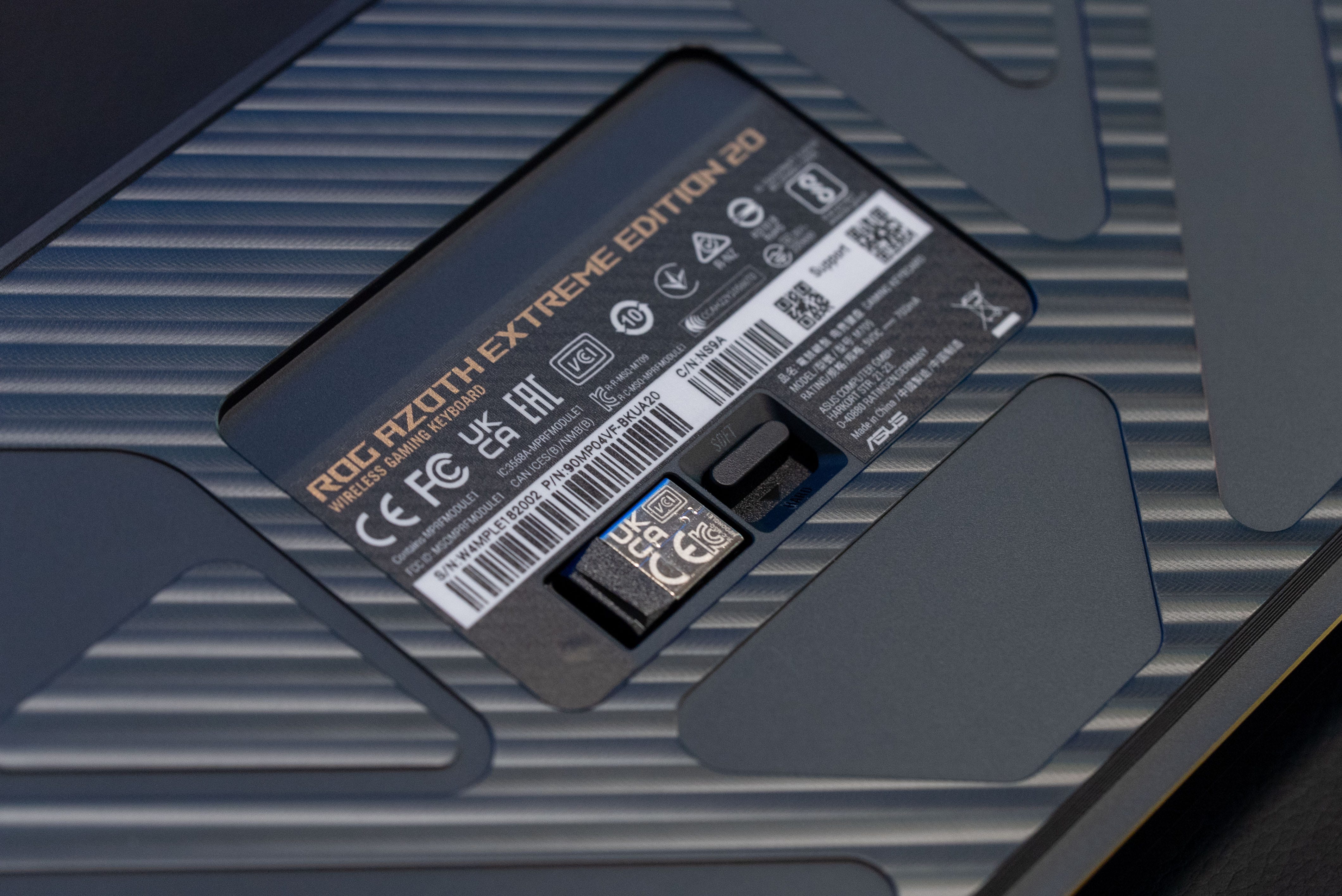
🎚️ Adjustable typing feel. Aesthetics aside, the Asus ROG Azoth Extreme Edition 20 has a fantastically smooth, uniform, and quiet typing feel. You can also set the resistance with a lever underneath the keyboard that manipulates the adjustable gasket mount to give the keys an either a soft or hard feel. The soft feel offers a little more bounce and flex, making it easier on your fingers while typing a long document. The hard feel is definitely all about crisp feedback to really let you know you’re hitting the keys, and this is, of course, best for gaming. This is a great feature, as it gives me two distinct keyswitch experiences without having to physically swap them out, though you could do that if you wanted to.

⌨️ Just my type. The ROG Azoth Extreme Edition 20 comes with two options for key switches: a clicky NX Storm or a linear NX Snow. My review sample came with NX Snow, which is great, but not my favorite, so I can always buy the NX Storm set and hotswap them onto the whole keyboard or just my main set of gaming keys like WASD, shift, left control, etc.
🤫 Silent mode. No matter which keyswitch you go with, this is a very quiet keyboard, and it’s all thanks to the keyboard’s three layers of dampening. There’s a Poron dampening foam that silences keystrokes, while a deeper layer of Poron on the switch pad cushions switches from hitting the PCB directly, and lastly, a silicon pad minimizes sounds from resonating in the keyboard. All the larger keys also have foam stabilizers that prevent them from clattering.
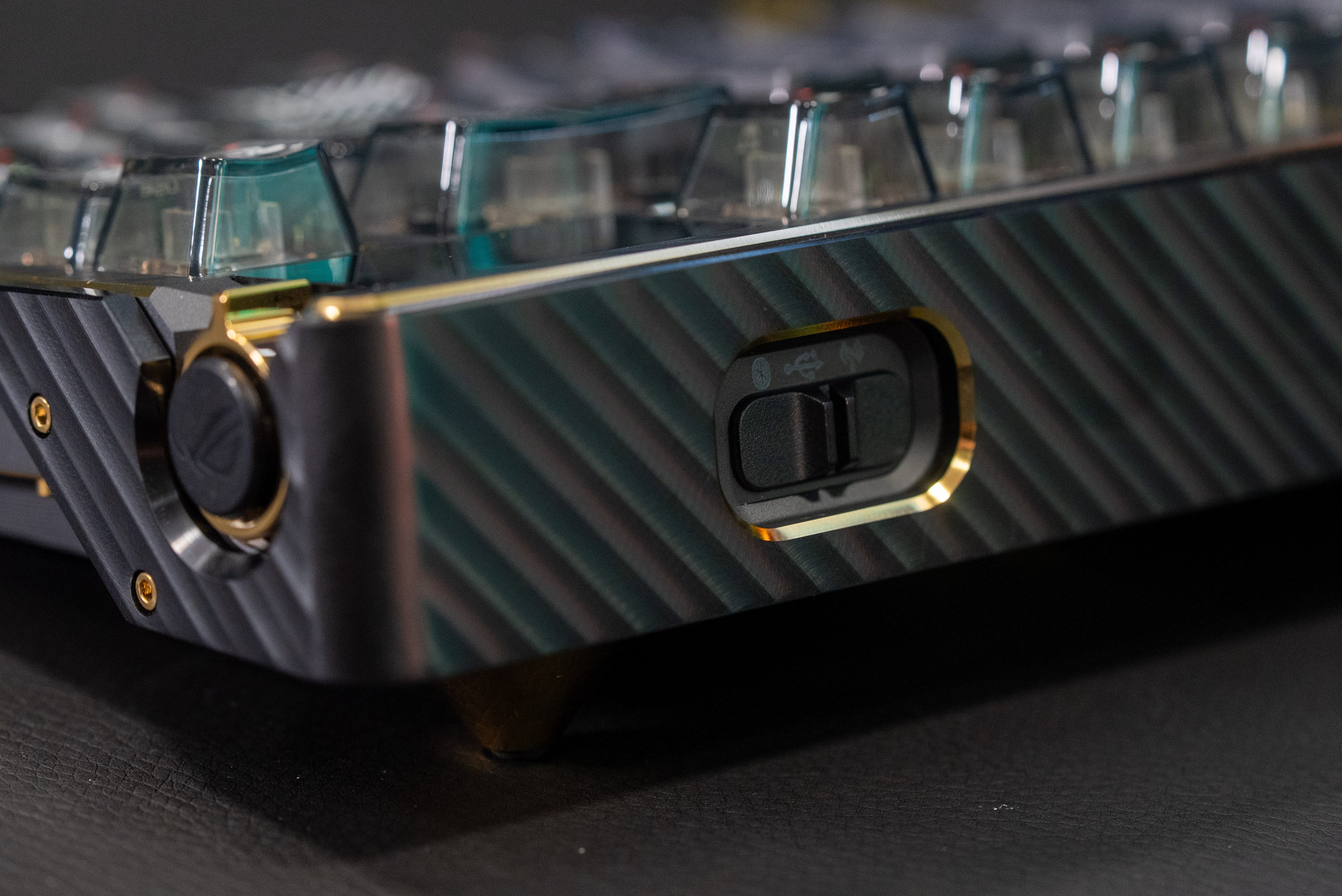
🛜 Tri-Mode connection. The Asus ROG Azoth Extreme Edition 20 gives you three ways to connect: wireless, wired, and Bluetooth. With Bluetooth alone, you can connect to up to three devices simultaneously. The Asus ROG Azoth Extreme Edition 20 also comes with an 8000Hz ROG Polling Rate Booster that works with both wireless and wired play, giving you the most responsive keyboard for competitive play.


⚙️ Gear Link with a companion app. One of my favorite features of Asus’ ROG peripherals is that they use a web client to manage everything, so no software installation is needed. Unfortunately, that’s not 100% true of the Asus ROG Azoth Extreme Edition 20, as it still requires one companion app to fully work with the software. Otherwise, you can tweak the lighting, set up macros, and do everything from the Gear Link website. to install any needless software to get the most out of Asus’s new keyboard.
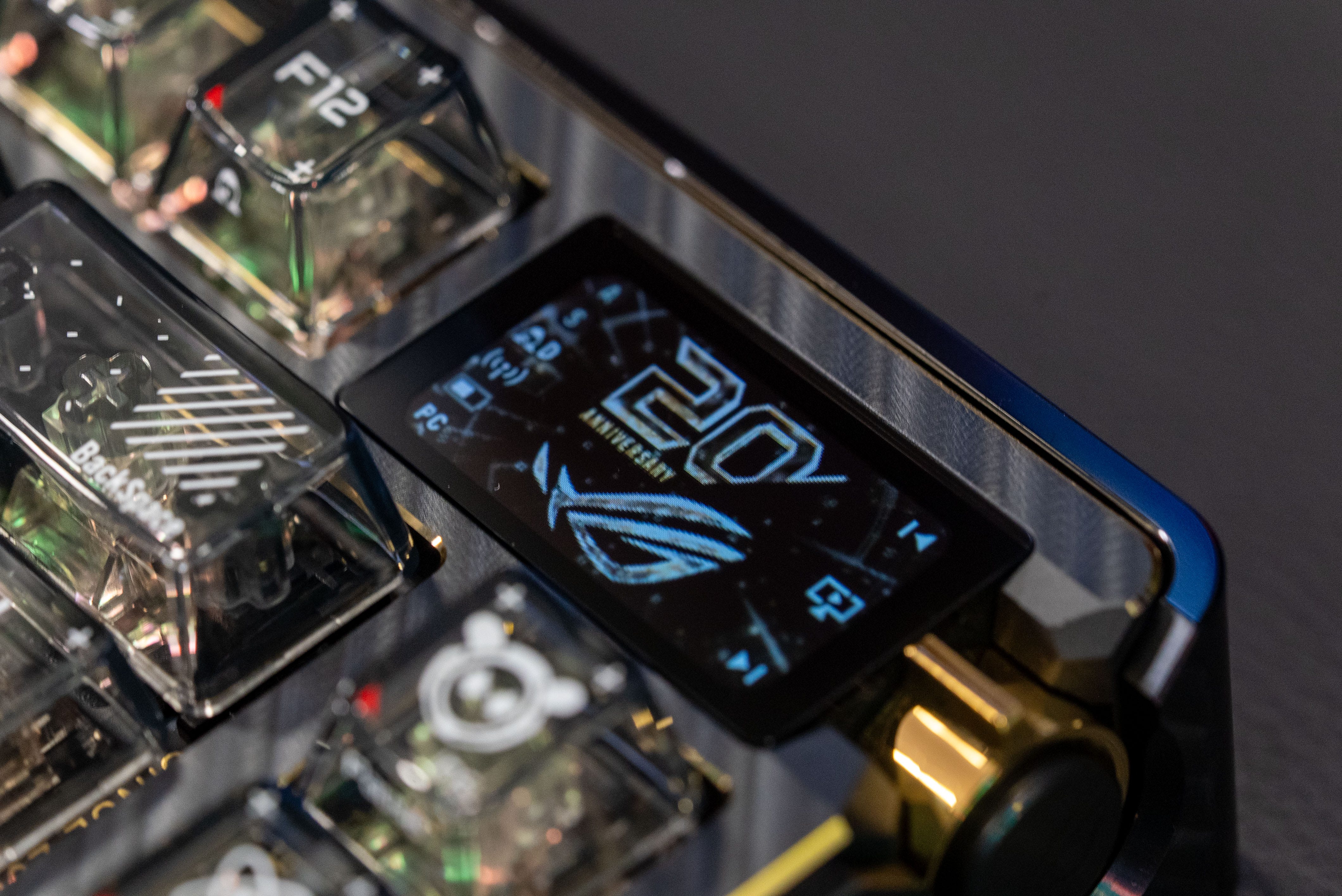
🔋 1,600+ hour battery life. The Asus ROG Azoth offers a long battery life of 92 hours, even with both the OLED screen and the keyboard’s RGB backlighting enabled. However, if you don’t want to charge this keyboard for the rest of the year, the battery life extends to 1,600 hours if you turn off all the lights and screens. That’s also a great fallback if you’re ever dipping into the red while in a multiplayer match or a multi-hour raid.
Kevin Lee is The Shortcut’s Creative Director. Follow him on Twitter @baggingspam