


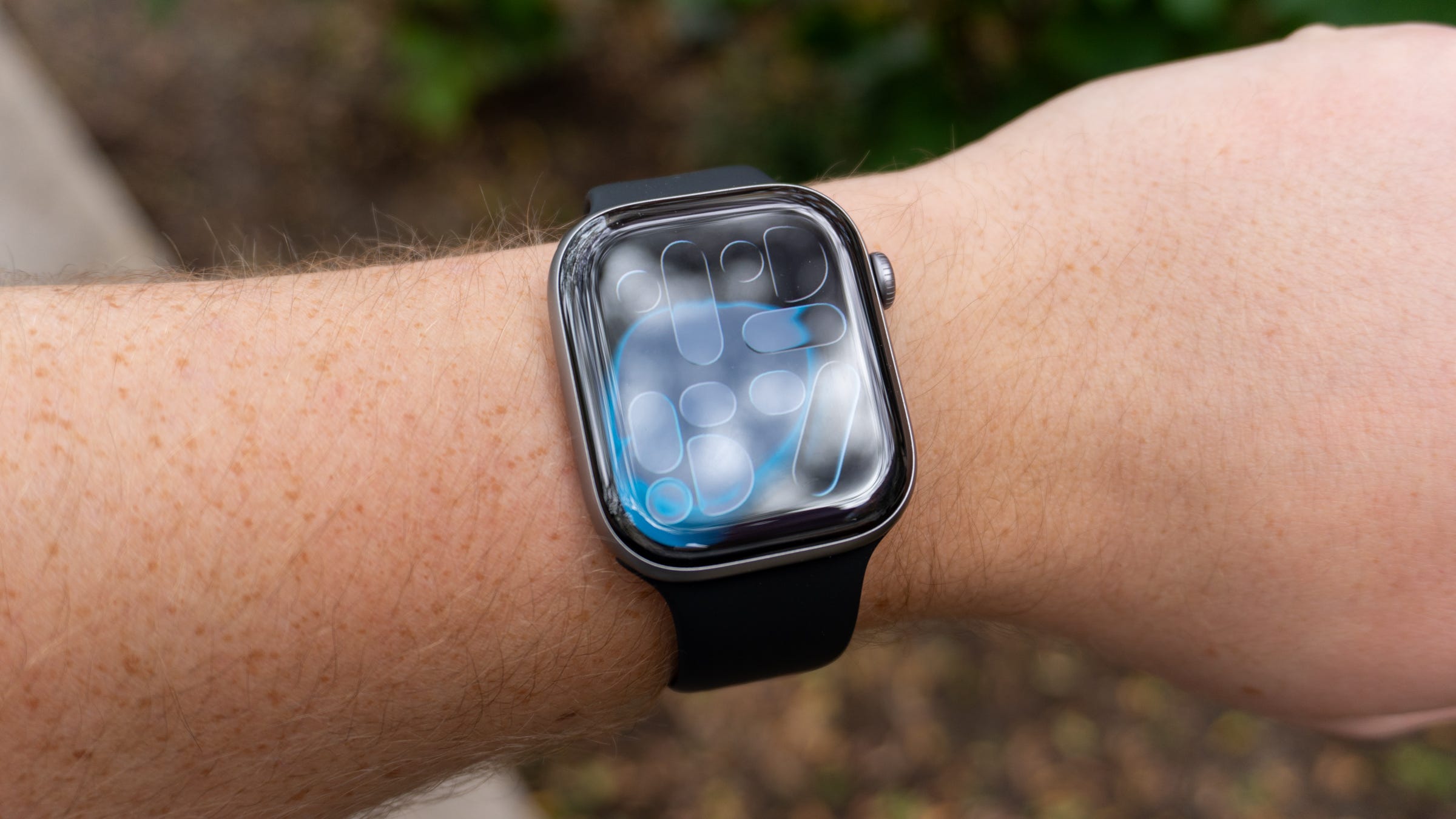
🏆 Rating: 4.5/5
✅ Pros
⌚️ The design is slim and more durable
🔋 Noticeably longer battery life
📶 5G connectivity
🫀 Hypertension detection could be life-changing
🛟 Emergency SOS support
❌ Cons
⚙️ Same chip as Series 10
🎨 Boring color options
🤷 No compelling reason to upgrade for most
The Shortcut review
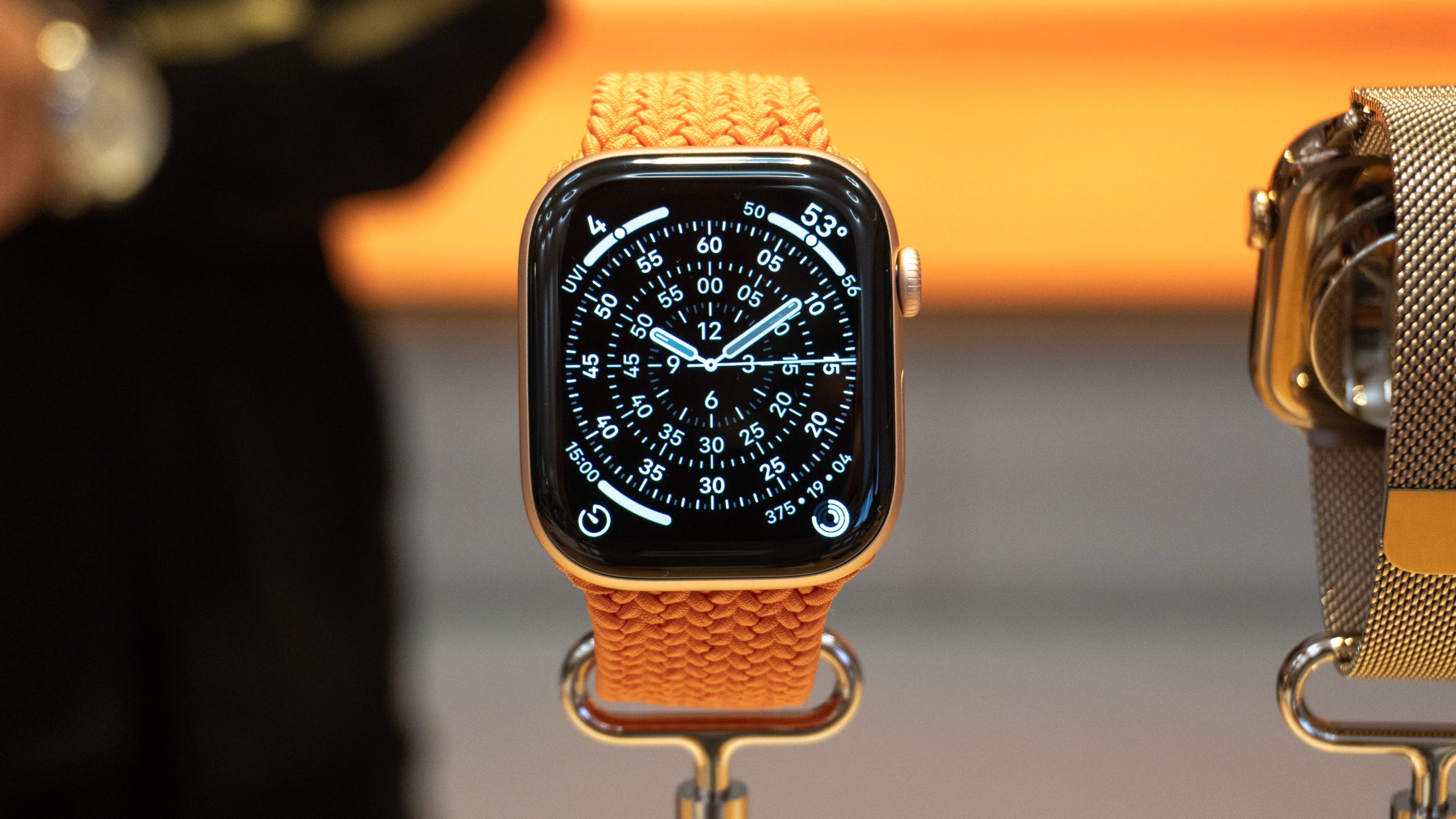
Apple sent me the Apple Watch Series 11 shortly before launch day, and I’ve been wearing it ever since. I had to set down my beloved Apple Watch Ultra 2 for the time being to immerse myself in the “regular” Watch experience. Surprisingly enough, I haven’t found anything that tells me I’m not wearing an Ultra (well, besides the thinner profile).
The Series 11 is Apple’s latest flagship Apple Watch. Priced at $399 and up, the Series 11 offers a modest upgrade over the Series 10, albeit one that’s hard to notice at first glance. With a similar design to last year and identical price points, you have to dig a little deeper to find what’s new with this watch. After spending several weeks with it on my wrist, I’ve reached the same conclusion I usually do about the newest Apple Watch: the best keeps getting better.
With a sleek design, longer battery life, a wide variety of health features, and longer battery life, it’s the best standard Apple Watch to date. Is it boring compared to the Series 10 and Series 9? Yes, but for those who need a new Apple Watch or are buying one for the first time, you’re getting the best traditional smartwatch on the market.
Full review
🤏 It’s still impressively thin. Apple introduced a skinnier profile with the Series 10 last year, and the same design is used for the Series 11. I love this look and feel: it almost feels like nothing when it’s on your wrist, and it’s abundantly comfortable to wear at night. I will say, the Space Gray watch that Apple sent me isn’t quite as sleek as the Jet Black Series 10 I have from last year, but the design is still very thin and quintessentially Apple.
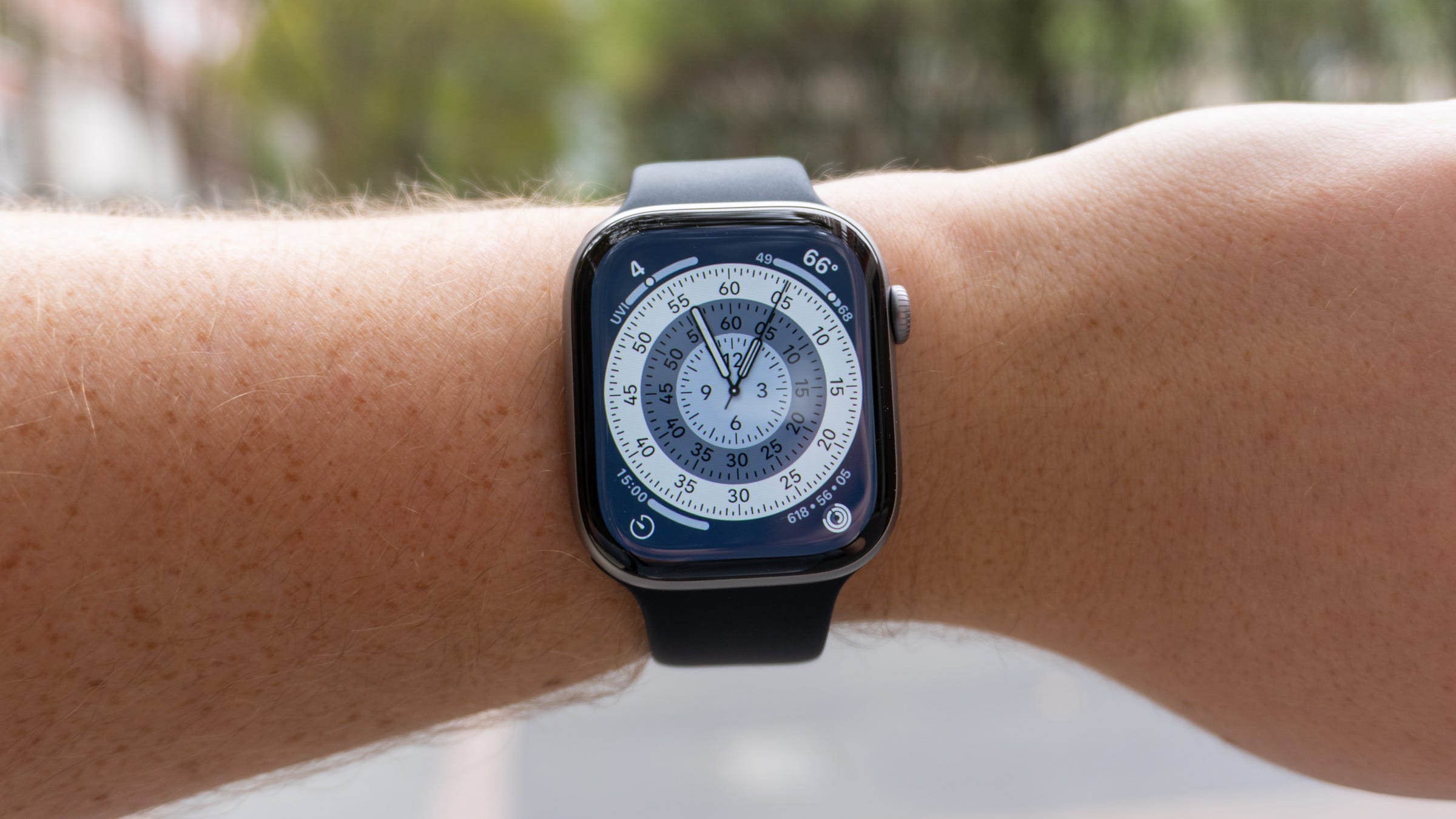
📐 Same sizes, same bands. Apple is using the same lug connection system that it’s used since the first Apple Watch, so all of your existing bands will fit on the Series 11. The watch is also offered in the same two sizes as last year: 42mm and 46mm. Apple gave me the 46mm model to review, and it fits just as well as other larger Apple Watches have in the past: it’s comfortable, not too big, and sleek enough to wear to the gym and to a rooftop bar.
📺 The display is more durable. Apple uses more durable Ion-X glass on the Series 11 that’s twice as resistant to scratches, which is great news if you’re worried about banging your arm into random things. It’s not quite as tough as the ceramic glass on the Apple Watch Ultra 3, but extra durability is always a welcome change.
👋 Flick that wrist. The stronger display glass comes in handy with Apple’s new gesture on the Series 11: flicking your wrist to interact with stuff. If a notification comes in and you can’t respond to it yet, you can flick your wrist away from you to dismiss it. You can also use this gesture for silencing alarms or muting incoming calls. I’ve been using this feature a lot and absolutely love it. Between pinching my fingers to dismiss notifications and flicking things away, using an Apple Watch one-handed has become increasingly easy.
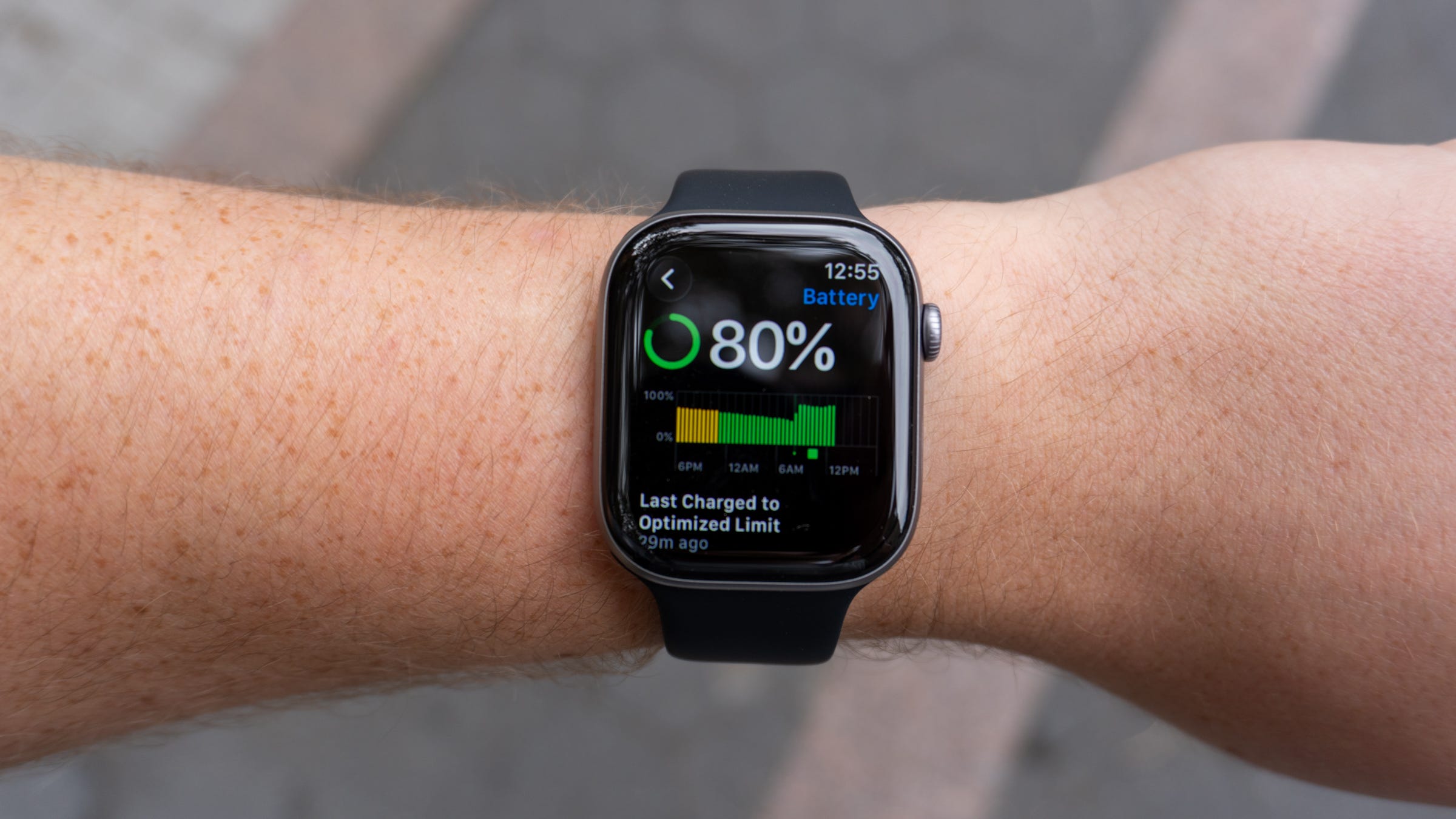
🔋 Battery life is noticeably better. I’m happy to report that battery life on the Apple Watch Series 11 is better than the Series 10. It’s not a substantial difference, but it’s noticeable. Apple says the Series 11 can last up to 24 hours on a charge, whereas the Series 10 could last 18 hours. I haven’t noticed an extra six hours of endurance on my 46mm review unit, but it won’t drain as quickly during the day or when I’m working out. When I go to sleep, I generally have about 20% in the tank, which means you still need to charge it before tracking your sleep. Still, this is a good sign and the right direction for Apple to head.
⚡️ Quick to charge. Apple includes fast charging on the Series 11 that can get you up to 8 hours of usage after spending 15 minutes on the included charger. In my experience, I found that to be true. You can easily charge from zero to 80% in 30 minutes and, at times, even less. This makes juicing up the watch before bed to track your sleep a breeze.
⚙️ Still the S10. The longer battery life was achieved despite Apple using the same S10 system-in-a-processor that it used in last year’s Series 10. Performance feels identical to the Series 10 and my Ultra 2, which has an S9 chip. It’s very fast, watchOS 26 performs well, and you won’t notice a hang-up almost anywhere. It also enables a 1Hz refresh rate so you can watch the second hand on your watch face tick in real time with the always-on display enabled. I have no complaints about the S10, and you likely won’t either.
🫀 Hypertension tracking could be life-changing. The big new health feature on the Apple Watch Series 11 is blood pressure monitoring, which can help notify you if you show signs of hypertension. Millions of people go undiagnosed every year, and Apple hopes to help reduce that number with the latest generation of Apple Watches. It takes time for the readings to come in, so I don’t have enough experience to know whether this feature works or not. But if it works as Apple promises, it could be life-changing for some users.


🛌 Sleep Scores are the missing link. If you track your sleep with a wearable other than an Apple Watch, chances are you’re doing that to get a score in the morning that gauges how well you slept. Whether it’s with a Whoop band, Oura Ring, or something else, you probably want an easy way to measure how well you slept. The Apple Watch hasn’t supported a feature like this until this year, and on the Series 11, it’s the missing link that could make getting rid of third-party health trackers a much easier pill to swallow. When I wake up in the morning, my watch tells me how well I slept, my sleep stages, and a score that gives me a rough estimate of the quality of rest I got. It isn’t quite as detailed as the results I get from my Whoop band, but for most people, it’ll perfectly suffice.
🏃♂️ Need a Workout Buddy? Because Apple has you covered. With Fitness+ and Apple Intelligence, a generated voice can cheer you on during workouts and update you on your progress. I haven’t tried this feature very much, but folks who were testing watchOS 26 ahead of the Series 11’s release say that it’s effective at pushing you along to keep going. It’s not exclusive to the Series 11, but it’s one of the features Apple is propping up to convince you to buy it.
❤️ All the same health stuff. Once again, the Series 11 carries over a long list of health features that Apple has expanded over the past 10 years. You get things like heart rate tracking, EKG recording, respiratory rate readings, cycle tracking, hearing health notifications, medication reminders and logging, and more. Compared to other wearables, there’s a very minute chance you’ll find something missing here that you need to keep tabs on your health. You even get blood oxygen monitoring, which wasn’t available on some recent Apple Watches due to a patent dispute.
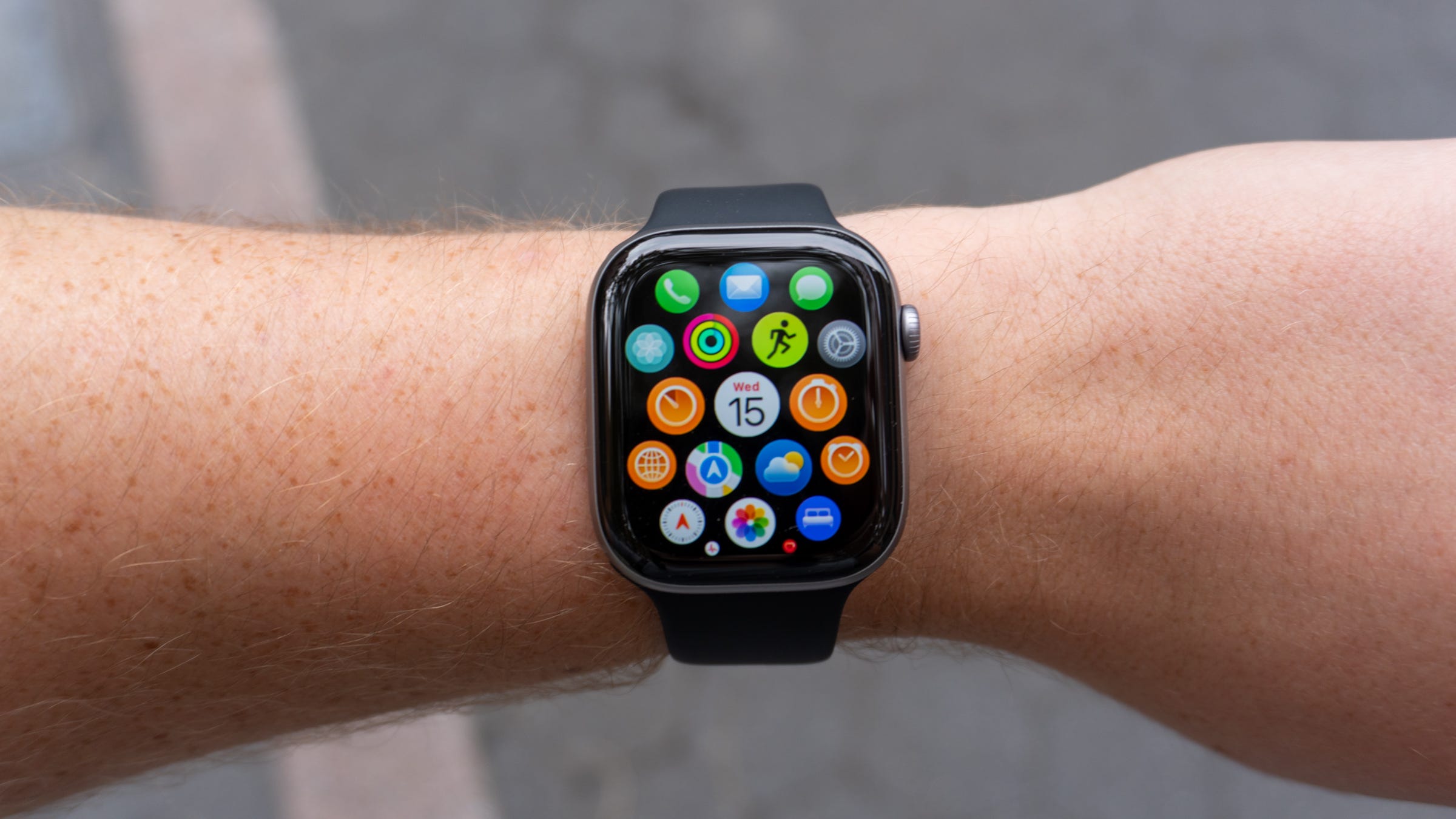
🫧 watchOS 26 is quite nice. Out of the box, the Apple Watch Series 11 is powered by watchOS 26, which adopts Apple’s new Liquid Glass interface. It looks very nice on the curved display on the Series 11, as do the new Flow and Exactograph faces. You also get improvements to Smart Stack widgets, Messages, the Notes app, the Phone app, and a redesigned version of the Workout app. Overall, I find watchOS 26 an enjoyable upgrade, one that I almost prefer to iOS 26 if only because the new design feels a bit less chaotic than it does on the iPhone.
🛰️ Emergency SOS on your wrist. The iPhone 14 Pro introduced Apple’s Emergency OS system that lets you connect to satellites to communicate with emergency services. It’s ideal if you’re out of range of cellular networks, and now, it works on the Apple Watch. It’s available on the Series 11 and Ultra 3, allowing you to send a message over satellite connections if you’re in a sticky situation. With the amount of people that use the Apple Watch to go out into the unconnected wilderness, Emergency SOS on your wrist is one of the most important upgrades this year.
📶 5G is a nice touch. The cellular version of the Series 11 comes with 5G, an upgrade over the Series 10’s LTE. It’ll technically give you faster performance when you use your Apple Watch without your iPhone, but so far, I haven’t noticed any meaningful improvements. Still, it’s nice that the Apple Watch uses the latest network technologies.
💪 It has (almost) every Ultra feature. If you want the experience of an Apple Watch Ultra without the bulky design, the Series 11 has a shocking amount of similarities. Between the beefy water resistance and diving support (Dive app included), the health features, Emergency SOS, and longer battery life, there’s a lot on deck that reminds me of using an Apple Watch Ultra - for hundreds less with a thinner design. It’s not a 1:1 experience, but it’s pretty dang close.Should you buy the Apple Watch Series 11?
Should you buy the Apple Watch Series 11?
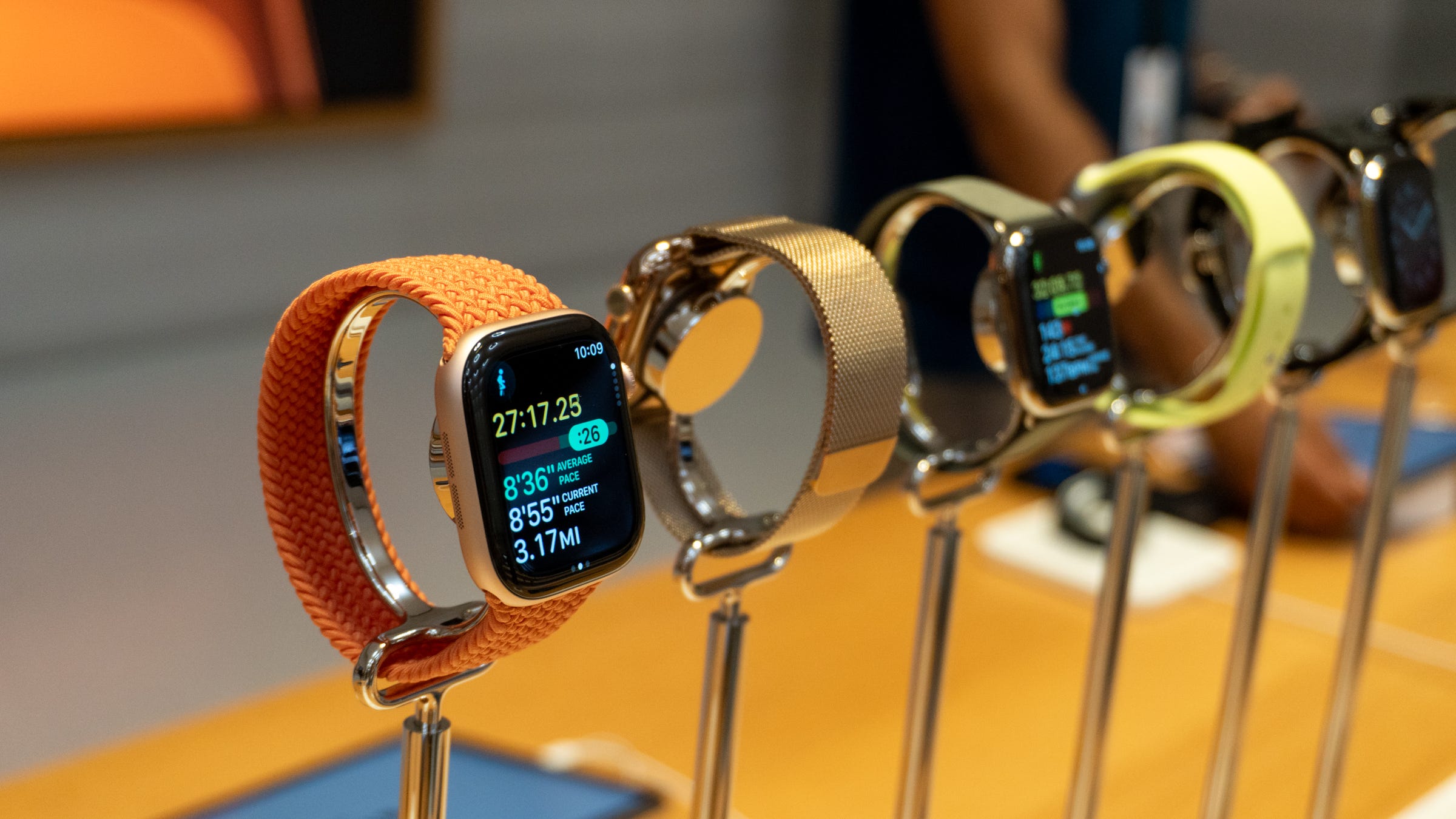
Yes, if…
✅ You own an Apple Watch Series 8 or later
✅ Your Apple Watch battery health is poor
✅ You want an Apple Watch Ultra 3 without the bulky design
✅ You want the best smartwatch to pair with an iPhone
No, if…
❌ You have an Apple Watch Series 9 or later
❌ You don’t own an iPhone
❌ You want to save money (get the Apple Watch SE 3)
❌ You need a tougher watch (get the Apple Watch Ultra 3)
Max Buondonno is an editor at The Shortcut. He’s been reporting on the latest consumer technology since 2015, with his work featured on CNN Underscored, ZDNET, How-To Geek, XDA, TheStreet, and more. Follow him on X @LegendaryScoop and Instagram @LegendaryScoop.