


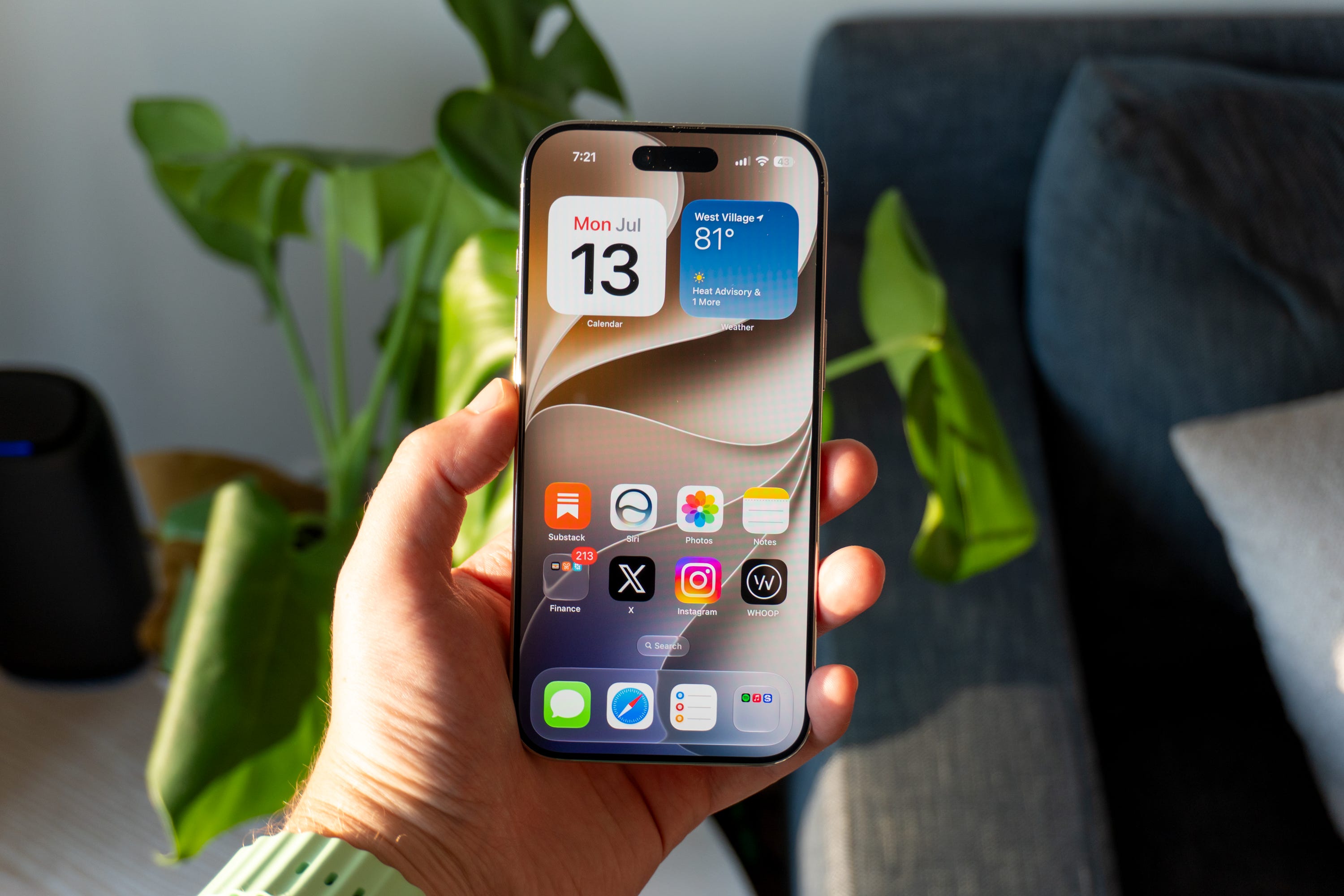
Ahead of the release of the iPhone 18 Pro and Apple Watch Series 12 later this week, Apple has begun rolling out iOS 27 to all supported users dating back to the iPhone 11. The update is easily one of Apple’s best in years, as it delivers on key performance upgrades that make your phone feel smoother and more responsive. It also has a boatload of new features that make it a worthwhile upgrade for everyone.
I’ve been using iOS 27 since the very first beta came out in June. Oftentimes, I’m a proponent of new software upgrades simply because they’re more secure and give you access to new features, but they can be daunting for average consumers. Luckily, this year’s iOS version is filled with small adjustments that make your iPhone experience much better than iOS 26 - yes, even with all those Siri AI features.
Why you should upgrade to iOS 27
🚀 Performance gets a big boost. It all starts with the better performance. Apple touts up to 30% faster app launches and 80% faster AirDrop transfers with iOS 27, and you can see it. My iPhone 17 Pro Max and iPhone Air feel noticeably faster and more responsive than they did running iOS 26, with snappier animations and less time waiting for AirDrop transfers to complete. Folks I know who have tested the iOS 27 beta on older iPhones say the update improves things for them even more. Apple did a ton of work under the hood to make its software much faster than before, and you’ll notice it the second it’s on your phone.
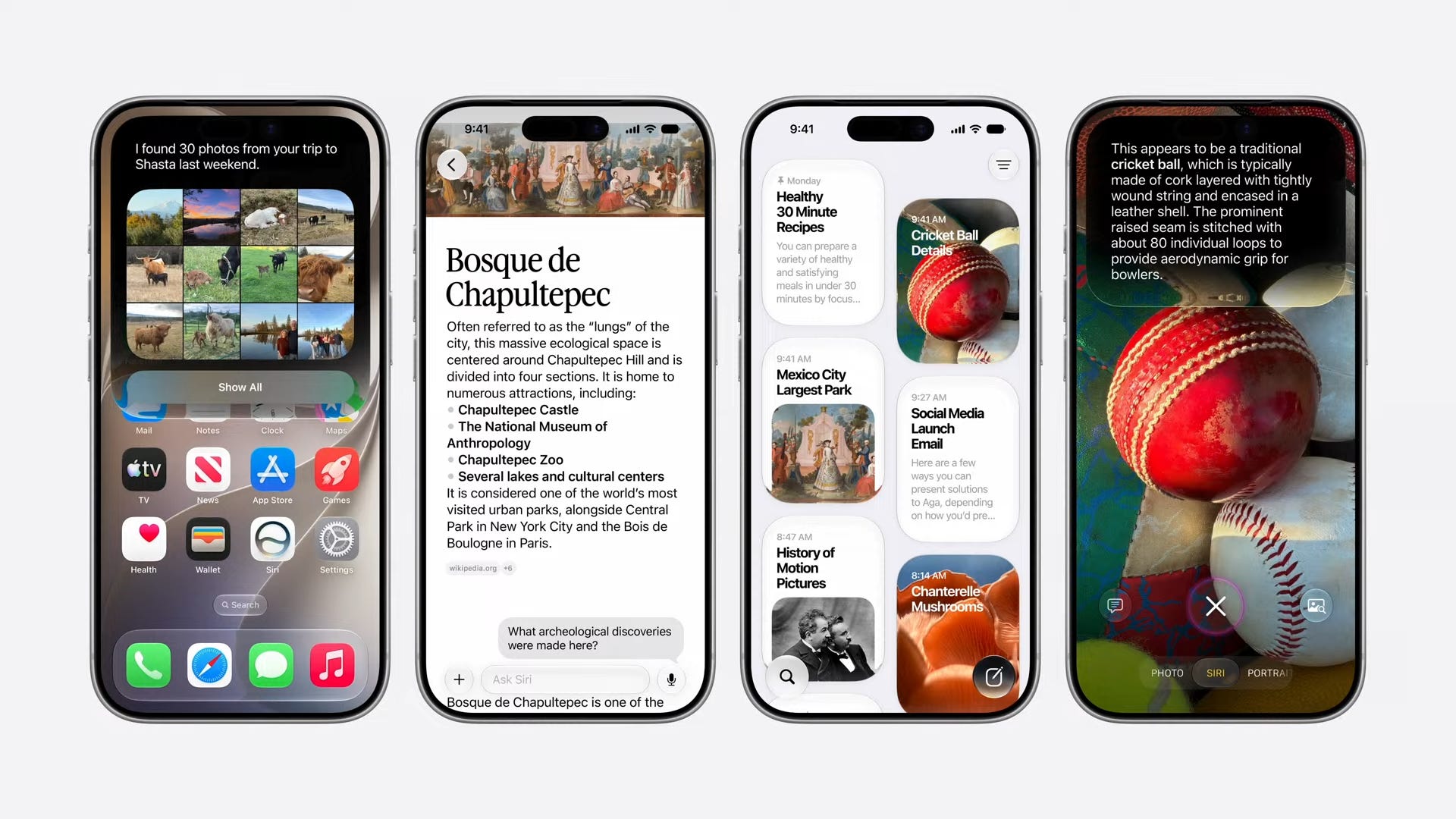
🤖 Siri AI is actually helpful. For the first time in Siri’s existence, Apple’s smart assistant isn’t a pain in the rear end. Siri AI completely revamps the experience with new Apple Foundation Models that incorporate Google Gemini, giving you a more contextual and personable experience that can understand basic human language. It can see what’s on your screen, decipher what’s in a picture, and be interrupted, just like Gemini or ChatGPT. You get a rolling list of all your chats, Siri remembers what you said yesterday and what your plans are in your calendar, and it looks a lot prettier than it used to. I’ll have more thoughts to share on Siri AI on The Shortcut Live this week, but in short, it’s a night and day improvement over old Sirl.
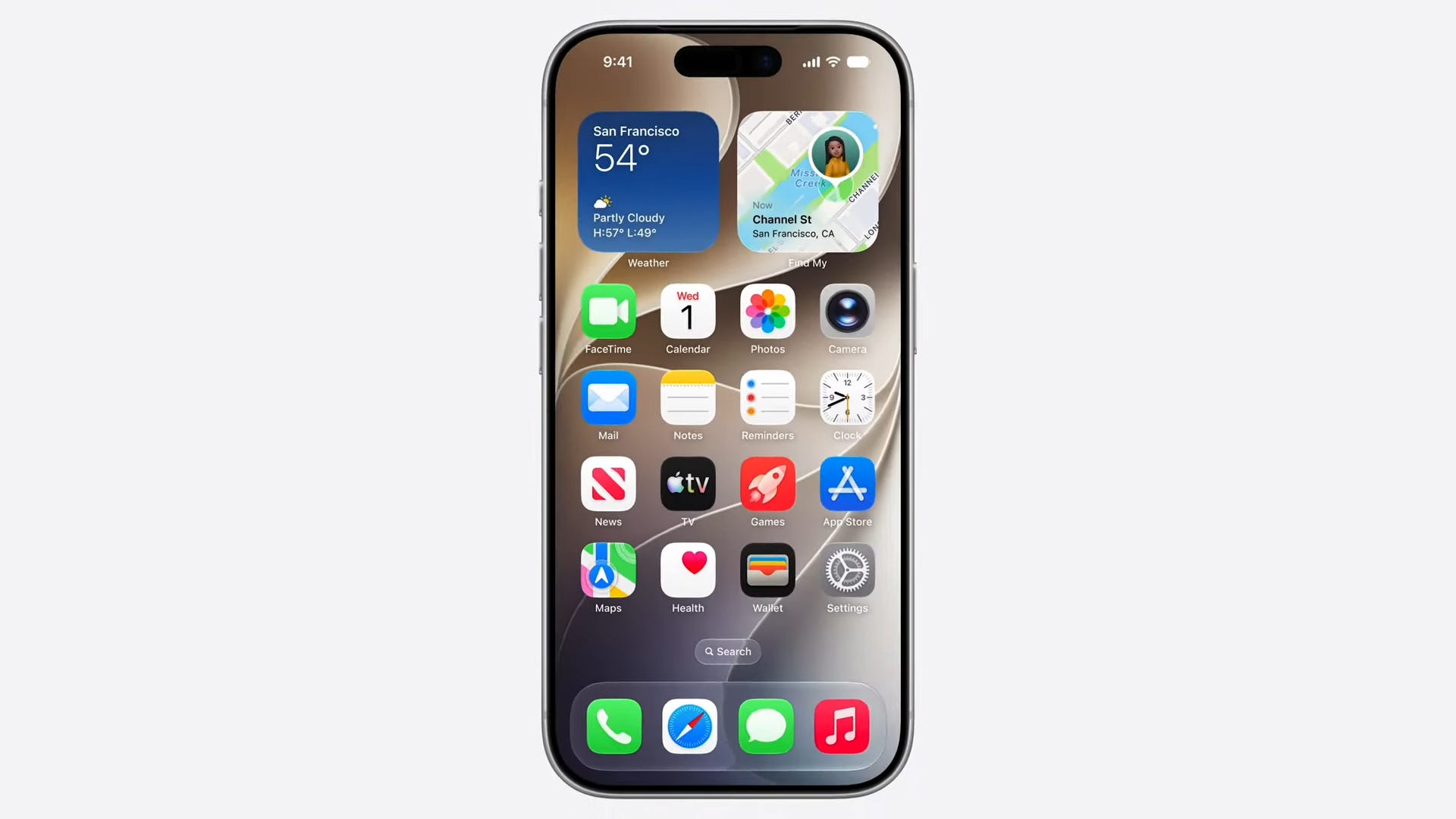
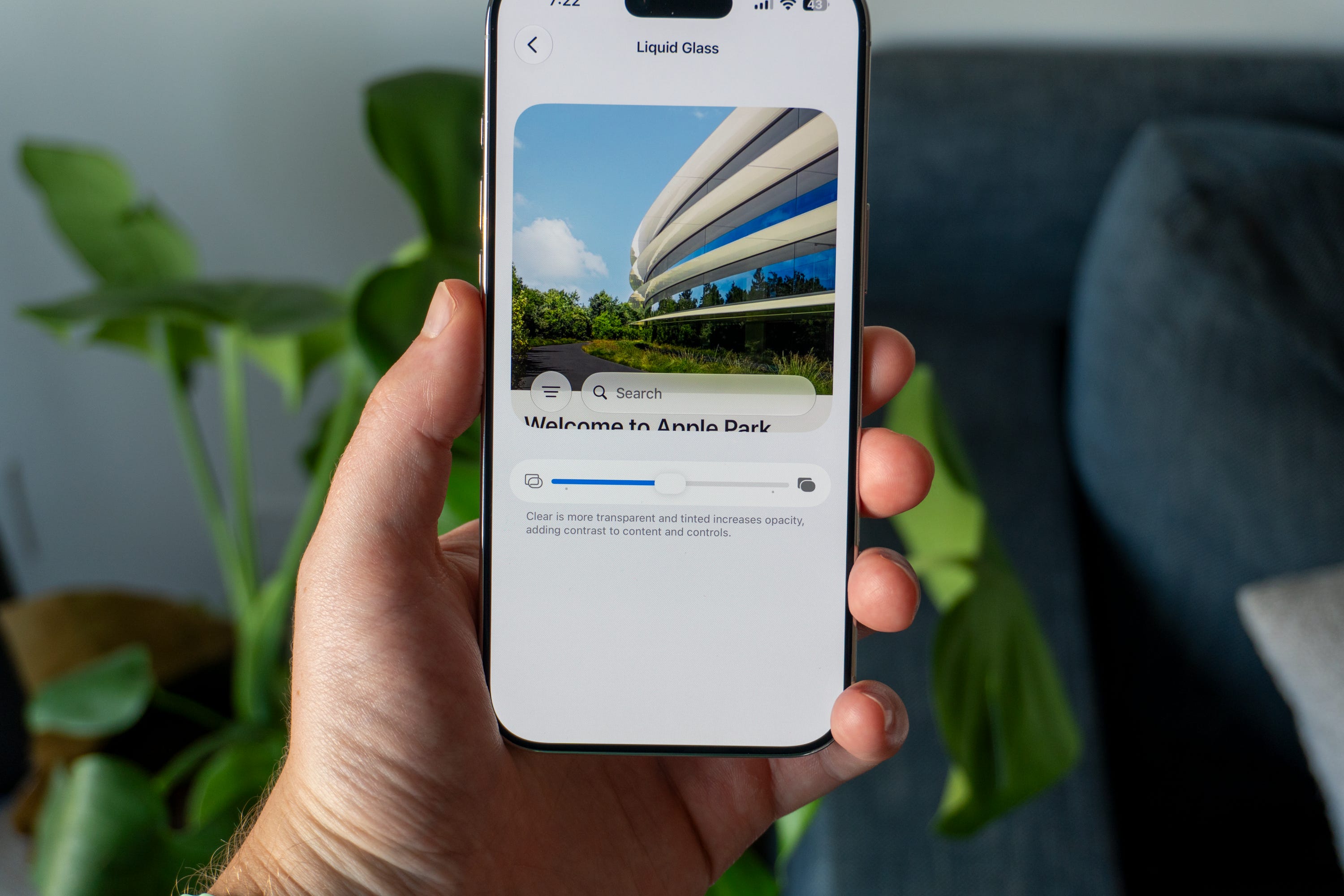
🫧 Liquid Glass is easier to see. Did you hate how Liquid Glass looked when you first installed iOS 26? Lucky for you, it’ll look a lot better with iOS 27. Not only did Apple adjust the opacity of the UI to make text and icons clearer, but you can also adjust how clear it is depending on your preferences. It can be completely frosted over, or it can be as clear as a glass of drinking water. I kept my toggle smack in the middle, which was perfect for my tastes, but if you want to change things up, you now have the option.
🤳 iPhone Handoff might be super underrated. I’ve been switching between my iPhone Pro Max and my iPhone Air quite a bit lately, so I’m excited to get iPhone Handoff so I can properly dual-wield two iPhones. It’s a feature Apple built into iOS 27 that lets you share the same phone number on two different iPhones, with the one you pick up next becoming the active one. Carriers will need to offer support for the feature, with T-Mobile up first in the United States. I’m unbelievably excited for this since it means I can have a personal phone and a work phone, both with the same phone number. Follow me on X to see my first impressions when I gain access to it.
💬 Sending big photos over text gets easier. Apple has tweaked the backend of Messages to make sending texts to people a bit easier. There’s improved syncing across your devices which is nice, and you can reply in-line with RCS messages for the first time. But the biggest kicker? Sending big pictures or videos. If you send one with a string of text and it fails, it’ll automatically try again until it works. It’ll also make sure both the image or video and the text are sent at the same time, so that the person on the other end doesn’t lose context for what you’re sending. I’ve seen these improvements for myself, and they’re definitely appreciated.
💳 The Wallet app is much nicer to use. Two big improvements to Wallet make it feel like a whole new app. For one, you get a calendar of recurring expenses that’ll notify you when one is coming up - that comes in clutch all the time for budgeting throughout the month. Then there’s the bill-splitting feature. It’s built into the Siri section of the Camera app and can take a picture of your bill. Then, it uses AI to highlight each item. You can tap on each item you purchased and, afterwards, use a floating calculator to figure out how much you owe someone for dinner or lunch. I’ve used it a couple of times and, boy oh boy, is it handy.
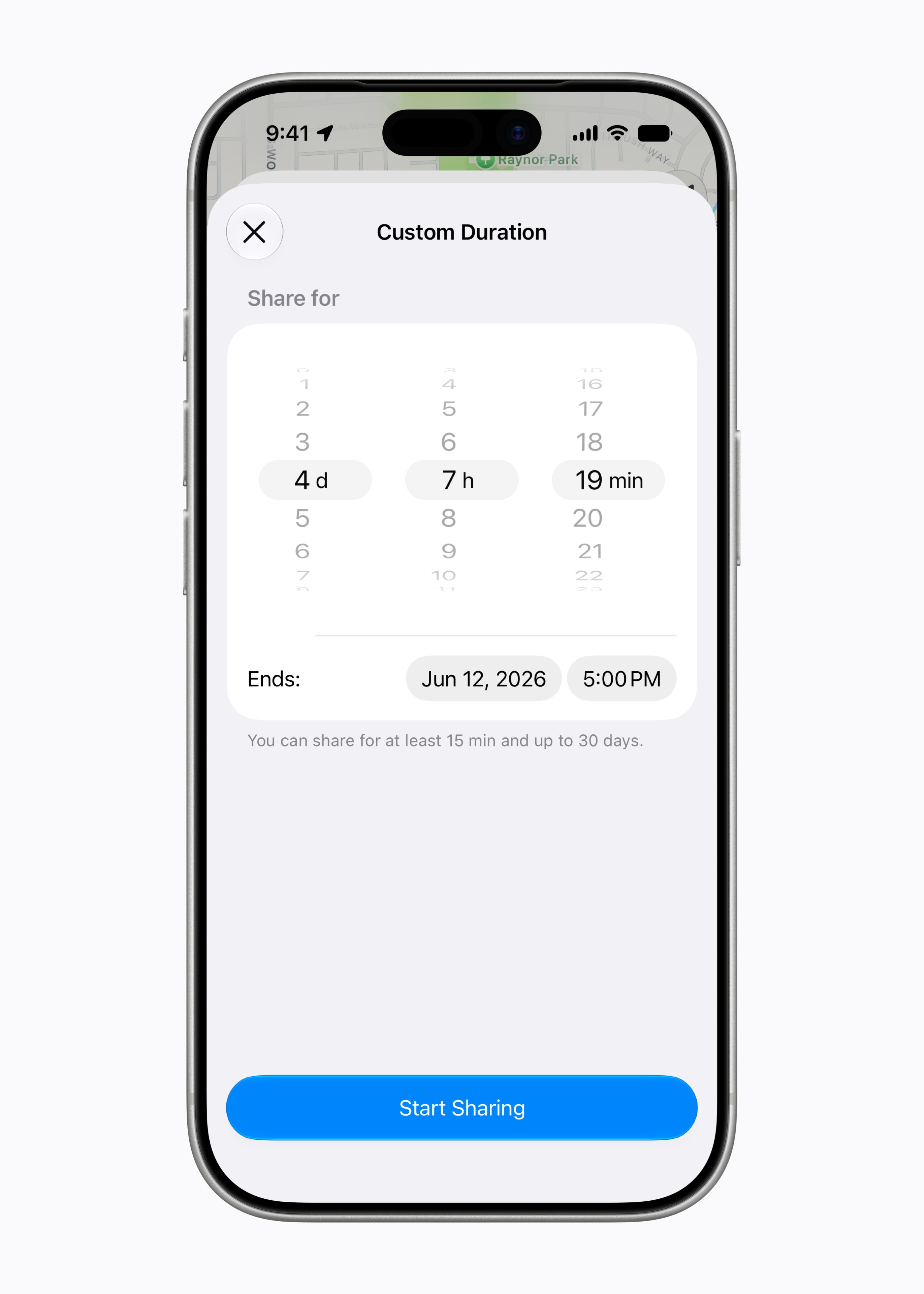
📍 Temporarily share your location. I’d also like to highlight a feature I’ve been using a lot for work trips: temporary location sharing in Find My. Now, in iOS 27, you can share your location with a friend for a set period of time, then have it turn off automatically. I’ve used it to share my location with Matt so he can find me at trade shows and roaming the streets of the foreign city we’re visiting. Then, when we’re back in Manhattan it turns off.
How to update to iOS 27
If you want any of these features on your iPhone, here’s how to update it to iOS 27.
Open your phone and go to Settings.
Tap on General.
Then, tap Software update.
You should see iOS 27 waiting for you. If you don’t, wait a bit longer until Apple’s servers send it to your phone.
From there, tap the blue Update now button.
It’ll take a while for it to download, but once it does, you’ll be able to hit Install.
Let your iPhone do its thing and reboot. When it comes back on, you’ll be equipped with iOS 27 and all the snazzy new features I just mentioned.
What else dropped today?
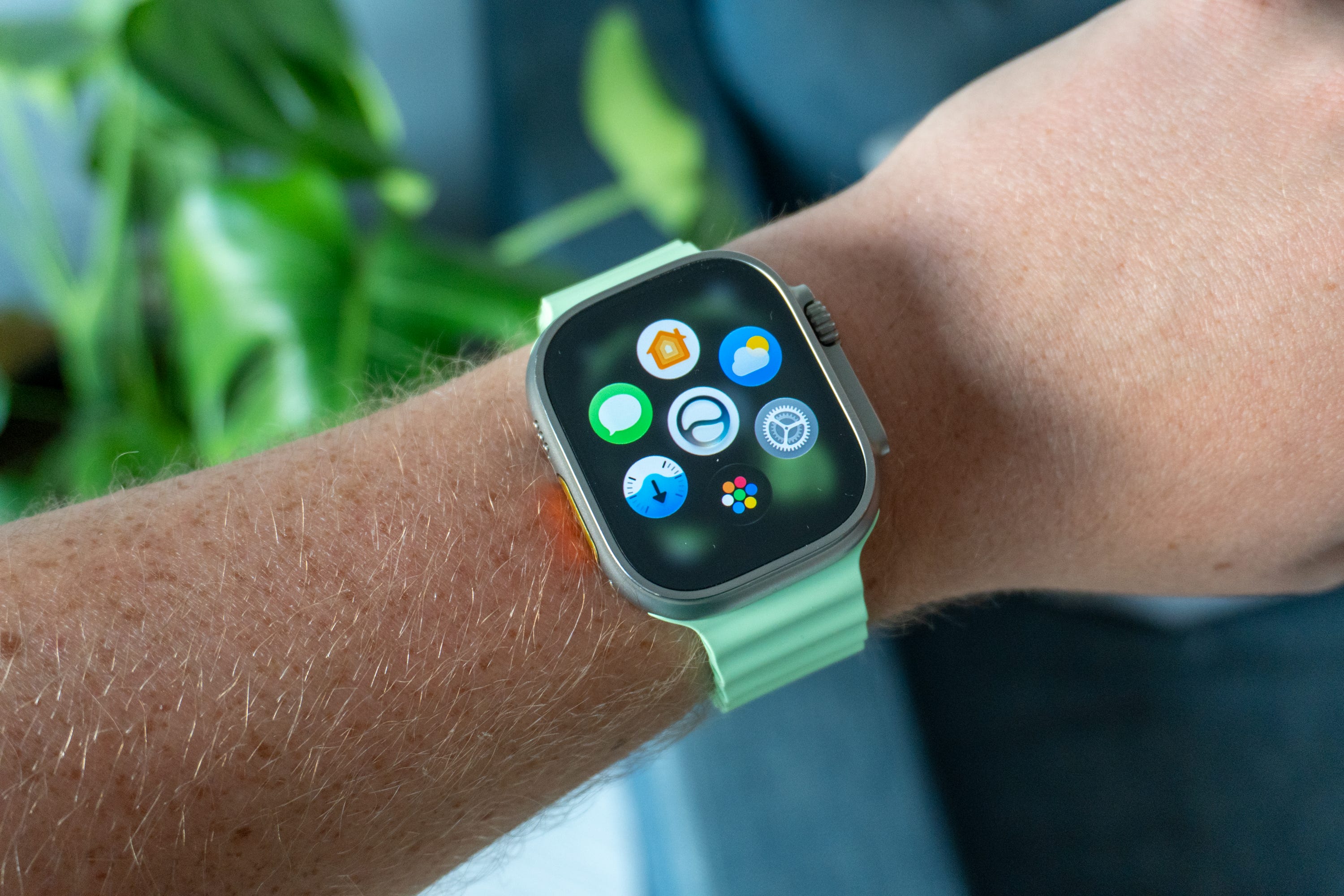
Apple is also rolling out these new software updates to its other devices.
iPadOS 27
watchOS 27
macOS 27 Golden Gate
tvOS 27
visionOS 27
homeOS 27
You can follow similar steps to what I outlined above to update your devices with those software updates as well.
Up next! ⬇️

Max Buondonno is an editor at The Shortcut and co-host of The Shortcut Live. He’s been reporting on the latest consumer technology since 2015, with his work featured on CNN Underscored, ZDNET, How-To Geek, XDA, TheStreet, and more. Follow him on X @LegendaryScoop and Instagram @LegendaryScoop.