


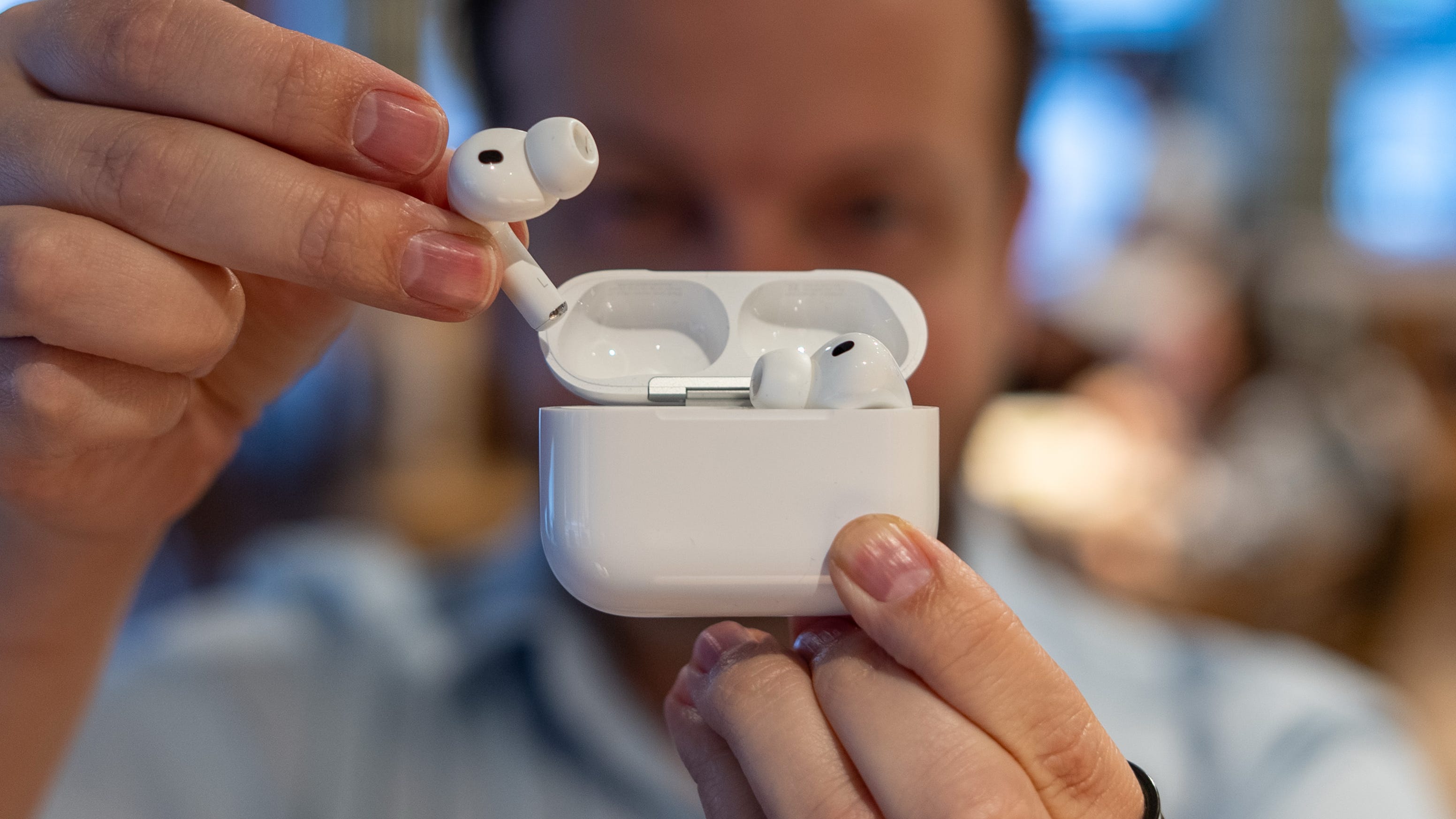

🎧 Users are reporting a weird whistling noise with Apple’s new AirPods Pro 3
🦻 When using ANC, the left or right earbud can play a high-pitched frequency that doesn’t seem to go away
🔨 I experienced the same problem and tried fixing it with different firmware updates, resetting, and more
🧑⚕️ As it turns out, you might need to just go get your ears cleaned
The AirPods Pro 3 are some of the best wireless earbuds on the market, with best-in-class noise cancellation and great sound quality. We gave them a 5/5 score in our review, and I’ve had many conversations with our humble editor-in-chief, Matt Swider, about how Apple knocked it out of the park with these buds.
But not everything is perfect. For a while, I’ve been experiencing a weird issue with the AirPods Pro 3 that I didn’t experience with the previous generation: a high-pitched whistling noise that would trigger whenever I used noise cancellation, transparency, or Adaptive audio.
I’m not alone with this issue. A lot of folks on Reddit and in comment sections on social media have voiced their complaints about the same issue, which pushed me to dig deeper and figure out what the cause of the problem could be. Turns out (as Morgan Wallen would say), I’m the problem.
👂 My AirPods told me to get my ears cleaned
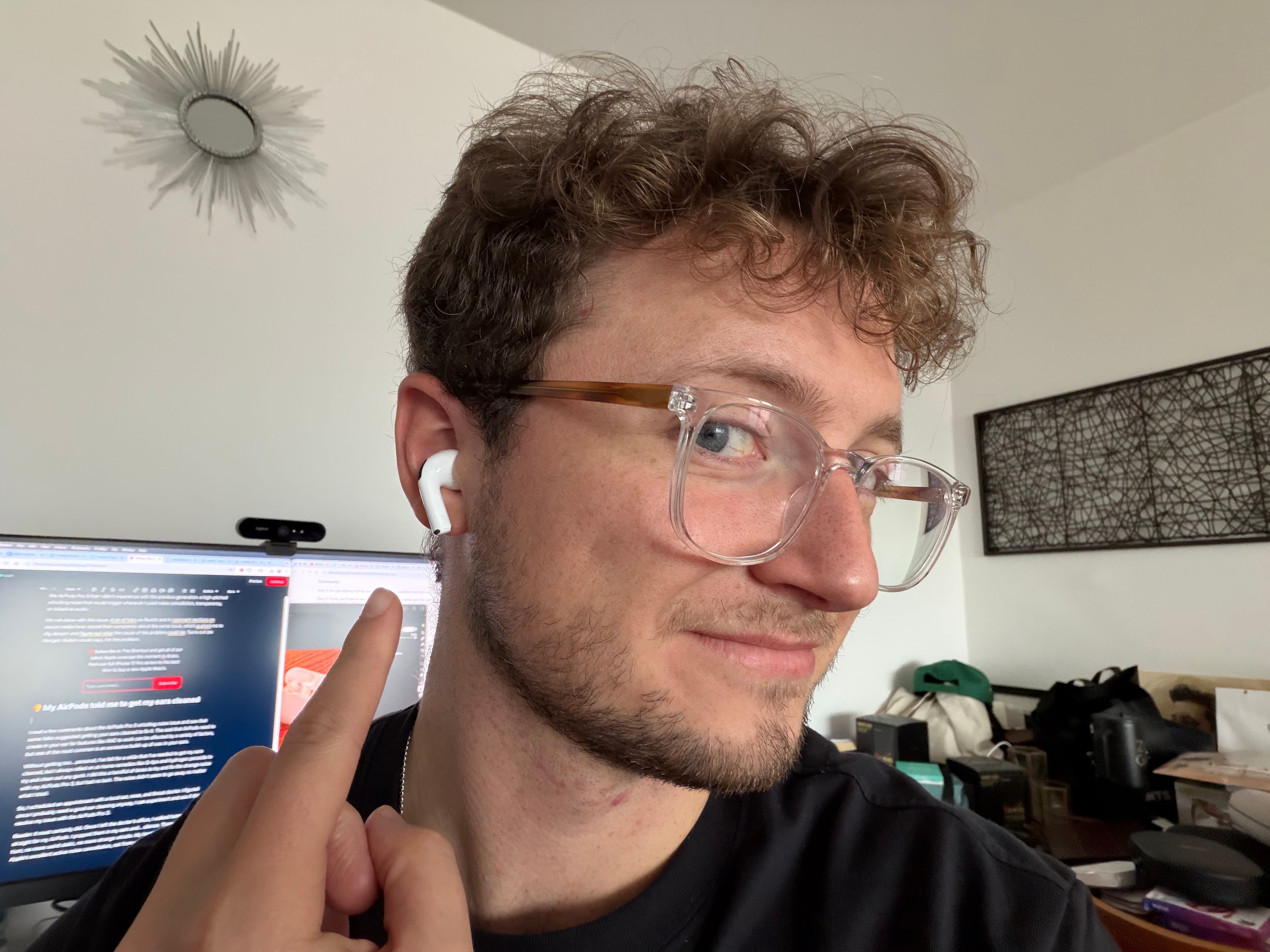
I read a few comments about the AirPods Pro 3 whistling noise issue and saw that some folks suggested getting your ears cleaned to fix it. The seal that AirPods need to create in your ear for features like ANC to work can be affected by a variety of factors, but one of the most common is an excessive build-up of wax in your ears.
Without getting too… personal, I’ve felt for a while that I’ve needed to get my ears cleaned, but I always relied on at-home remedies like Q-tips and hydrogen peroxide to try and clean out any gunk. I did this a handful of times to try and fix the strange noise with my AirPods Pro 3, but had no luck. The noise didn’t seem to go away no matter what I tried.
So, I scheduled an appointment with a local ear, nose, and throat doctor. I figured since I probably need a good ear cleaning anyway, I can experiment and see if this will resolve my issue with the AirPods Pro 3.
Reader: it most certainly did. Once I left the doctor’s office, I walked home and went straight for my AirPods. I popped them in my ears and… silence. There was no more hum, no more weird static, no more strange whistle. My hearing was obstructed by Apple’s excellent active noise cancellation, not from waiting too long to get my ears cleaned.
The earbuds are now able to create the seal they need for all of their features to work, and I can hear in 3D as a result (well, not literally, but at least 1,000x better than before, in my professional opinion).
❌ Not one-size-fits-all, though
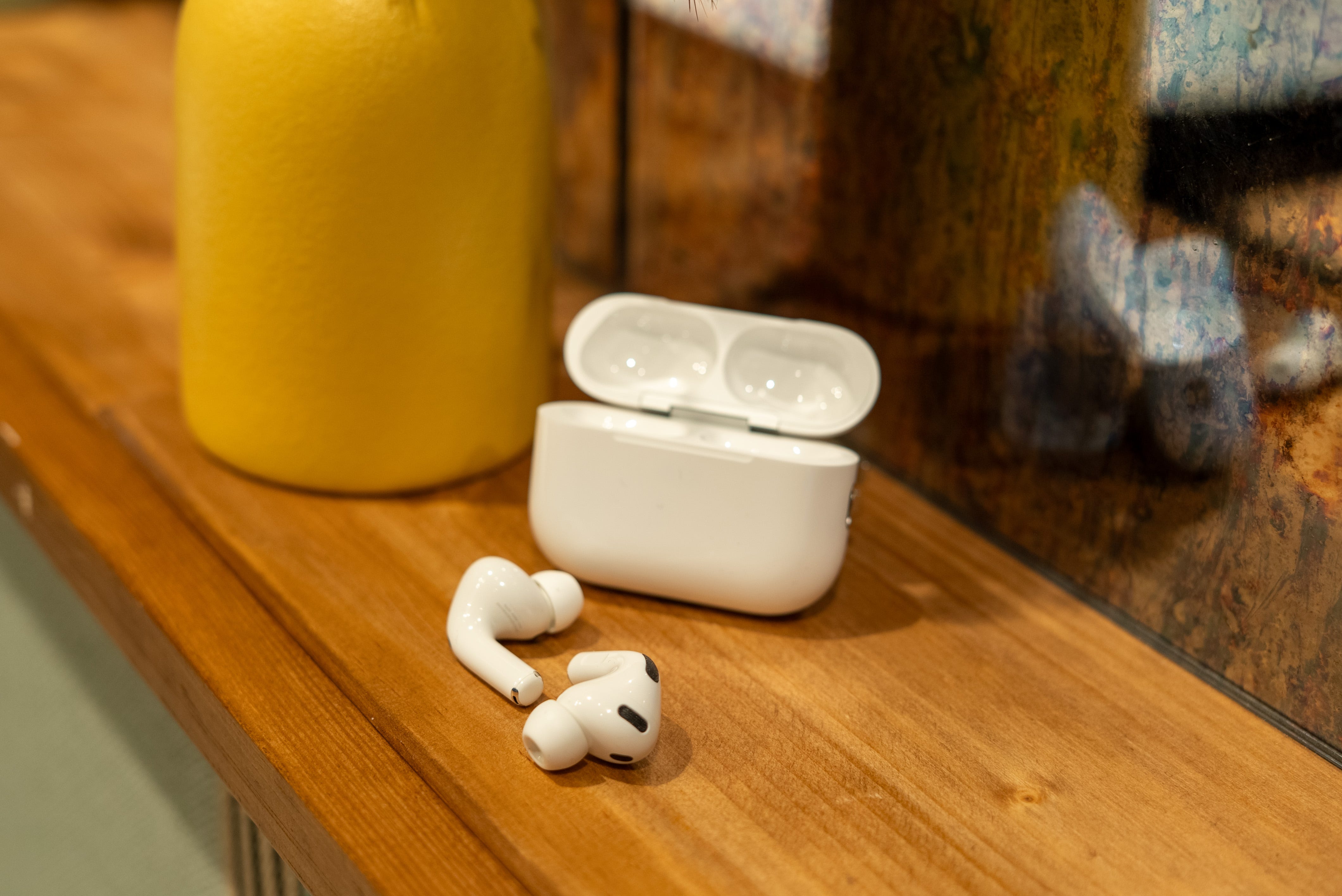
Granted, this might not be the fix for everyone. If you’re better at keeping your ears clean than me and are still dealing with a high-pitched whistle in your AirPods Pro 3, you could have liquid trapped between the bud and silicone tip, debris in the microphones or vents, or a defective unit (which doesn’t seem likely, at least according to those who have gotten theirs replaced by Apple).
It’s also worth mentioning that this is the first time I’ve experienced this issue. No other pair of earbuds has given me such a weird feedback response when using ANC due to my clogged ears, so I wonder whether my ear wax reached a point of no return at the same time the AirPods Pro 3 came out or if Apple’s noise-cancelling algorithm simply doesn’t agree with ear wax build-up.
Nonetheless, a quick 20 minute trip to an ENT fixed the issue for me. I can’t say it will for you, but I will be recommending an ear wax cleaning to anyone who mentions a whistling noise with their earbuds in the future.
Max Buondonno is an editor at The Shortcut. He’s been reporting on the latest consumer technology since 2015, with his work featured on CNN Underscored, ZDNET, How-To Geek, XDA, TheStreet, and more. Follow him on X @LegendaryScoop and Instagram @LegendaryScoop.
Interesting. I have a very similar problem with my pros 3. It gives me a weird high-pitched ringing echo at the very top of the pitch of the noise that leaks through the noise cancelling, as well as makes any internal sounds like teeth clicking or swallowing very annoying with a high pitched ringing aftertone. I will look into getting my ears checked out, but in the meantime I did find actually that covering the top edge vent (the one closest to the heart rate sensor) with a tiny piece of tape actually fixed the issue for me, as well as making the noise cancelling more effective. Any ideas? I'd be curious to see if you would have the same result. I find that my hearing is generally more sensitive to the high frequency leakage I get on the airpods (same even worse on the pros 2) than my friends, and I wonder if that has anything to do with it as well.