

Your Pixel 10 now works with AirDrop on iPhones – here's how
Google is breaking down some of Apple's walled garden to make file transfers more seamless

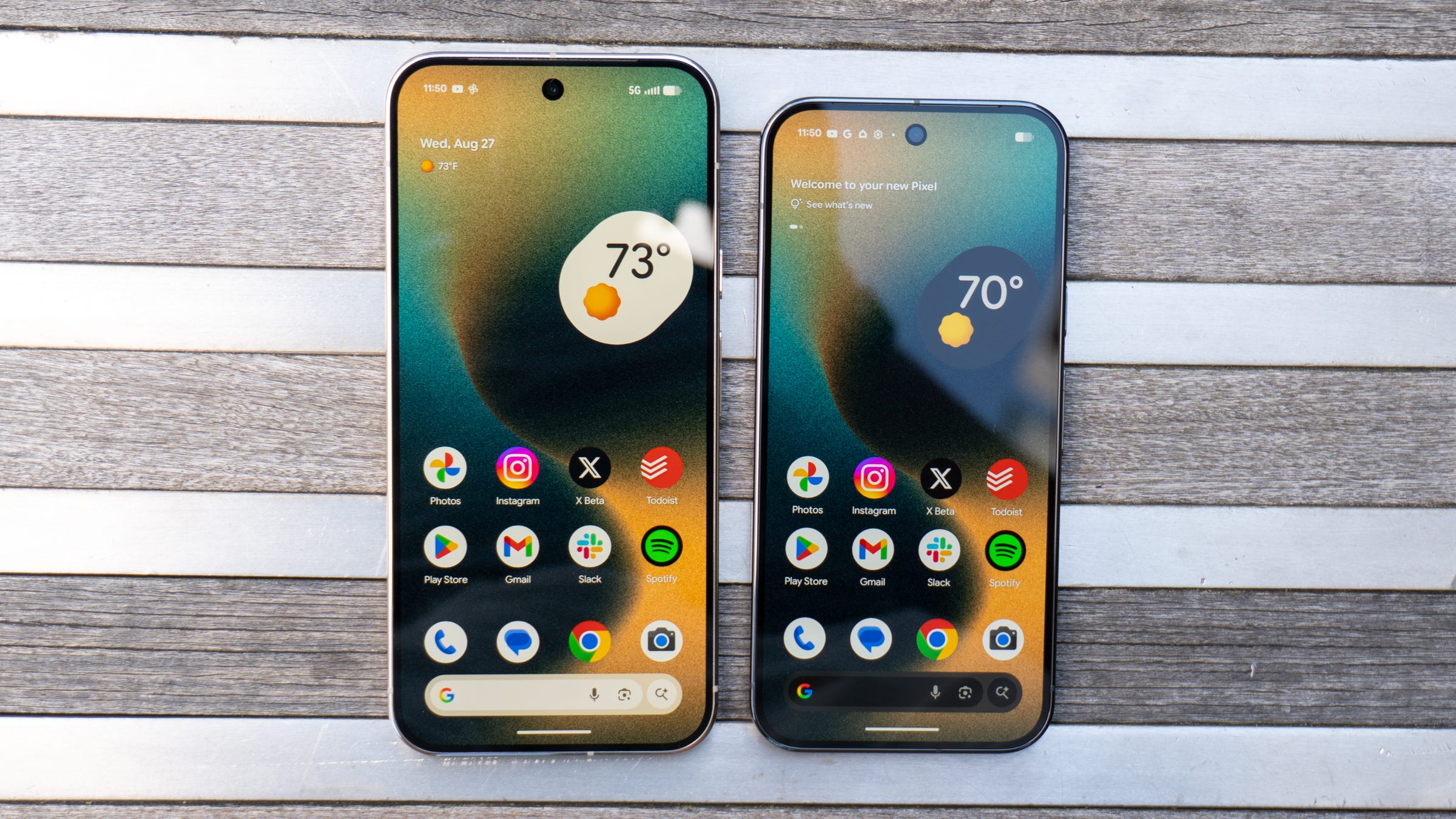

🛜 Google has added the ability to share files with iPhone users from a Pixel 10 using Quick Share
📁 The company’s file transfer tool now works with AirDrop to quickly move pictures, documents, and more between devices
📱 The feature is only available on the Pixel 10 family, at least for now
👀 If you own a Pixel 10, you should see the feature starting today
Google just made sharing files between Android and iPhones a whole lot easier.
Today, the company announced that Android Quick Share now works with Apple’s AirDrop feature, letting you quickly send a file to someone no matter what software their phone uses. This marks one of the biggest shifts in how iPhones and Android phones work with each other, further merging the “walled garden” of both ecosystems.
The feature works the way you expect it to. If you want to send a file via Quick Share on Android, the iPhone user has to make their device open to receiving files from everyone and not just contacts, which automatically comes with a 10-minute timer. After that, you’ll see the iPhone from the devices list in Quick Share. Tap it, and the iPhone user will get prompted to accept your files. Similarly, set your Android phone to receive files from anyone and an iPhone user can AirDrop you something in a jiff.
There’s one big caveat, however. While the feature works with all of your existing files and doesn’t require any special permissions, it’s limited to Google’s own Pixel 10 family, at least for the time being. Still, it’s amazing to see AirDrop and Quick Share work together at all, and it sounds like Google will roll it out to more devices over time.
If you own a Pixel 10 yourself, you should be able to start quickly sharing files with iPhone users starting today.
Max Buondonno is an editor at The Shortcut. He’s been reporting on the latest consumer technology since 2015, with his work featured on CNN Underscored, ZDNET, How-To Geek, XDA, TheStreet, and more. Follow him on X @LegendaryScoop and Instagram @LegendaryScoop.