


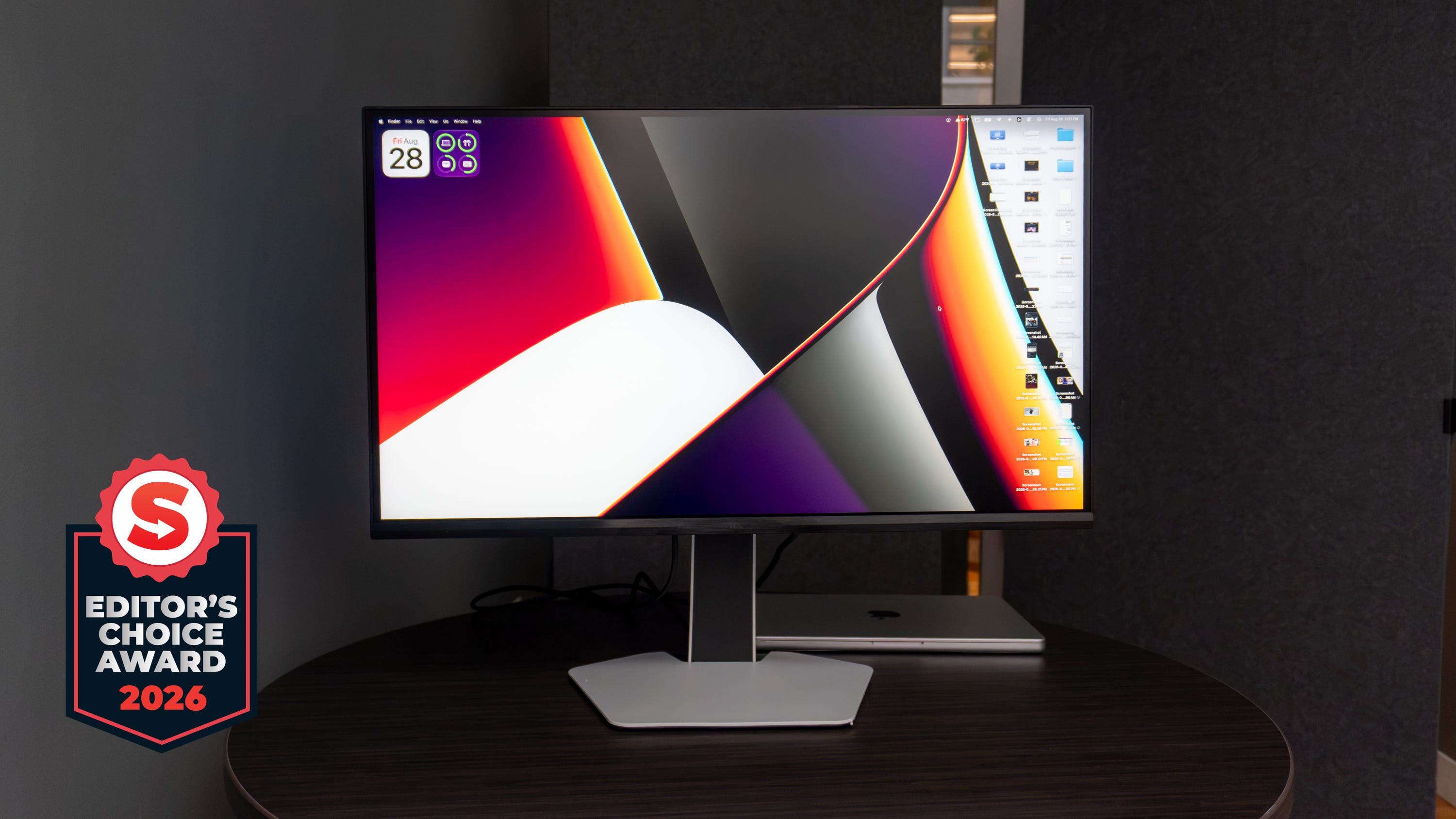
🏆 Rating: 4.5/5
✅ Pros
🖥️ Bright Mini-LED panel that achieves OLED-level blacks
⚡️ 320Hz refresh rate is amazing for gaming
🎨 Accurate color reproduction
🔌 Great port selection with 90W laptop power delivery
📐 Sleek design with subtle-but-fun RGB lights
❌ Cons
🎛️ Screen needs a lot of calibration out of the box
🎮 No Nvidia G-Sync compatibility
🔊 Built-in speakers are very weak
The Shortcut review
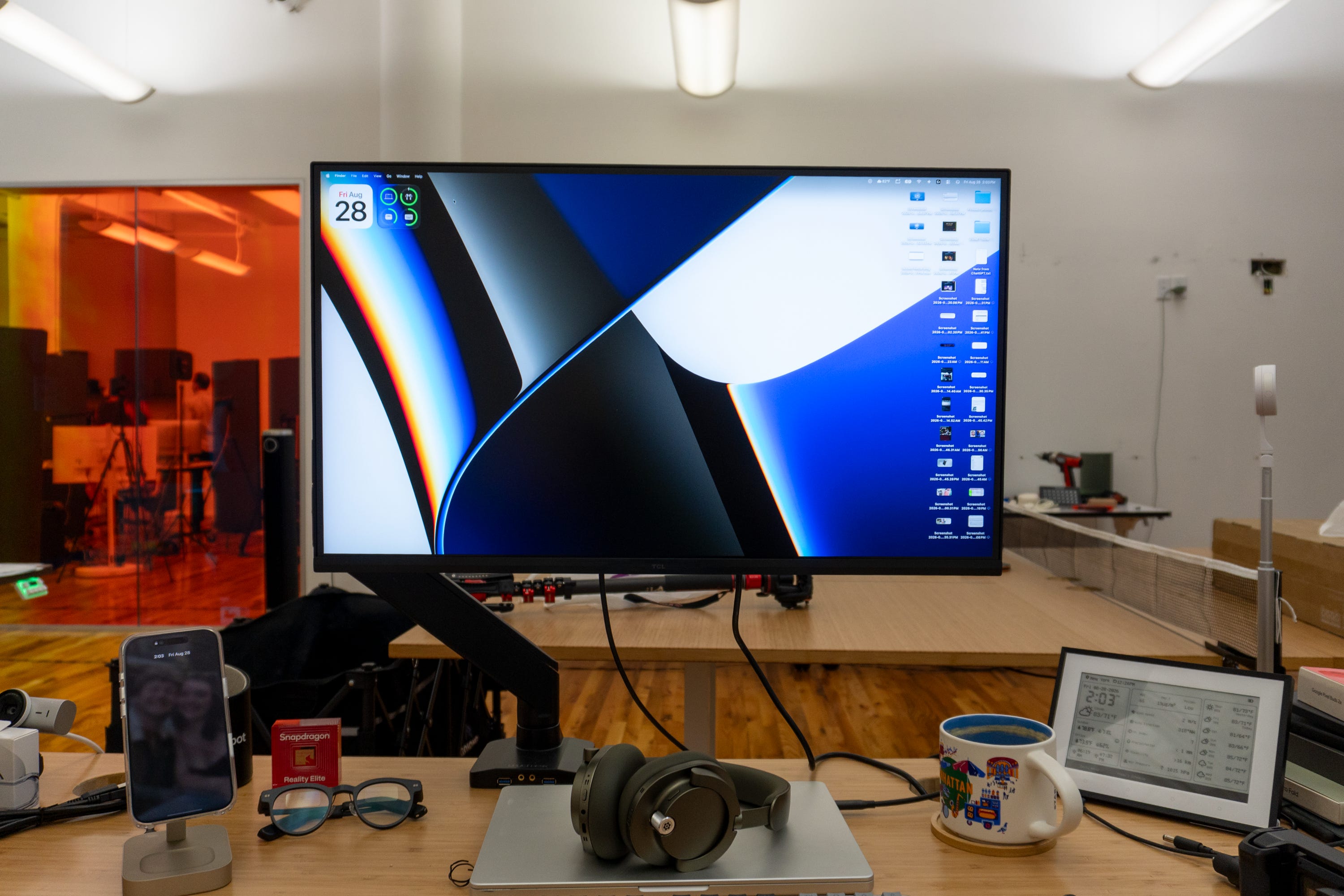
TCL hit a unique stride with the 27-inch C2A Pro QD-Mini LED Gaming Monitor. On the one hand, it checks a lot of boxes for gamers with its 320Hz refresh rate, support for improved motion clarity, and the inclusion of OverDrive-Pro to eliminate afterimages faster than ever. But after testing the display for the past several weeks, it’s also proven to be great at just about everything you need in a monitor.
It aces the fundamentals of a great monitor, while also delivering the extra punch gamers look for to take down their foes. Compared to other monitors we’ve tried, its ability to toe the line between pro-grade workhorse and a gamer’s must-have is admirable, and its sleek design can blend into any space (even with the RGB lights on the back).
At $799.99, it doesn’t come cheap, but it’s also one of the most well-rounded monitors we’ve gotten to try out in a long time. It’s also one of the only monitors to integrate TCL’s advanced Mini-LED technologies from its TV series, which is dope in and of itself. If you’re in the market for something that can easily balance work and play, this is the one to get.
Review notes


🖥️ Sleek looks and lights. The C2A Pro monitor’s design easily fits into anyone’s setup. I have it attached to my Uplift standing desk monitor arm, and its sleek body with the white finish and slim bezels looks plenty modern. It’s not terribly thick, either, although I do think it’d be nice if it didn’t curve out as much toward the back in case you’re working with limited desk space. That being said, it still looks good, and it’s perfect for gamers with the array of customizable RGB lights on the back (which can be disabled if you’d prefer no lights at all).
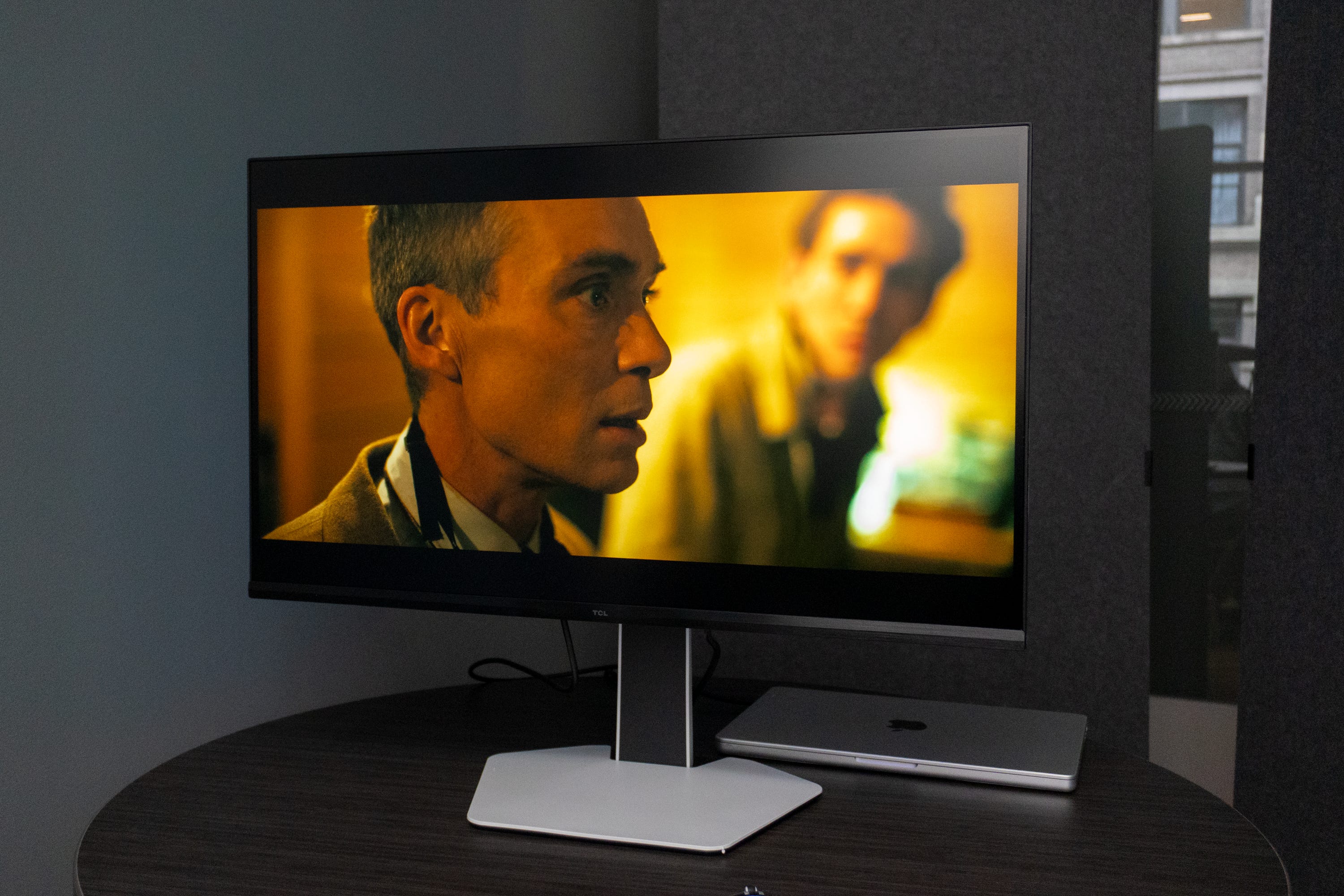
📺 A TV-quality panel. TCL leans on its TV panel chops for the 27-inch 4K screen on the C2A Pro - and it shows. This QD-Mini LED panel packs it all: exceptional colors with rock-solid contrast, a sharp resolution, over 2,300 local dimming zones for deeper blacks and richer details, and support for nearly the entire DCI-P3 color space. I’ve loved working on it, watching 4K videos, and my co-workers love how games look on it. It does so much right for a monitor that it puts others at Swider Studios to shame.
💡 Crank that brightness. This monitor can get really bright. With up to 2,000 nits of peak brightness, everything you do on this thing will look vibrant and jump off the screen. Of course, all that extra headroom means you won’t need to run it at full blast for everything to be bright and vibrant, but the option’s there if you want to play certain games or content like HDR videos.


🎮 All the gaming specs you’re looking for… It’s almost impossible for any gamer to find an issue with the specs of the C2A Pro monitor. You get up to a 320Hz refresh rate for ultra-smooth gameplay (more on that later), the TCL Halo Control System with OverDrive-Pro for eliminating haloing effects (something that’s noticeable on other high-end monitors but doesn’t seem to be an issue here), TCL Motion Clarity for eliminating motion blur in fast-paced environments, 1ms of gray-to-gray responsiveness, AMD FreeSync support, a built-in Crosshair Aim Guide, and more. It aces the fundamentals of what most need in a gaming monitor, leaving you well-equipped for the next battle.
👀 … except one. For those who have gaming PCs with Nvidia graphics cards, you’ll be sad to know that this monitor doesn’t support Nvidia G-Sync. You only get AMD FreeSync here, which isn’t the end of the world, but would’ve been nice to see anyway.
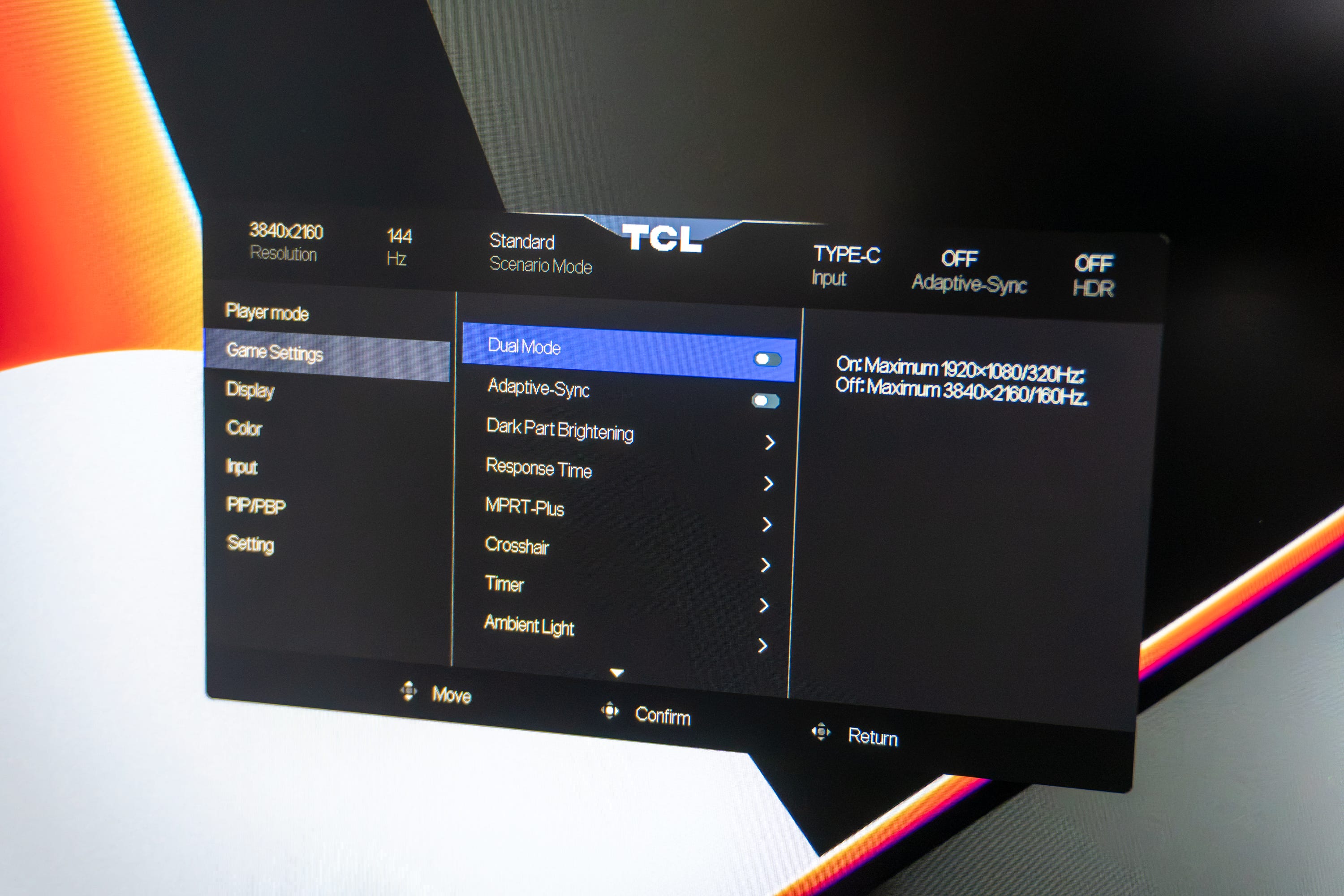
🕹️ Game Accelerator gives you an important edge. The driver behind that 320Hz refresh rate is a feature called Game Accelerator. Flick a switch, and you go from a 4K resolution with a 160Hz refresh rate to Full HD and 320Hz, making gameplay feel smoother and more responsive than many monitors on the market. The feature works seamlessly with any game that supports such a high refresh rate, and it’ll help ensure you’re on top of the action better than your competitors (y’know, assuming you don’t all go out and buy this monitor). You can also switch between the two modes whenever you want, and the transition is relatively smooth.
🦾 Ready for the pros. This monitor also has the right specs to keep professionals like photo editors, video producers, and journalists (like me) happy. The standard 160Hz refresh rate helps your laptop or PC feel very responsive for simple things like multitasking, while the color calibration modes out of the box will help those who need expertly-calibrated colors for important color-grading projects.
🎛️ You’ll want to adjust some things. By default, the C2A Pro comes out of the box calibrated for Delta E < 2 color accuracy, which is handy for pros. But for regular users who want to see, y’know, appealing colors, it takes some fiddling around to get the screen to look normal. I had to do this when setting it up for the first time, so that not everything looked washed out and gray. It was easy to do with the controls on the bottom of the monitor itself, but it definitely took a second to get the look that I wanted.
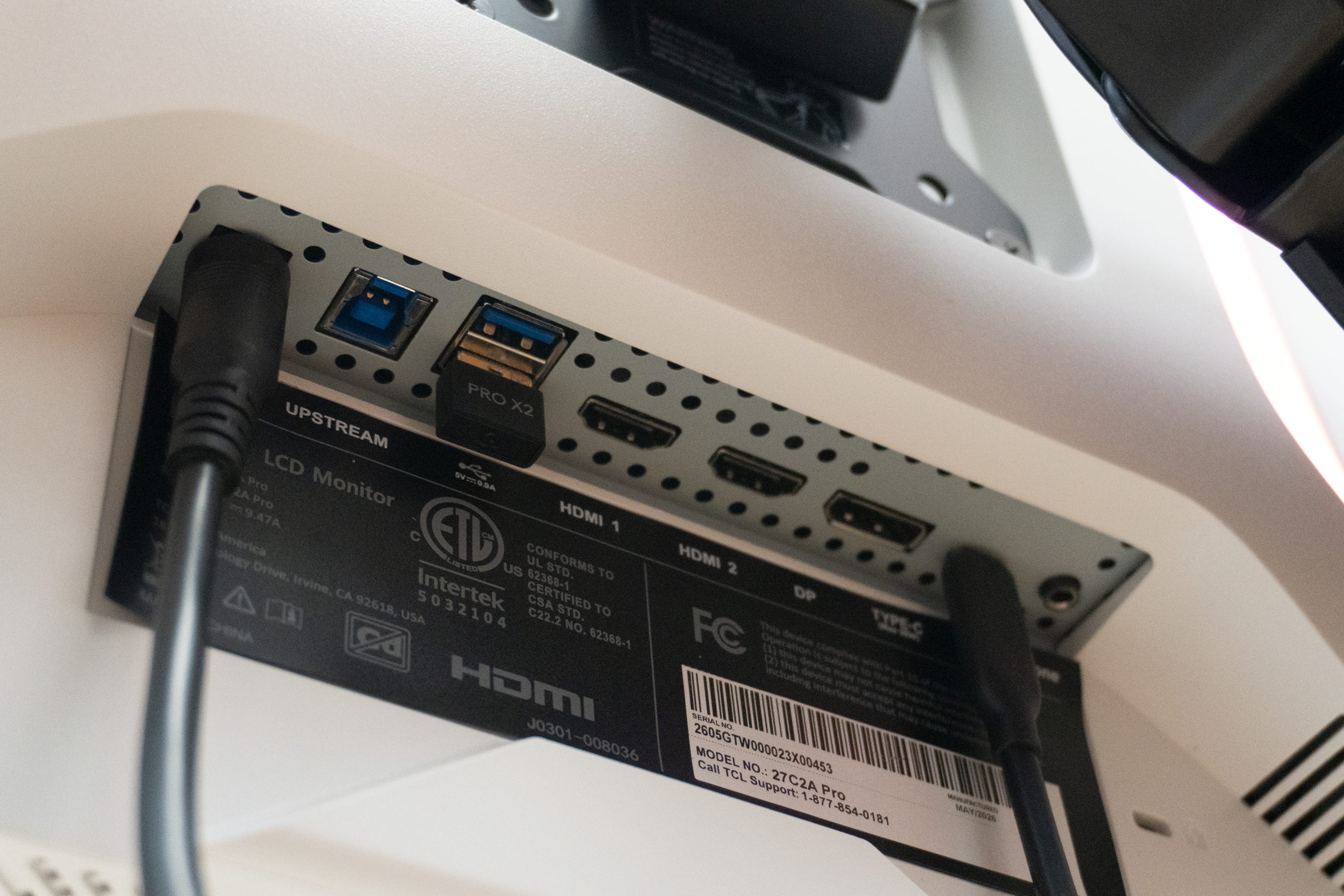
🔌 Checking all the IO boxes. When it’s time to connect your laptop, gaming console, PC, or other devices, you’ll be happy to know that TCL didn’t skimp on IO here. There are two HDMI 2.1 ports and a DisplayPort 1.4, all of which support 4K 160Hz input. There’s also a USB-C port with 90W power delivery, which means your laptop can recharge at full speed while it’s connected. In addition, there are three USB-A ports for connecting peripherals like mouse and keyboard receivers, as well as a 3.5mm audio port for outputting sound to speakers.
🔊 The speakers are really rough. Speaking of which, you’ll want to pair a set of speakers with the monitor, because the 5W drivers built into it aren’t good. I played some music and podcasts through them, and they were disappointing, to say the least. I suppose it’s convenient that TCL included them, but with zero low-end and very tinny highs, it’s better to pretend they aren’t there at all.
Should you buy the TCL C2A Pro QD-Mini LED Monitor?
Yes, if…
✅ You need a responsive monitor that’ll help level up your gameplay
✅ You want something sleek with RGB lights
✅ You need a 4K panel
✅ You want your movies and TV shows to look good, too
✅ You don’t mind spending a bit more on TCL’s TV-grade display technology
No, if…
❌ You need something bigger than 27 inches (get the Dell S3225QC)
❌ You need an even faster refresh rate (get the Asus ROG Swift OLED PG32UCDP)
❌ You need Nvidia G-Sync (get the LG UltraGear 27G810A-B)
Max Buondonno is an editor at The Shortcut and co-host of The Shortcut Live. He’s been reporting on the latest consumer technology since 2015, with his work featured on CNN Underscored, ZDNET, How-To Geek, XDA, TheStreet, and more. Follow him on X @LegendaryScoop and Instagram @LegendaryScoop.