


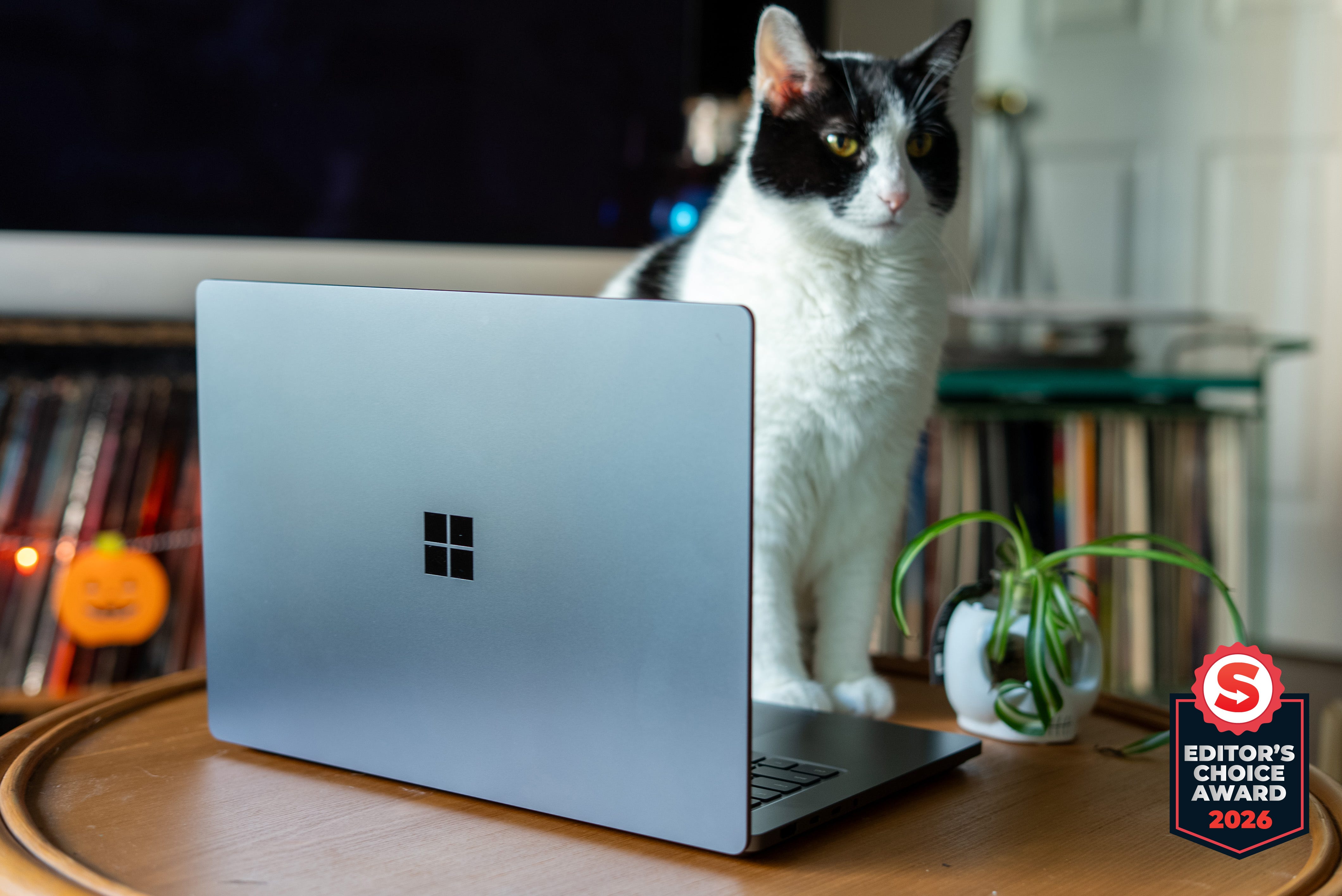
🏆 Review score: 4.5/5
🏅 Editor’s Choice Award

✅ Pros
🪙 Seamless design that looks and feels like a solid block of metal
📺 2000-nit 15-inch mini LED display offers fantastic brightness and contrast
🫨 Haptic touchpad adds physical feedback for clicks and moving windows
🧲 Better than MagSafe: Magnetic Connect uses USB-C to give you a fully usable port and recharge other USB-C devices
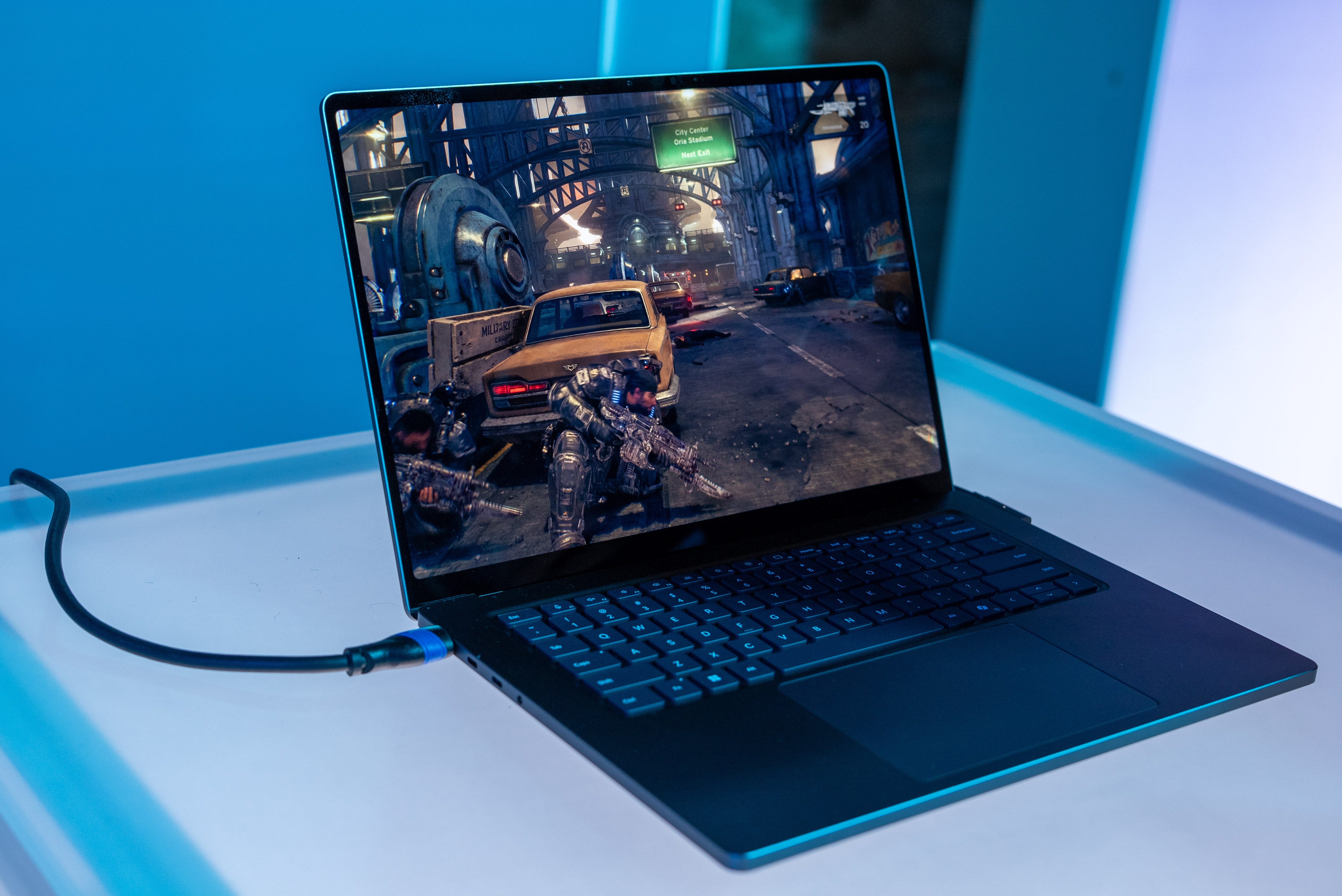
🎮 Runs Gears of War: E-Day and 007: First Light at a smooth 60~ FPS with medium settings
🔋 Power-sipping, all-day work machine with the right settings
💪 Ready for heavy creative applications like Adobe Premiere Pro and Unreal Engine 5
🤖 Hybrid Intelligence promises to save tokens by running all but the most challenging AI tasks locally
❌ Cons
🪨 Dense and heavy for its size
👾 Extended load times and sporadic frame drops from emulated games
The Shortcut Review
As much as I wanted it to be, the Surface Laptop Ultra isn’t the silver bullet that will kill the MacBook Pro. It’s heavier and won’t beat a fully loaded M5 Max MacBook Pro in a straight benchmark/rendering race, even with a top-end Nvidia RTX Spark N1X processor. However, the Surface Laptop Ultra is the ultimate example of how flexible a modern PC can be. The Surface Laptop Ultra can be a power-sipping, all-day work machine. It has the graphical chops to play PC games, even those using Nvidia’s latest DLSS 5 and Path Tracing technologies. And if you want to dive headlong into AI and develop apps without ever using a token, Nvidia’s new RTX Spark processor can do that too.
The Surface Laptop Ultra is a do-it-all, take-it-anywhere Windows 11 laptop that’s worthy of its $2,599 starting price. The configuration I’m reviewing comes with a top-shelf Nvidia RTX Spark processor with 20 CPU cores and 6,144 CUDA cores, but only 32GB of unified memory, making it slightly more approachable at $3,699 than the $5,099 128GB configuration you see reviewed everywhere else.
This model is definitely a more direct contender for prospective MacBook Pro buyers, and from my week of testing, I can tell you this laptop is the better machine for developers, power users, and gamers. The MacBook Pro is still the better option for most people, but you won’t be disappointed jumping on the first wave of Nvidia-ARM-powered laptops, and the Surface Laptop Ultra is a damn fine machine exploring the new waters of local AI.
Full Review
⚙️ All-round performer. The Surface Laptop Ultra is a performance beast. It easily posted top benchmarking numbers for CPU processing, graphics power, and AI tasks. Beyond our lab tests, the Surface Laptop Ultra deftly handled all my everyday work needs while giving me a decent enough gaming experience during breaks. The Asus ProArt P16 is a far better RTX Spark gaming machine, largely thanks to its exclusive access to Nvidia G-Sync.
👾 No gaming laptop replacement. My Surface Laptop Ultra review sample came with the higher-spec N1X chip that includes 6,144 Blackwell CUDA cores, more than you’d find on an RTX 5070. However, my sample only came with 32GB of memory, of which I could only dedicate 12-16GB as video memory for the GPU. This somewhat hindered my overall gaming experience, as I couldn’t run most games at a playable frame rate at full resolution, even with DLSS 4.5 to cheat with the scaling.
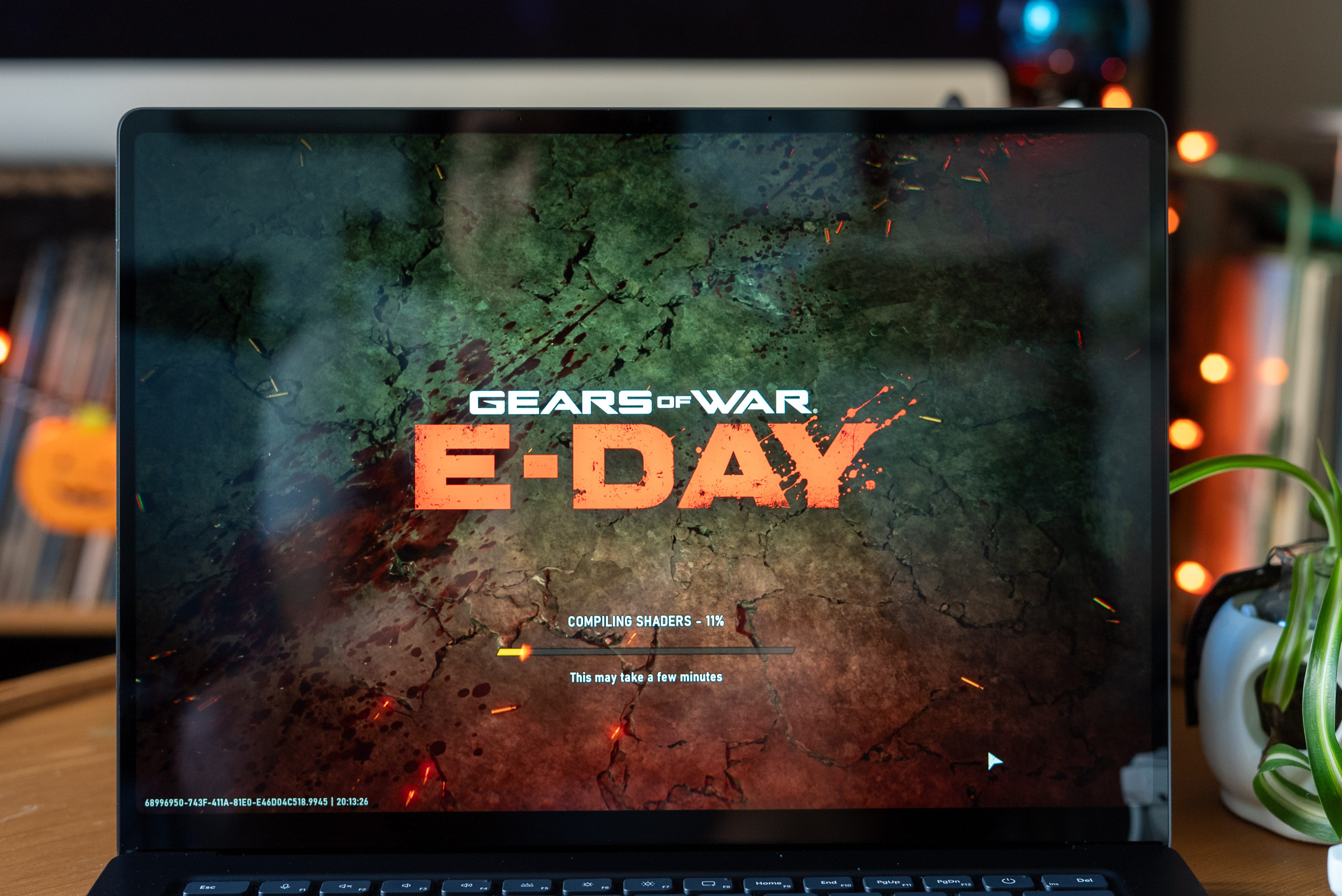
That said, it’s impressive that Nvidia has given RTX Spark every major gaming feature to date, including DLSS 5 out of the gate, a 2nd-gen transformer model, Multi-Frame Generation, Nvidia Reflex, and path tracing, which just became available in games like 007 First Light and Control Resonant. RTX Spark’s sheer GPU power lets this machine run Gears of War: E-Day at over 60fps at 75% screen resolution with high settings, RTX ray tracing, and balanced DLSS 4.5.
Ultimately, even if you throw all the CUDA cores and unified memory at games, RTX Spark simply can’t match the performance of a gaming laptop with a real RTX 5070 or RTX 5060. Discrete GPUs have much faster video memory, and the Surface Laptop Ultra also runs almost every game through Microsoft’s Prism emulator. While gaming through emulation, I’ve experienced longer load times and occasional sudden frame-rate drops. Thankfully, the latter is sporadic, so gaming on the Surface Laptop Ultra is still generally a pleasure. The sooner there are more ARM native games beyond Kingdom Come: Deliverance II and Marvel Rivals, the better.
🤖 AI inside. What’s more, the Surface Laptop Ultra is the first device that has given me constant access to an AI agent. Even on a plane, no problem: you can use Hermes, OpenClaw, and Perplexity as a portable computer and run the full AI model and agent harness entirely on device. This has come in super handy for asking a local chatbot more about RTX Spark on the flight from the San Francisco launch event. Alternatively, I used local AI to upscale video from 1080p30 to 2160p60 and remastered old, blurry photos.
Using local AI does come with the burden of switching the GPU to AI mode, where it allocates every graphics core to completing your task, which makes the fans spin full blast and the battery drain quickly. Partly, this is because I’m using the Qwen3.8-27B model, one of the most powerful available right now. Using a smaller parameter AI model saves battery life, but local AI is ultimately about saving your precious tokens for cloud computing tasks.
🔋 All-day battery life. Speaking of power, the Nvidia RTX Spark chip inside the Surface Laptop Ultra is surprisingly efficient, even though every model comes with a 140W charger. Even while gaming, the total CPU and GPU power combined didn’t exceed 60W. The Surface Laptop Ultra was able to last through eight- and 10-hour days before needing a charge. This longevity definitely decreases with AI tasks, which used a record TKW of power draw. I’ve also been pleasantly surprised by the near-identical performance of the RTX Spark whether I’m plugged in or not.
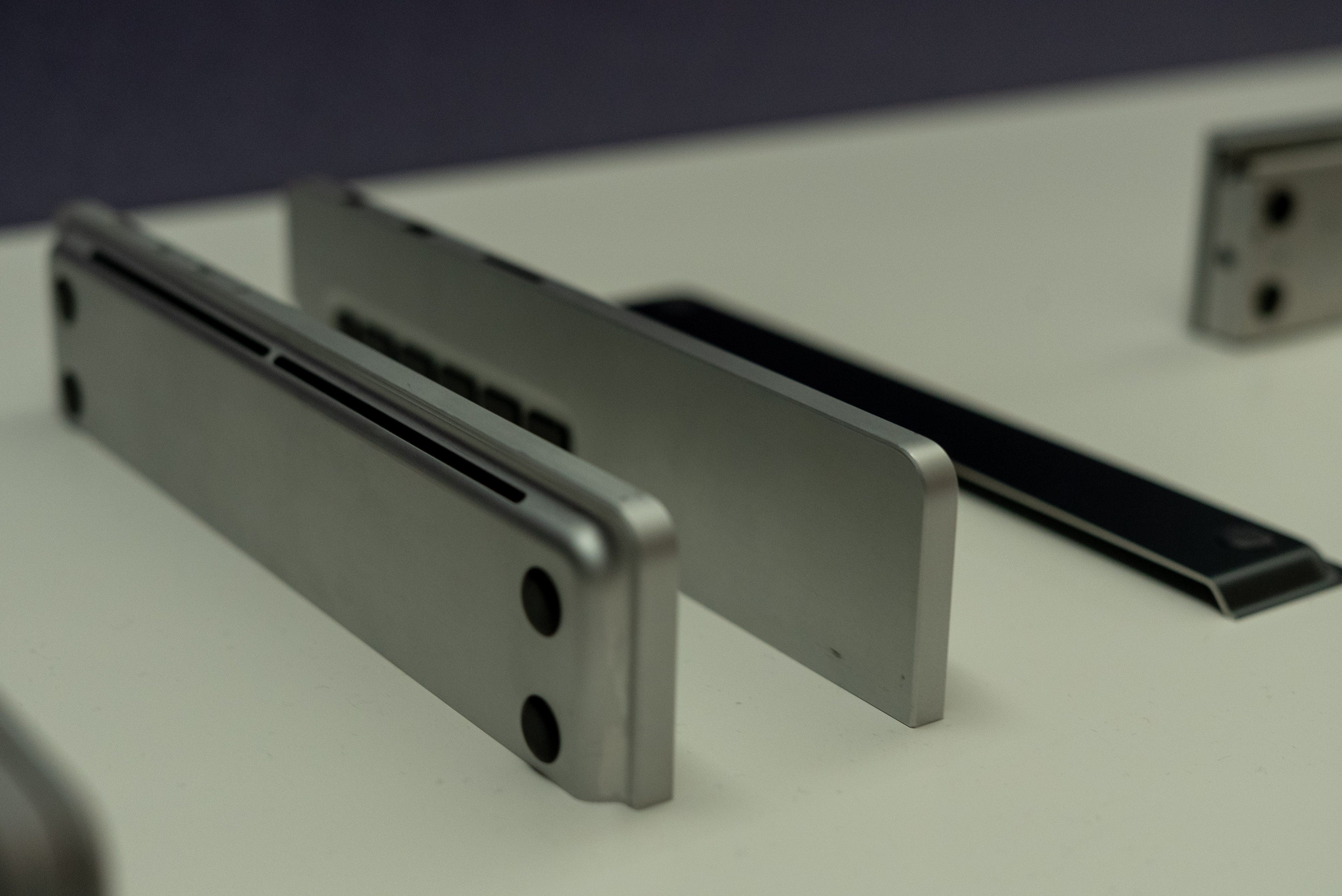
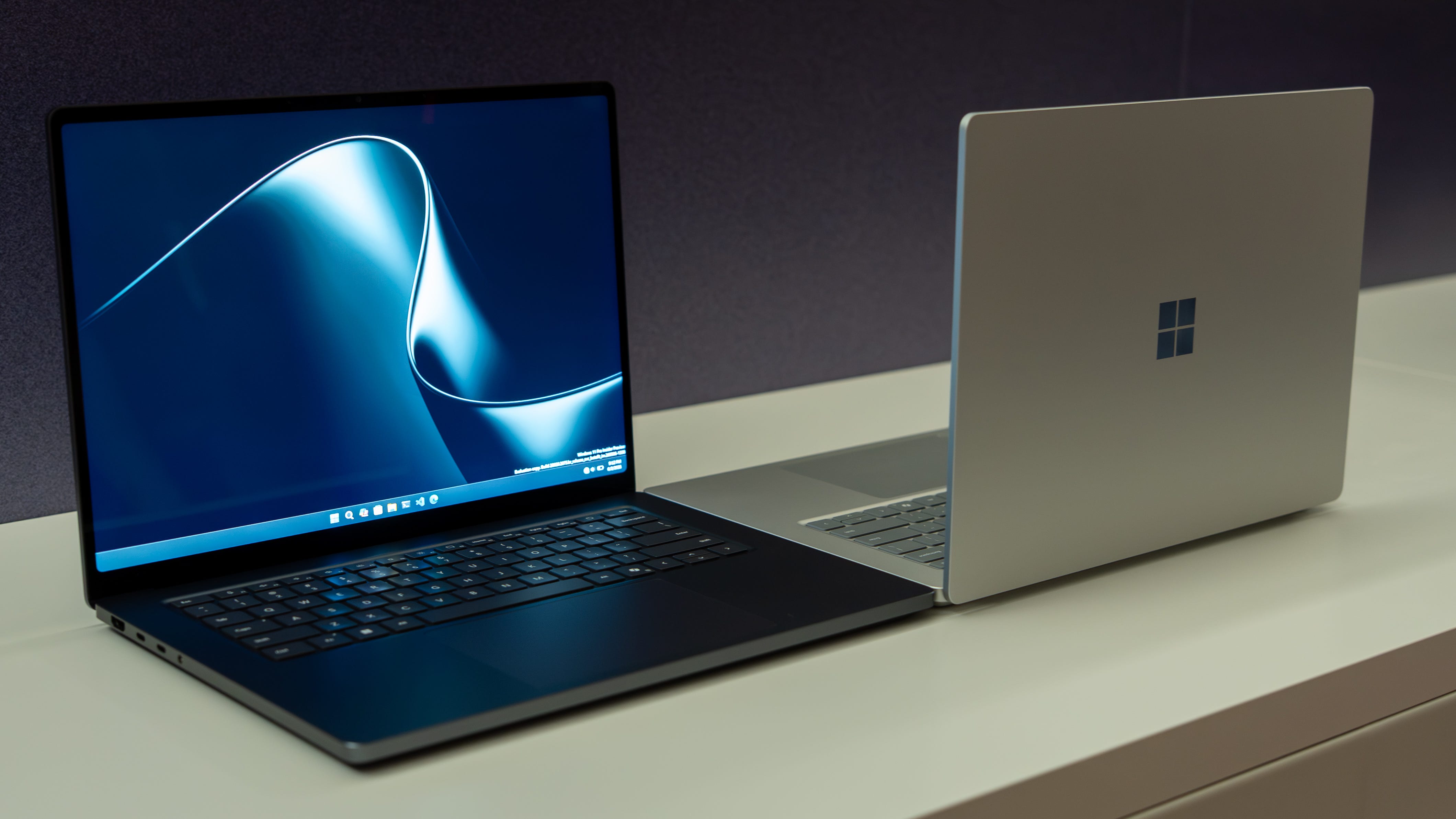
😍 A real beauty. The Surface Laptop Ultra is a beautiful piece of machined aluminum. There are no gaps and hardly any screws to suggest anything other than a solid block of milled aluminum. It feels like it, too, at 4.41 pounds, putting its total weight right between the 14- and 16-inch MacBook. Though that shouldn’t be too surprising for a 15-inch laptop. The Surface Laptop also looks thinner than its 18mm-thick chassis actually is, thanks largely to its slimming raised pedestal design.
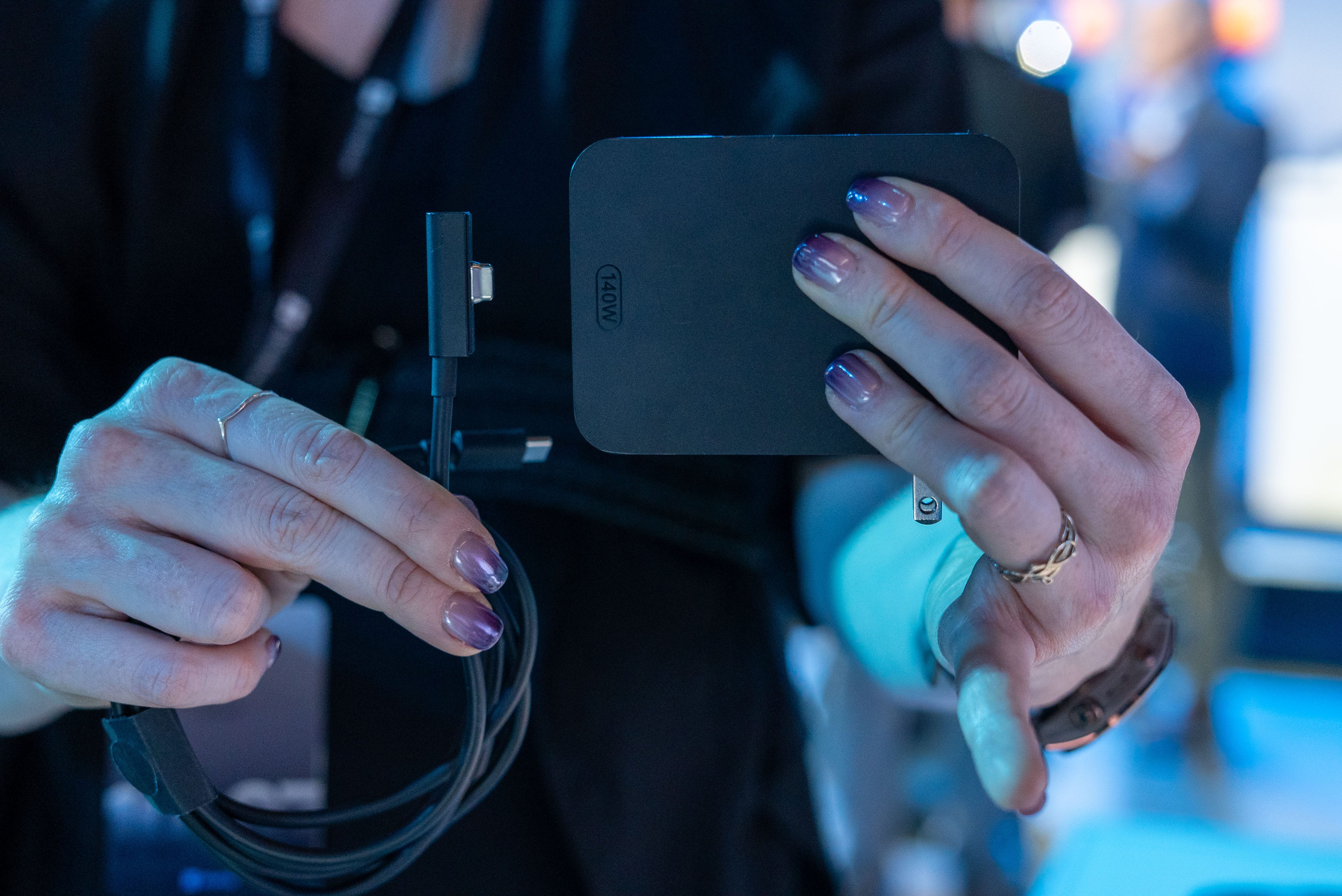
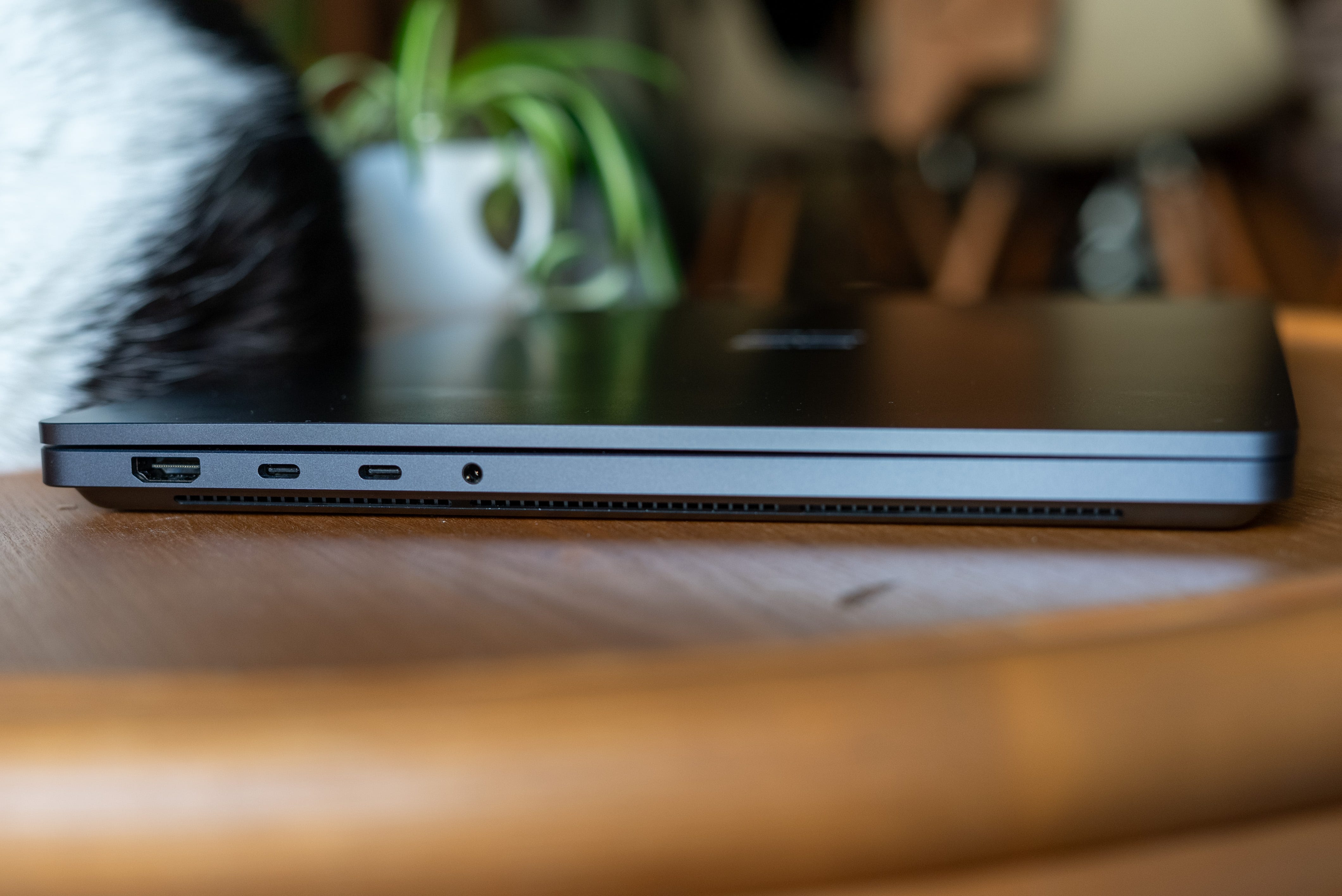
🧲 Move over MagSafe. Perhaps Microsoft’s most impressive new feature is a Magnetic Connect charging solution that would even make MagSafe evangelicals jealous. The twist is that this new Magnetic Connect still uses a mostly traditional USB-C plug. It’s just a tiny bit shorter, which lets it snap safely into the Surface Laptop Ultra’s right-side USB-C port.
It works just like the old magnetic Surface charging connector without taking up valuable I/O space. The USB-C charging port, meanwhile, still lets you plug in any old cable to transfer data or output video to an external monitor. The new 140W USB-C charger is just as neat. It’s smaller thanks to GaN technology, and the Magnetic Connect can also snap onto the power brick, so you have a regular USB-C cable to charge all your other devices.
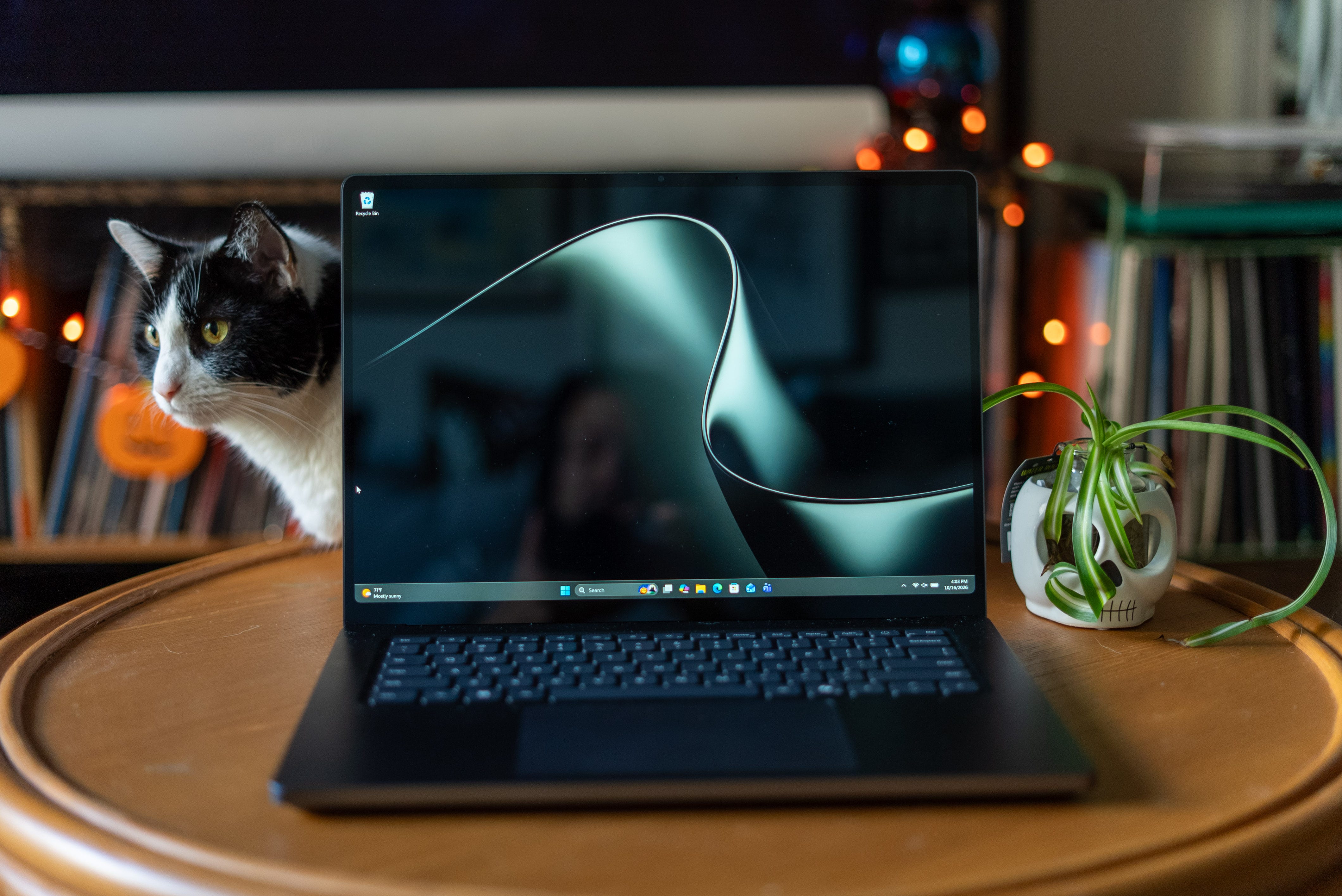
📺 2000-nit HDR display. Opening the lid with a single finger reveals an equally beautiful 15-inch mini-LED touchscreen with a 2880 × 1920 resolution and a 120Hz refresh rate. The display also delivers 4K TV-level HDR brightness, up to 2,000 nits. It makes games look especially fantastic. I was blown away by how good webpages look and how I can still see what’s on screen even when I’m using this laptop out in the sun.
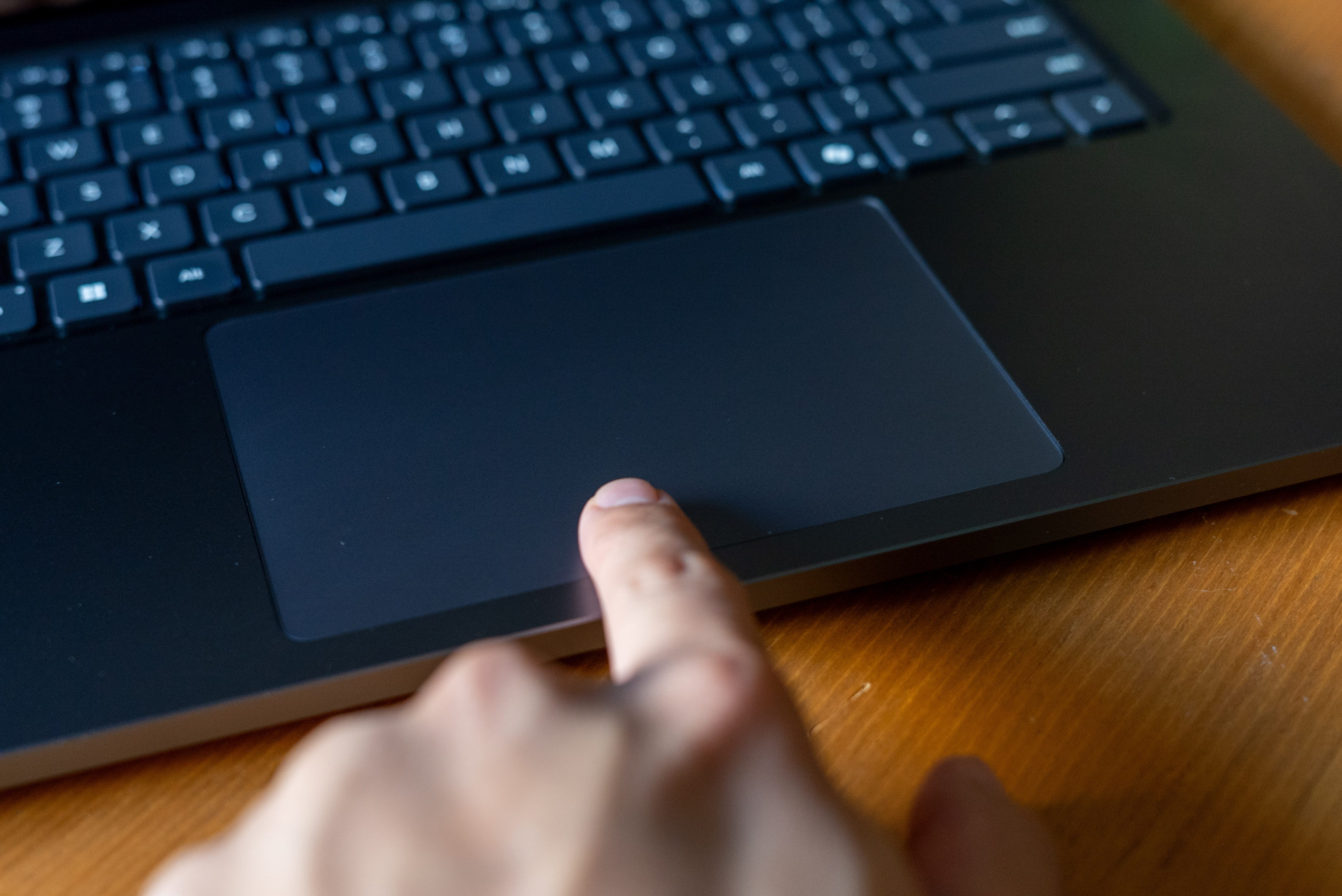
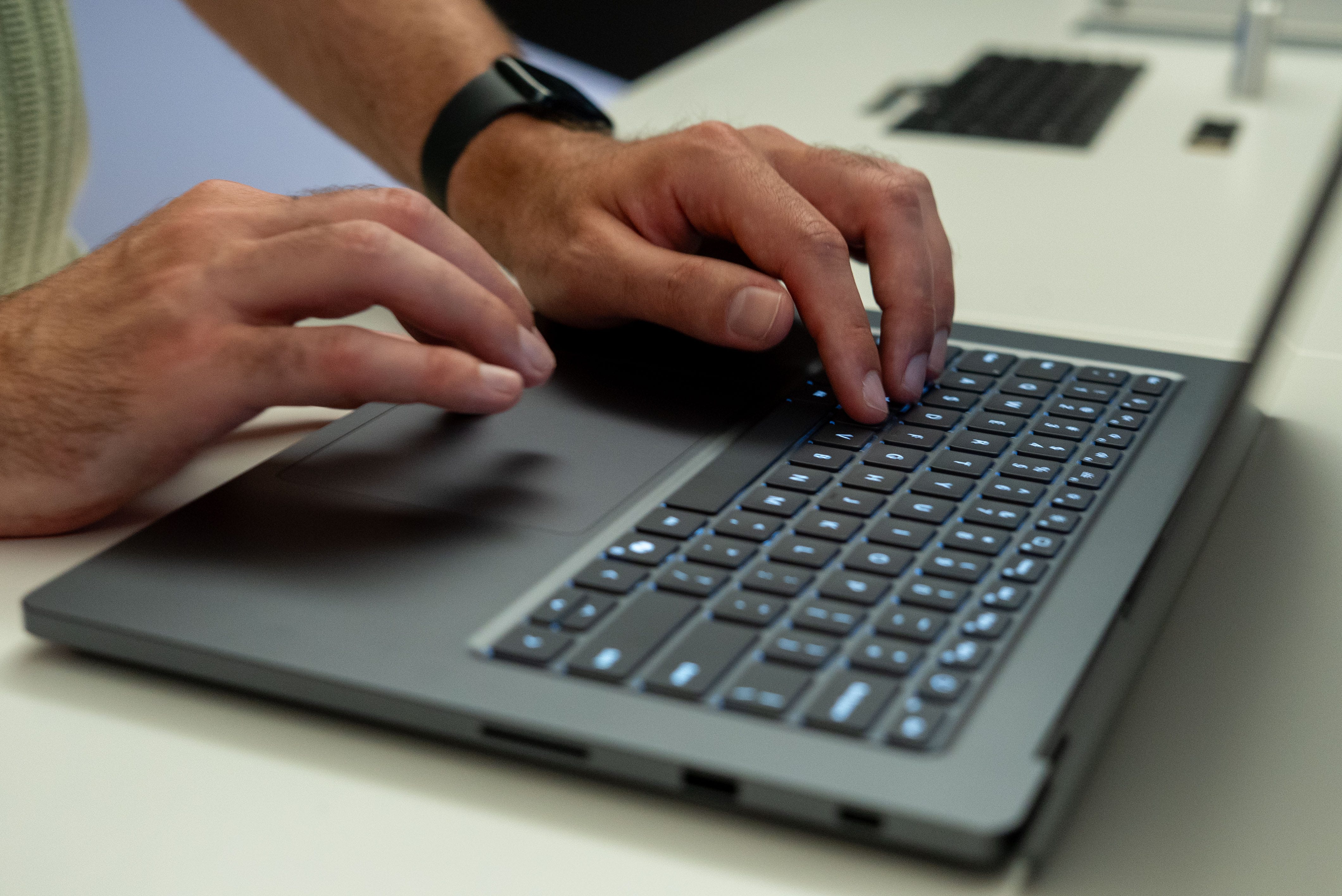
🫨 Haptic touchpad. The trackpad on the Surface Laptop Ultra is the largest Microsoft has put in any Surface device, and it now also vibrates with haptic feedback. Beyond simulating a mouse click, it adds haptic feedback when you snap an app window or drag files across folders. Even though it’s entirely virtual, the haptics add nice tactile confirmation as you interact with elements in Windows. I hope Microsoft and more developers add more haptic feedback to more programs soon.
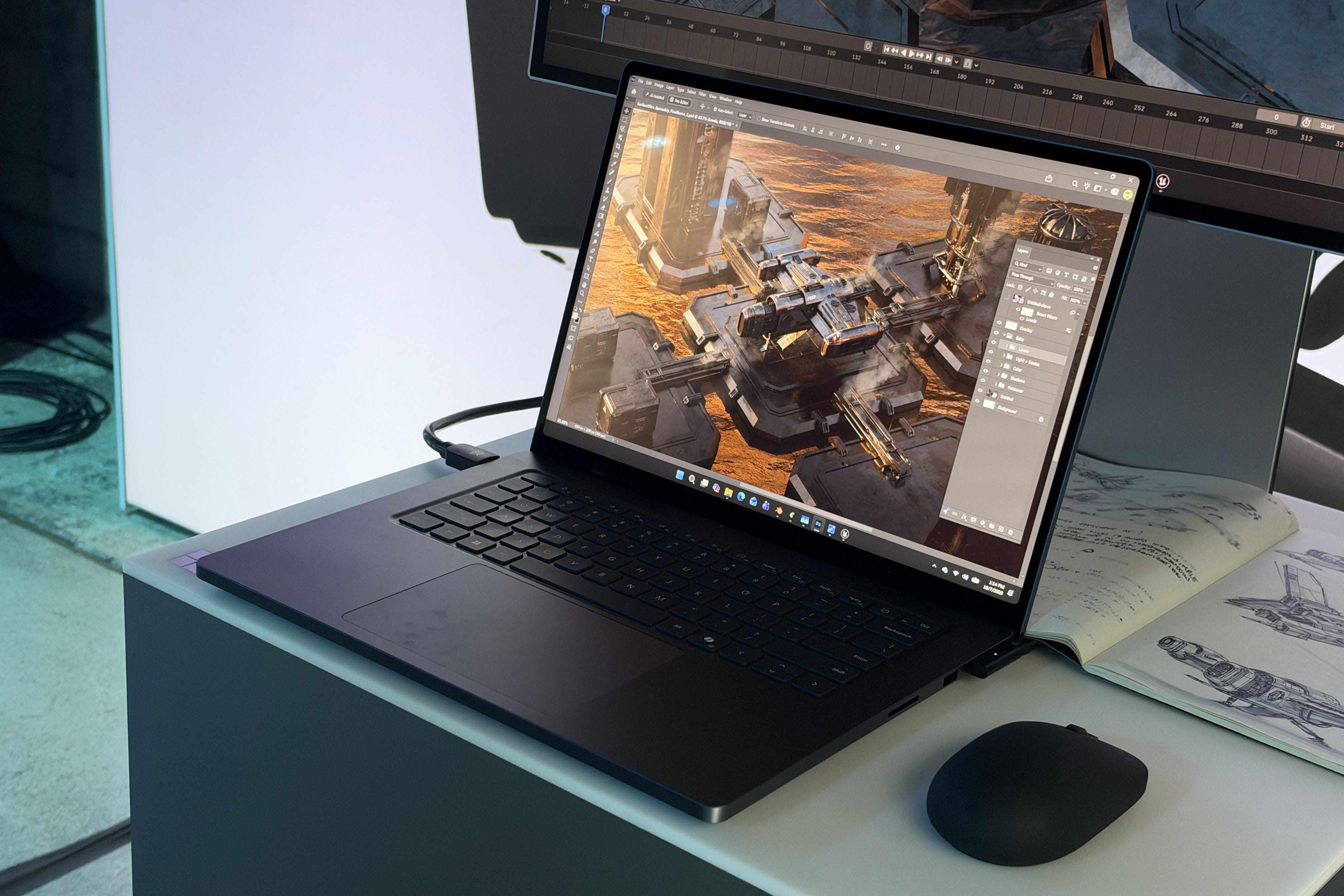
🎨 Creative workflows. Windows on ARM will be a hurdle for Microsoft and Nvidia to clear with the Surface Laptop Ultra and other RTX Spark laptops, but both companies are already working hard to ensure everything works when they launch this fall. On a smaller scale, Adobe is already optimizing Premiere Pro. Nvidia presented a shootout between Premiere Pro and Premiere Pro enhanced for RTX Spark, and the latter rendered a scene 2x faster. The RTX Spark will also have accelerated 4.2.2. video support, so you’ll be able to take footage straight from your Canon, Nikon, Sony, or DJI Pocket 4 and edit in full resolution without any stuttering, whereas current devices require down-res proxies to smoothly play back media.
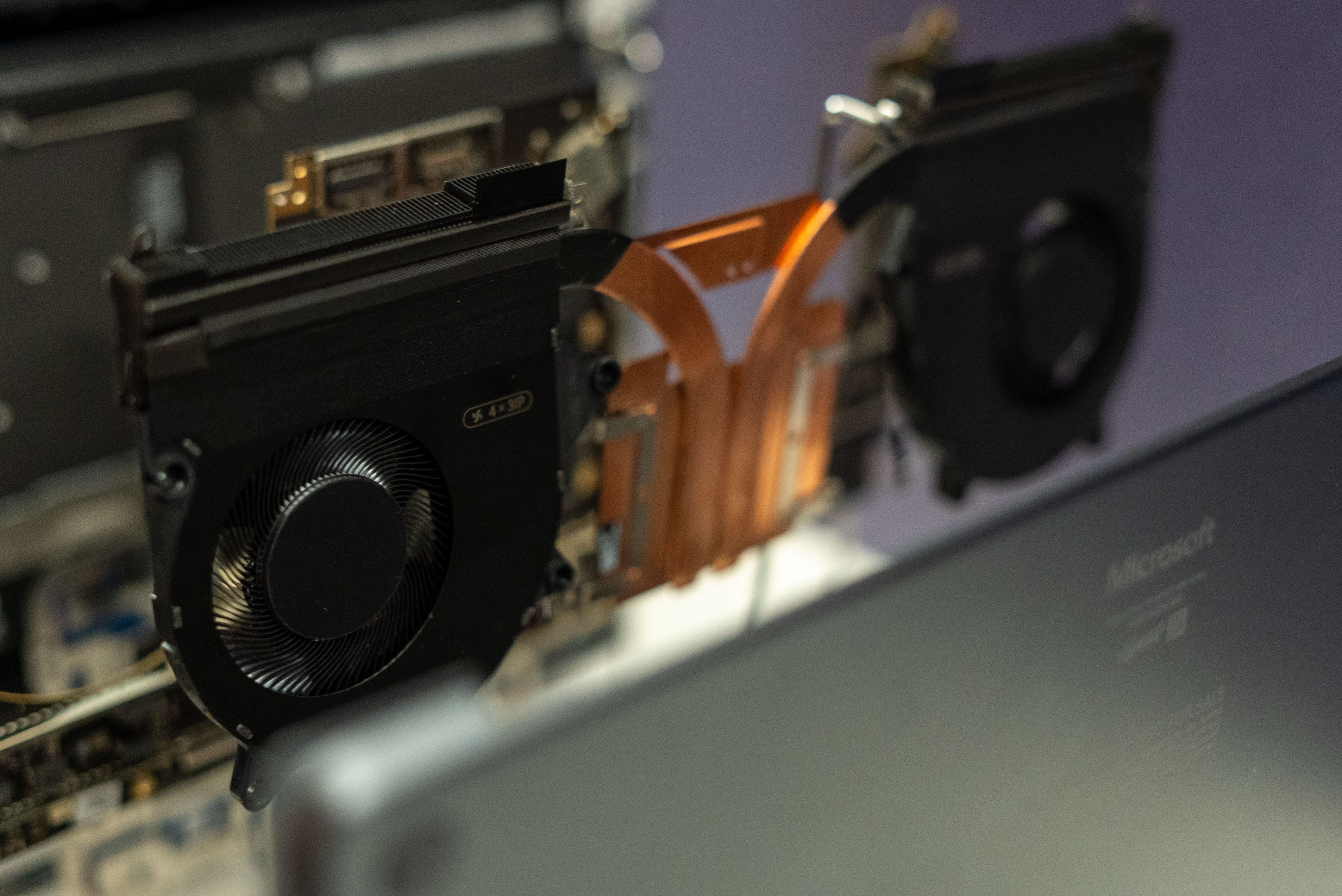
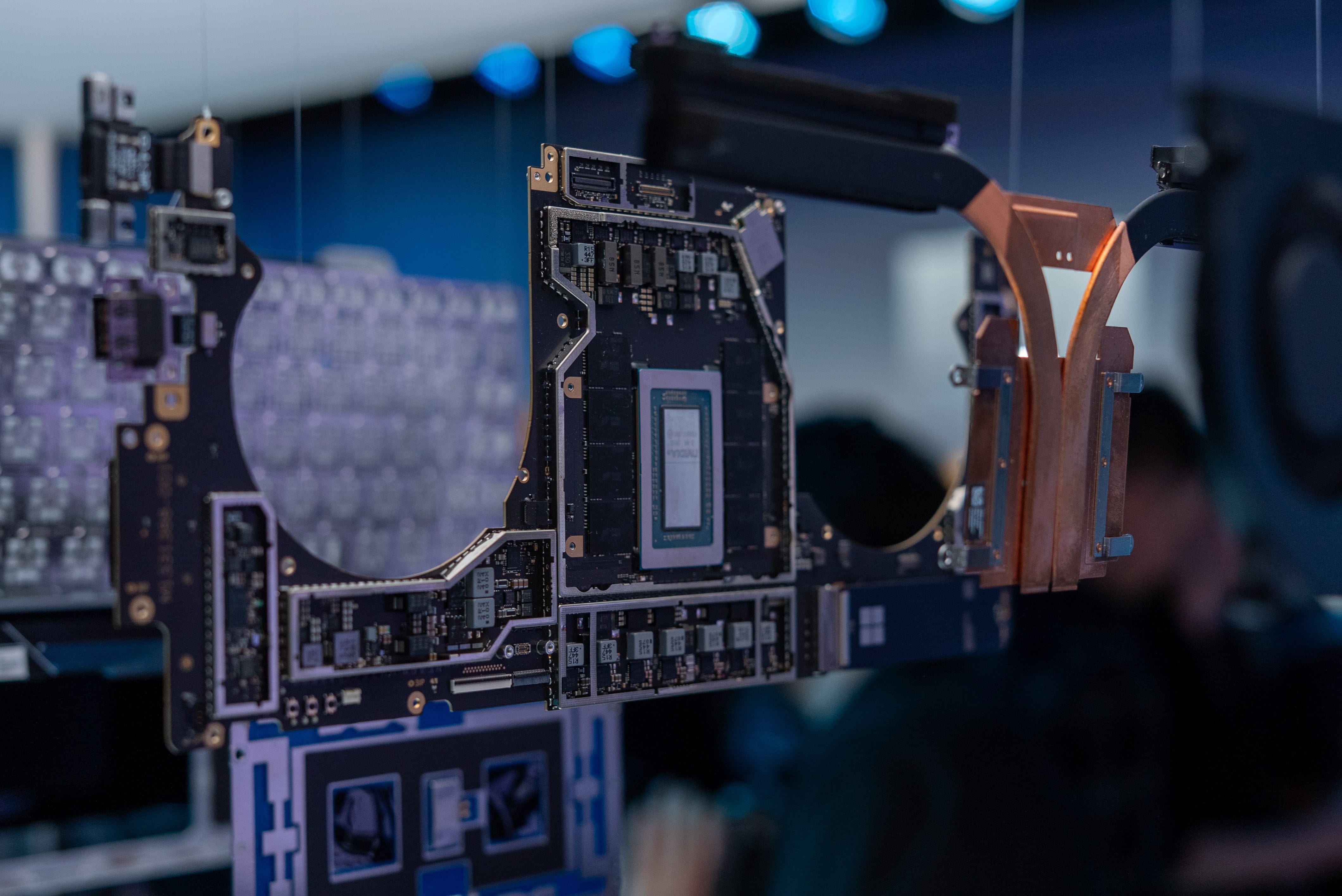
💨 Proper cooling. A Surface Laptop Ultra running at full tilt sounds about as loud as a portable fan on full power. Microsoft told me the fans in this laptop are the biggest fans it’s ever put in a Surface device, giving it 2.5x that of the Surface Laptop 8th Gen. Aside from bigger fans, Microsoft has carefully engineered its thermal solutions with a new copper cold plate and vents so the airflow can hit every component before the heat gets pushed out.
Should you buy the Surface Laptop Ultra?
✅ Yes, if…
💻 You want a flexible PC that will last all day at work, game, and run local AI
💎 You want PC hardware that’s even nicer than a MacBook Pro
🤖 Exploring AI is your main prerogative
❌ No, if…
👾 Emulating all your apps sounds like a hassle
⛔ You don’t use AI at all
🍎 You’re looking for a similar laptop for general use
Kevin Lee is The Shortcut’s Creative Director. Follow him on Twitter @baggingspam