


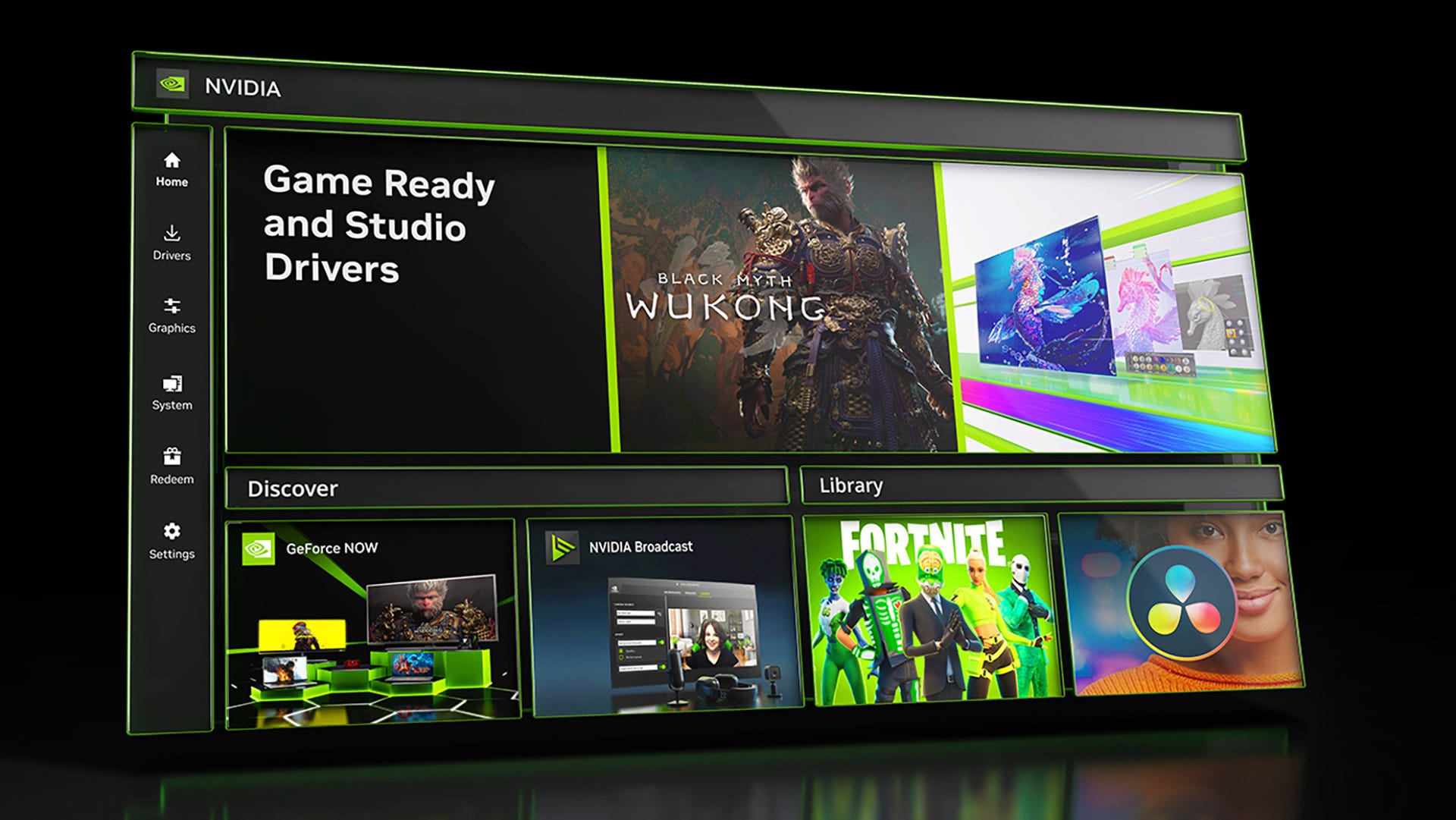

🆕Nvidia updates its app with Project G-Assist and DLSS Overrides
🤖 Project G-Assist is an AI assistant that lives and runs on Nvidia graphics cards
❓ Ask it questions like what is DLSS or G-Sync
📈 Project G-Assist can also launch games, lower latency, and even overclock the GPU
✅ Requires Nvidia RTX 30-, 40-, or 50-series GPUs with 12GB of VRAM, and also 10GB of storage,
🕹️ DLSS 4 update lets you run the new Transformer model and Multi-Frame Generation even if games don’t natively support either
Nvidia’s Project G-Assist AI assistant is now available in the Nvidia app if you have a GeForce graphics card.
Project G-Assist runs on Nvidia’s GPUs, letting you ask it questions about the company’s hardware and software, such as DLSS and G-Sync. It can also help you optimize your game settings, measure frame rates, launch games, and even overclock your GPU.
Beyond improving your graphics, G-Assist can also scan your PC to diagnose system bottlenecks, reduce system latency, and improve efficiency with a real-time diagnostic. It can even control the lighting on your peripherals from Logitech G, Corsair, MSI, and Nanoleaf.
You can use Nvidia Project G-Assist if you own an RTX 30-series graphics card or newer with at least 12GB of VRAM. If you have any of Nvidia’s latest RTX 50-series cards – whether it be the top-shelf Nvidia RTX 5090 or the mid-range Nvidia RTX 5070, you’ll be able to use Project G-Assist. It’s also surprisingly back-compatible, but the VRAM requirements any GPUs lower than an Nvidia RTX 3070 Ti or Nvidia RTX 4060 out of the loop.
Project G-Assist also needs to run a small language model consisting of about 10GB of data. You probably can’t ask it to plan a week-long Paris vacation as you can with Microsoft Copilot+, but it’s smart enough to be your gaming PC assistant.
Who would have thought a feature Nvidia started as an April Fools joke in 2017 would become a working tech demo at CES 2024 and now a full-blown feature? You can try out Project G-Assist by updating the Nvidia app on your PC or downloading the latest version of the software.
DLSS overrides
The updated Nvidia app also adds more DLSS overrides, letting you apply the latest DLSS 4 transformer model, DLSS Super Resolution Ultraperformance, and DLAA even if games don’t support these features natively.
Users can also make their games run faster with Nvidia’s latest Mulit-Frame Generation if they’re using Nvidia’s latest RTX 50-series graphics cards by diving into the individual game settings within the Nvidia App.
Kevin Lee is The Shortcut’s Creative Director. Follow him on Twitter @baggingspam.