



🏆 Rating: 4/5
✅ Pros
📸 Photo and video quality take a big leap over the previous generation
🔋 8 hours of battery life is a game-changer (2x as long as Gen 1)
🔊 Speaker quality is great for listening to music
🤖 Meta AI is very helpful
❌ Cons
📐 Chunkier design than traditional Ray-Ban sunglasses
🔥 They can get pretty warm with heavy usage
💰 Price can go way up depending on your configuration
Smart glasses are all the rage nowadays, and I finally understand why. A little while ago, I was sent a pair of the Meta Ray-Ban Gen 2 smart glasses to test-drive, and I’ve officially ditched traditional sunglasses because of them.
Meta has seen great success with its Ray-Ban collaboration; the company’s smart glasses make up 82% of the entire smart glasses market, making them the most popular by a long stretch. The Meta Ray-Bans were the first to offer a package compelling enough to appeal to average consumers: you can talk to Meta AI through them, take pictures and videos, play music, take phone calls, and more, all in a pair of glasses that look barely thicker than a normal pair of shades. Plus, the price isn’t extraordinarily high.
These glasses have made their way onto a lot of folks’ faces, and after using them for several months, I’ve learned that it might be time for everyone to consider switching away from traditional spectacles. Here are five things that keep me glued to my Meta Ray-Bans more than I expected.
1. Playing music without headphones
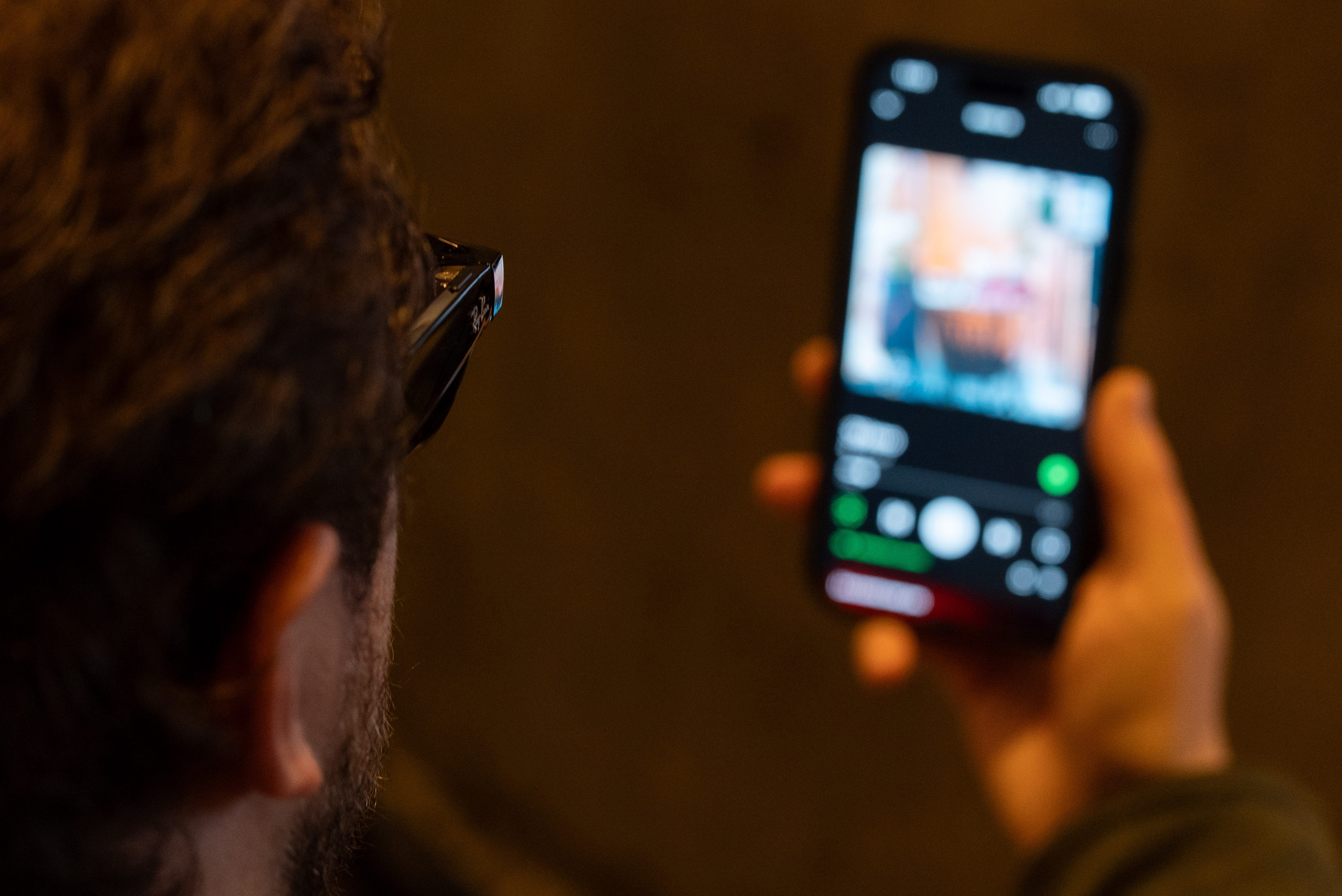
Okay… it’s probably not a great idea to buy the Meta Ray-Ban Gen 2 because of this feature, but I’m obsessed with being able to play music that only I can hear without needing headphones. I love putting my shades on before walking to our New York City office, hearing them pair to my phone, then firing up Spotify to jam out on my stroll. Audio quality is surprisingly clear with a decent level of bass, and the speakers get loud enough not to get drowned out by the noisy streets of Manhattan.
It’s like having a pair of open-style headphones on you at all times. Of course, this is also convenient for hands-free phone calls and such, but as a huge music fan, being able to blast my playlist through my sunglasses is a luxury I never thought I needed.
2. Turn-by-turn directions

Some would say I’m a master of navigating the streets of NYC, while others (like my own girlfriend) will tell you I need a little help once in a while (read: a lot of help quite frequently). I generally follow directions on my Apple Watch, but if you fire up your favorite maps app and use audible directions, they’ll play over the speakers in the glasses and guide you on your journey. The Meta Ray-Ban Display glasses are technically better equipped for this since you get a little map detailing where to go, but I find my glasses telling me where to go perfectly adequate for not making the wrong turn.
3. Recording first-person videos

The most popular feature on Meta Ray-Ban glasses is the camera, which can be used to capture photos and videos from a first-person perspective. I don’t normally take a lot of photos with the glasses on, but I’ve certainly taken plenty of videos. At a country music festival in Florida last year, I used a pair of these glasses to record myself whacking around huge beach balls with the crowd. With my review unit, it’s been a lot of day-in-the-life videos of me walking around the best city in the world.
There’s something about being able to record what you’re seeing whenever you want, instantly, that makes this seemingly novel feature a genuinely useful tool. Whether it’s destined for social media or your own personal photo album, the videos you’ll capture with these glasses are unique and way too fun to experiment with. Plus, you can record in up to 3K resolution, so all of your memories will look sharper than on previous models.
4. Asking Meta AI about what’s around me

It almost feels like a secret superpower having a computer on your face that can give you information on what you’re looking at. There are a lot of historic buildings around New York City, in addition to all the random sculptures and exhibits that open on the streets and sidewalks. As much as I try to keep up with what’s going on, sometimes, you need someone to just explain it to you.
That’s where Meta AI comes in. You can look at something and say, “Hey Meta, what am I looking at?” It’ll then take a picture of what’s in front of you and give you insights into what it’s examining. Sometimes it doesn’t get it totally right, but that’s usually because I’m looking at what’s in front of me at a weird angle. If I look at the base of a church, for example, it doesn’t really know what to say about that. But if I look up where all the details are, Meta AI has no problem telling me more about St. Patrick’s Cathedral.
I’m encouraged to use this feature not just because it’s super convenient, but because of how responsive it is. Meta incorporated the Qualcomm Snapdragon AR1 Gen 1 processor, which gives the glasses impressive processing power, delivering fast responses from Meta AI and making features like photo capturing feel effortless. Plus, its efficient even when handling heavy tasks. Speaking of which…
5. Battery life is finally good enough
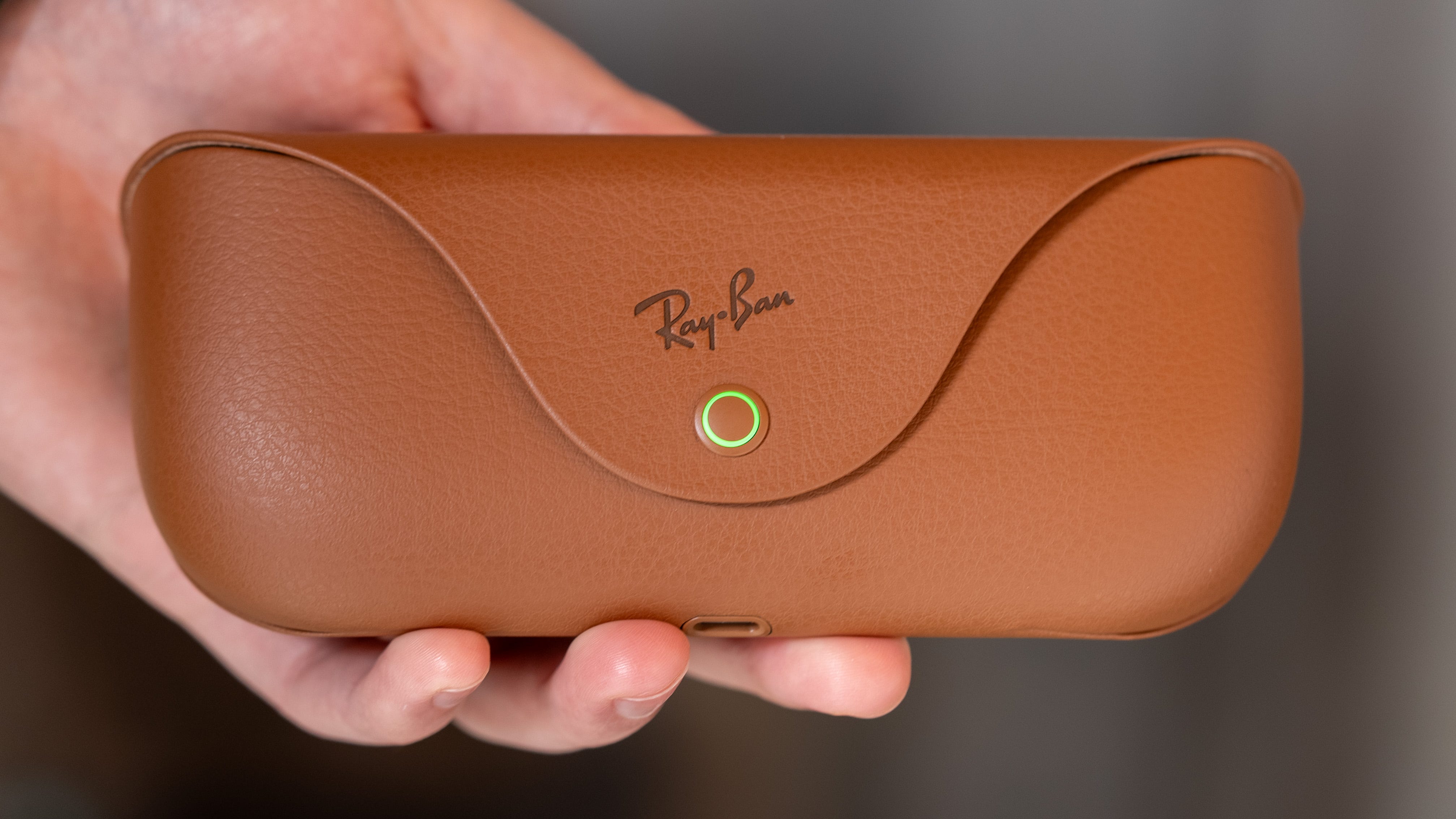
The original version of Meta’s Ray-Ban smart glasses could only be used for 3-4 hours on a full charge. That changed exponentially with the second generation, which got upgraded with up to 8 hours of mixed use.
This makes a huge difference in how much you’re enticed to use a pair of smart glasses. No one wants to use them that much if they’re going to die quickly - then you’re just walking around with chunky glasses with no added functionality. But because these puppies can last for twice as long, it encourages me to listen to more music, take more pictures and videos, and ask Meta AI more questions while I’m out and about. Then, when they need to be recharged, I pop them back in the back and juice ‘em up.
Are they worth $379?

That’s how much my review pair of Meta Ray-Ban Gen 2 glasses cost, with the Skyler frame and green-tinted sunglass lenses. That’s around $180 more than most folks are comfortable spending on a pair of high-end shades, so it’s definitely an investment no matter how you swing it.
But I think for some folks, spending the extra cash will be well worth it. For early adopters and those who want to start exploring the world of smart glasses, this is a great place to start. Meta and Ray-Ban have pulled off one of the first truly great pairs of smart glasses in existence, hence why you might see them more frequently in the world than you’d expect. Between the sleek design and actually-useful feature set, it’s the only pair of mainstream smart glasses that are worth recommending to virtually anyone.
Max Buondonno is an editor at The Shortcut and co-host of The Shortcut Live. He’s been reporting on the latest consumer technology since 2015, with his work featured on CNN Underscored, ZDNET, How-To Geek, XDA, TheStreet, and more. Follow him on X @LegendaryScoop and Instagram @LegendaryScoop.