


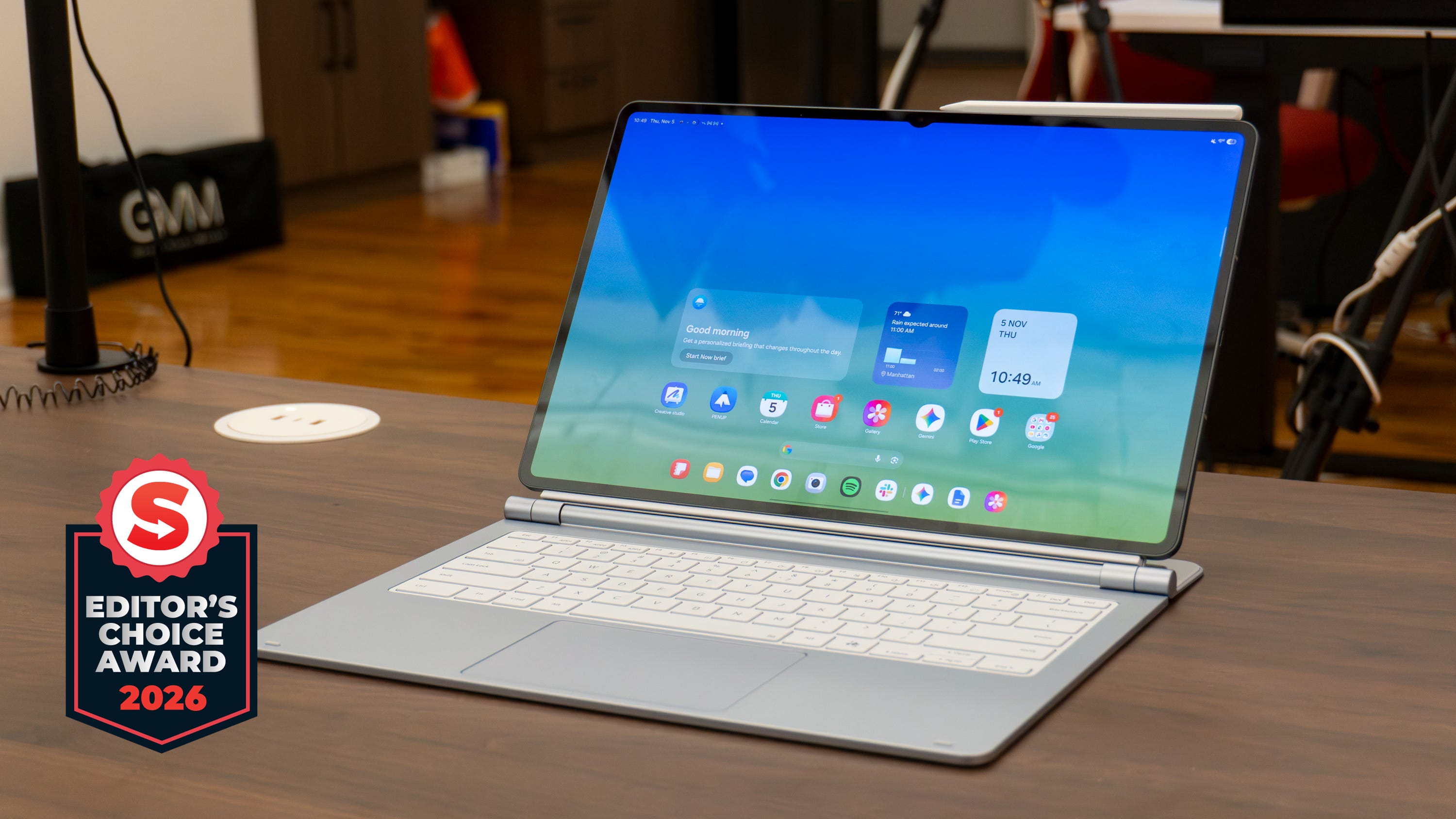
🏆 Review: 4/5
Editor’s Choice
✅ Pros
📐 Incredible design that’s thin and light
📺 Gorgeous 14.6 inch AMOLED display
🚀 Speedy performance that keeps up with multitasking
7️⃣ Seven years of software upgrades
🔋 Battery life can last up to two days
✍️ It comes with an S Pen in the box!
❌ Cons
💻 Laptop-level prices, even without the keyboard
💰 Samsung Pro Keyboard costs an extra $400
🧑💻 One UI 9 is not ready for desktop-level multitasking
😬 Android tablet apps look even worse on this big screen
The Shortcut review
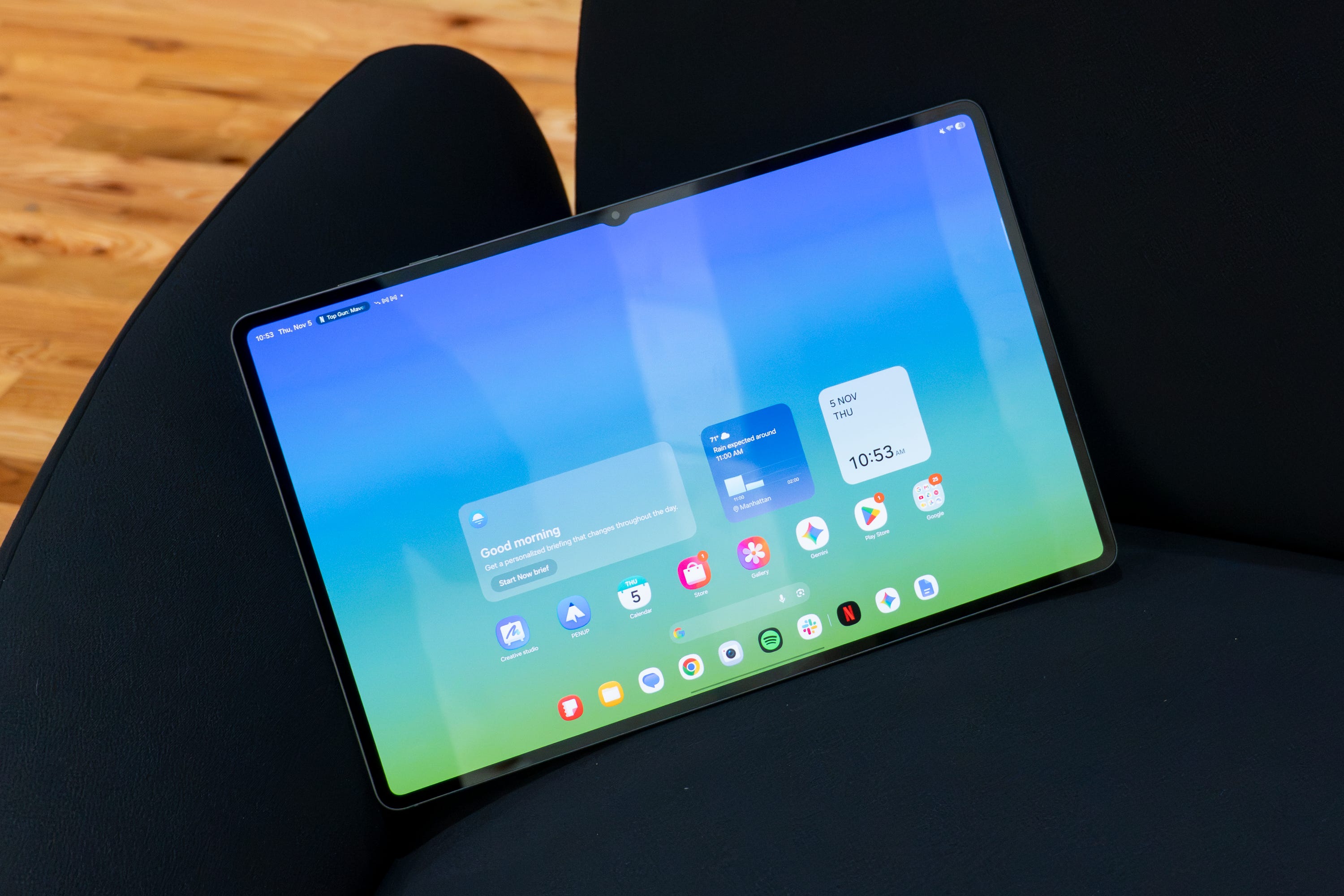
Samsung has convinced me to like Android tablets again. I’ve had my ups and downs with these devices over the years, and as a tech reviewer, it’s been tough trying to pin down whether to recommend one or the other given how vast the market is. But the Galaxy Tab S12 Ultra is different.
Samsung has been making these super high-end tablets for years, and this behemoth of a device is one I’m more than fine recommending. It has a gorgeous design, a huge display that’s absolutely stunning, fast performance, and multi-day battery life (if you play your cards right). Yes, the price is certainly high, and my biggest quarrel with Android tablets is still a factor.
But there’s truly nothing in the Android tablet realm that can match the quality of the experience of the Galaxy Tab S12 Ultra. If you’re heavily invested in the Android ecosystem and want a big tablet that can double as your laptop, this is the one to get.
Review notes


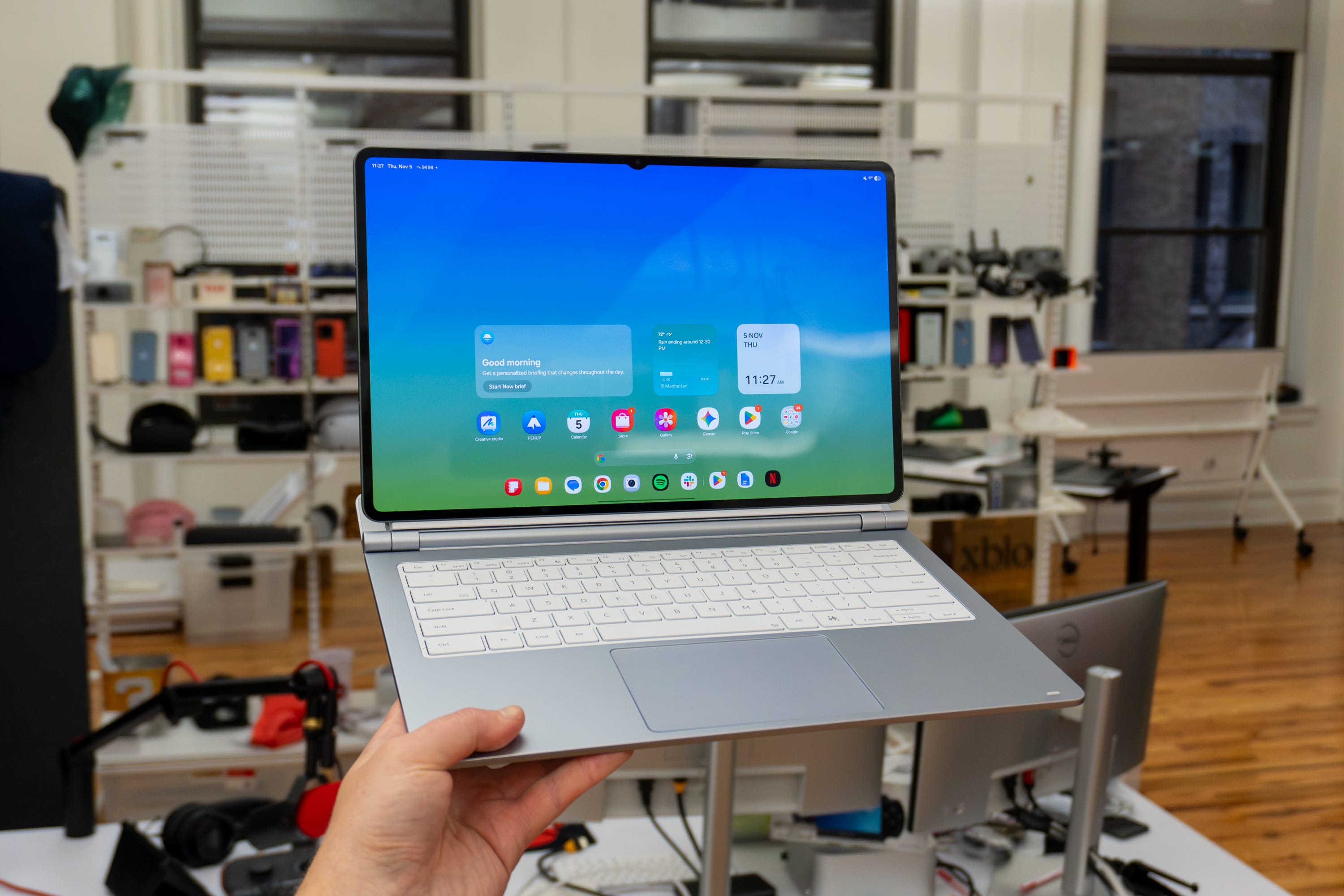
📐 Same stunning design. The Galaxy Tab S12 Ultra is the undisputed king of Android tablets, all thanks to its design. Samsung has stuck with a very similar design language for its last few generations of Galaxy Tabs, and the S12 Ultra is no different. It comes with a large, razor-thin form factor that’s just 5.1mm thick, which is kind of insane. On top of that, it’s relatively light weight at 692 grams, so it won’t lug down your backpack or work bag. You only get one USB-C port which might be cumbersome for anyone trying to get work done, but for casual users, it should be fine.
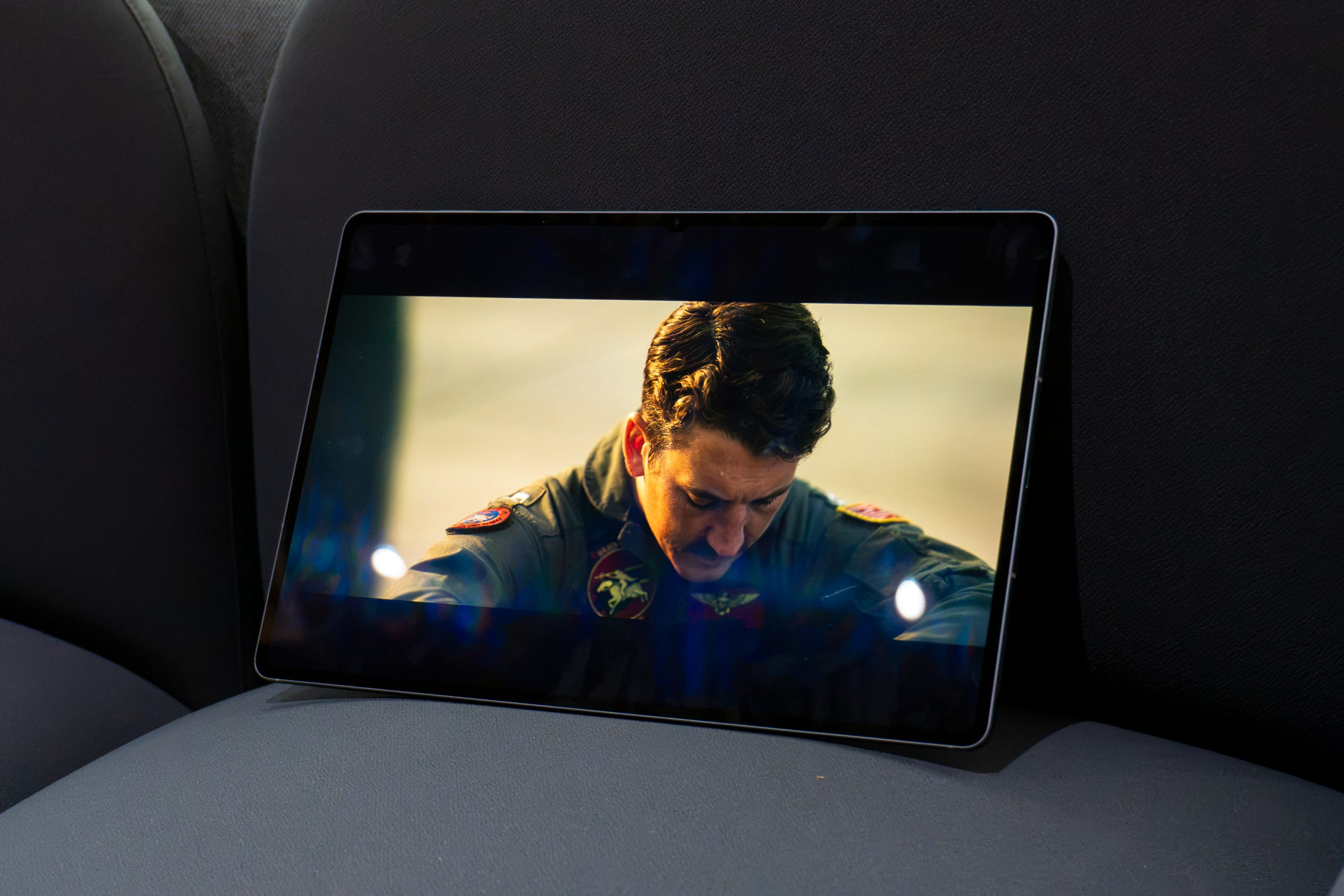
📺 A gorgeous, humongous display. The shining attribute of Samsung’s Galaxy Tab Ultra devices has always been the display. The 14.6-inch Dynamic AMOLED 2X display is a masterclass in Samsung’s display engineering, with deep black levels and rich colors, incredible responsiveness, and up to 1,600 nits of brightness. It’s perfect for watching your favorite movies on the go, and there’s enough room for running all the apps you need to get work done.
✈️ Good luck fitting this on an airplane. I will admit, this tablet might be a bit too big for most people. Your commonplace tablet usually ranges somewhere between 8 and 11 inches, but at 14.6 inches, it’s way bigger than you’d think. I have very little confidence it’s gonna fit on an airplane seat tray, although I will be attempting it the next time I fly because good Lord I wanna watch all my favorite movies on this screen.
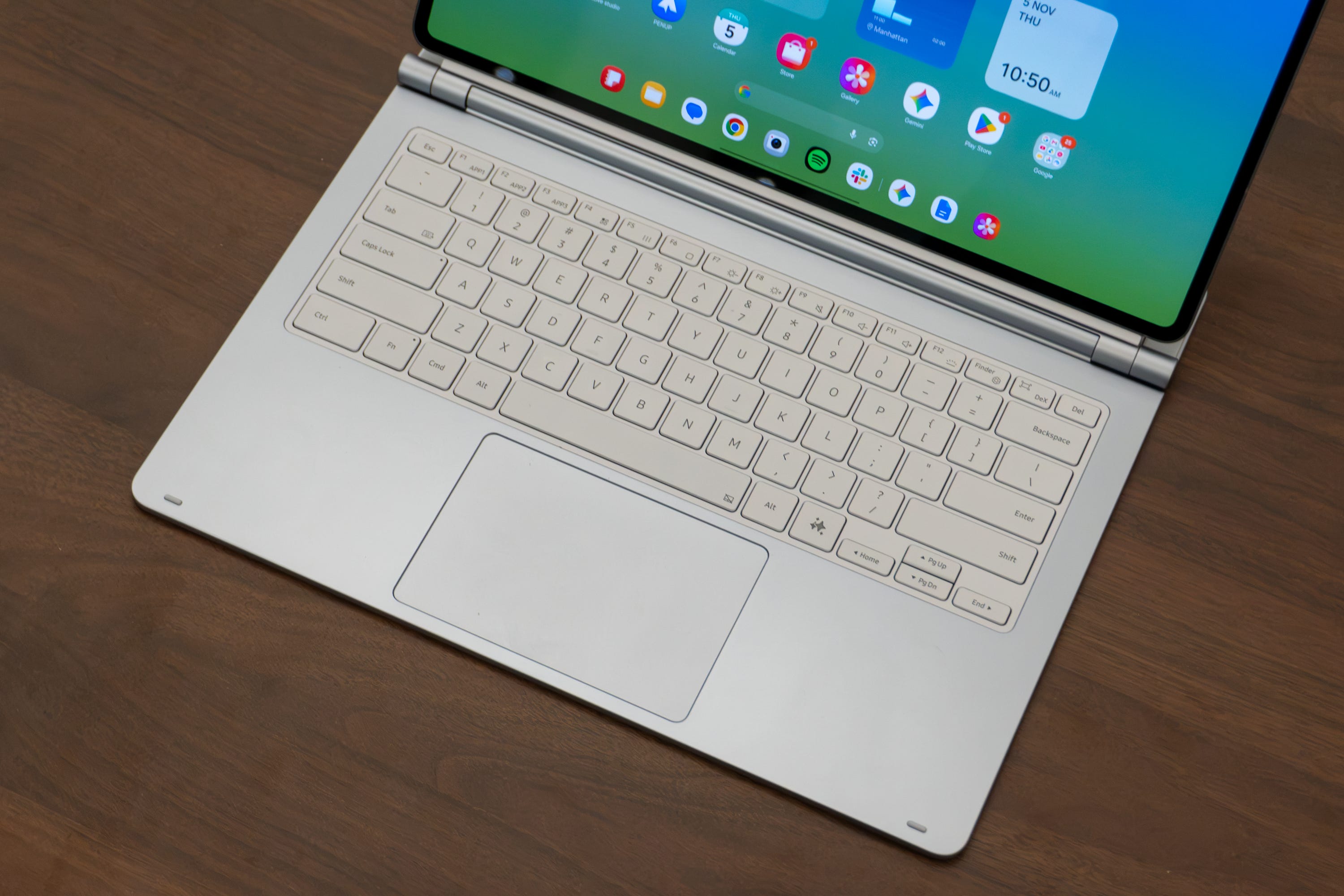
⌨️ I love the keyboard. Samsung’s $399.99 Pro Keyboard for the Tab S12 Ultra is a dream to use. It has a premium, aluminum body that makes the Tab S12 Ultra feel like a laptop when it’s attached to it. The unique hinge design is also quite interesting: it keeps the display sturdy, it lets you open it like any ordinary laptop, and it connects over pogo pins so you don’t need to charge it. The trackpad is also premium with a glass exterior that’s silky smooth to slide your finger across. It also supports multi-touch gestures to emulate a laptop experience.
✍️ The bundled S Pen is a nice touch. While you have to pay extra for the keyboard, Samsung does include a S Pen right in the box with the Tab S12 Ultra. I find it extremely convenient for signing documents and using small controls in apps, like sliders for precise photo edits. It isn’t the most premium-feeling S Pen I’ve ever held, but being a freebie in the box, I can absolutely forgive that. I just wish there was a sturdier place to store it; none of the magnets on the tablets get a good grip on it, so you might want to store it in a separate pocket in your backpack so you don’t lose it.
🔊 Loud, spacious speakers. One of the most compelling things about this tablet’s design are the speakers. Samsung has always supplied loud, booming audio on its Galaxy Tab Ultra devices in the past, and this one’s no different. With four speakers and two flanking both sides, you get great stereo separation with full-range audio performance. You can clearly hear the highs, mids, and lows of your favorite songs, while formats like podcasts perform particularly well. I think they sound a bit better than the speakers on the 13-inch iPad Pro, too, which is quite impressive for a tablet this thin.
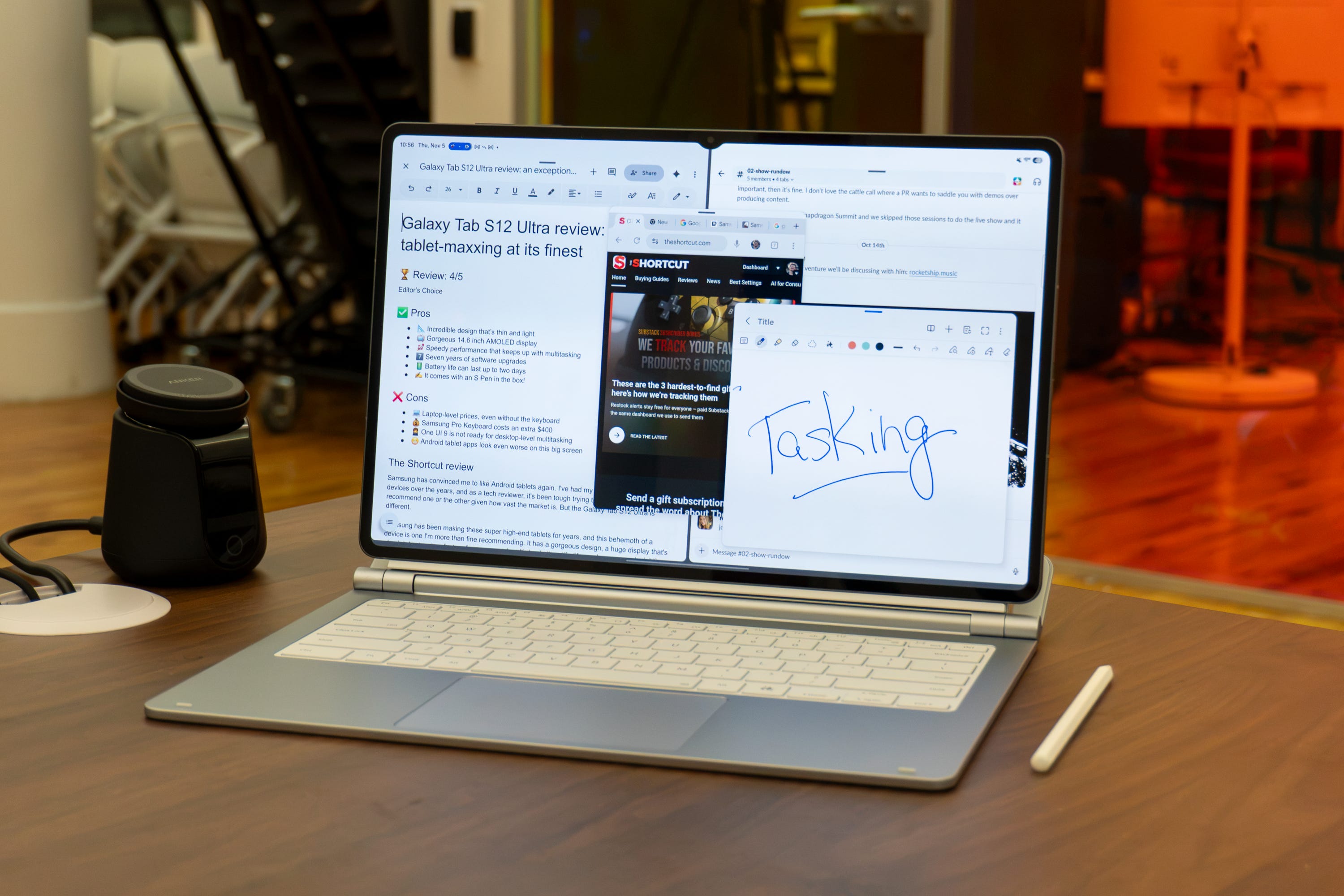
🚀 The right specs for great performance. Typically, Samsung relies on Snapdragon chips for its Galaxy tablets, but decided to switch gears and rely on the MediaTek Dimensity 9500 processor for the Tab S12 Ultra. It’s paired with either 12GB or 16GB of RAM (depending on whether you get the 1TB model), as well as speedy UFS 4 storage. Altogether, the tablet has the right specifications for great performance. CPU speeds are ample for multitasking and switching between apps, while graphics can deliver enough oomph for those who want to play their favorite titles on the go. I won’t say it’s quite as powerful as Apple’s iPad Pro given the desktop-level performance of the M4 chip, but it certainly packs enough of a punch for on-the-go productivity and gaming.
⚙️ One UI on tablets gets an upgrade. My biggest pain point with Android tablets is the fact they run Android. No tablet software is necessarily perfect, but given that Android on tablets is always hit-or-miss, I was hesitant going into this review that anything would’ve changed. Luckily, I did find that some things have improved for the better, while others have remained the same.
👍 It’s great as an everyday tablet. One UI 9 (based on Android 17) is a perfectly suitable experience for everyday tablet stuff. It feels like you’re using a blown-up version of the Galaxy S26 Ultra in a way, with very similar UI elements everywhere and the same Bixby AI features sprinkled throughout. There’s definitely a lot more white space given how big this tablet is, but it’s fine for the most part.
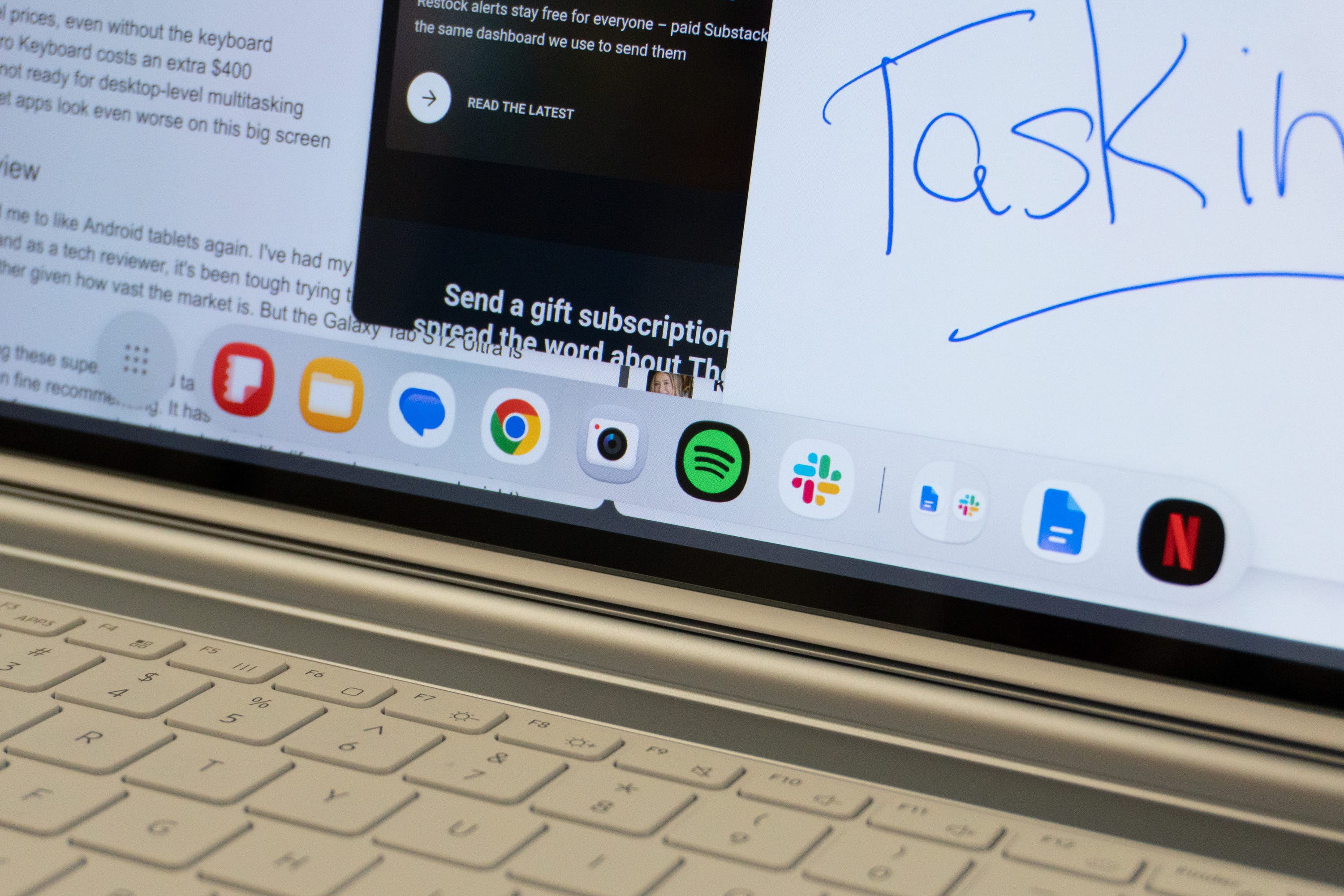
🧑💻 Multiasking is slowly getting better. I was delighted to find that multitasking is starting to get a lot better for productivity. Split-screen is always a favorite, as are floating windows for positioning my apps exactly where I want them. It’s also nice being able to set up multiple desktops, which is something I wish I could do on my iPad. DeX is also still here to give you a more desktop-like experience, although I didn’t use it as much since… well,..
🖱️ A keyboard and mouse still don’t feel native. You see, Android is designed primarily as a touch-first interface that, over the years, has learned to accommodate accessories like keyboards and mice. But while Apple made using them feel native to the iPadOS experience, the same can’t be said for One UI and the Galaxy Tab S12 Ultra. Despite how nice Samsung’s keyboard dock is for the tablet, the software doesn’t feel like it wants to be cohesive with two other input devices beyond your finger. Not every app is optimized for handling a cursor, and while most are fine with a hardware keyboard, it’s anyone’s guess what the Enter key is going to do when you press it. It’s small inconsistencies across the system that dilute its positive attributes.
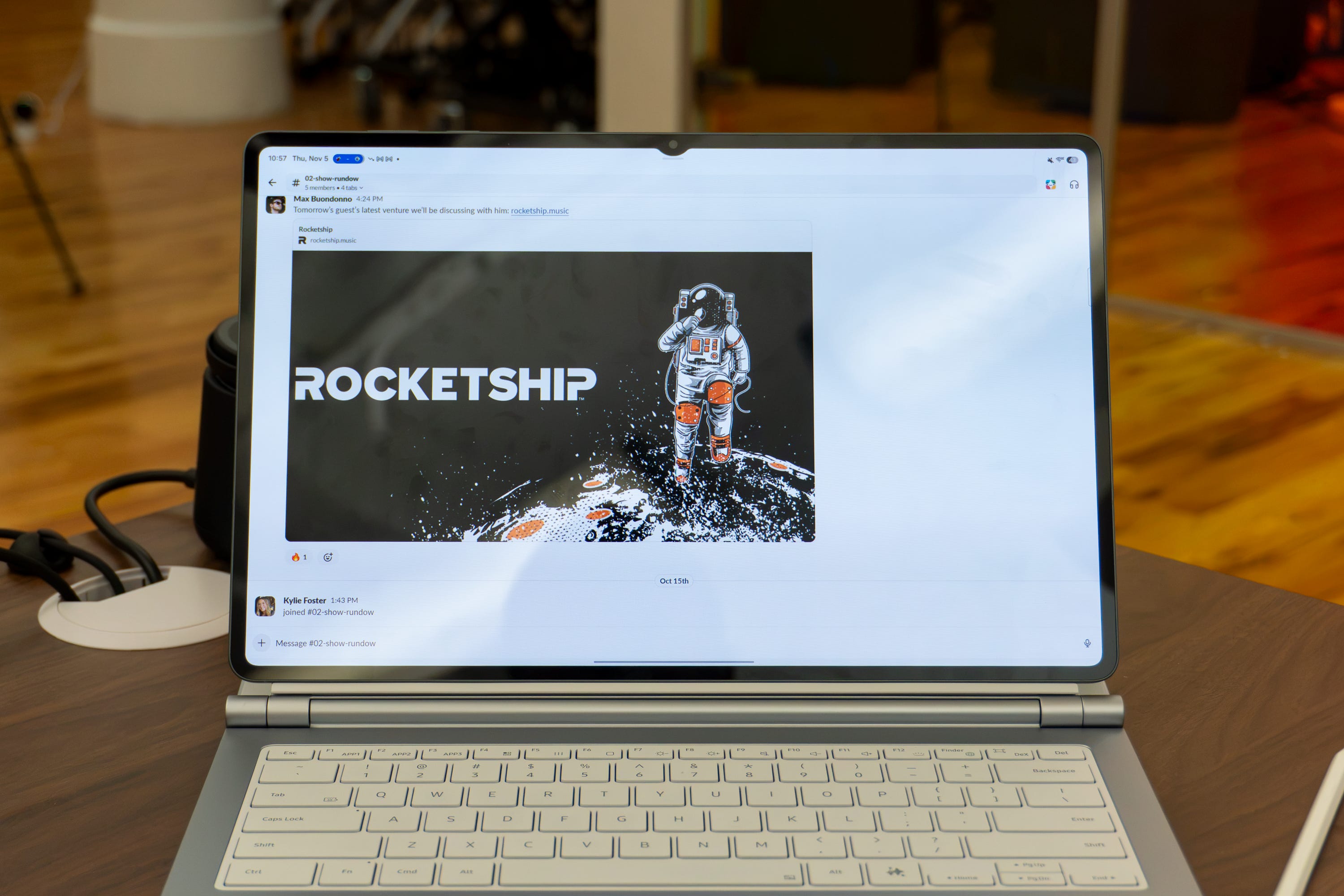
📱 Android tablet apps (mostly) suck. This isn’t Samsung’s fault by any means, but try firing up some commonplace Android apps on the Galaxy Tab S12 Ultra and you’ll realize just how much work needs to be done. Slack, for example, still looks like a blown-up version of the mobile app on this big screen. Google Docs looks atrocious any time you want to share a file with someone, the Play Store has far too much white space, Google Chrome thinks you’re using a mobile phone to browse the web - it’s the same ol’ story here. Android tablet apps continue to be lackluster in ways you don’t anticipate until you see them. The iPad Pro remains a far better device for multitasking because of this. More apps are optimized for the big screen and ready to be used with a mouse and keyboard. On Android? Not so much.
📆 Long-lasting support. Luckily, if/when Android apps get better on tablets, your Tab S12 Ultra will likely keep kicking. That’s because Samsung will continue to update the device for the next seven years, with both major Android upgrades and security patches to keep your data as safe as possible. That’s a really nice perk, especially given how much you may wind up spending on this thing.
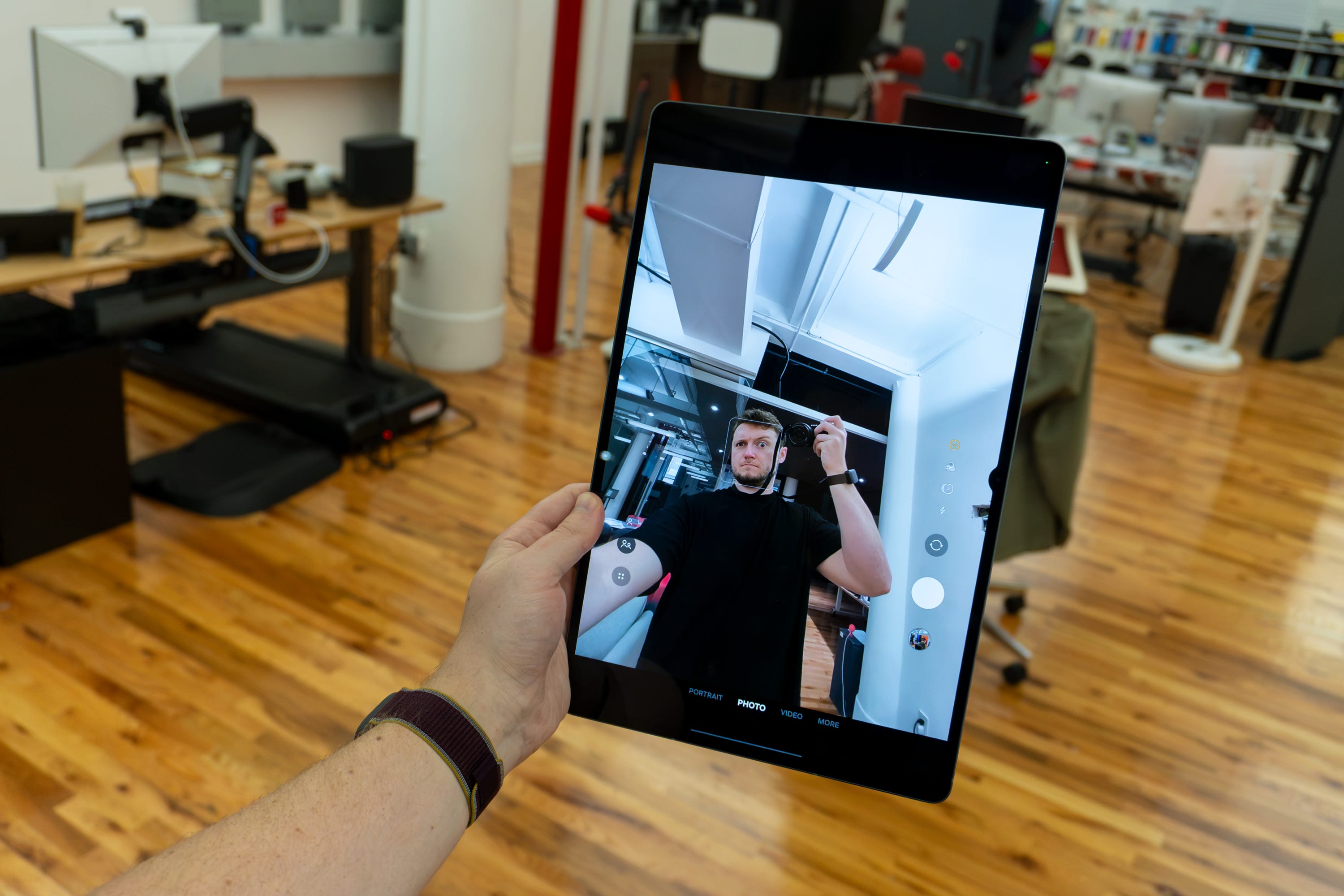
📷 Video calls could look better. The 12MP selfie camera on the Tab S12 Ultra is… alright. It’s okay for video calls, but considering it isn’t, like, an under-display camera, I was expecting sharper results. The dual 13MP cameras on the back are way brighter and sharper than this one, which makes me wish Samsung just stuck one of them on the front of the screen. Oh well.
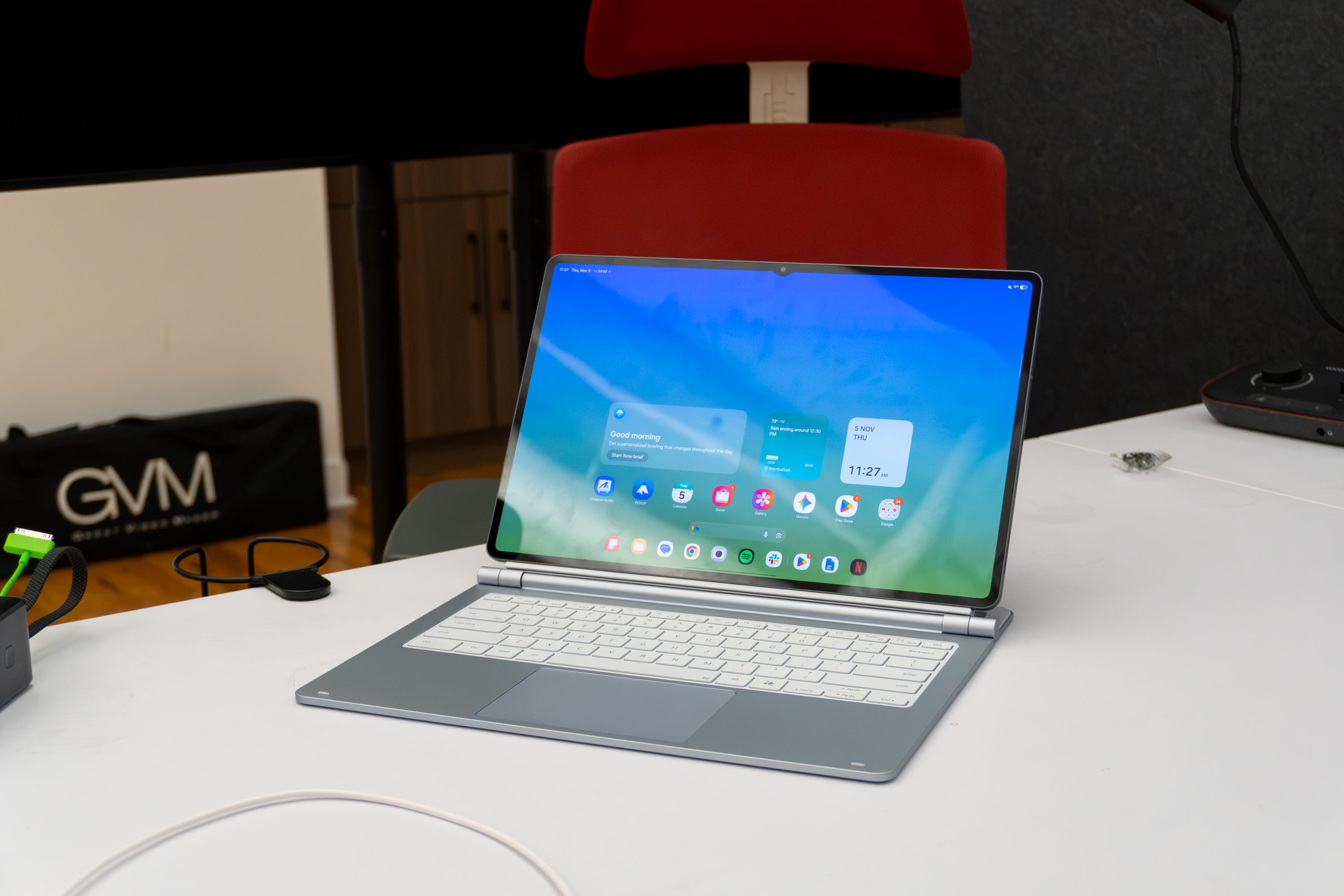
🔋 Multi-day battery life. There’s a massive 11,600mAh battery inside the Galaxy Tab S12 Ultra. That’s one of the biggest batteries we’ve ever seen in a tablet, and it delivers. Despite having to power a huge, bright screen all the time, the battery can last a surprisingly long time. For productivity (when connected to Samsung’s keyboard accessory), I can easily cruise through a full 8-hour workday and still have power left over. For those who treat it more like a tablet than a makeshift laptop, you can expect anywhere from one to two days of battery life, which is fantastic for traveling.
Should you buy the Galaxy Tab S12 Ultra?
Yes, if…
✅ You want the best Android tablet you can get
✅ You watch a lot of movies and want the best screen
✅ You need to do light work on the go
No, if…
❌ You want to save money (get the Galaxy Tab S12+)
❌ A 14.6-inch screen is way too big (get the Galaxy Tab S12+)
Max Buondonno is an editor at The Shortcut and co-host of The Shortcut Live. He’s been reporting on the latest consumer technology since 2015, with his work featured on CNN Underscored, ZDNET, How-To Geek, XDA, TheStreet, and more. Follow him on X @LegendaryScoop and Instagram @LegendaryScoop.