


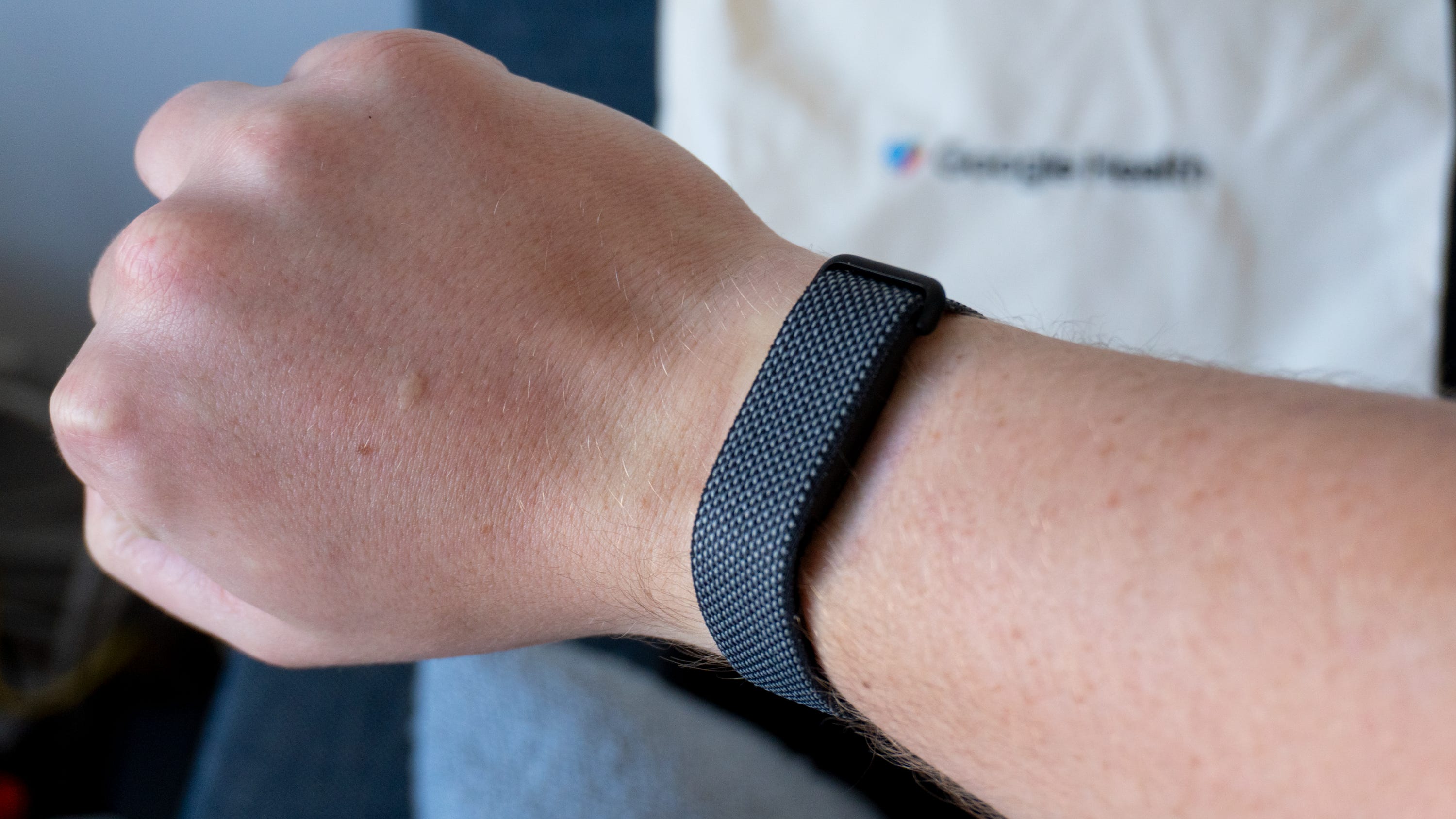
🏆 Rating: 4/5
✅ Pros
📐 Slim design that fades into the background
⌚️ Comfortable and stylish band options
🏃 Robust health tracking with auto-workout detection
🧑⚕️ Google Health Coach can be helpful for optimizing your workout plan
🔋 7-day battery life
💰 Price is more affordable than Whoop
❌ Cons
💪 No other band options beyond wrist bands
❤️ Health data isn’t as granular as Whoop
⚡️ Charger interrupts health tracking
The Shortcut review
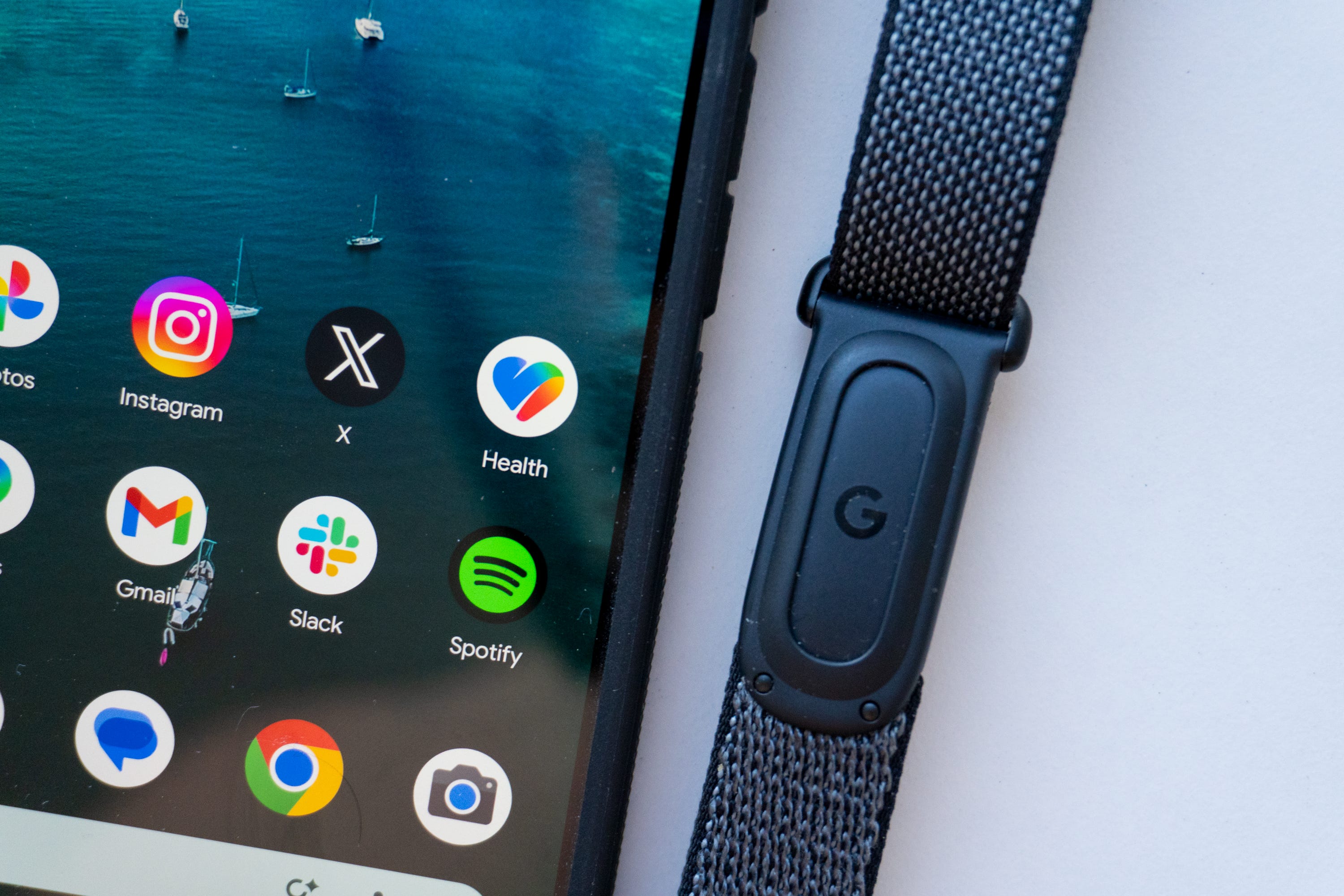
I test a lot of health tracking devices, and the Fitbit Air might be the most interesting I’ve tried in a while. Google’s first screen-less fitness tracker is perceived as the biggest threat to Whoop yet, if only because of the design and the fact it’s from a company as big as Google. It also has a better price: pay $99 for the hardware, then $9.99 per month for access to all of Google Health, including the new AI Coach.
That’s a bit more affordable than the $239/year Whoop 5.0, even more so if you already have a Google AI Pro subscription, in which case you get Google Health’s complete feature set for free. But is it worth it?
I’ve been testing the Fitbit Air and the new Google Health experience for the past couple of weeks, and I like it more than I expected. It feels like a simplified version of the Whoop, not a dumbed-down one. The Google Health interface is more accessible than the old Fitbit experience, and the AI Coach can be helpful, so long as you take the time to log all of your fitness data.
That’s perhaps the biggest thing you need to keep in mind. Wearing the Fitbit Air is very convenient, but getting it to track all your data isn’t. You have to pull out your phone to track more than you’d think, especially if you want the AI Coach to be helpful at all. But if you’re willing to do that and don’t want a traditional smartwatch, this is a solid choice.
Review notes

📐 A slim design that gets out of the way. The Fitbit Air’s biggest claim to fame is its design. The tracker itself is super small and sits right on the top of your wrist. It fits neatly into a variety of band options, doesn’t have a screen, and can’t vibrate to alert you of notifications. It’s one of the least intrusive fitness trackers I’ve ever worn, even less so than my beloved Whoop. It’s ideal for those who don’t want a full-fledged watch on their wrist, or for those who might already wear a watch and still want to track their health metrics.
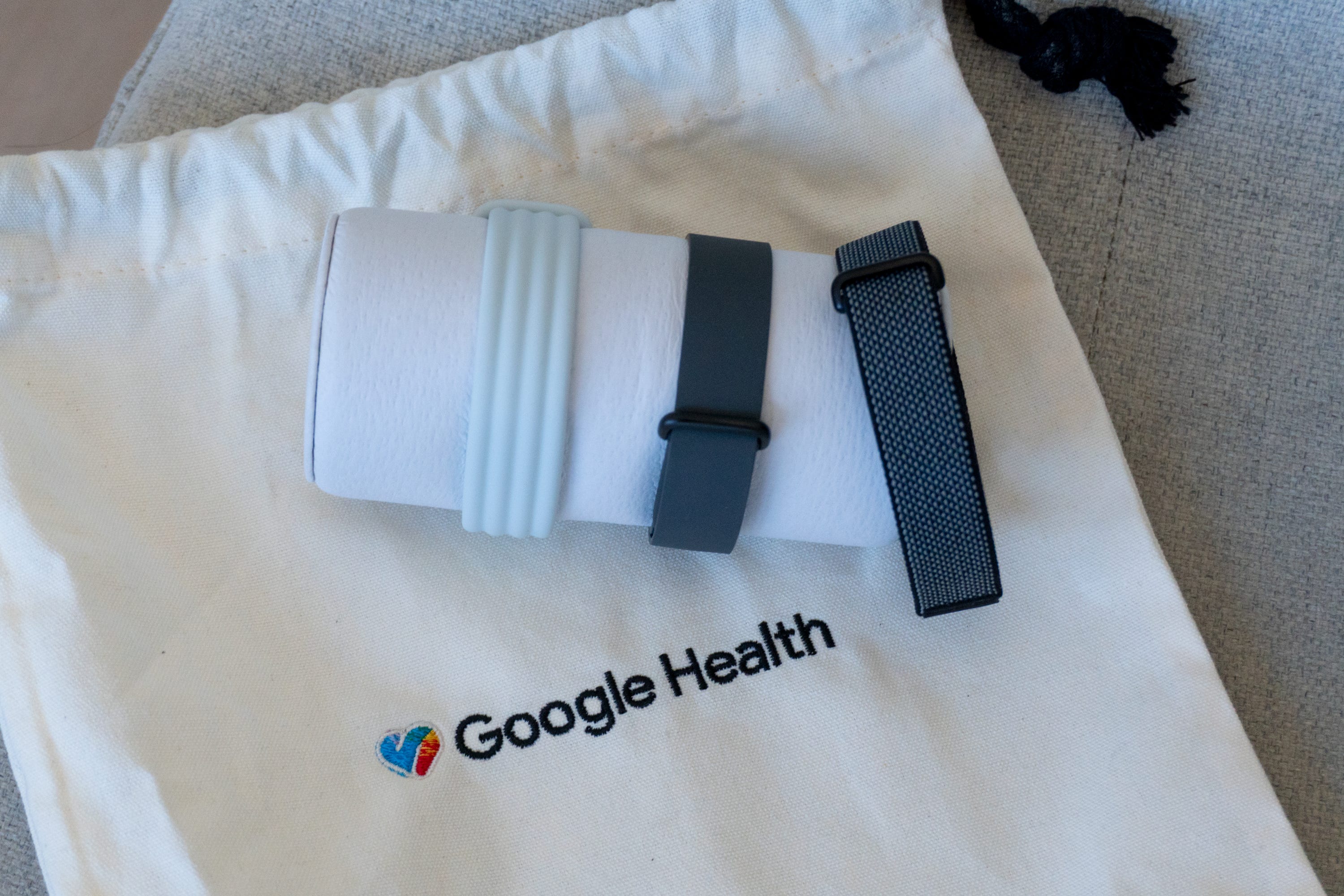
⌚️ Nice band options. Google is offering a variety of band options for the Fitbit Air, with some made from unique fabrics and patterns that all mesh wtih Google’s design philosophy. My favorite band is the Performance Loop Band, which uses comfortable woven materials and a micro-adjustable buckle for the perfect fit. The silicone Active Band is great for intense workouts, and the Elevated Modern Band is ideal if you want to dress up your Fitbit Air. There’s also a special Stephen Curry edition band that’s more breathable and has a unique water-resistant coating, although it costs considerably more than the other bands ($129.99 versus $34.99-$49.99).
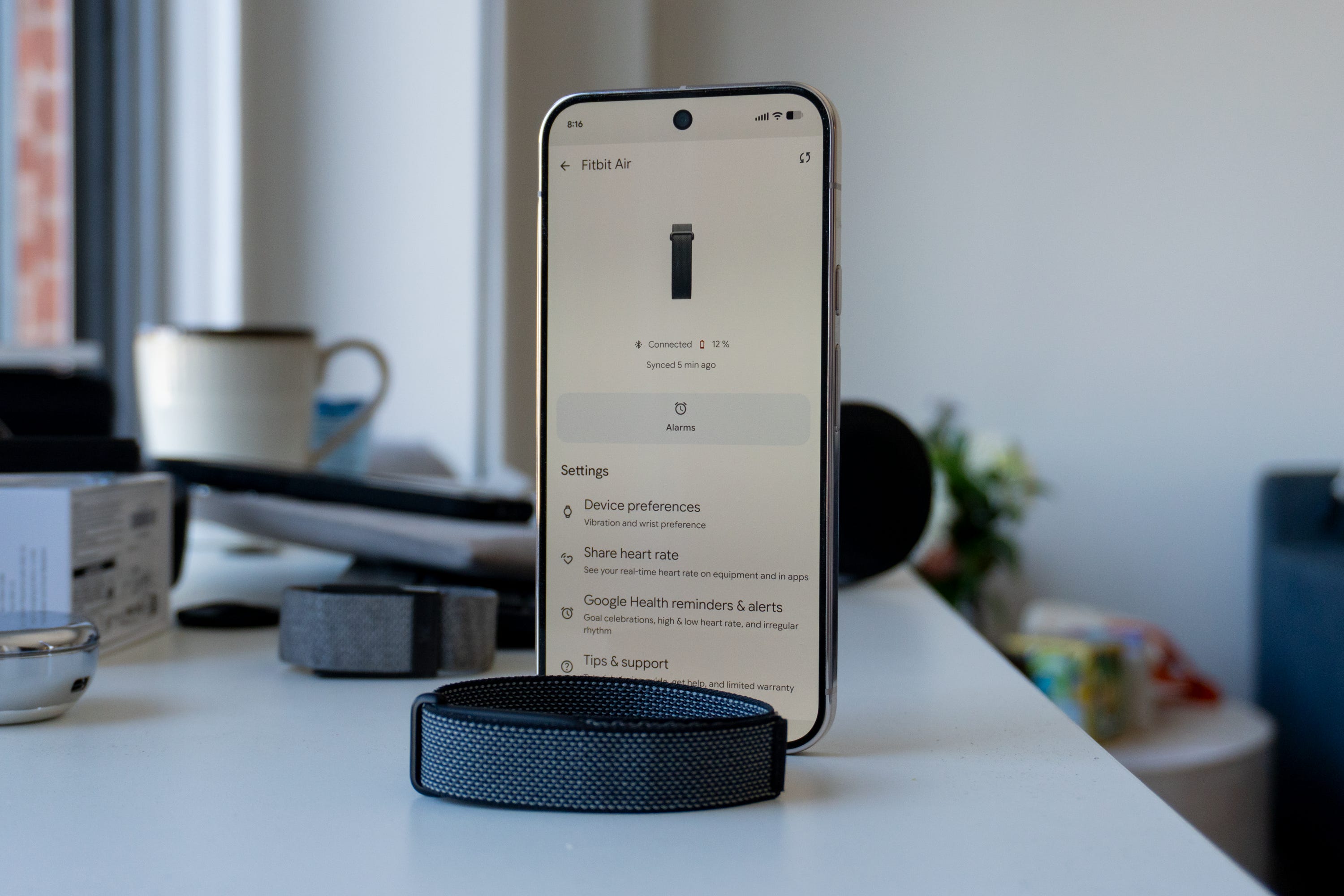
🔋 Seven-day battery life. This fitness tracker had no issue living up to the battery life claims of its maker. Google promised up to seven days between charges on the Fitbit Air, and in my testing, that’s exactly what I got. With a mix of three strength training workouts a week, a ton of walking around New York City, and tracking my sleep every night, the Air alerted me to juice up on day 6, with the battery being next to dead on day 7. At that point, I plugged it in, and it managed to recharge pretty quickly.
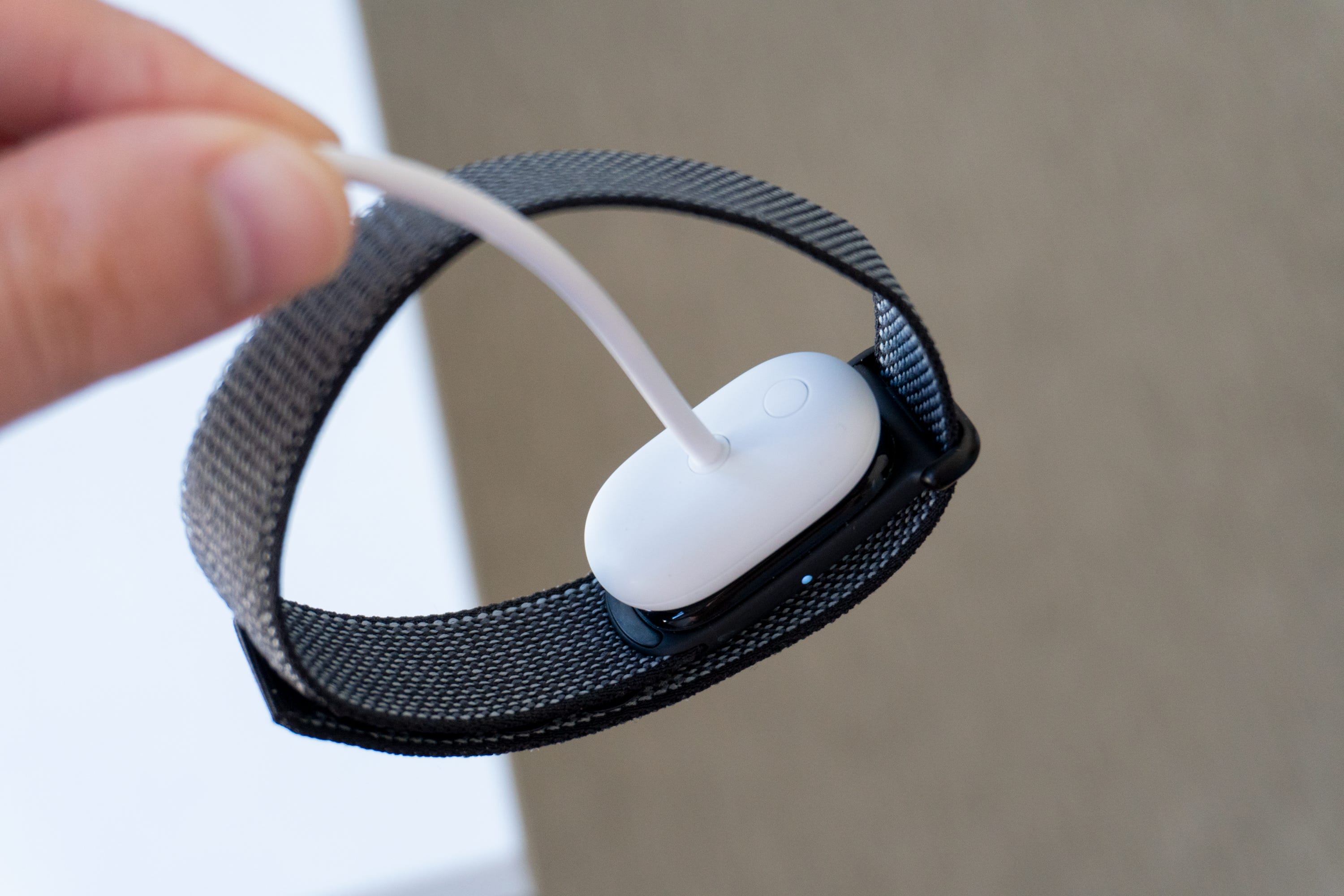
⚡️ Charging interrupts your tracking. The only disadvantage to the Fitbit Air’s charger is the requirement to take it off your wrist before you can juice it up. With a Whoop band, you can slide the charger right on top and keep wearing it, which means your health data will keep getting tracked simultaneously. While you don’t need to wear the Air 24/7 to track your health, if you take it off right after a workout or before you go to bed, you could miss crucial recovery data that Google’s algorithms need to feed your scores. I’d prefer something similar to Whoop’s charger for the Air, especially since Google’s solution is a proprietary cable with pogo pins.
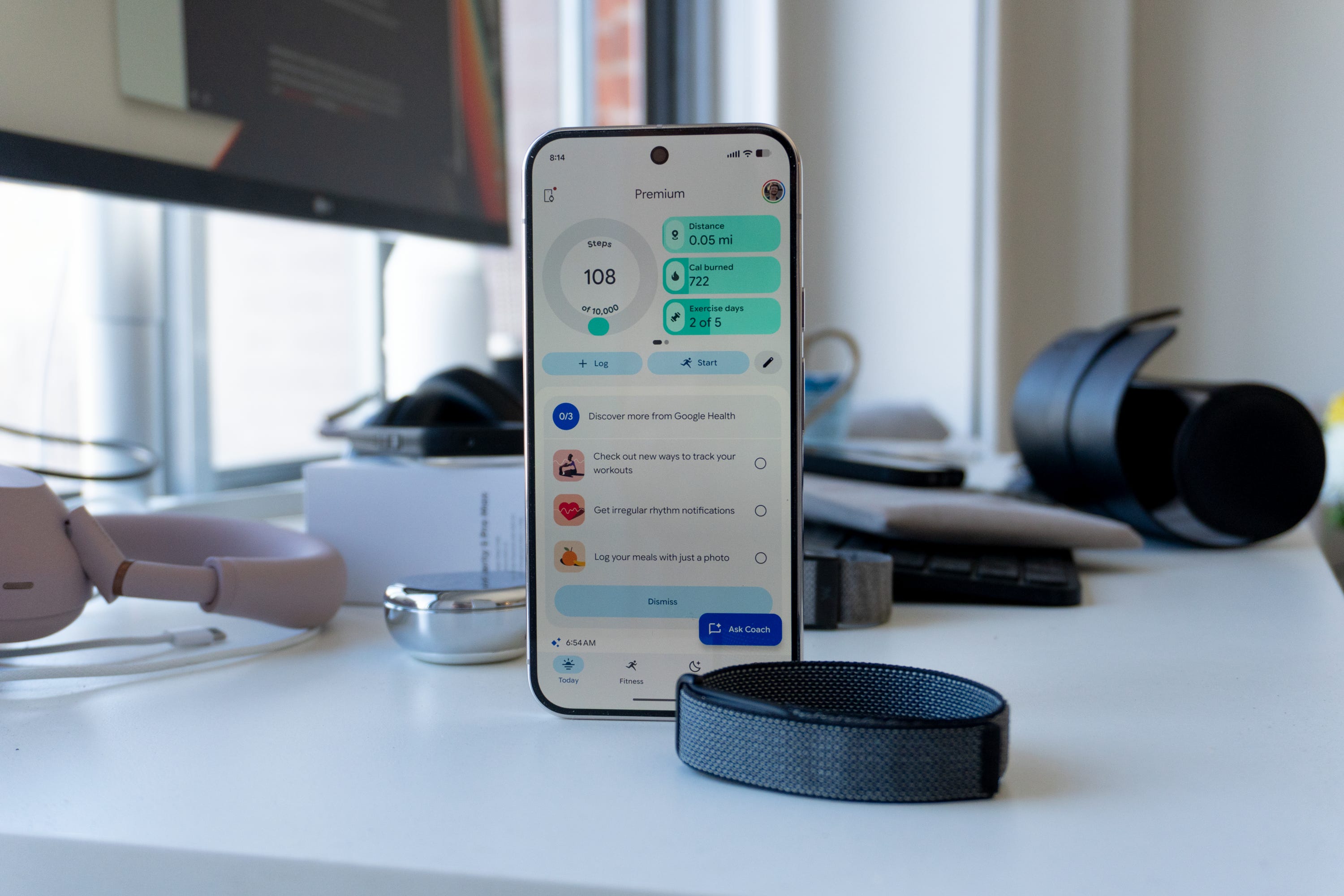
❤️ Google Health is a big upgrade. Tracking your health with the Fitbit Air requires the new Google Health app, which replaces Fitbit entirely. It has a new user interface that’s similar to Google Fit, except richer with better data aggregation across third-party services (including apps like MyFitnessPal and even Apple Health). You can upload your medical records, extract data for health professionals, understand your sleep patterns over time, track your menstrual cycle - all of the features you’d expect. Google is playing catch-up with Apple Health to simplify its health tracking platform, and it’s done a great job to make things easier.


🏋️♀️ More proactive than ever before. Sift through your health data and you’ll see proactive suggestions and actions you can take to improve things, stay on the right track, and more. Google’s algorithms look at your data and, instead of laying it all out in nothing but fancy charts, can help guide you in your health journey with prompts that detail the affects of certain workouts, how your sleep schedule has been, and more. It can then recommend steps to help keep you going. This is a stark contrast to something like the Apple Watch, which only supplies you with data in the Apple Health app, nothing proactive. It’s one of the reasons Whoop is so popular, so it’s cool to see Google follow suit here.
🏃 Auto-workout and sleep detection is convenient... Google includes auto-workout detection for cardio-centered workouts like running and cycling on the Fitbit Air, which makes it easy to start an activity and know it’ll be tracked without having to manually log it. I especially like it for sleeping; pass out, and the Air will know when you fell asleep and for how long. Afterward, the tracked data is stored in the Google Health app. where you can view your stats and compare them to previous workouts.
📲 ...but not much else is. Since this is a screen-free wearable, it’s a bit cumbersome using it as your primary fitness tracker. For any workout outside of something cardio-focused, you have to manually log it in the app, which requires you to always have your phone nearby. That also means you can’t check your progress quickly on your wrist, nor can you control music playback to get your energy up. If you’re coming from a traditional smartwatch, these differences might be enough to turn you off from the tracker.
⌚️ Should you use it with a traditional smartwatch? That’s a question I’ve been asked by a few folks I showed the Fitbit Air to, and my honest answer is no. Yes, Google says you can use a smartwatch like the Pixel Watch 4 and the Fitbit Air together, but you won’t get health data from both. The notifications are nice to have from a regular smartwatch, and I like being able to control things like music playback and smart home devices from my wrist. But if your approach to tracking your health requires nothing more than the sensors sitting on your wrist all day and not necessarily a miniature smartphone on your wrist, the Fitbit Air is perfectly capable and sufficient.


🧑⚕️ Google Health Coach uses AI to inform your health decisions. Google is also leaning heavily on AI to give its new health platform an edge. The Google Health Coach relies on Gemini to understand your health data and let you ask questions about it. It’s also a tool for proactively setting your workout goals for the day, week, and month ahead. If you plan a vacation, for instance, the Health Coach will know you’ll be relaxing and not recommend an intense workout to catch up.
⏳ It takes time to learn about you. The thing about the Health Coach is how much you need to invest in it. I’ve only had the Fitbit Air for a day under two weeks, and there’s only been so much data I can pour into it. Over time, the coach gains a better understanding of your patterns and goals to recommend workouts, dietary actions, sleep schedules, and more. In my limited usage, it seems to be pretty helpful, especially when anazlying my data (like how much of a toll traveling via NJ Transit for two hours takes on my body).
🤖 Is the AI inaccurate? So far, Health Coach hasn’t given me an answer or a prompt that I find inaccurate or misleading. While Google fully discloses that the Health Coach isn’t a doctor and might be wrong on occasion, there hasn’t been anything I’d flag as wrong after using it. Over time, I’ll pay attention to it and see if anything wonky comes up, but initially, the Health Coach seems like a handy tool for understanding your health data better.
❌ You can ignore it if you want. The most interesting part of the Health Coach is the fact that you don’t even have to use it. While it does help make the Fitbit Air feel more useful and proactive, you can ignore all of the AI stuff and just look at your data like you would with any other wearable. Of course, given that it’s overtaken the Google Health experience (including for Pixel Watch users), it might be harder than you think to ignore 100% of it, but one easy way to do it is to skip out on the Google Health Pro plan, which costs $9.99 per month. That way, you won’t even have access to it. For those that do have access (such as AI Pro and Ultra subscribers), just try to pretend it isn’t there.
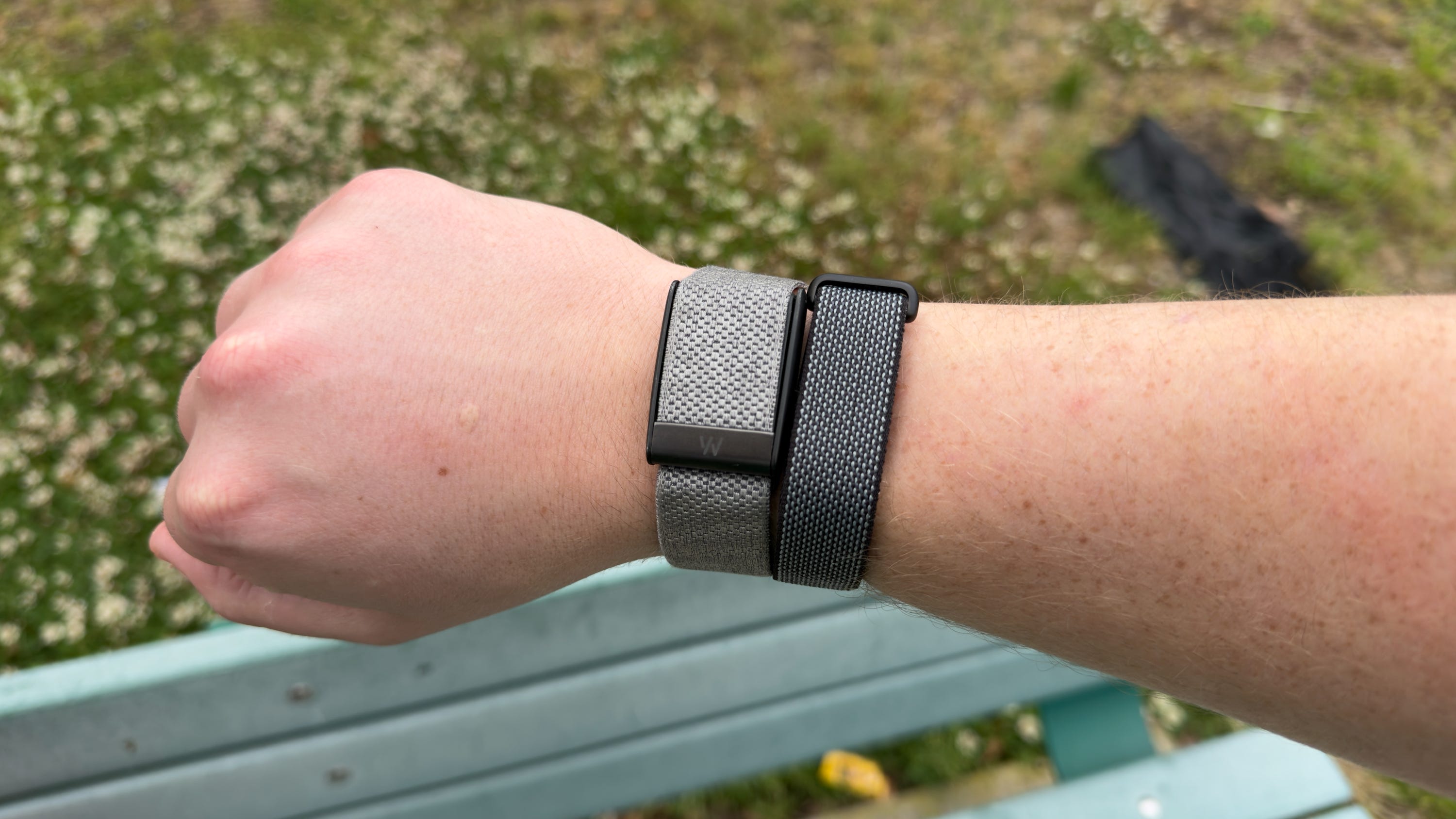
🆚 How it compares to Whoop. There are a number of distinctions between the Fitbit Air and the Whoop 5.0. Here are the four most important things you need to keep in mind.
The Fitbit Air can only be worn on the wrist, whereas the Whoop 5.0 can be worn on your wrist, bicep, in your sports bra, or in a pair of boxers along your waist.
Whoop requires you to pay for its subscription plan (starting at $239/year) just to get the hardware. Meanwhile, Google charges a flat $99 fee for the Air and will charge you an optional $9.99/month if you want access to all the features, like Health Coach.
The Whoop 5.0 can last up to two weeks on a charge, whereas the Fitbit Air only lasts a week.
Fitbit Air’s health data is pretty granular, but since the Whoop samples data up to 26 times per second, you’ll wind up with far denser, richer information on your recovery, sleep patterns, strain, and more. It’s ideal for serious athletes and gym rats, whereas the Fitbit Air is more centered around everyday people.
The Fitbit Air is safer in the water, with up to 50 meters of water resistance versus the Whoop’s 10 meters of water resistance.
Should you get the Fitbit Air?
Yes, if...
✅ You want a fitness tracker without a screen
✅ You want a cheaper alternative to Whoop
✅ You want a fitness tracker that’ll last longer than most smartwatches
✅ You need more robust water resistance
No, if...
❌ You want to see the time, control your music, or get notifications on your wrist (get the Pixel Watch 4 or Galaxy Watch 8)
❌ You want more advanced health metric tracking (get the Whoop 5.0)
❌ You’d prefer to wear your fitness tracker on your arm or waist (get the Whoop 5.0)
Max Buondonno is an editor at The Shortcut and co-host of The Shortcut Live. He’s been reporting on the latest consumer technology since 2015, with his work featured on CNN Underscored, ZDNET, How-To Geek, XDA, TheStreet, and more. Follow him on X @LegendaryScoop and Instagram @LegendaryScoop.