




Refresh for live updates!
🍎 Apple is hosting its annual developer conference today
📣 We’re expecting a ton of software and AI-based announcements
📱 iOS 27, the new Gemini-powered Siri, and more are likely
👨💼 This is Tim Cook’s final WWDC as CEO of Apple
🔴 Follow along for live updates during the show
Apple is hosting WWDC 2026 this week in Cupertino, California, and the big kickoff keynote wrapped up today. We got to see a ton of software and AI-based announcements like iOS 27, the new Gemini-powered Siri, advancements to Apple Intelligence, and more. It’s also Tim Cook’s final WWDC as CEO of Apple, making this one of the most monumental conferences in Apple’s history.
We’re highlighting all the biggest announcements in an easy-to-digest format below.
Watch WWDC 2026
Apple WWDC 2026 announcements and highlights
📣 Intro
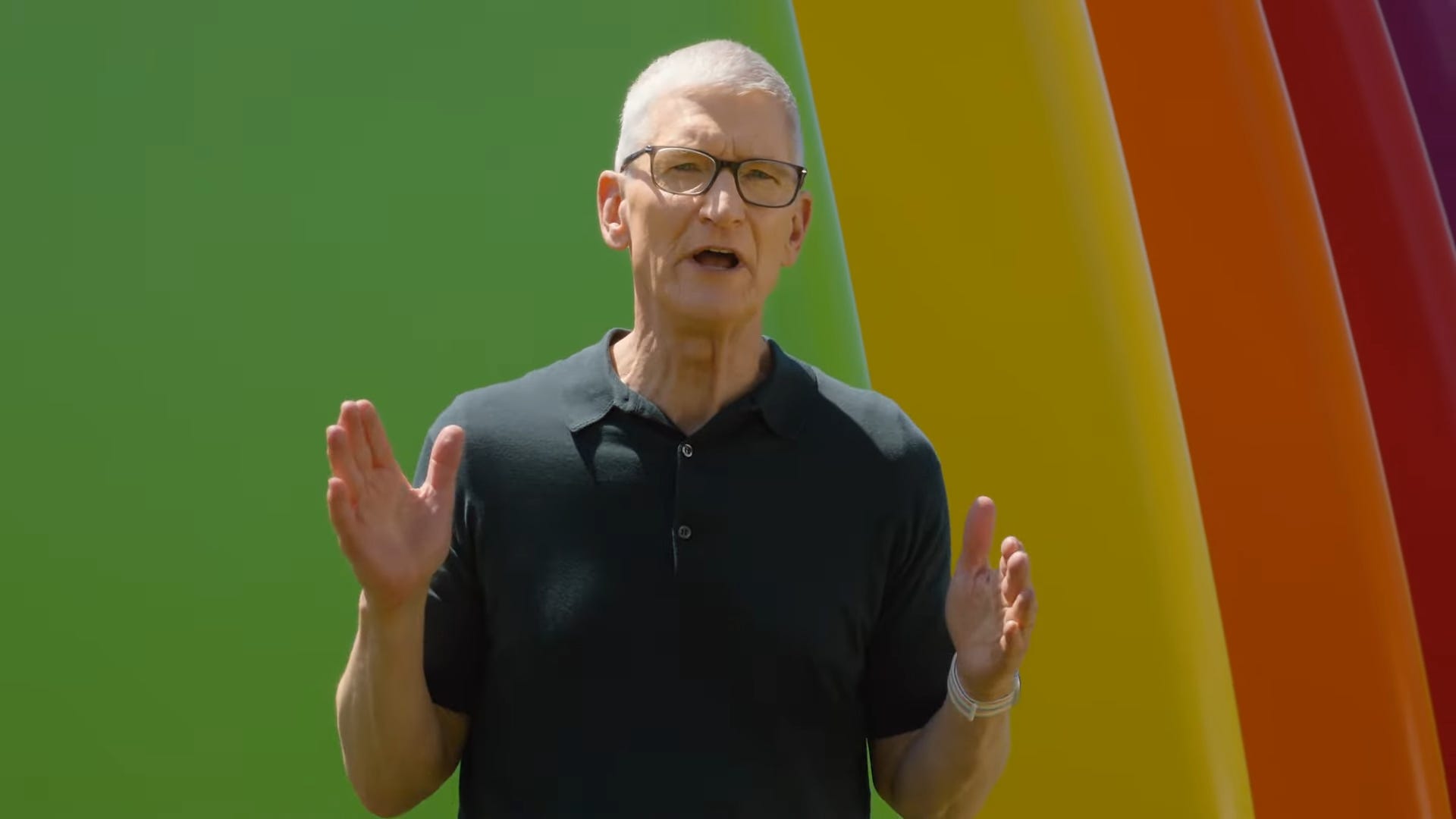
Tim Cook emerges for the last time as CEO to host a WWDC keynote.
Craig Federighi says Apple is focusing on three areas: platform improvements, trust and safety, and big Apple Intelligence and Siri updates.
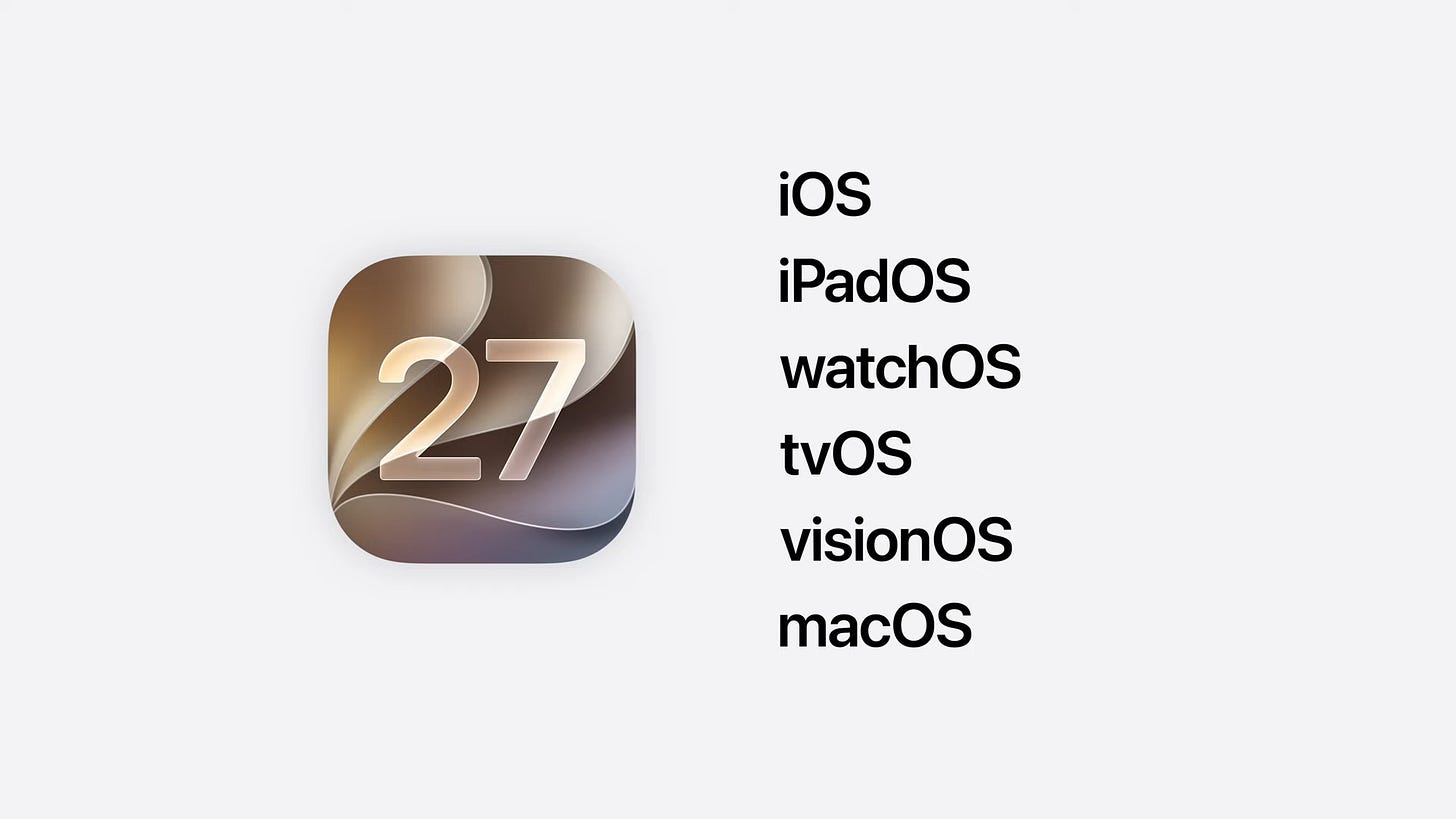
Absolute gold watching Craig introduce macOS 27.

macOS Golden Gate has been confirmed as the name of macOS 27.
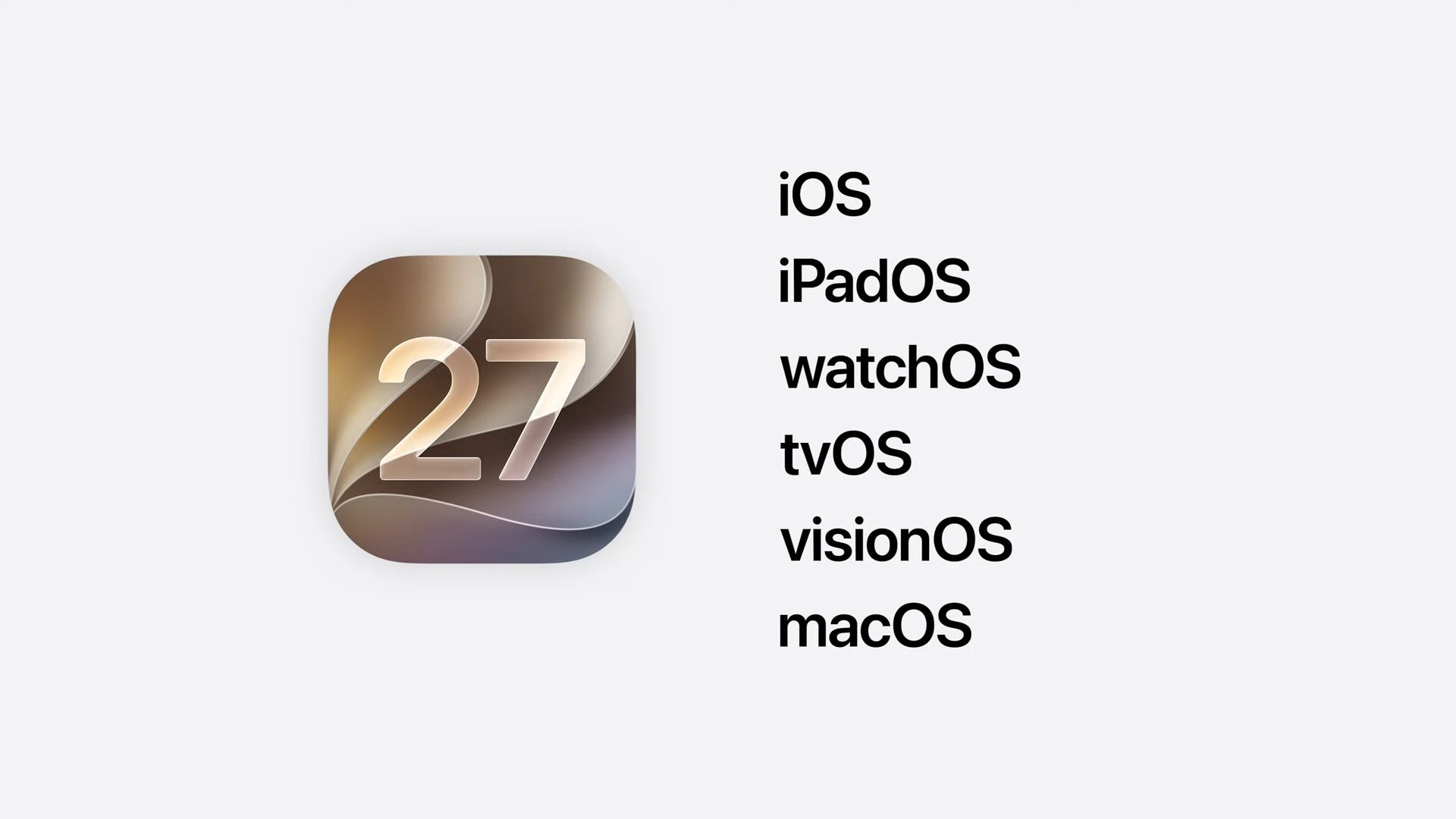

Platform improvements
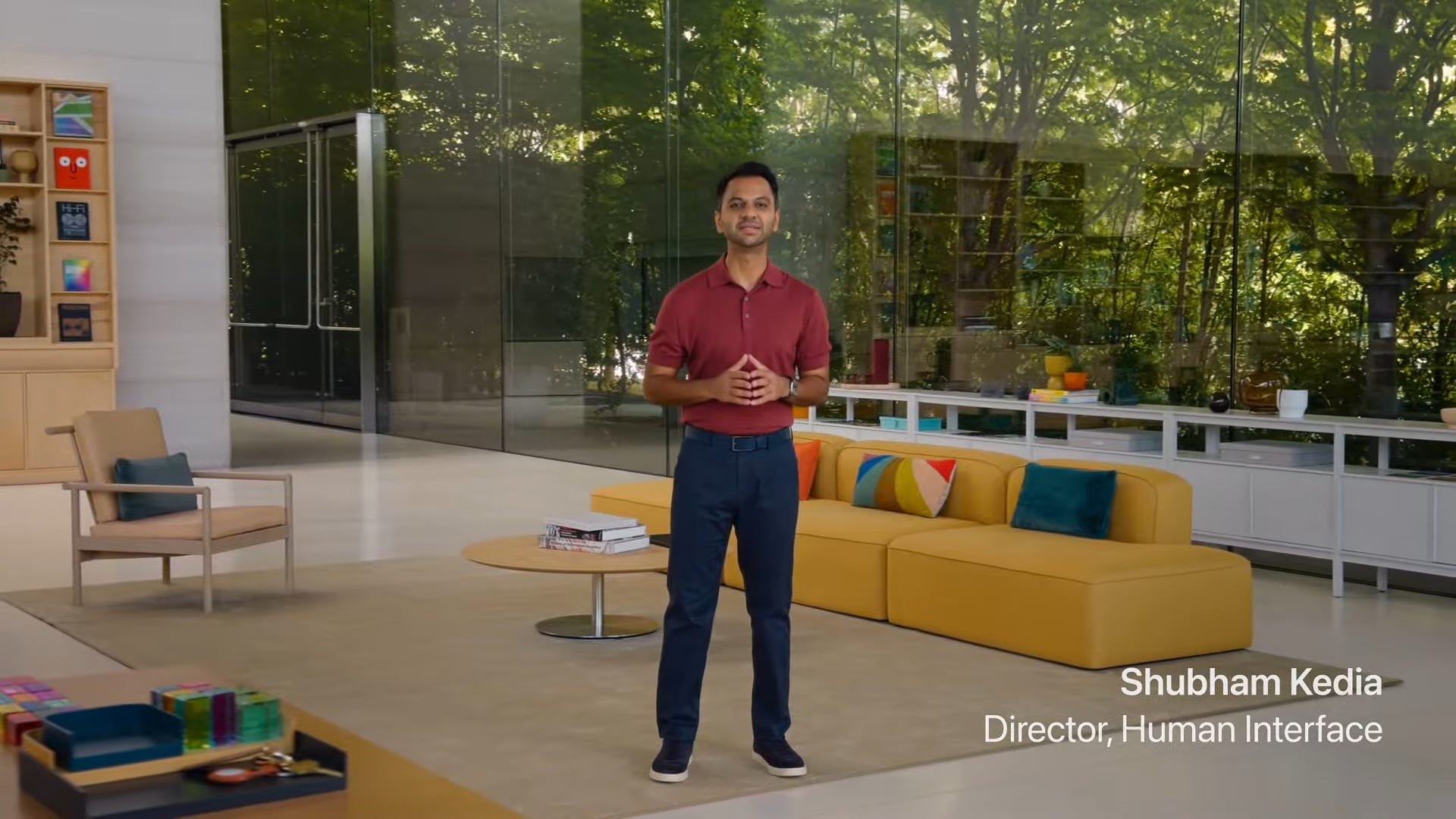
Apple says it’s made every single platform faster, smoother, and easier to use.
It took a lot of user feedback to improve Liquid Glass. It can now diffuse complex content in the background to make text more legible. There’s also a new slider to fine-tune how transparent it is.
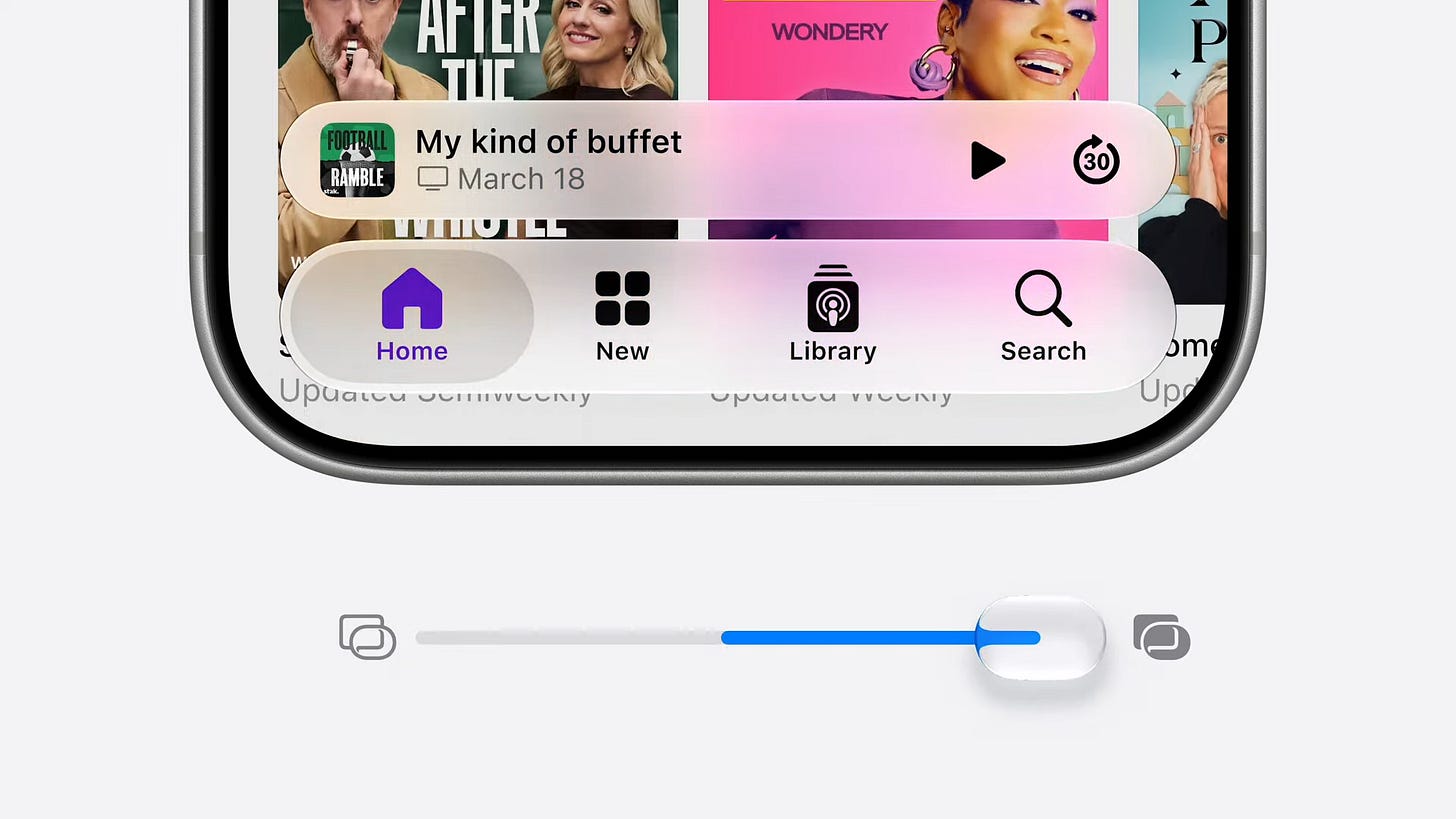
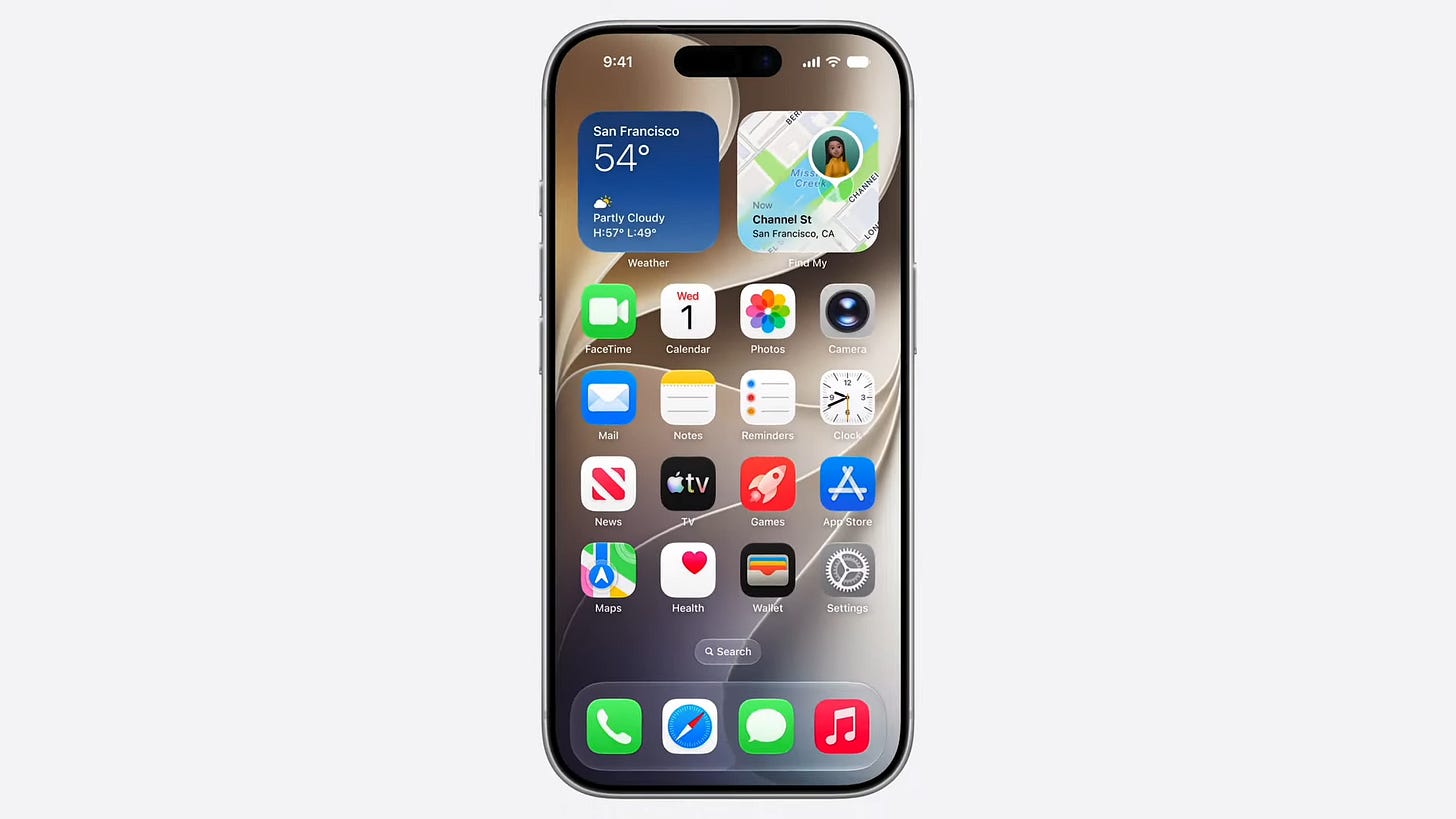
App icons also got upgraded with more Liquid Glass effects and better contrast.
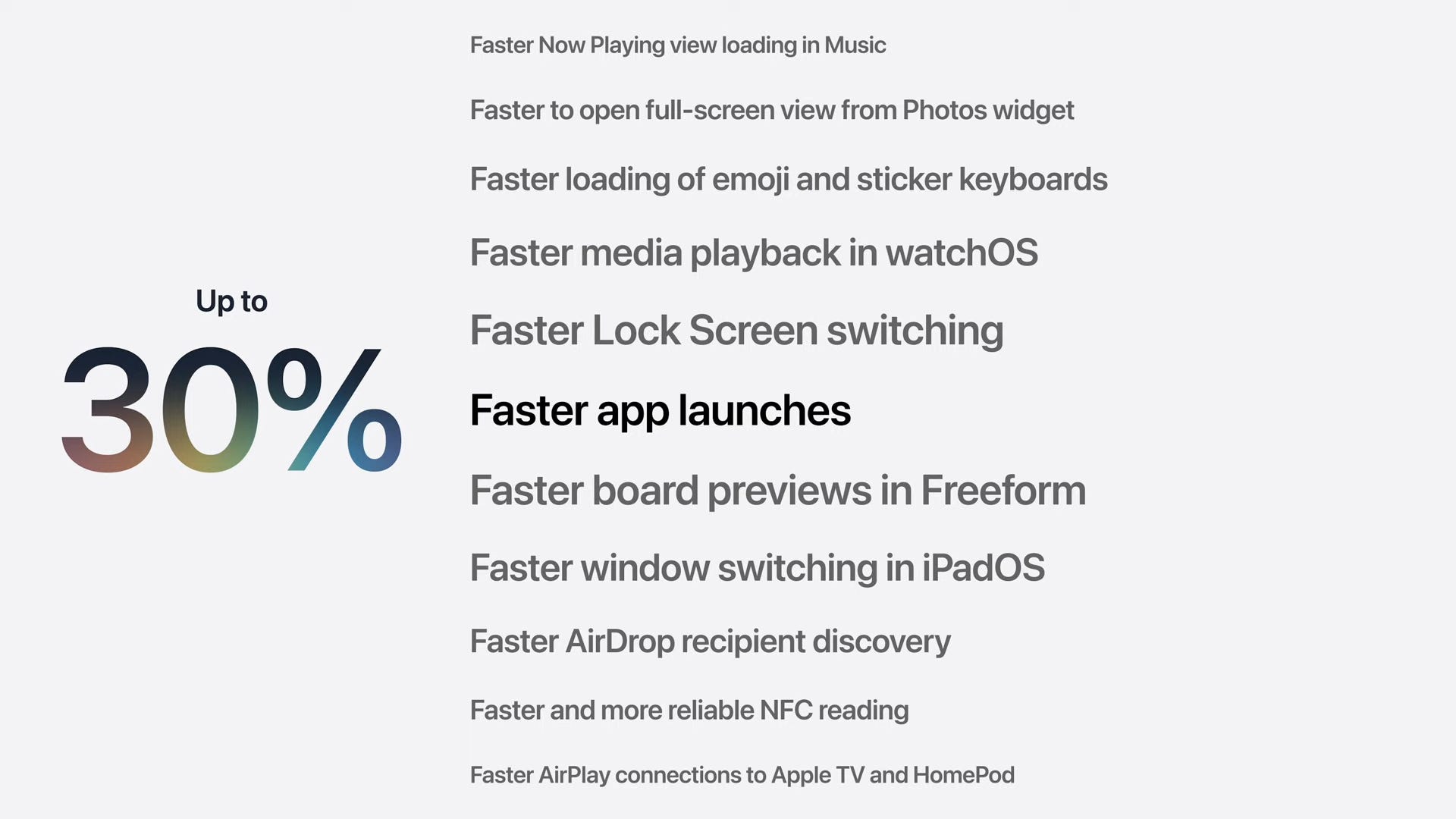
Apple says apps will open up to 30% faster on your phone or iPad.
New photos will pop up in your gallery up to 70% faster.
AirDrops are up to 80% faster.
Transferring files between your phone and a thumb drive is 5x faster.
An updated CPU scheduler will optimize technologies like Wi-Fi, Bluetooth, and cellular data so that your battery doesn’t drain as fast.
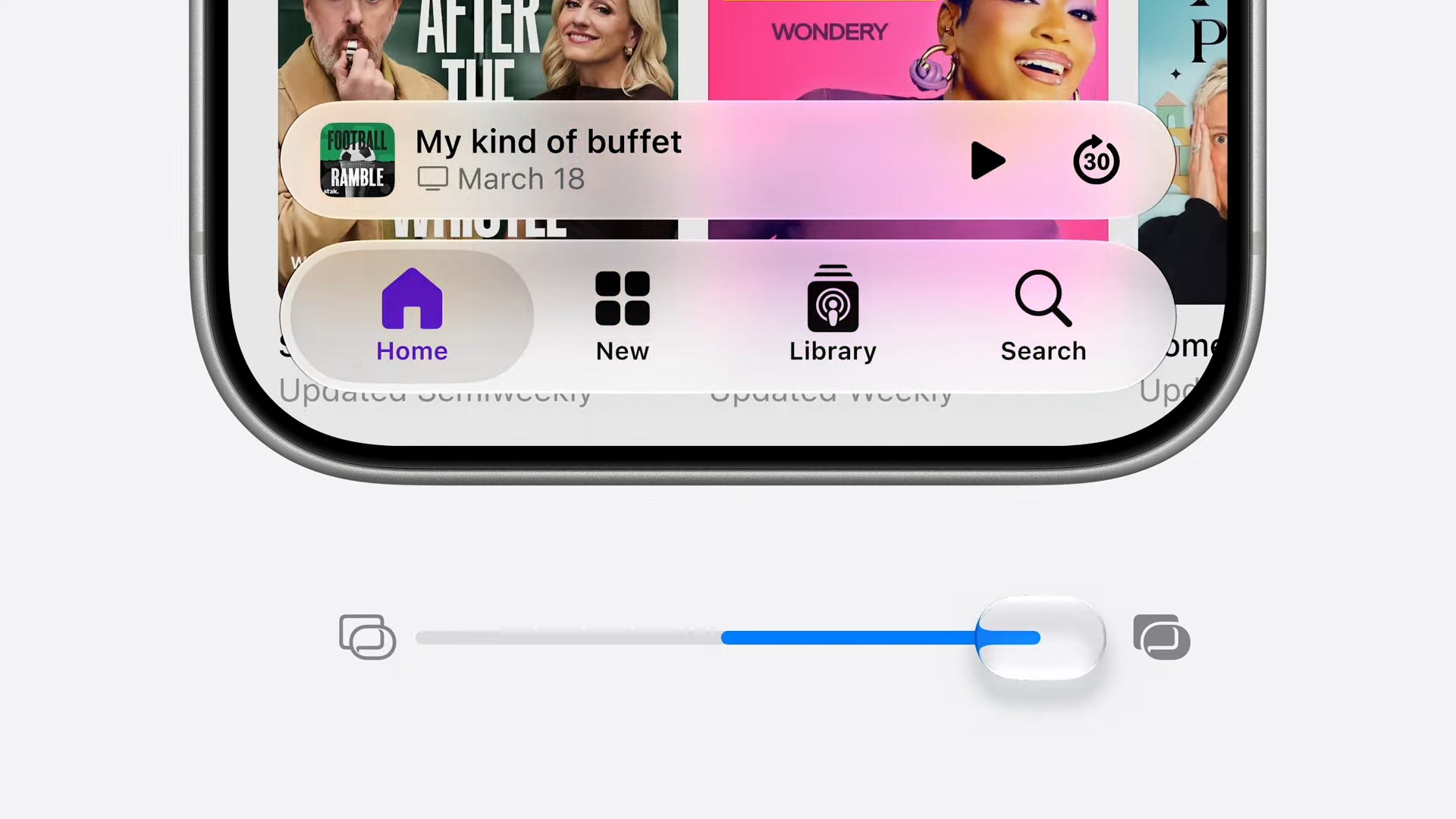
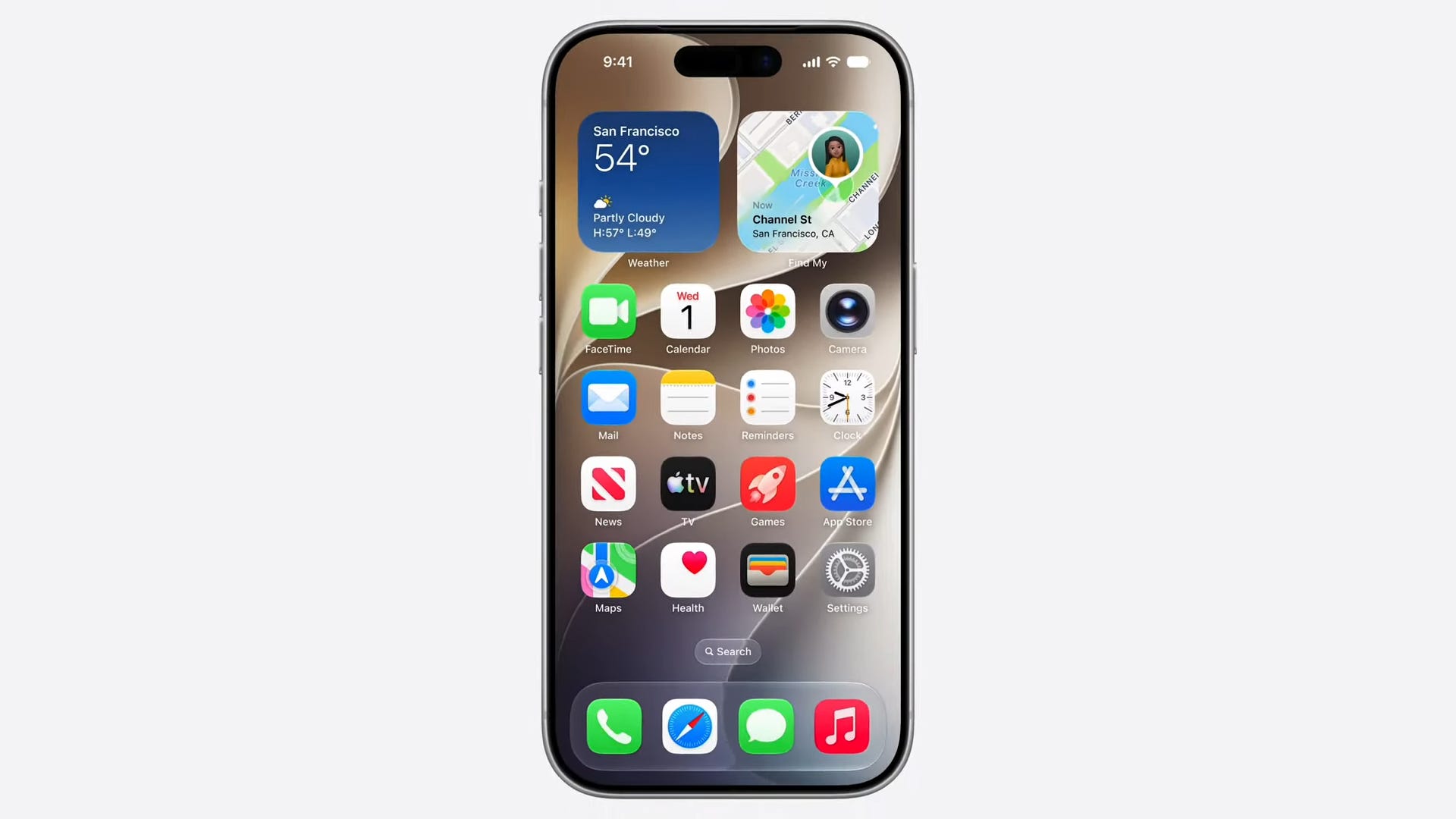
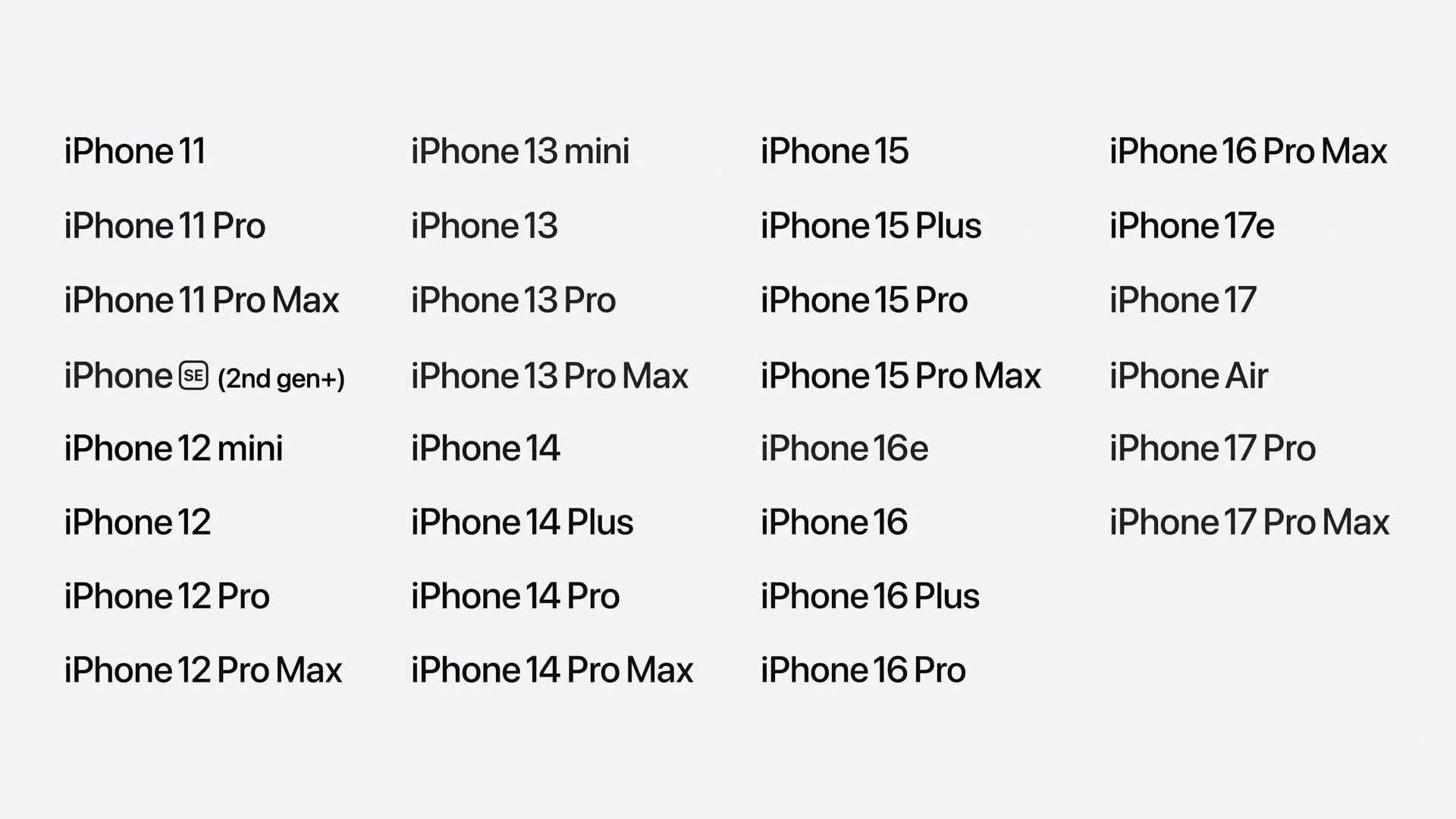
Apple says all the same iPhones that supported iOS 26 will support iOS 27.
iOS 27 is smarter about connecting to public Wi-Fi signals.
Messages can now be sent individually if a photo or video is taking a while.
Search is getting a new index to make it way faster across platforms.
Mail is getting a new search experience to surface the emails you’re looking for much faster.
iCloud shared albums now support Windows and Android devices, as well as full resolution.
In Health, irregular period tracking is supported.
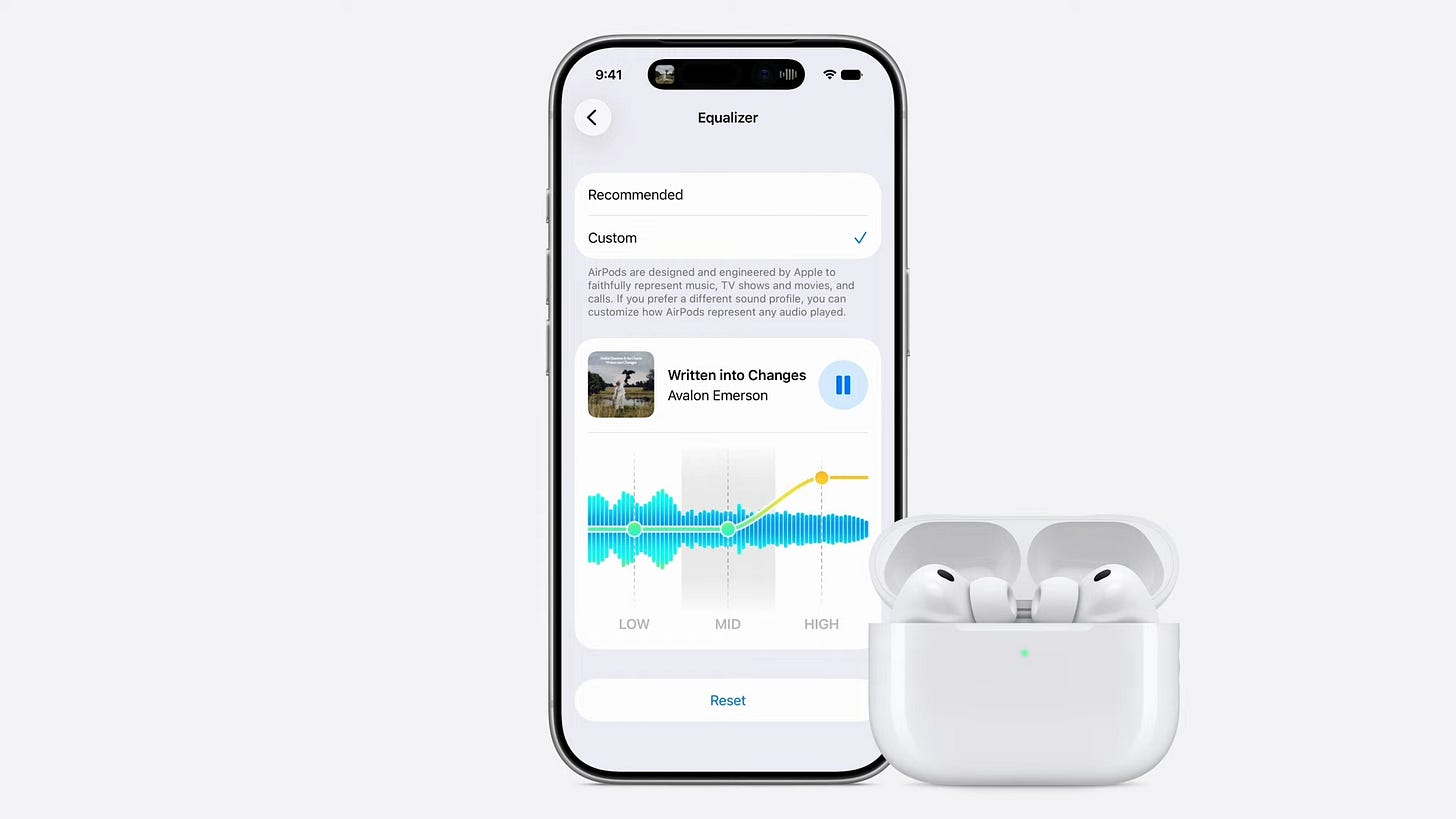
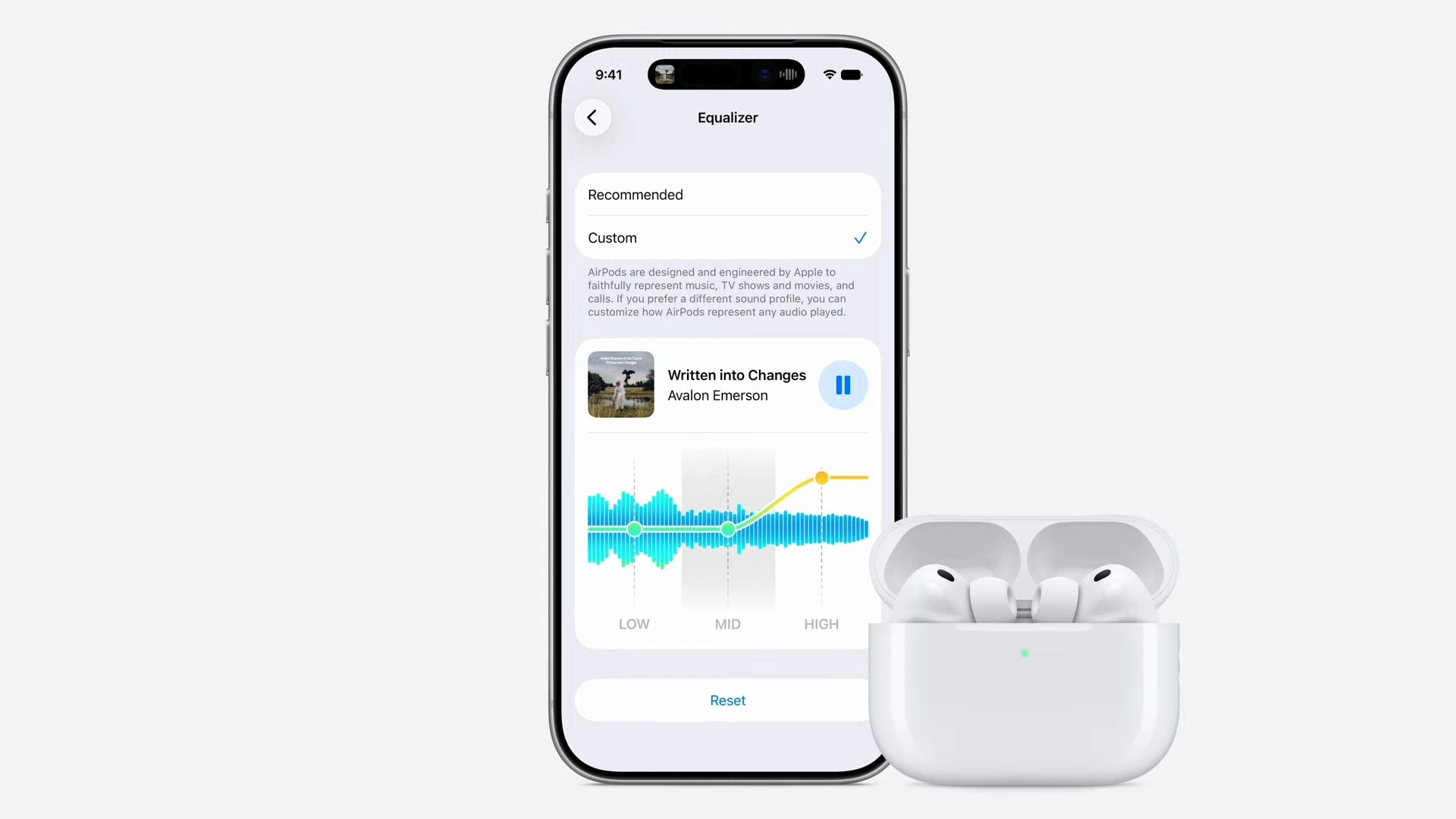
AirPods are getting a custom EQ.
You can transform panorama photos into environments and spatial photos for the Vision Pro.
Maps gets a new fly-over view that blends 3D renderings with aerial photography for a much richer experience.
Trust and safety

Apple is ramping up its efforts to protect children who use their devices.
Apple says the upgraded child account experience will let you choose specific apps, the amount of time spent on apps, and more.
You’ll be able to block apps on the App Store, too, with Ask to Buy.
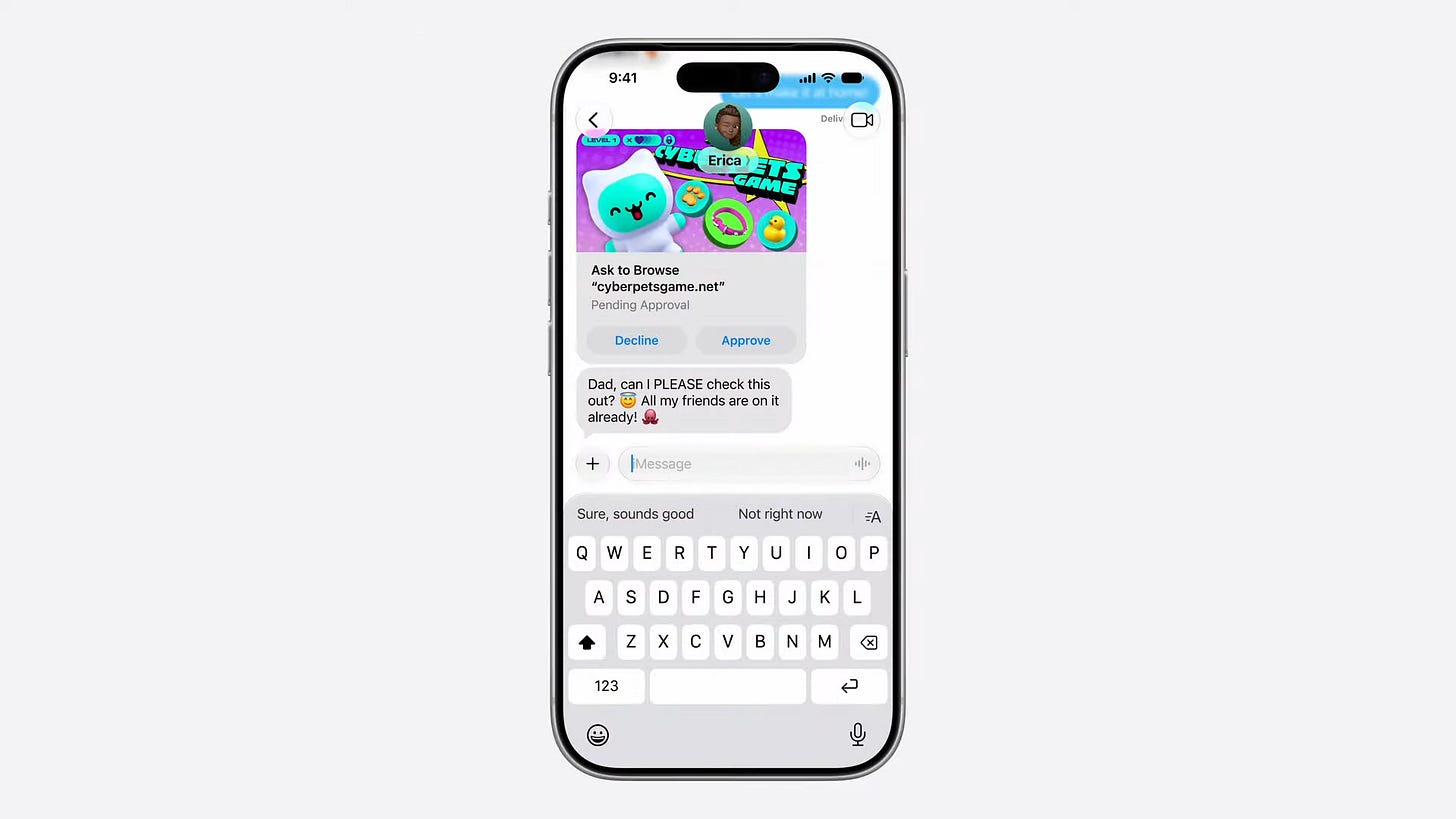
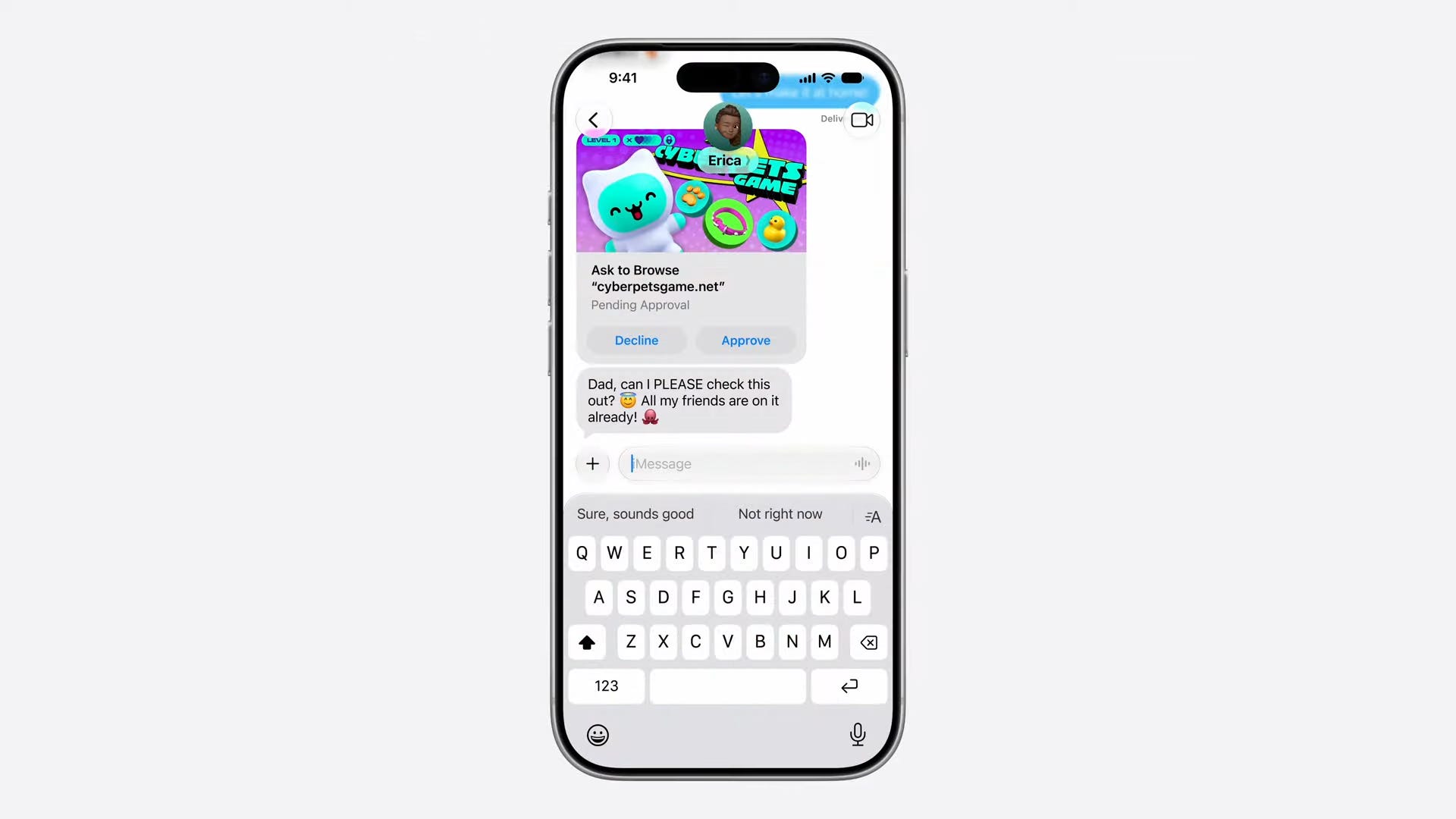
Ask to Browse will require parental consent for a child to visit certain websites.
Apple says it’ll automatically censor specific content like nudity and gore for children.
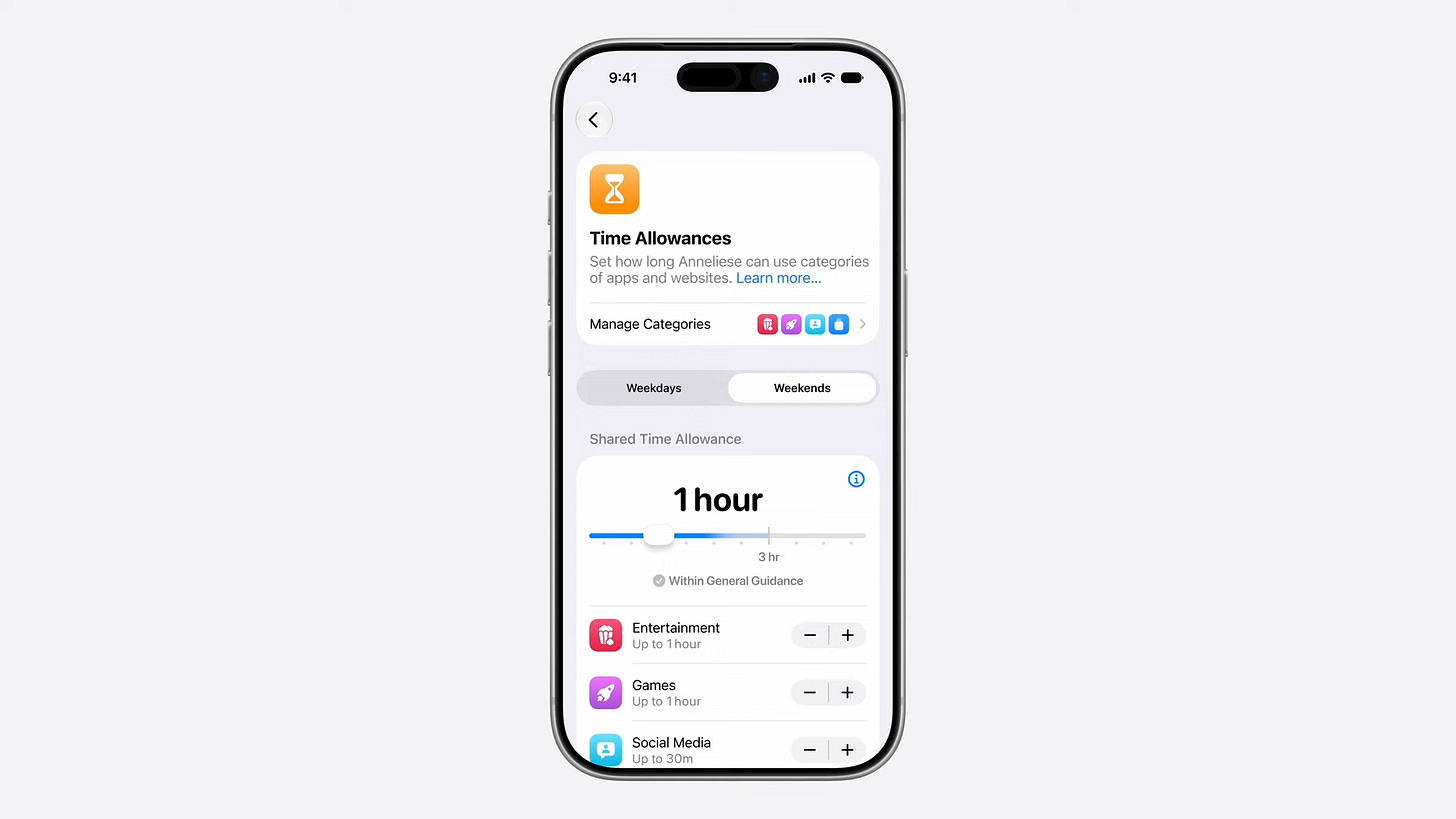
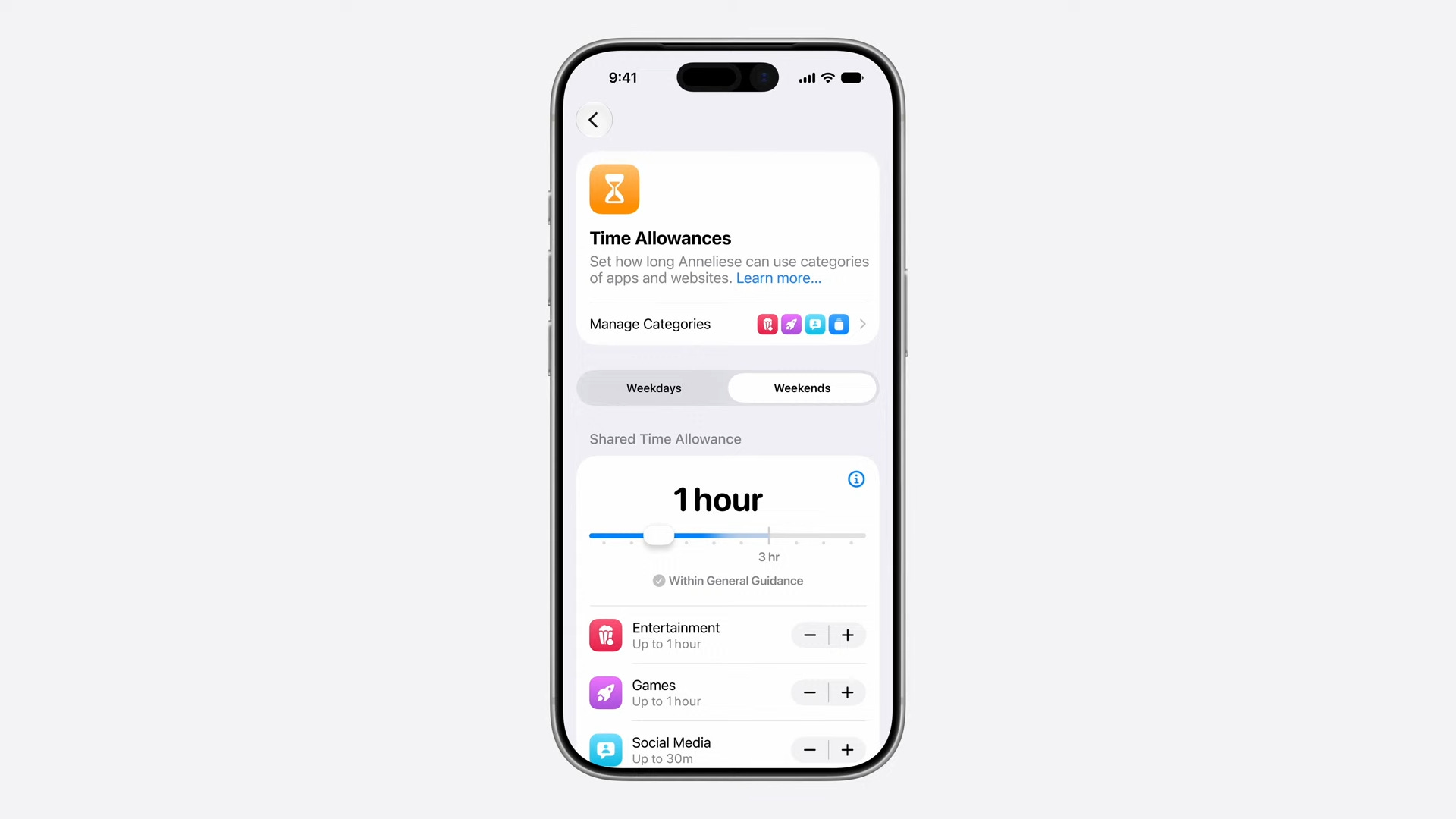
Time Allowance will let parents control exactly how long children spend time in apps. You can also control which apps are available to kids throughout the day.
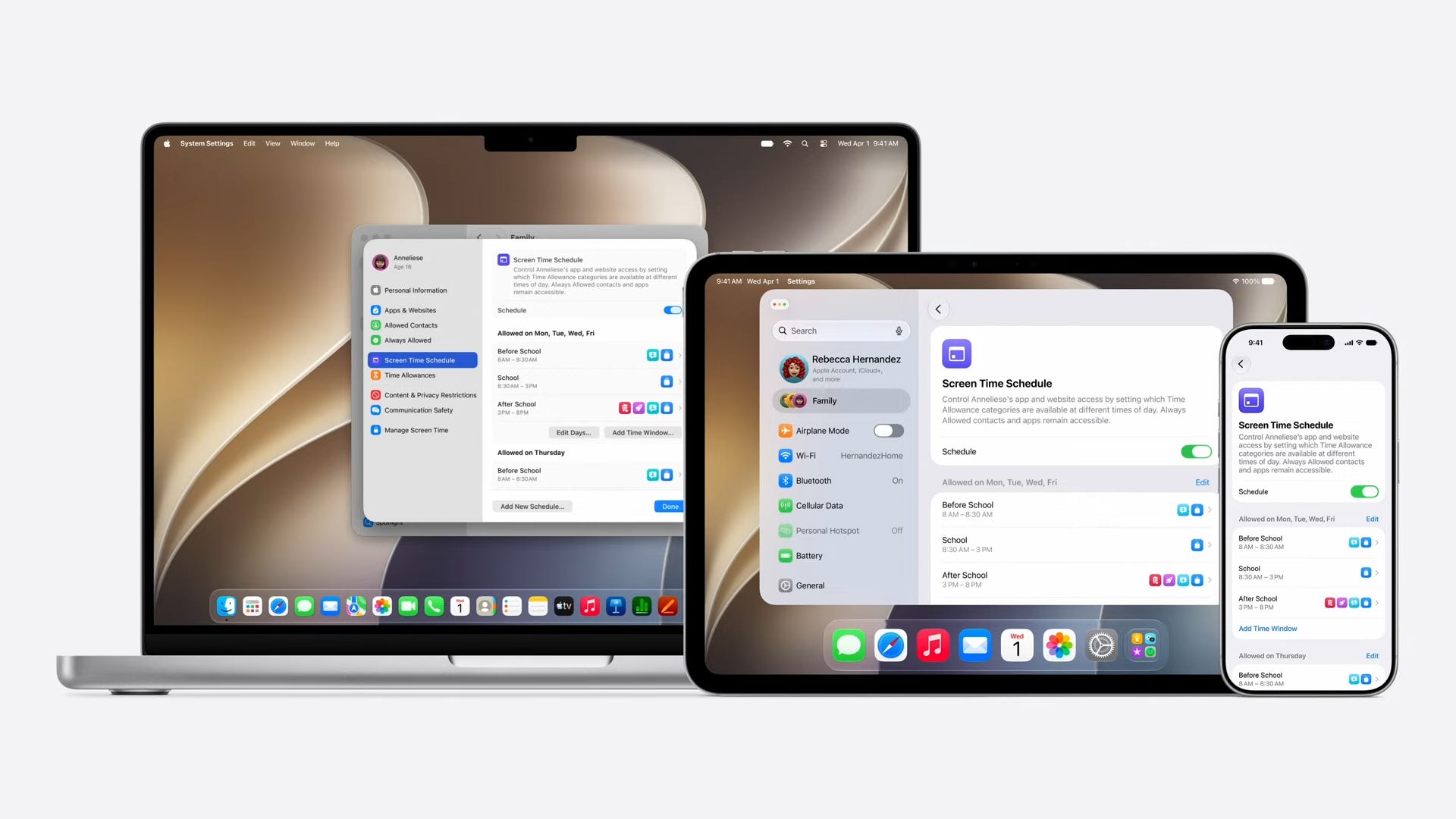
Apple is giving developers a slew of new APIs to help protect children when they use their apps, helping to tailor the experience accordingly for their age.
Siri and Apple Intelligence
Apple wants AI to be helpful and be centered “around you and your needs.”
The way the company is phrasing its approach makes it seem like Apple wants you to know “Hey, our AI is safe and good!”
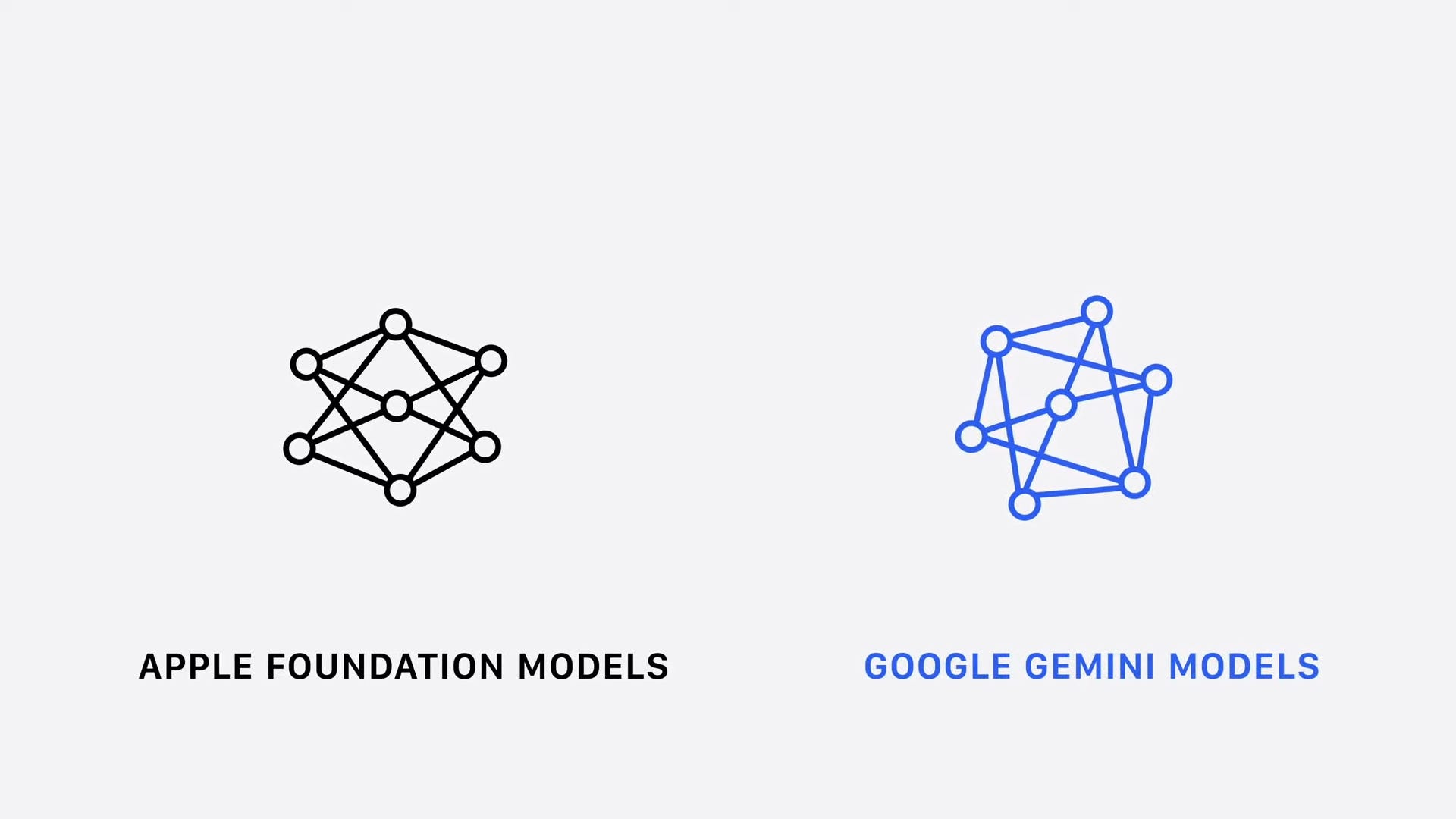
Apple Intelligence’s new architecture is based on “next-generation Apple Foundation Models,” made in collaboration with Google Gemini.
The new architecture allows for the deep, contextual AI experience that we’ve been expecting: it can understand images, broad world knowledge, what data is on your device, what’s on your screen, and more.
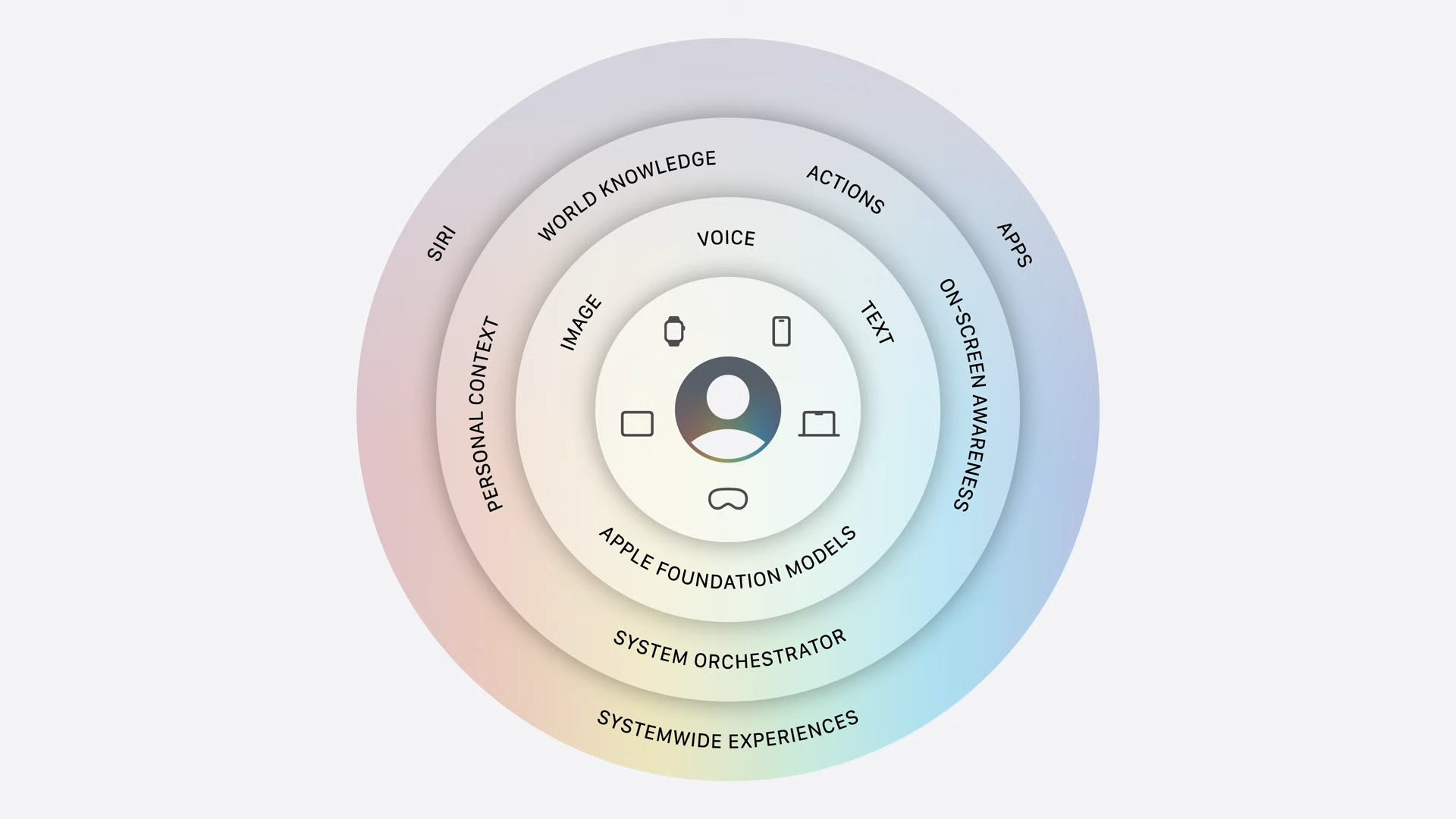
The new Apple Intelligence was built with privacy first, according to Apple.
Apple Intelligence uses on-device processing and secure cloud computing so that your data is secure and can’t be read by anyone - including Apple.
Apple unveils Siri AI, based on the new Apple Intelligence.
It’s far more capable, conversational, and contextual.
There’s a new dedicated Siri app for accessing it.
It integrates Visual Intelligence and a new chatbot writing experience.


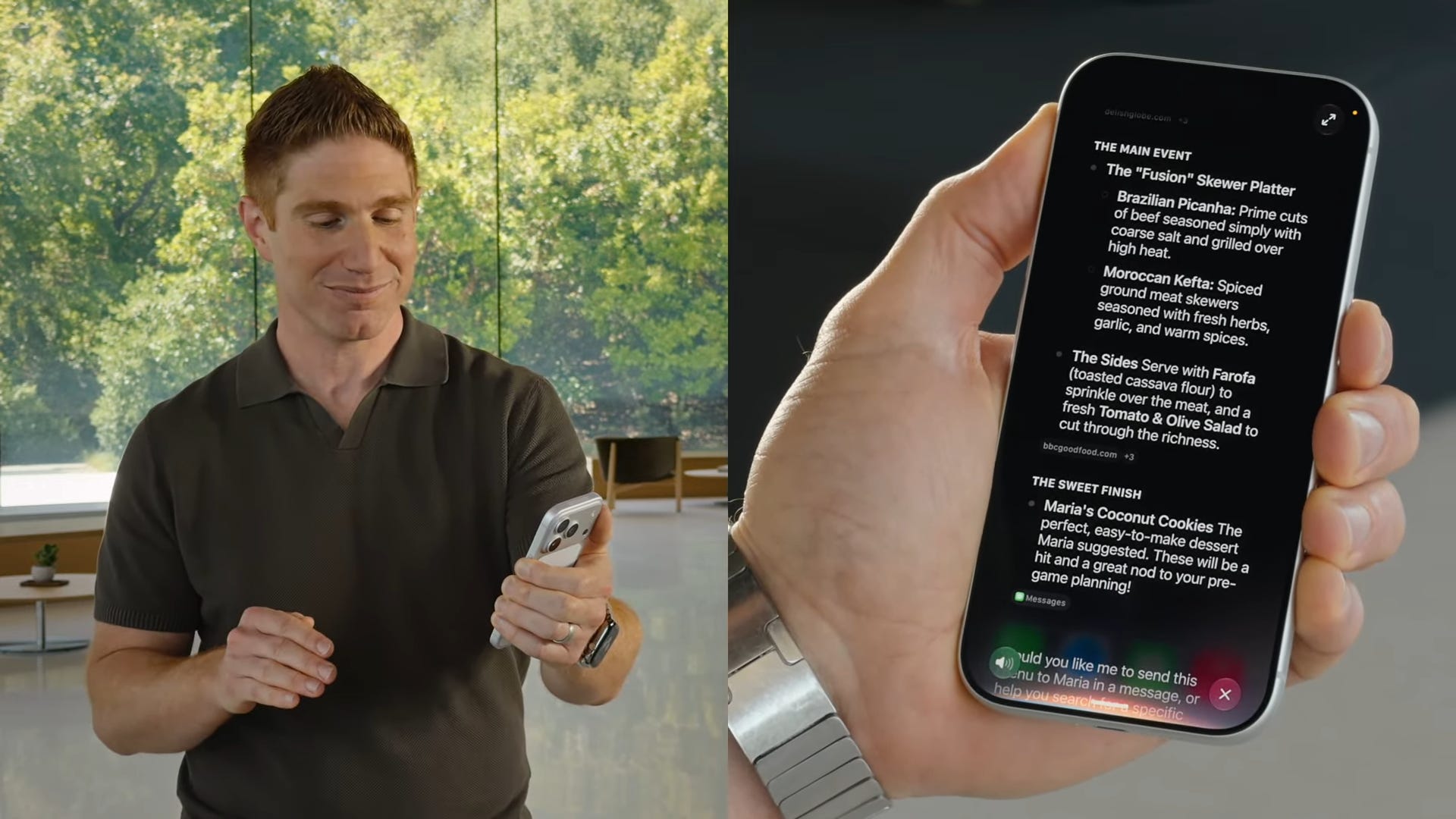
Apple demoed a bunch of examples of the new Siri in action. It seems to be able to understand everything on your phone and in your Apple account so that you can do things like ask for certain pictures in your gallery, look up directions to an event someone sent you, and more.


Siri can be fully customized to your liking with a custom voice and pacing.
You can straight-up have a conversation with Siri like you can in Gemini Live for deep research and brainstorming.
Apple showed a demo of looking up the FIFA 2026 World Cup schedule, then asking Siri to help plan a party around a specific match and recommend dishes from both countries.
A lot of the demos here are widely available on other AI tools, but never in Siri until now.
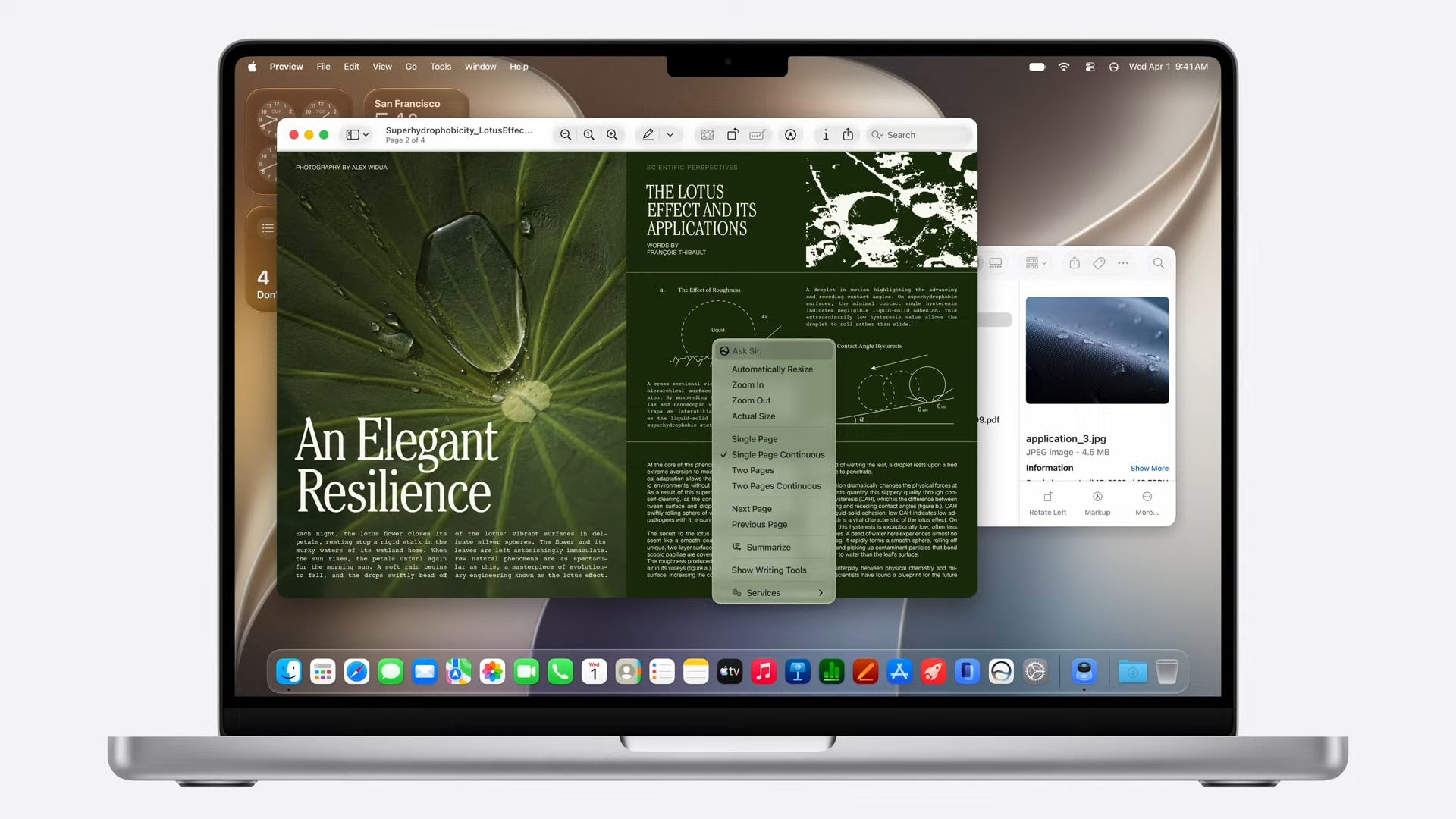
In macOS, Siri can be accessed in a variety of ways, including Ctrl + click on images, text, videos, and more.
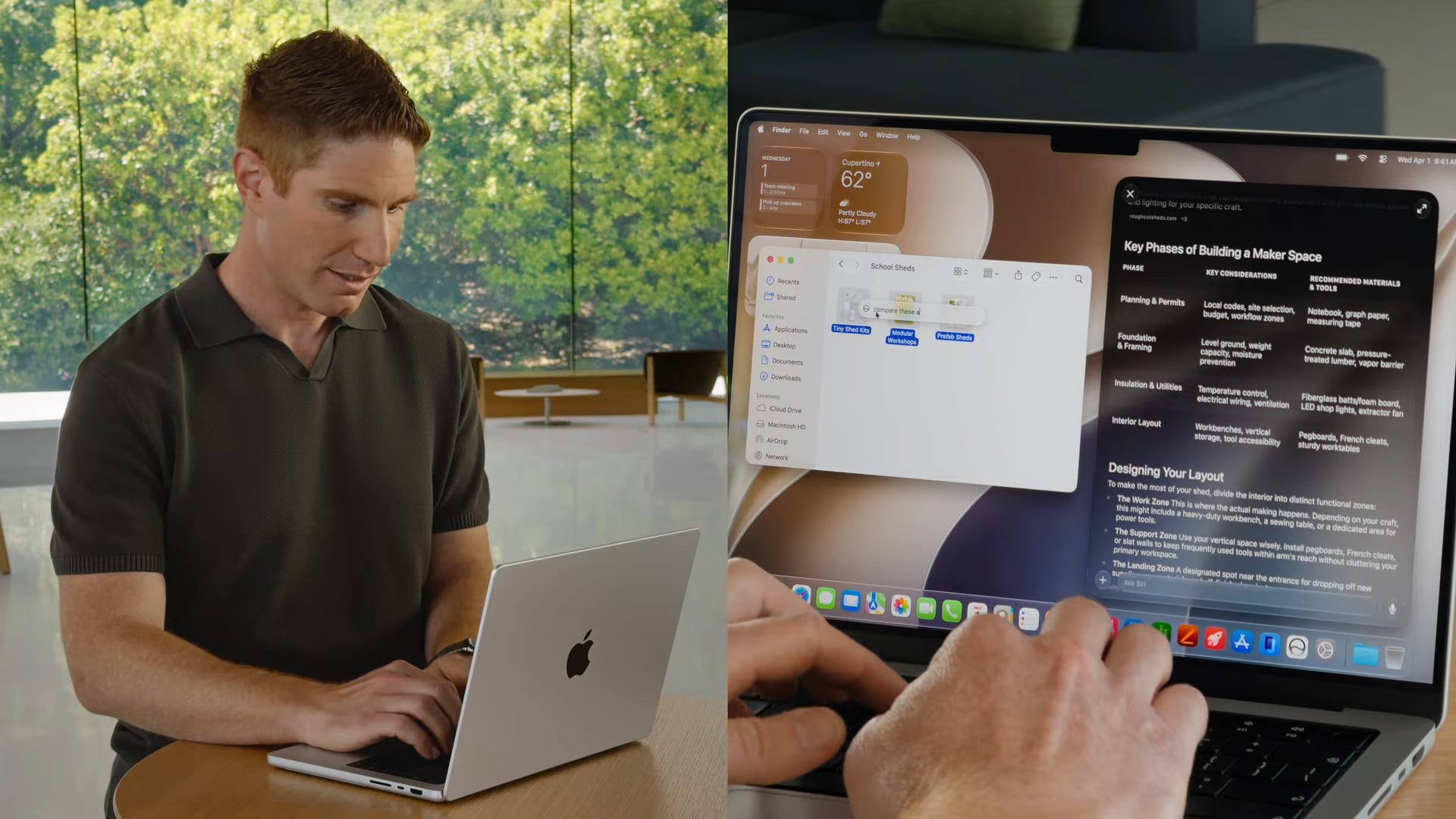
Apple demoed the ability to select three presentations, then ask Siri to compare them and help to decide on the right one.
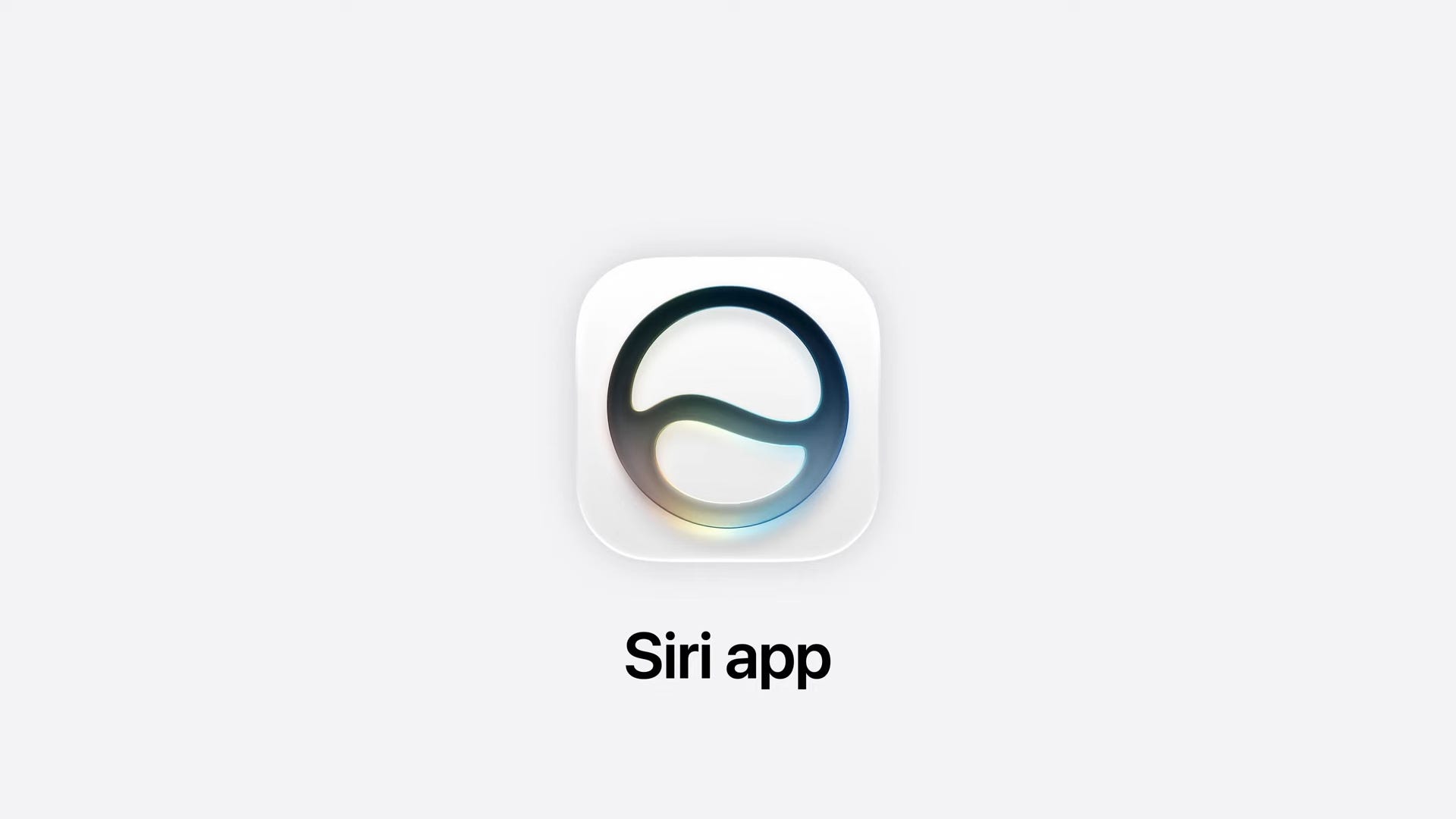
Here’s the new Siri app icon:
All of your chats in the Siri app sync across your devices so you can continue them if you switch from your phone to your iPad, Mac, Vision Pro, or even your watch.
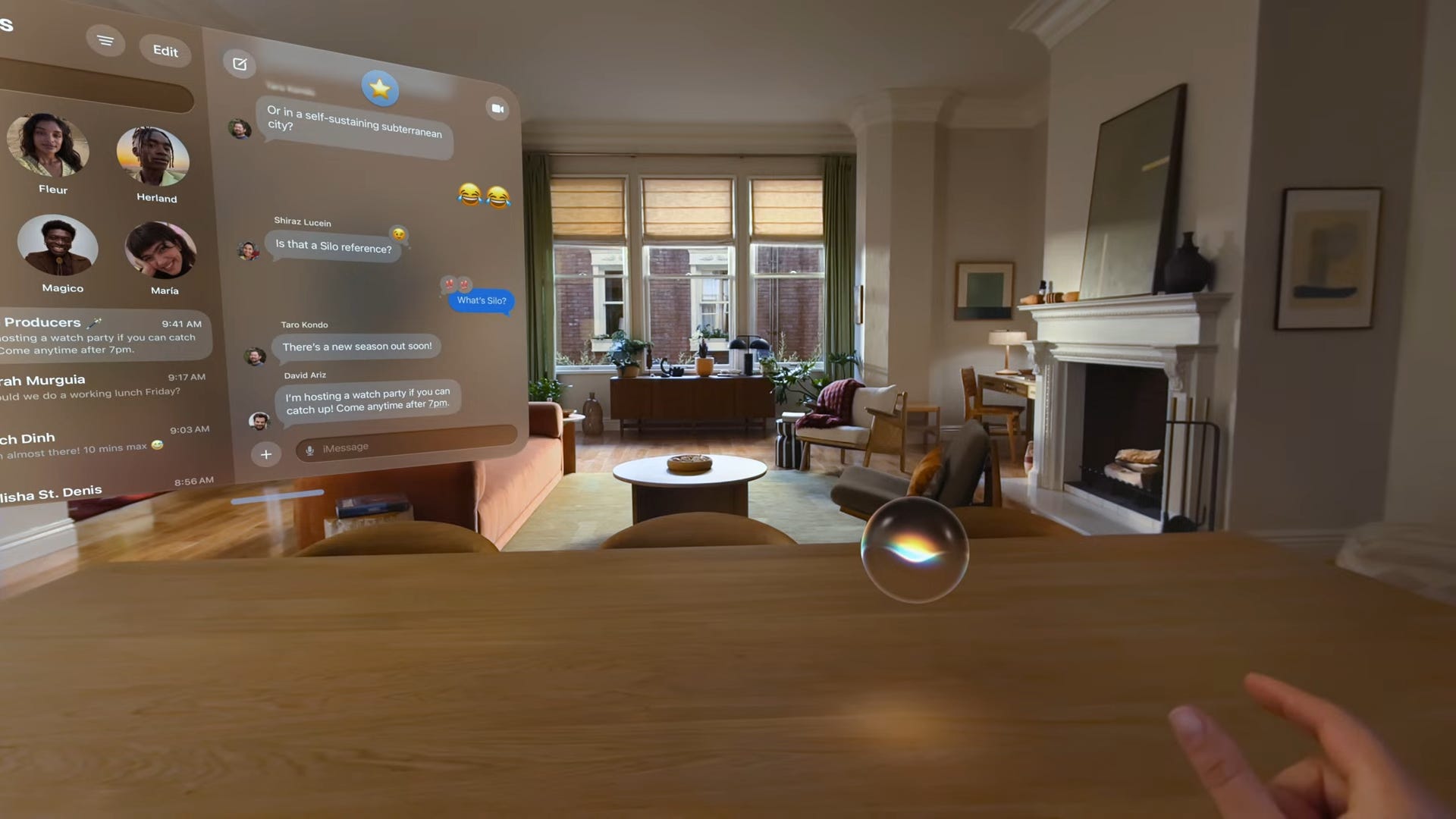
In visionOS 27, the Siri app lives in an orb you can move around your space.
Visual Intelligence is used in the Wallet app so you can point your phone at a bill and have it help you split it between you and your friends.
Visual Intelligence works across all of Apple’s platforms and can understand what its camera sees and what’s on your screen, so you can ask questions about anything that comes up on your screen.

Apple Intelligence will automatically proofread what you write in almost every app you use.
Siri AI will launch in English first, then expand quickly to other languages.
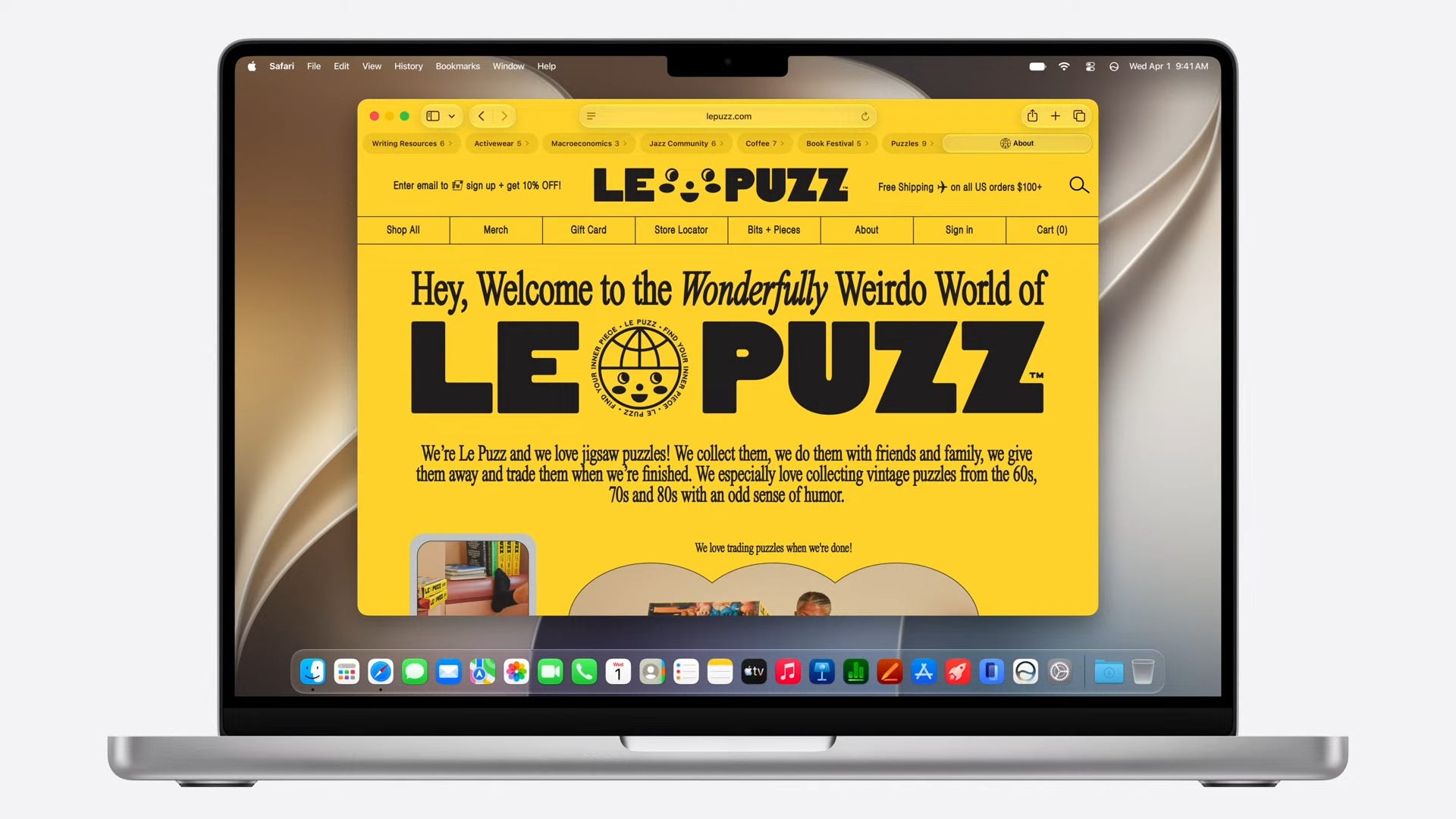
Safari uses Apple Intelligence to automatically organize your tabs, notify you when new content is posted on a specific website, and more.
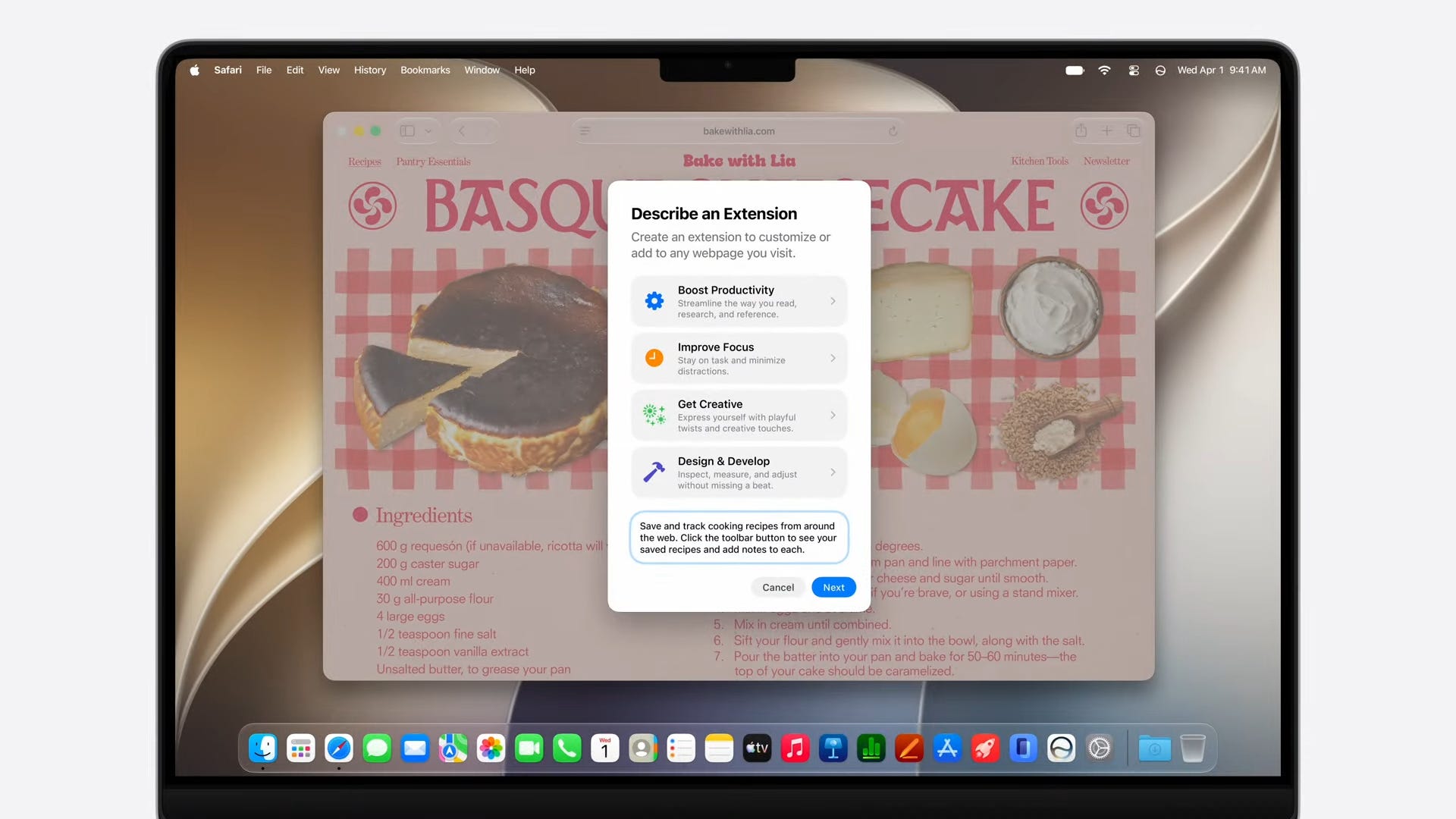
Safari now supports vibe coding extensions.
In Passwords, Apple is adding a new feature to update old, insecure passwords with stronger ones.
In Messages, there are new intelligence shortcuts for adding something to your calendar, notes, or finding photos based on the texts you receive.
Mail also surfaces suggested actions based on the contents of your messages.


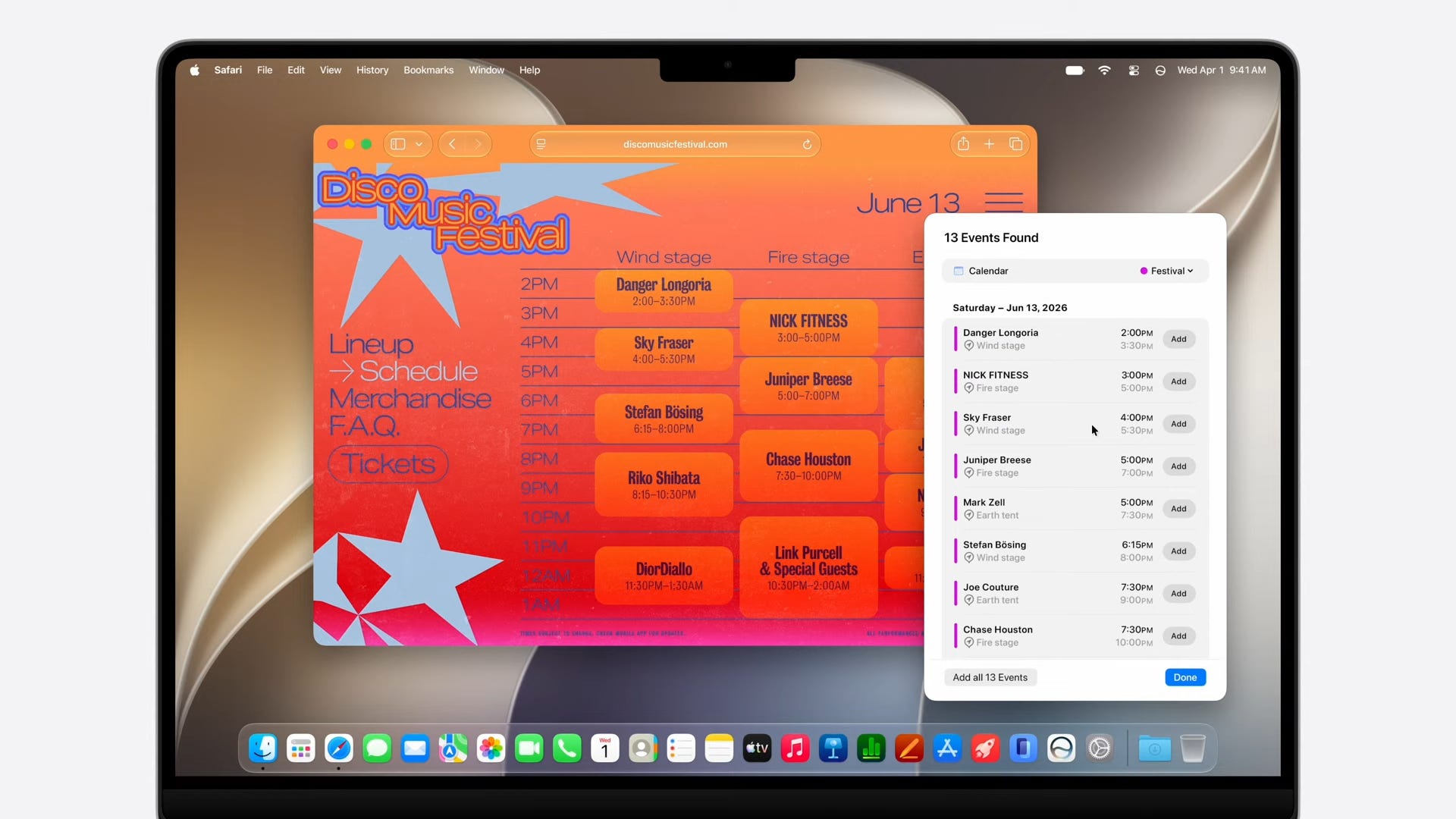
You can use natural language to add events to your calendar.
The Phone app can present relevant information depending on the contents of the conversation you’re having, such as pulling up your flight number when on the phone with an airline.
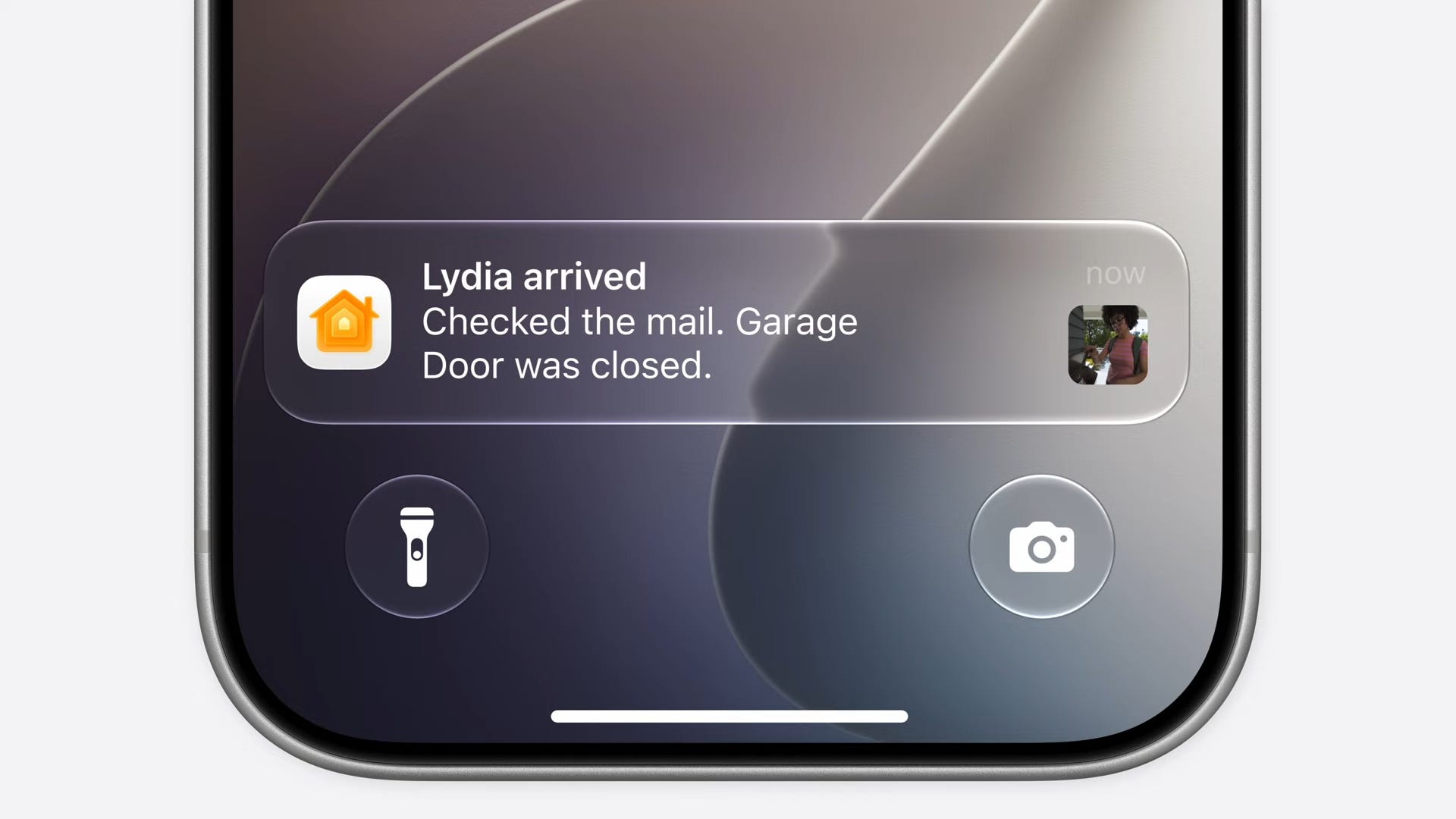
The Home app will now understand frequent notifications and present them as ongoing activities instead of a flurry of notifications.
Videos recorded with security cameras can be summarized and described in the Home app so you can understand what’s going on at home quicker than ever.
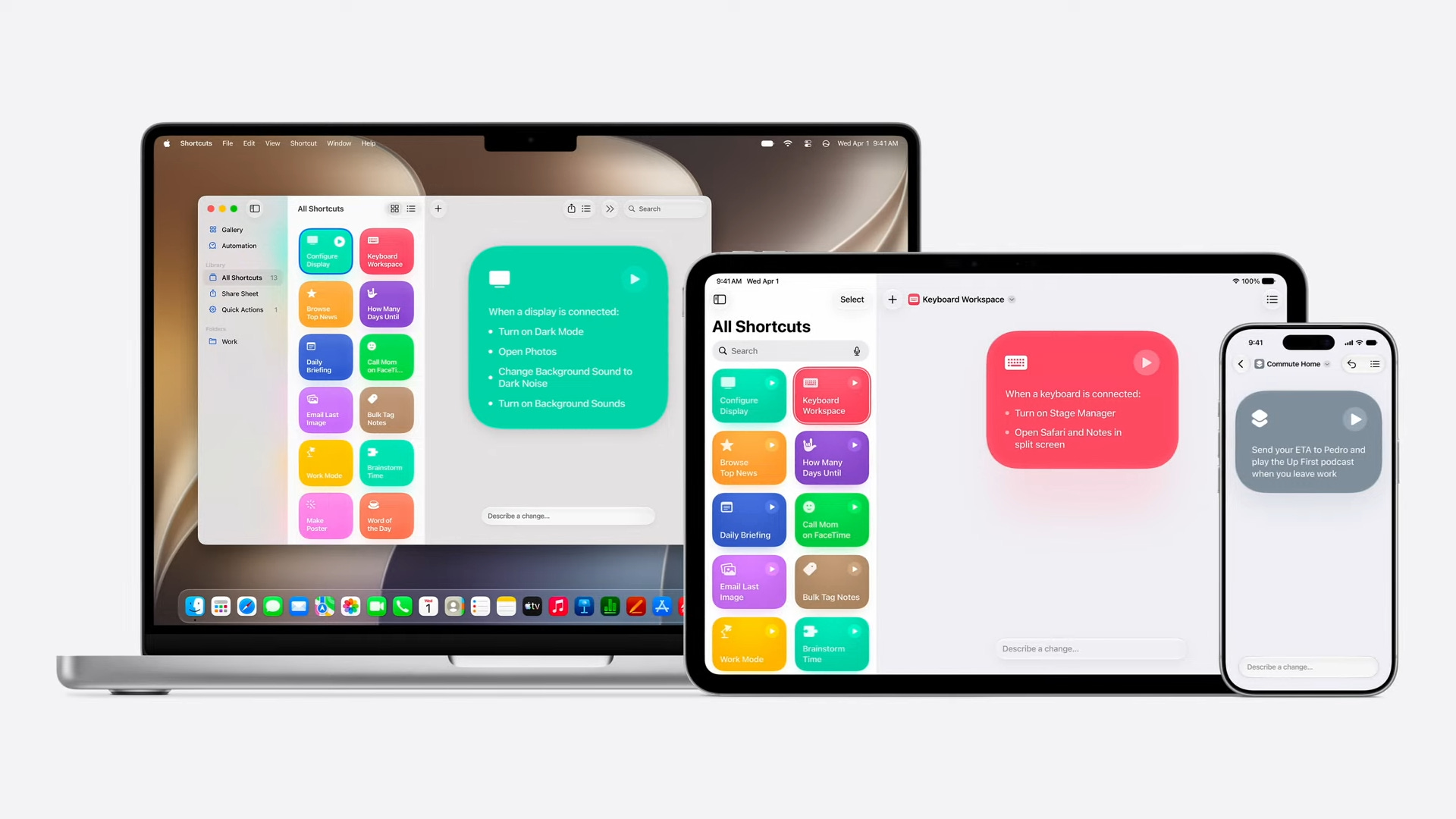
Shortcuts will let you describe the shortcut you want to make and assemble the entire shortcut for you. This will convince me to use the Shortcuts app way more often.

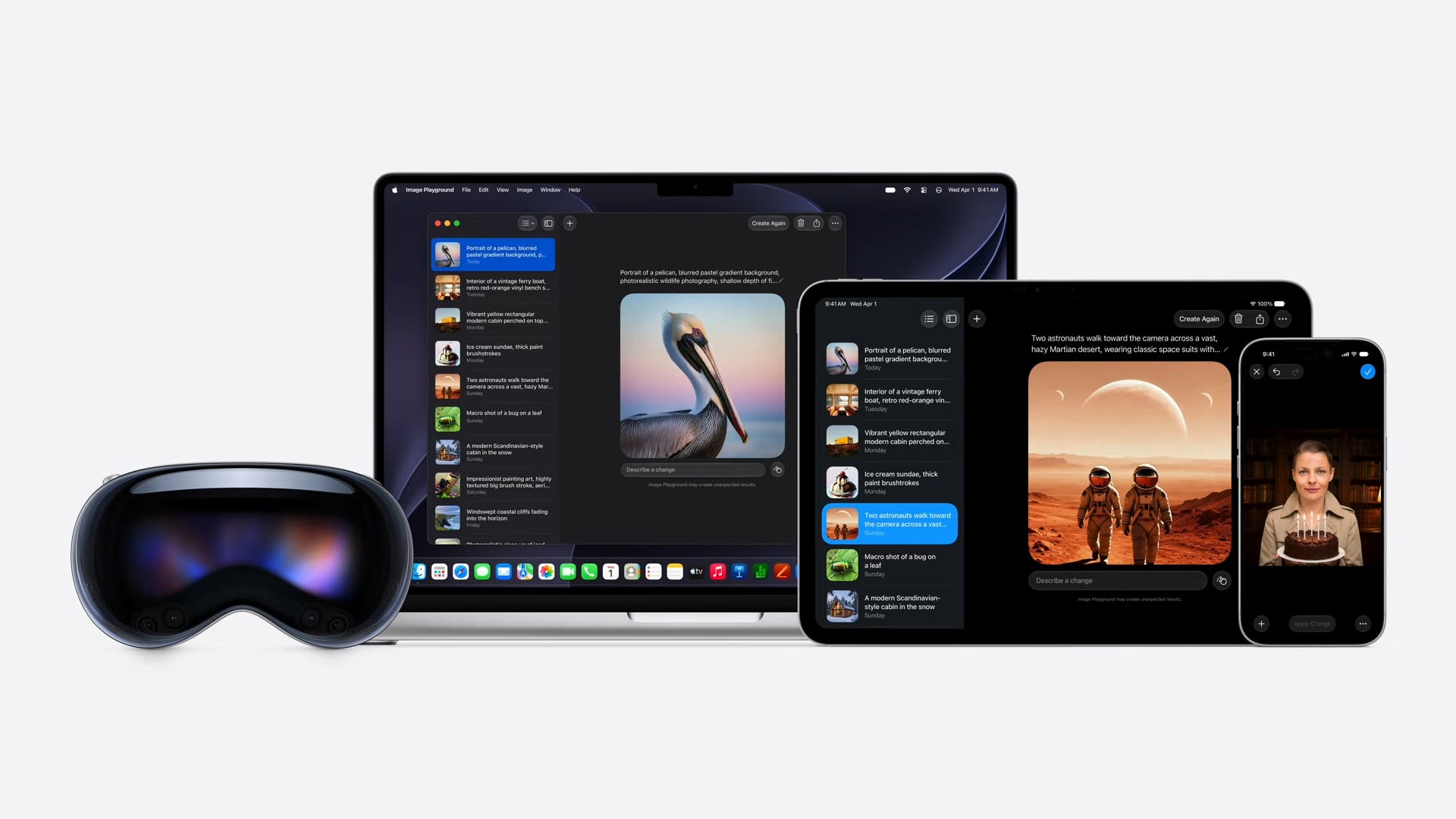
Image Playground supports a lot more image types. You can also take existing photos and give them a new look with effects, style options, and more. There’s also tools for generating new wallpapers, backgrounds for your messages, invitations for events, and more.
The Photos app is getting Apple Intelligence as well, with three new tools.
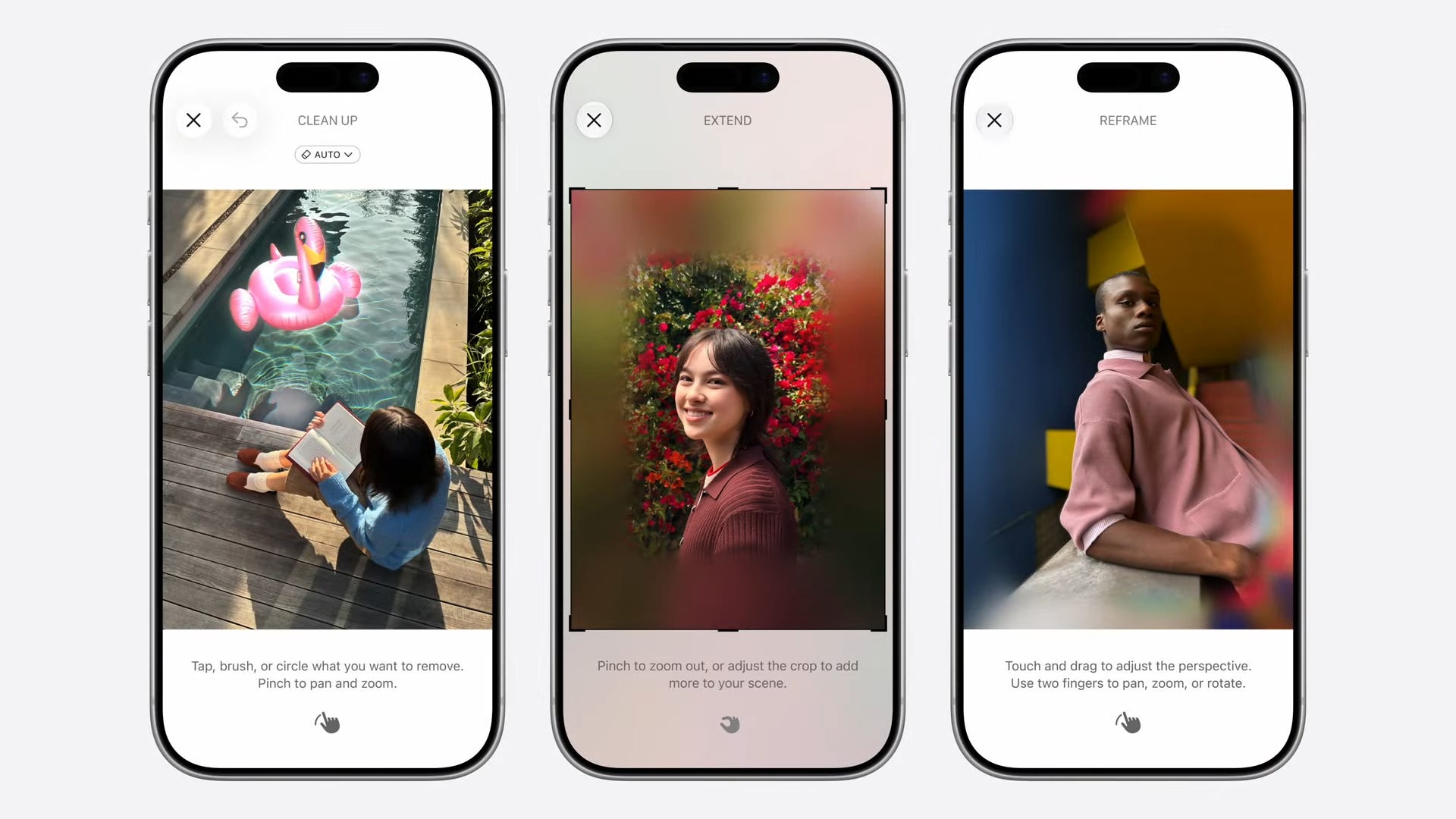
Clean Up lets you remove distractions in your photos.
Extend will let you expand an image and change the aspect ratio.
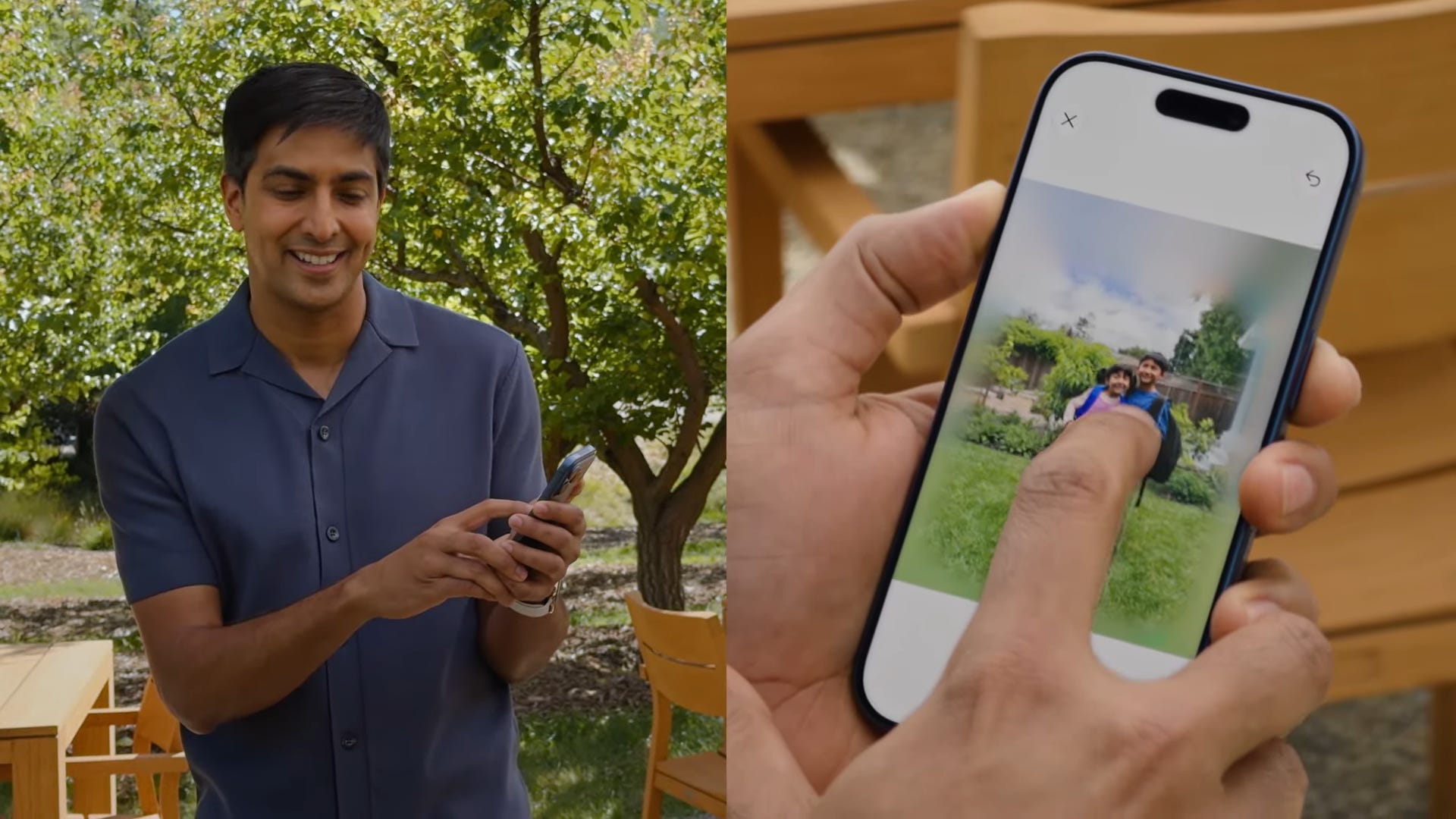
Spatial Reframing lets you adjust the angle that a photo was taken at that using on-device spatial models. You can pan around an image, pinch to zoom in, and more. It’ll then expand the image using AI to fill in the gaps if necessary.
Apple Intelligence in apps will be released to all current Apple Intelligence users.
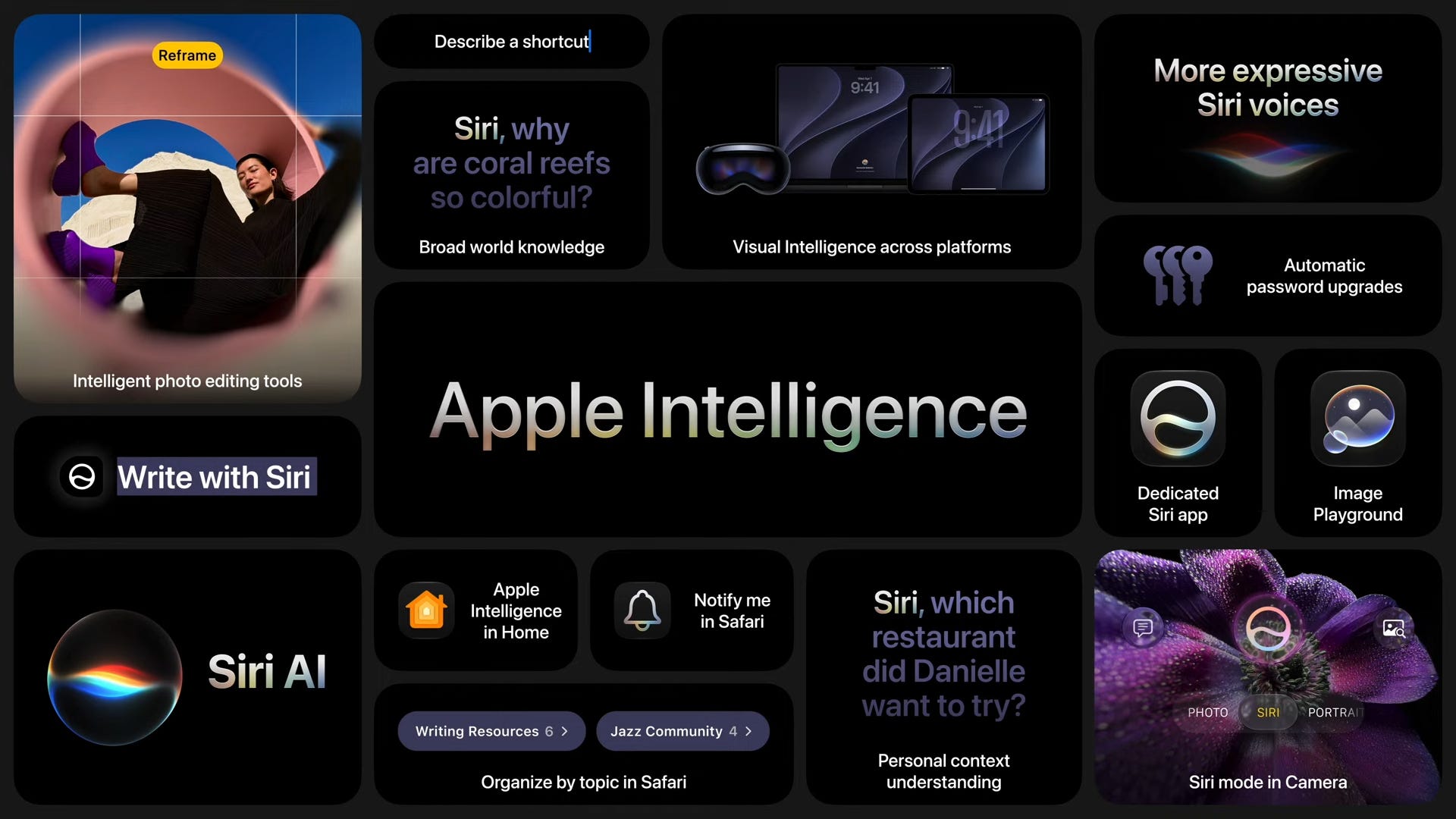
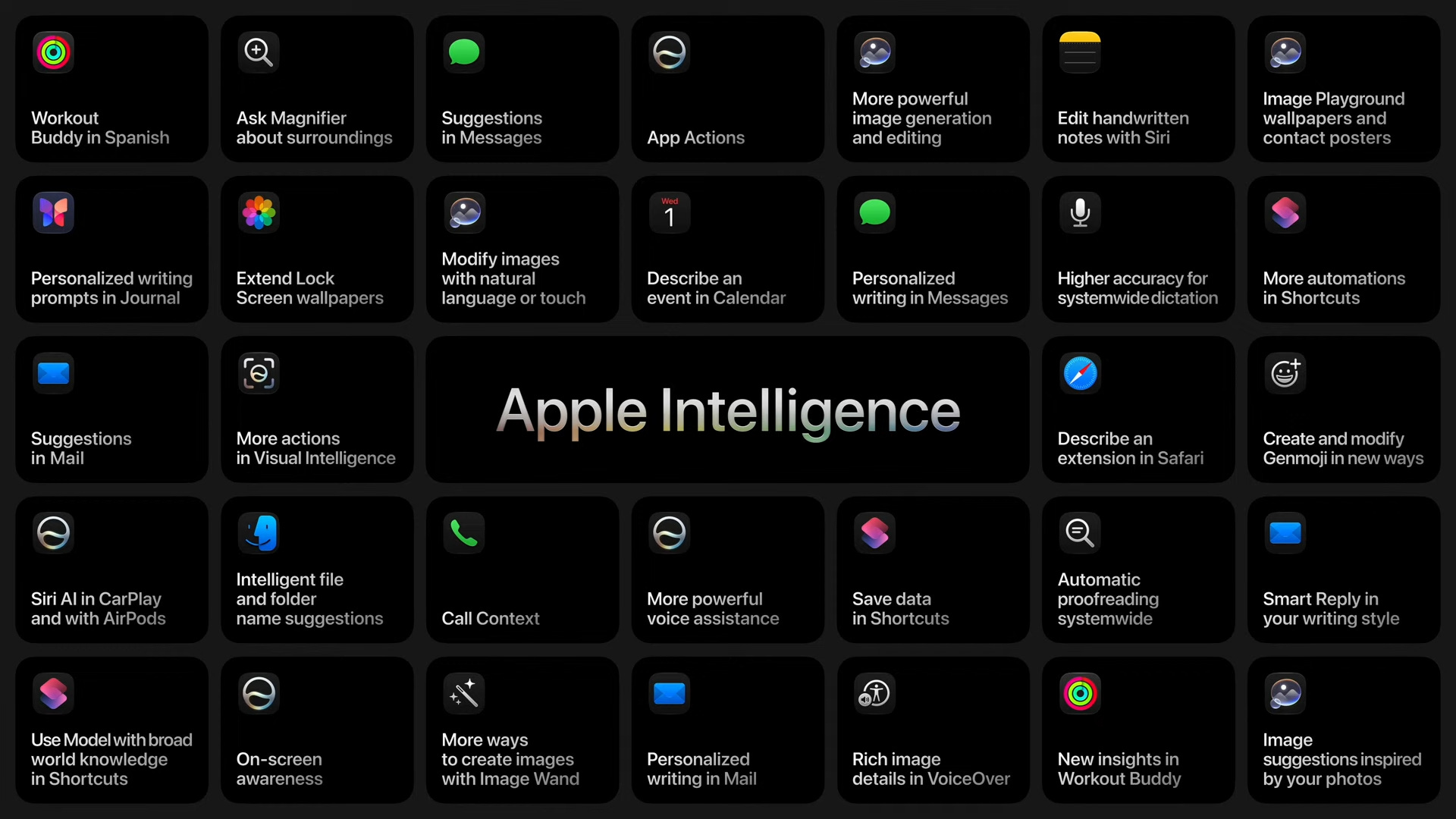
You’ll need certain Apple devices to get the best of Apple Intelligence.
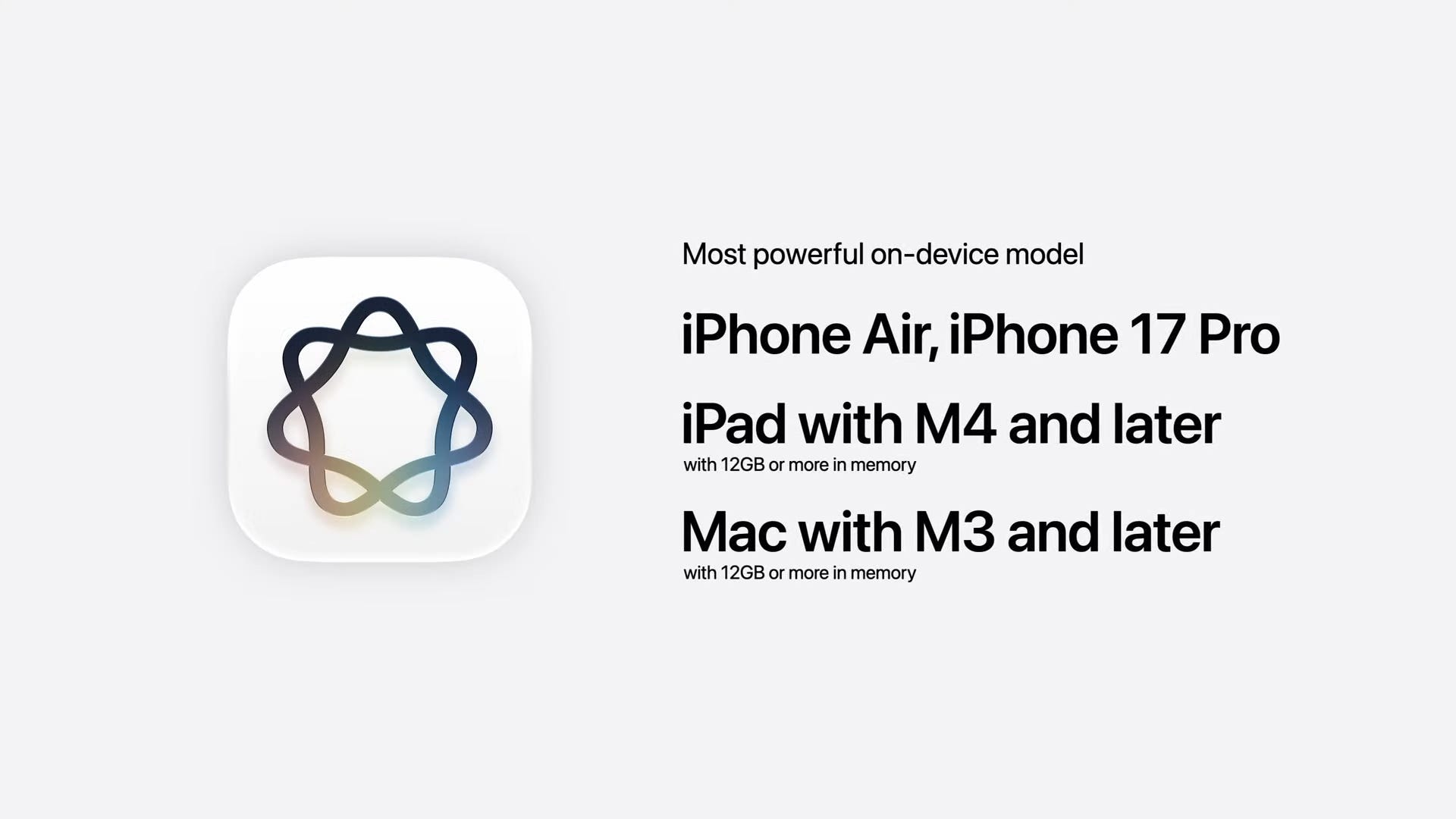
Apple Intelligence won’t be released initially in the EU, and Apple says it’s still working through regulatory requirements in China.
Third-party apps are allowed to use Apple’s on-device models.
The new Core AI framework lets developers integrate third-party models that’ll run on your iPhone, Mac, and more.
Xcode’s Coding Assistant can now localize an entire app. It also now supports Gemini for vibe coding.
Release dates
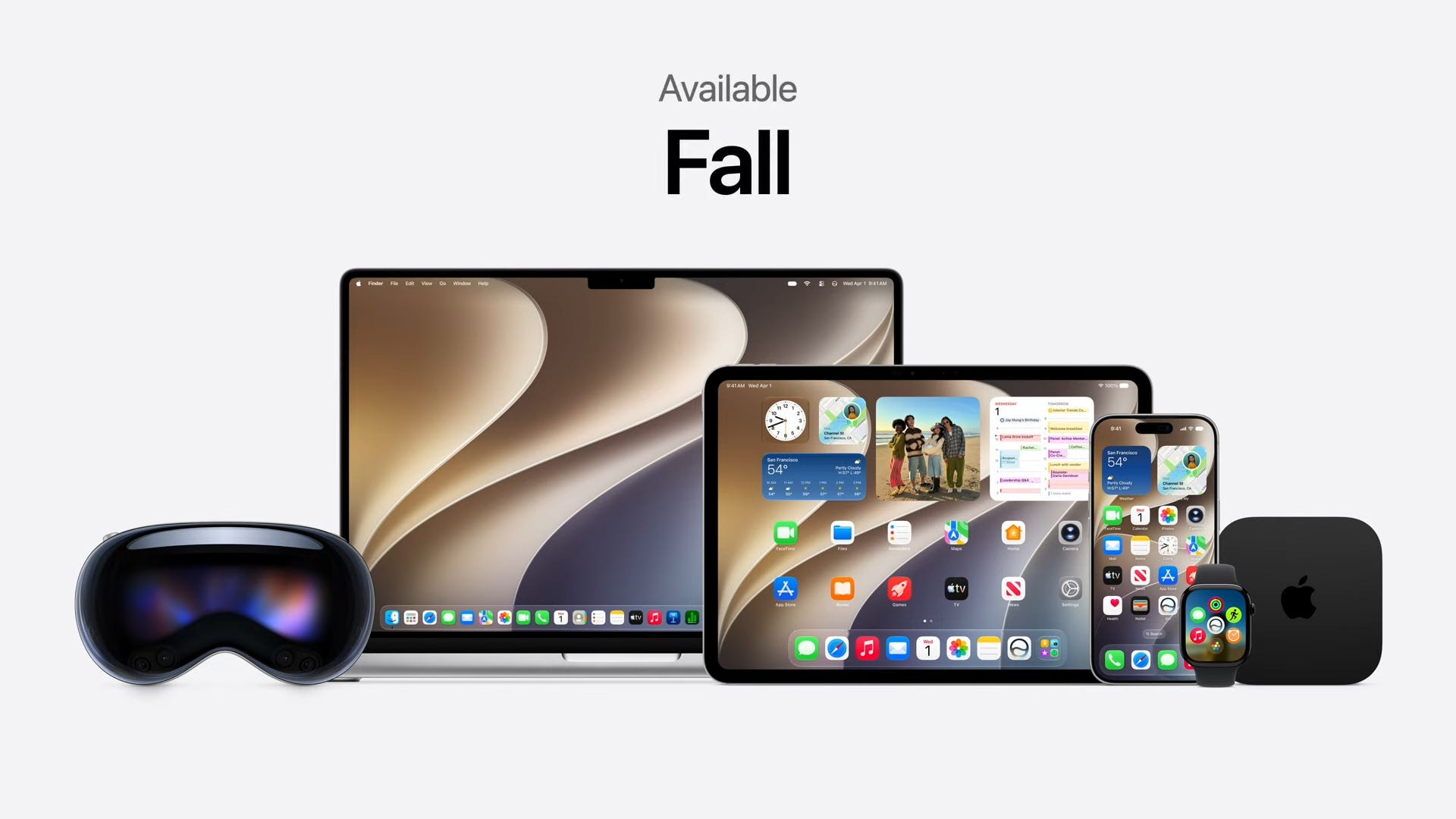
All of Apple’s 2027 platform updates will be released this fall to the public. A developer preview of each update is releasing today, with public betas launching next month.
Back to Tim…
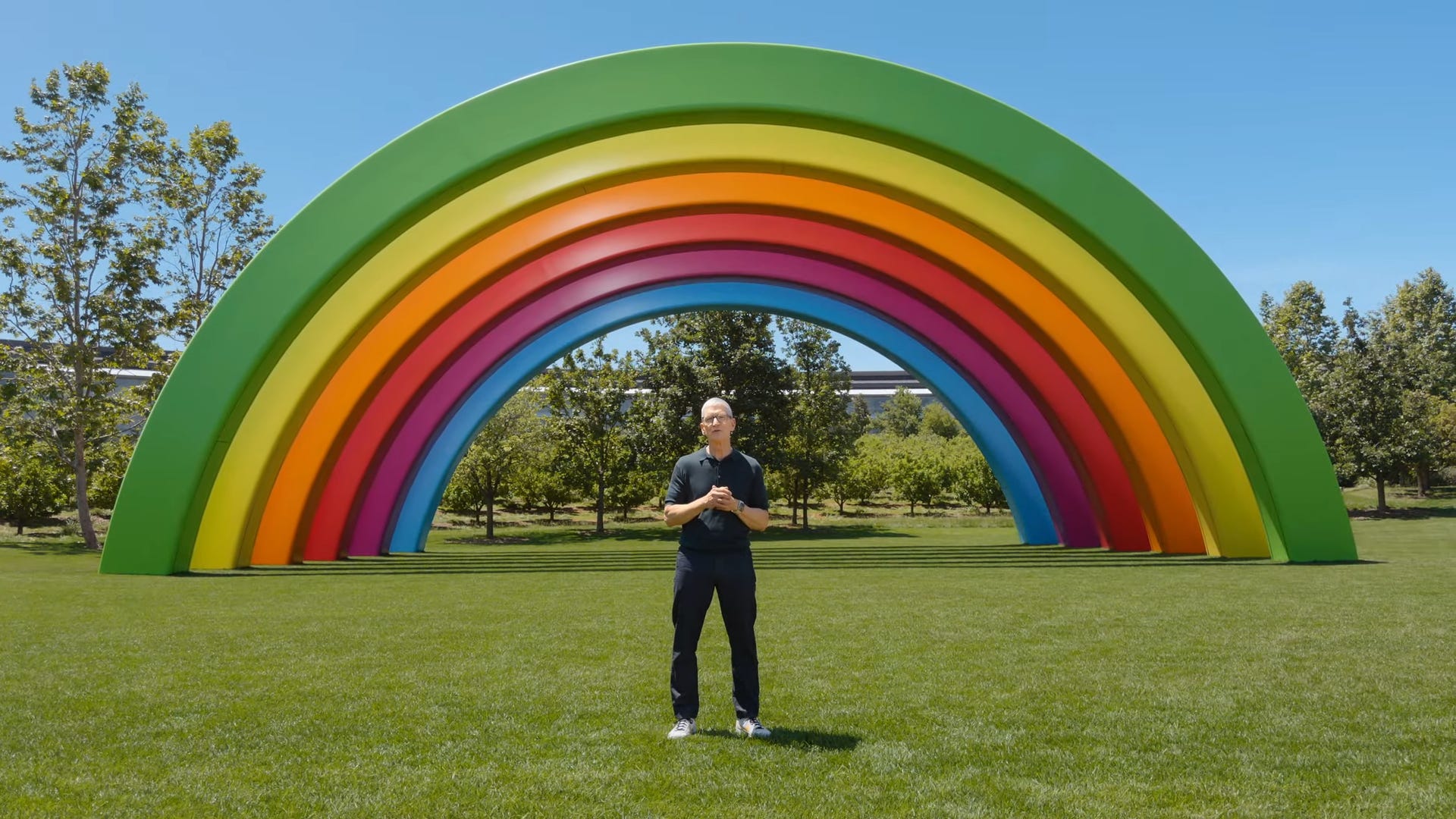
Tim Cook shared a touching message as he prepares to exit his role as CEO at the end of the keynote.
Max Buondonno is an editor at The Shortcut and co-host of The Shortcut Live. He’s been reporting on the latest consumer technology since 2015, with his work featured on CNN Underscored, ZDNET, How-To Geek, XDA, TheStreet, and more. Follow him on X @LegendaryScoop and Instagram @LegendaryScoop.