



🤖 Adobe has introduced a slew of new upgrades for Firefly AI
🎛️ It integrates even more AI models, now with user-configured custom models
🌠 Firefly Image 5 can produce sharper images than before
🗣️ You can generate speech and soundtracks with it, too
🧠 Adobe also previewed Project Moonlight, which lets you brainstorm with Firefly AI
📅 Many of these upgrades are rolling out to users today
Adobe’s suite of creative tools is getting more infused with AI than ever before. The company’s products, like Photoshop, Premiere, Lightroom, Express, and Illustrator, all rely on Firefly AI to help make your workflow smoother and quicker, and at Adobe MAX 2025, we got an in-depth look at just how many upgrades there are this year.
More: New Xbox will combine the benefits of a gaming PC and console, and will be a ‘premium’ experience
The list seems endless, with all the demos that Adobe planned for its keynote stretching the show out to a runtime of three hours. A vast majority of the new features are all AI-driven, which feeds into Adobe’s new vision for Firefly as being your “all-in-one AI creative studio.” The major headliners? Custom models that can generate content in your own style, generative speech and soundtracks, sharper image support, and Firefly Boards.
Here’s what you need to know.
Adobe MAX 2025: all the biggest Firefly AI upgrades

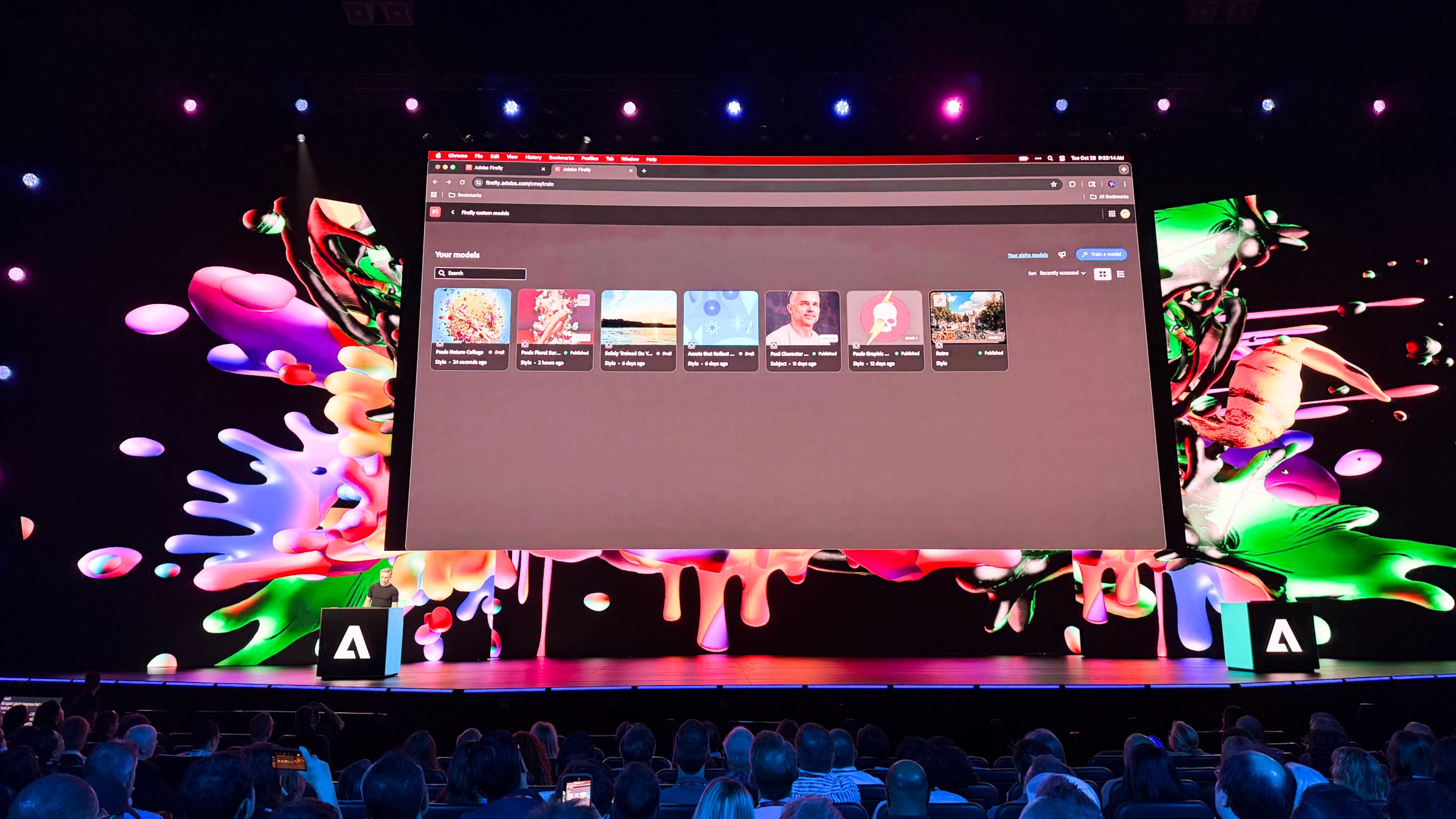
🎛️ Custom models could be game-changing. A feature that got a lot of attention during Adobe’s keynote, custom AI models in Firefly allow you to generate content based on your own style and preferences. You can train the AI with about a dozen images for it to understand what your specific stylistic guidelines are, and it can then generate new images with similar designs based on your prompt. You can create multiple custom models depending on the work you’re doing, and it could be a huge time-saver for anyone who needs to generate images for a lot of different projects.
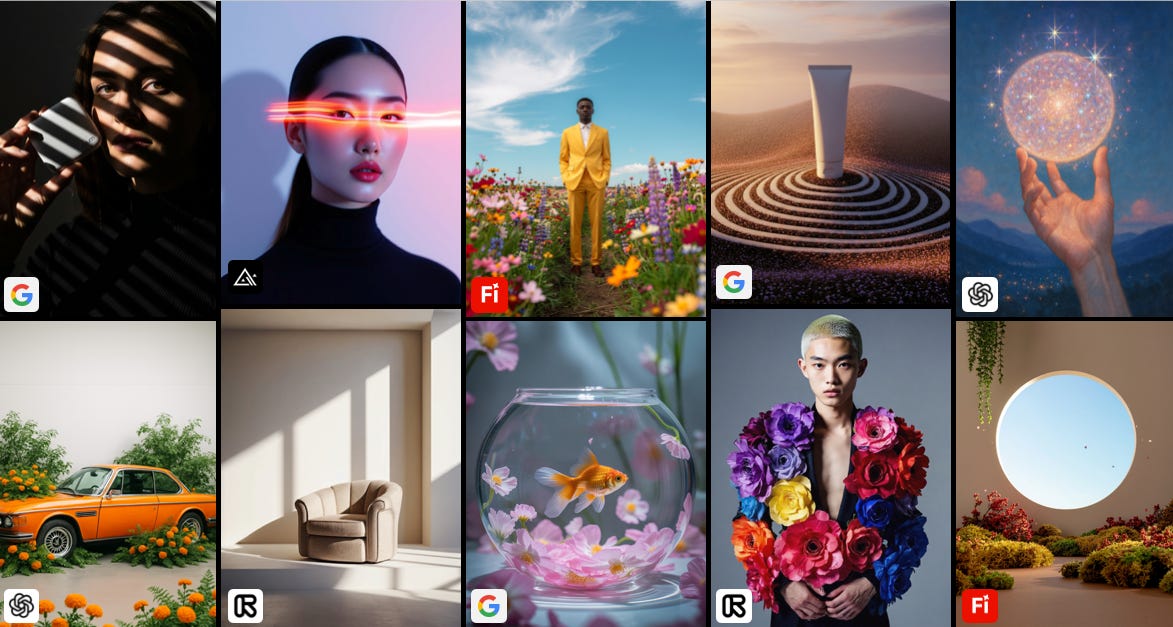
🤖 More models for everything else. Adobe is also integrating more models into what’s available with Firefly. While the company’s Firefly models are good for a lot of things, certain use cases might require the benefits of something like Google’s Gemini Nano Banana or Topaz Bloom, which just got added to make upscaling your images easier than ever. Another new model includes ElevenLabs Multilingual v2 for generative voice-overs. Over time, Adobe will expand the number of models available to make Firefly a more centralized place for working with AI.
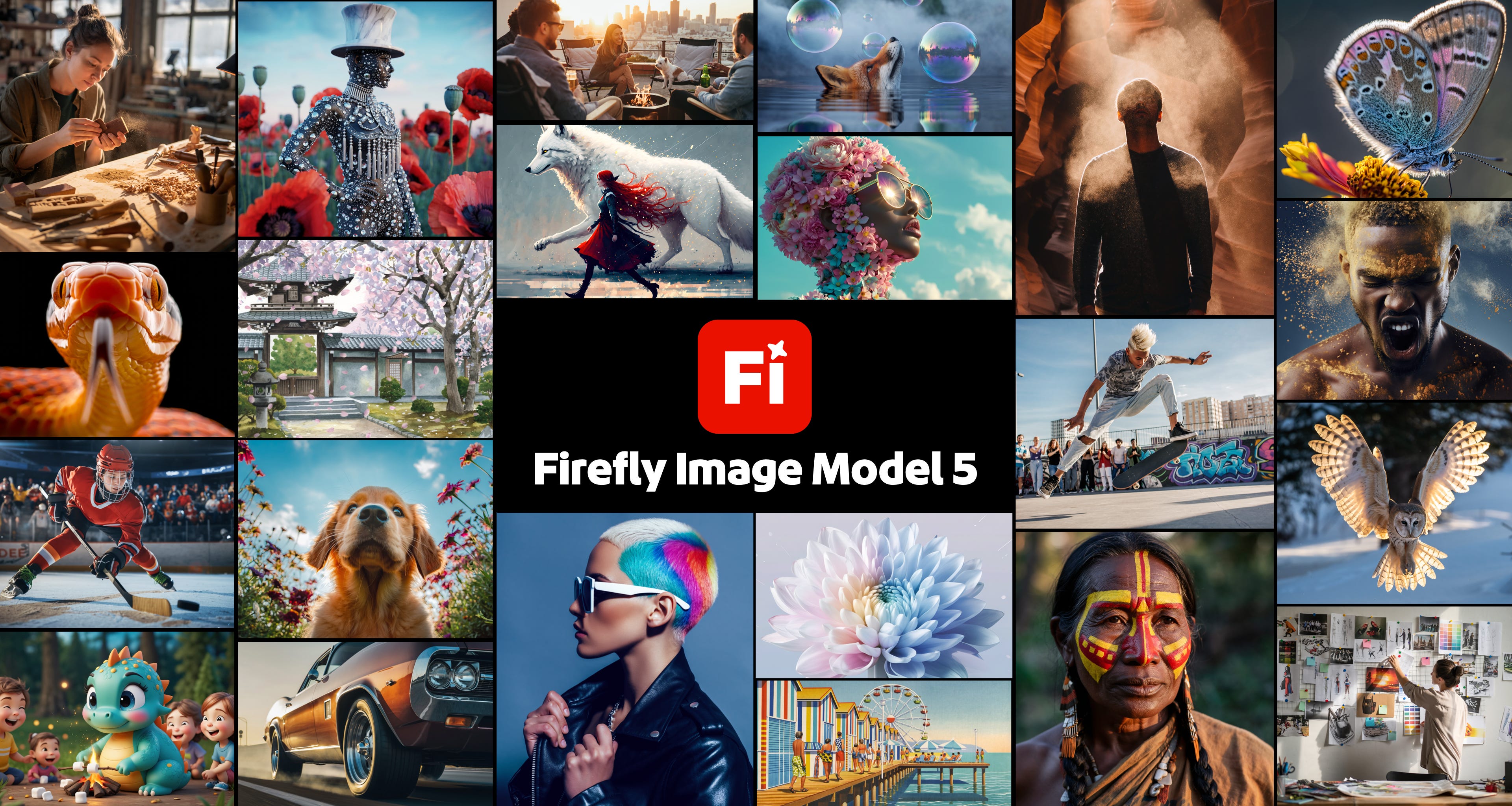
🌠 Sharper images that are easier to edit. Adobe’s Firefly Image 5 model is another new one, and it can output images at 4MB, a.k.a. 2,560x,1440. That’s sharper than the previous Full HD limitations of Image 4, which means you’ll have more detail and clarity to work with when creating assets. It’s also better at creating more complex images and handling requests such as life-like expressions. It also makes editing images easier thanks to Prompt to Edit, so you can type out precise edits you want to make. There’s also Layered Image Editing that helps keep the composition of your image in tact even after it’s been a few rounds of edits.
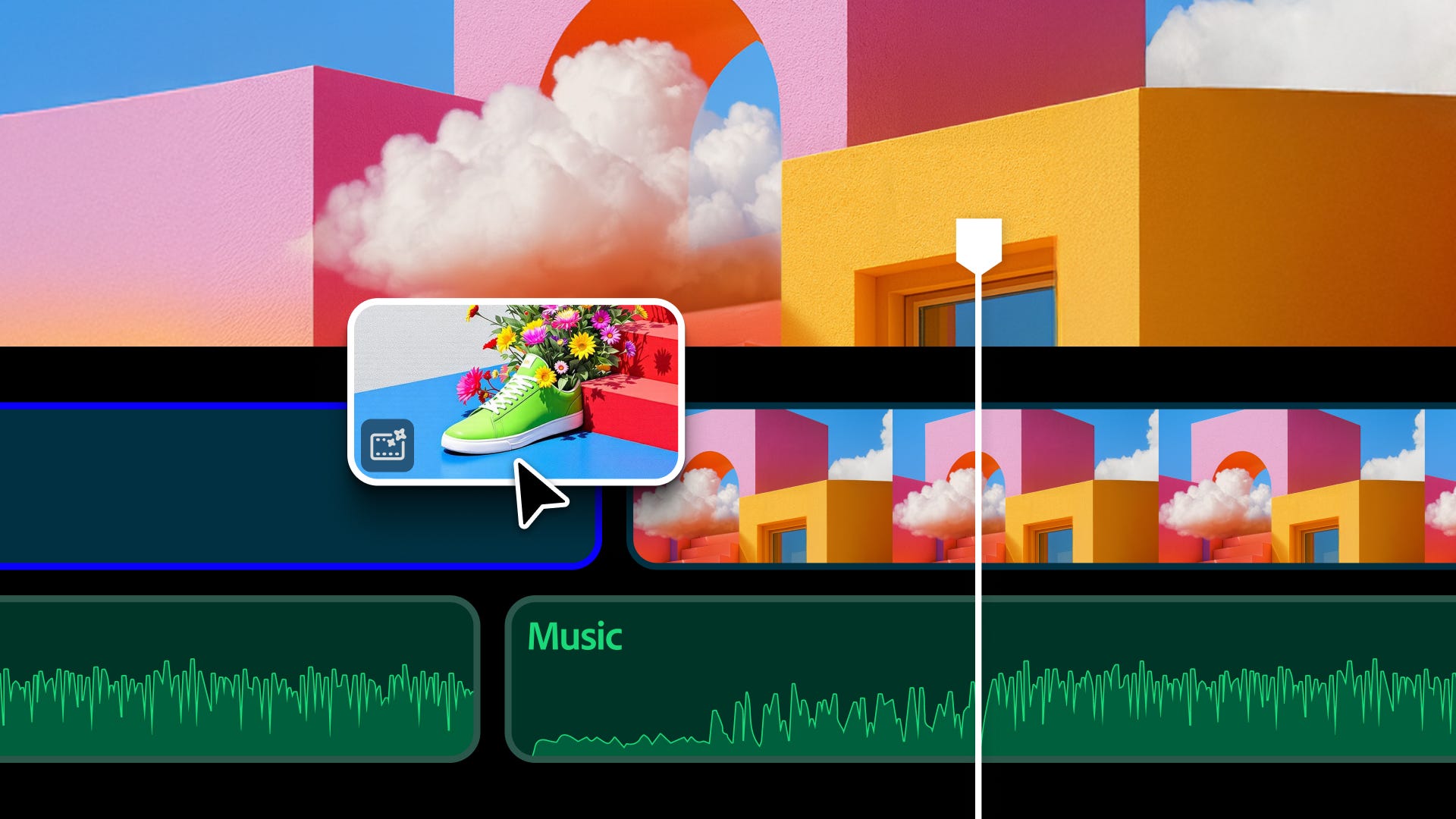
🎬 You can edit videos, too. The new Firefly upgrades also include a miniature video editor, which lets you edit video using similar prompts you would for editing a photo with AI. You can create new frames, extend clips that are a bit too short, generate effects and text overlays, add voice-overs and soundtracks, and more. The editor can’t replace a full-fledged editor like Premiere, but it serves as a supplementary place for quick AI edits, which could come in handy if you want an artistic intro for your video and don’t have the necessary skills to create it.
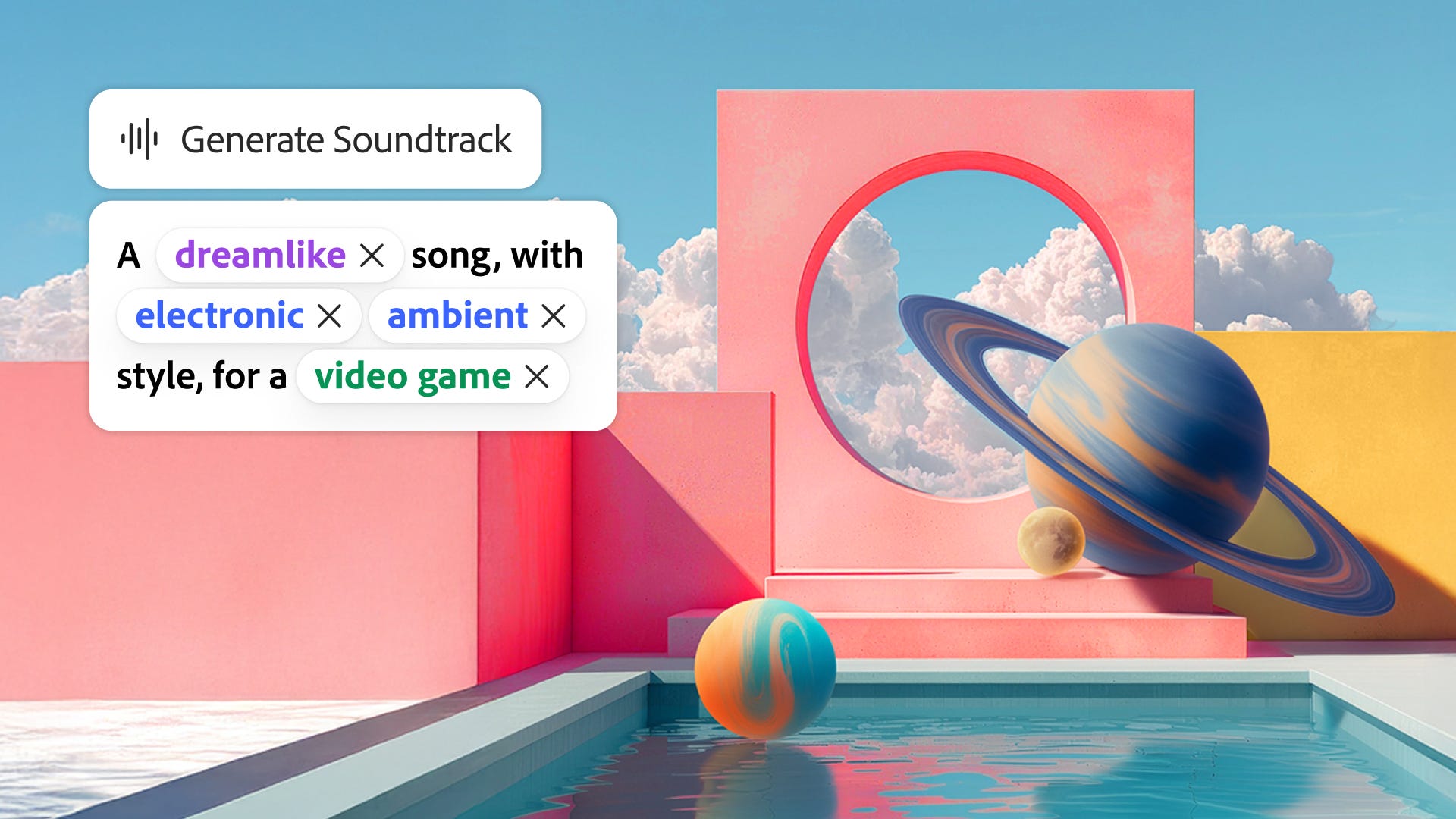
🗣️ Generate speech and soundtracks. In the video editor, Firefly allows you to generate speech and soundtracks that are commercially safe (something that Adobe’s Firefly AI models are known for). You can create voice-overs and remove all the background noise you want (they showed some impressive demos on-stage), while each soundtrack can match the vibe you describe and even the vibe of the video you want to attach it to. Just upload the video to Firefly and it’ll generate a few examples of what it thinks will fit well.
🧑🏫 Throw it on the board. All of the stuff you generate using Adobe Firefly can live on a Firefly Board, an infinite canvas that gives you enough room to stretch out and experiment with ideas. After shuffling things around, you can share your board with others and have them contribute.
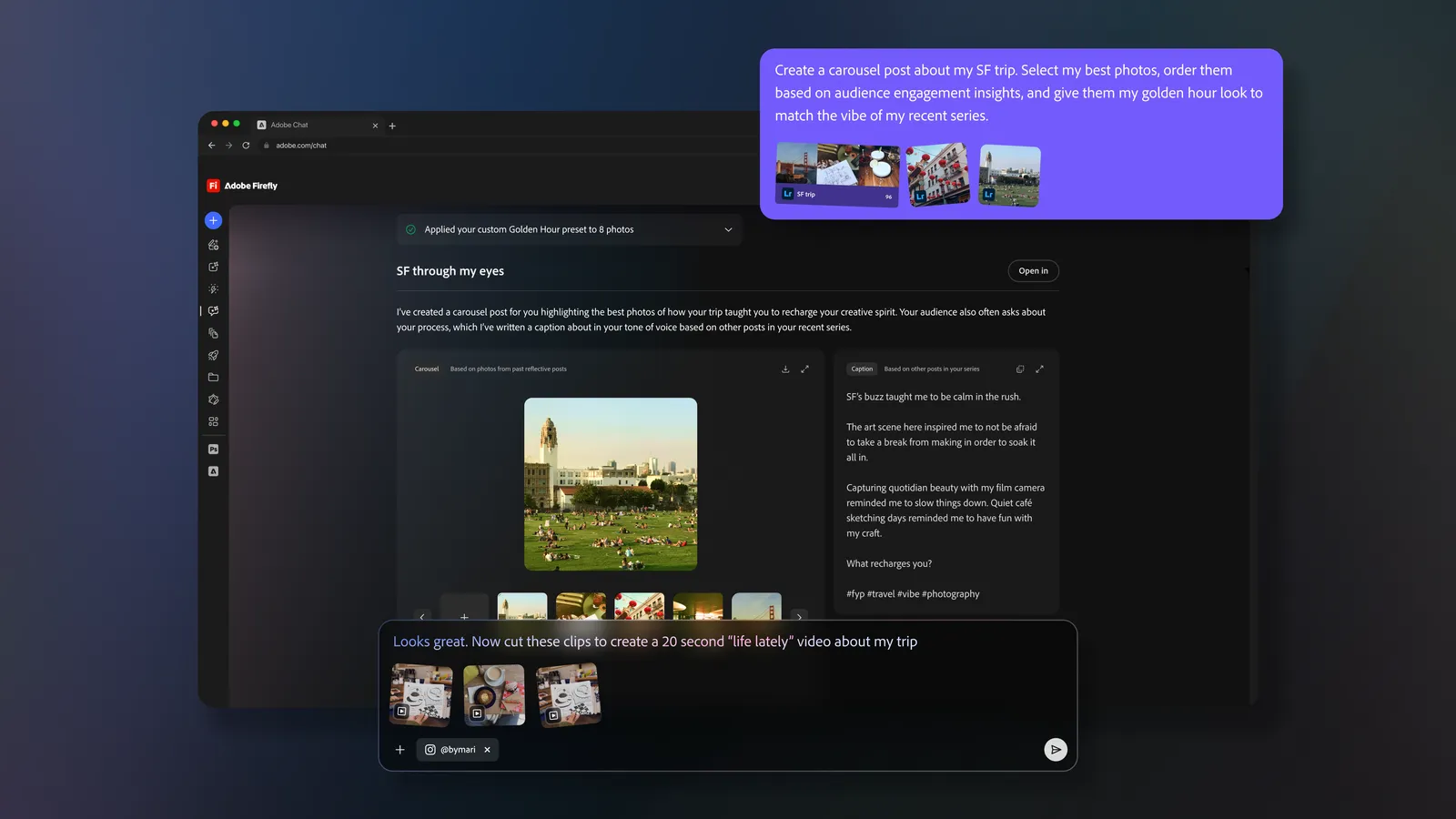
🌕 Moonlight your next social media project. Adobe also showed off a preview of a new feature called Project Moonlight during the MAX keynote. It’s essentially a way to converse with an AI agent about how well your social media accounts are performing, what sort of content works best, and ask for help generating more content that’s positioned to perform well among your audience. It’s very early stages, but it could prove to be useful for anyone who manages their social media on their own.
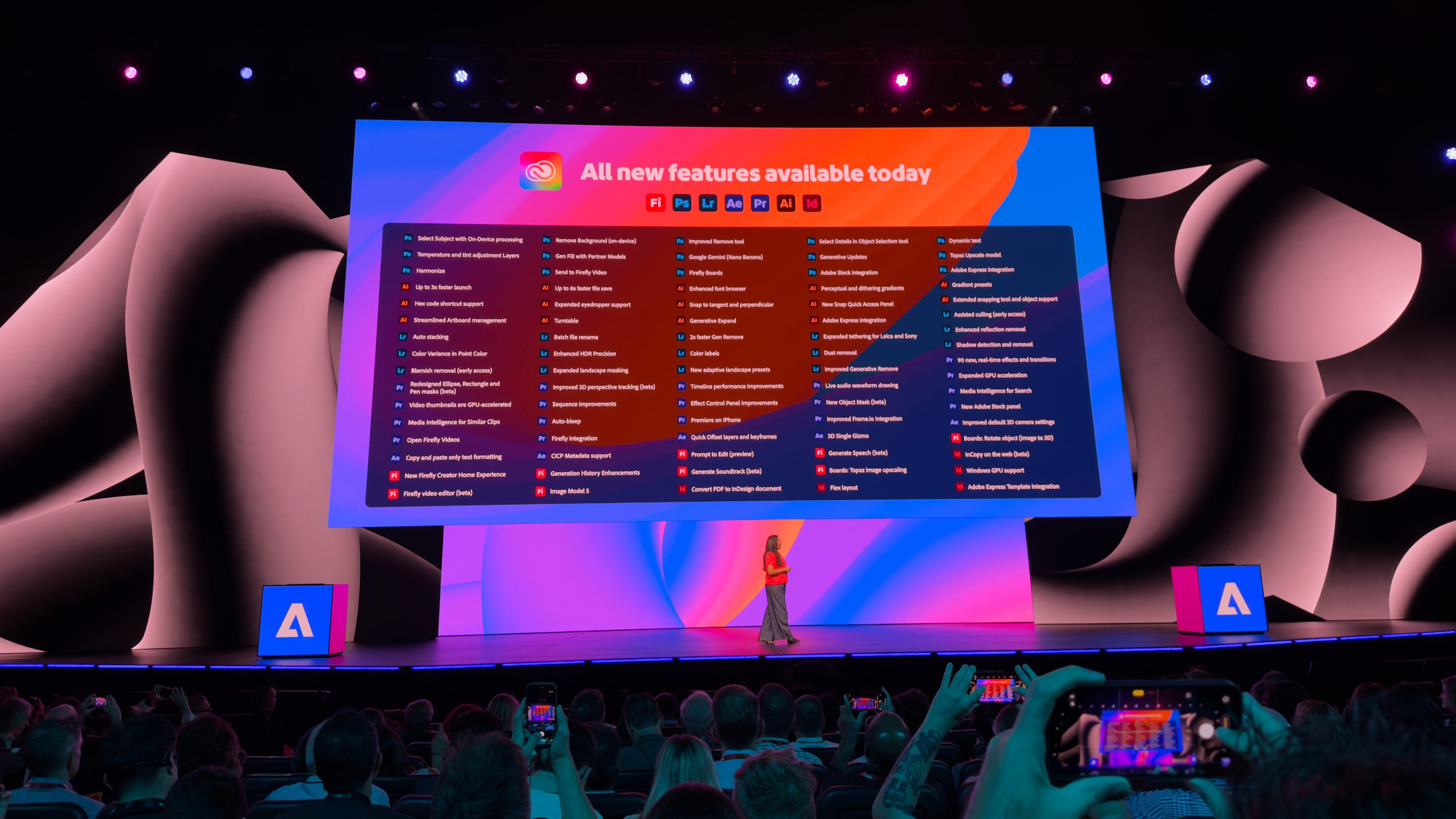
📅 Random roll-outs. Adobe is sporadically rolling out all of these features; some are closed off in private betas, others like Firefly Image 5 are widely available now. Over time, Adobe’s AI chops will expand and more features will be incorporated into its products. Firefly’s trajectory with all of these new capabilities seems very promising, and the demos we’ve seen at MAX have been quite impressive.
Max Buondonno is an editor at The Shortcut. He’s been reporting on the latest consumer technology since 2015, with his work featured on CNN Underscored, ZDNET, How-To Geek, XDA, TheStreet, and more. Follow him on X @LegendaryScoop and Instagram @LegendaryScoop.